
Quick Mod Config
Streamline Your tModLoader Experience with Quick Mod Config
Tired of fumbling through menus to adjust your tModLoader mods? Quick Mod Config is here to revolutionize how you manage your in-game settings. This ingenious mod offers a more intuitive and efficient way to tweak your mod configurations, allowing you to stay immersed in your gameplay without interruption.
A More Accessible Configuration Panel
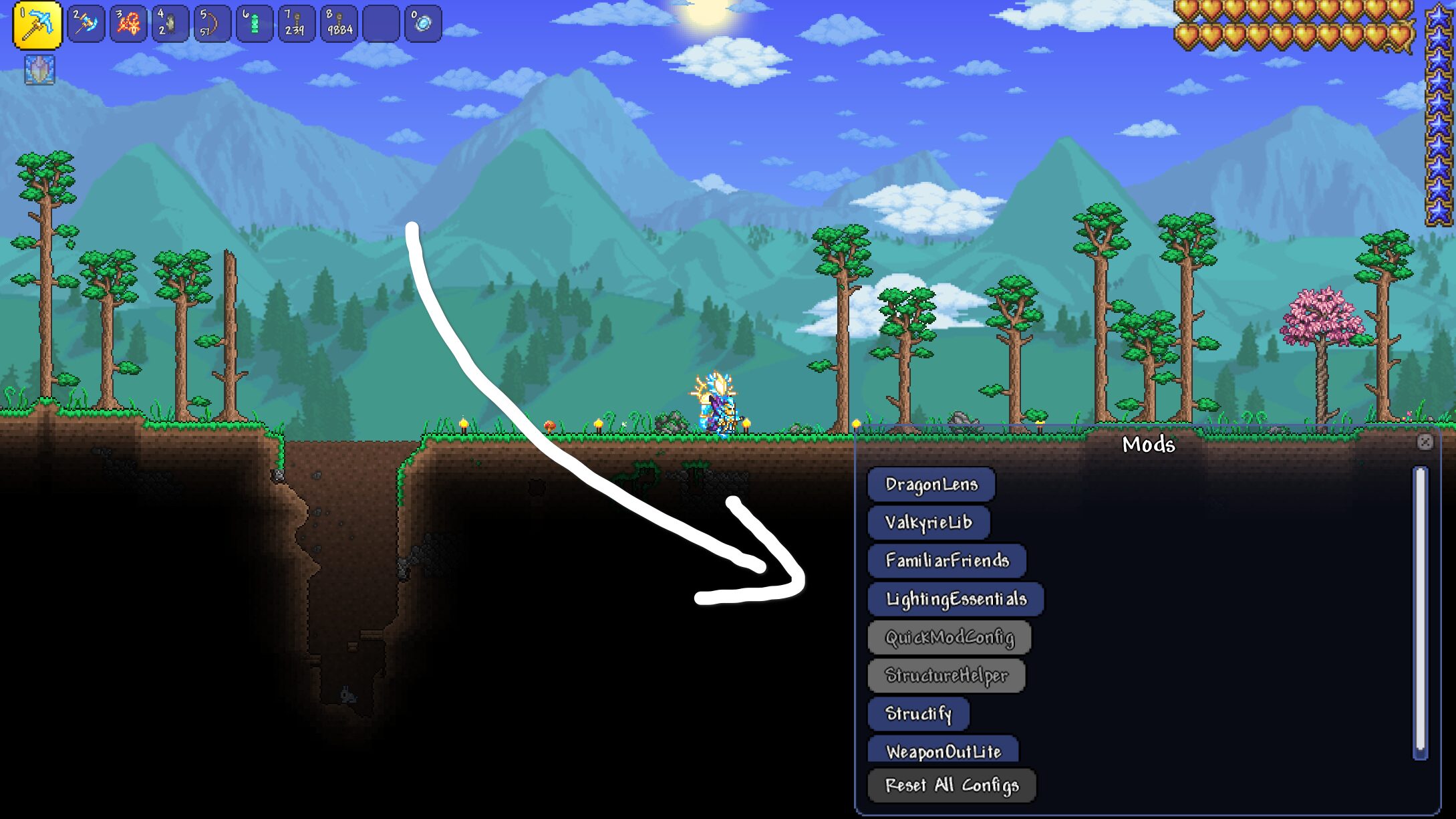
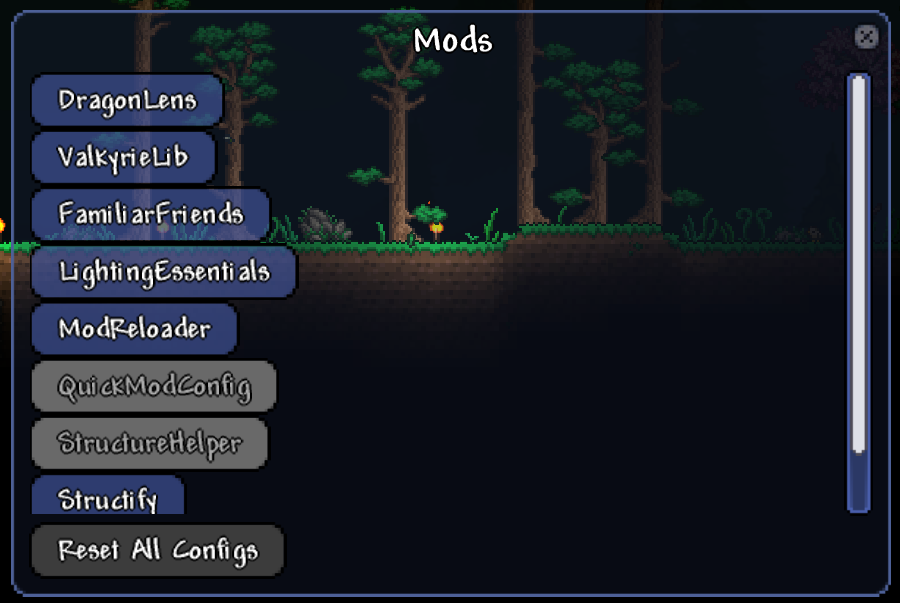
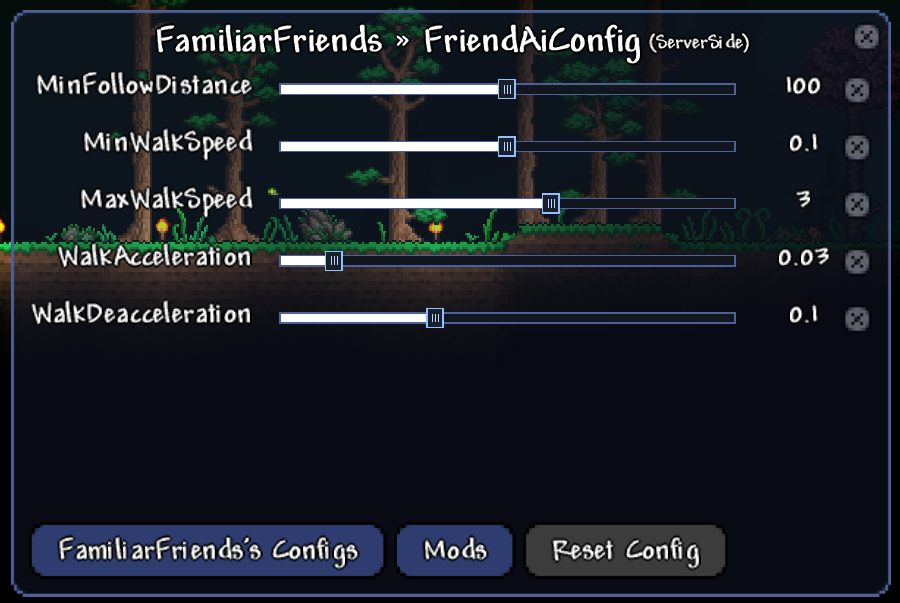
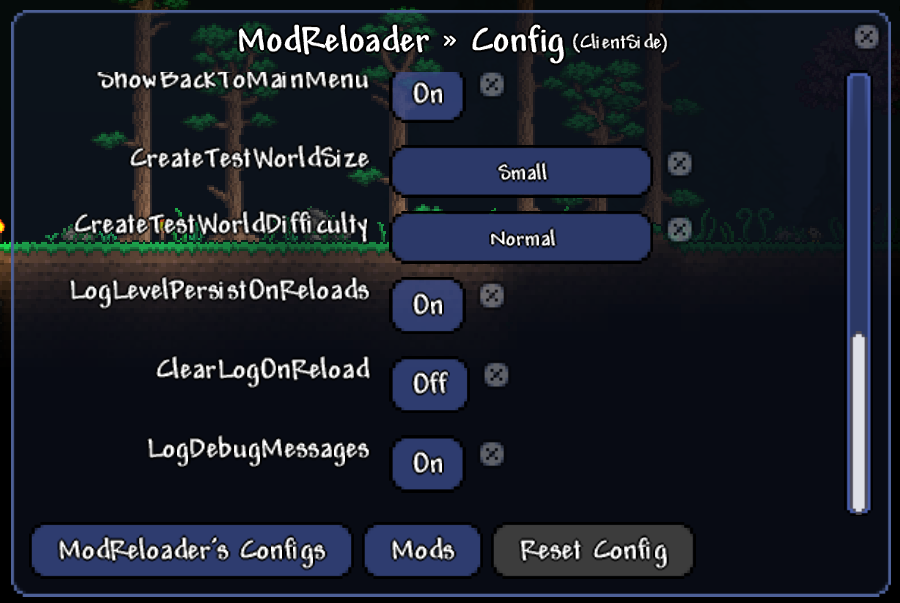
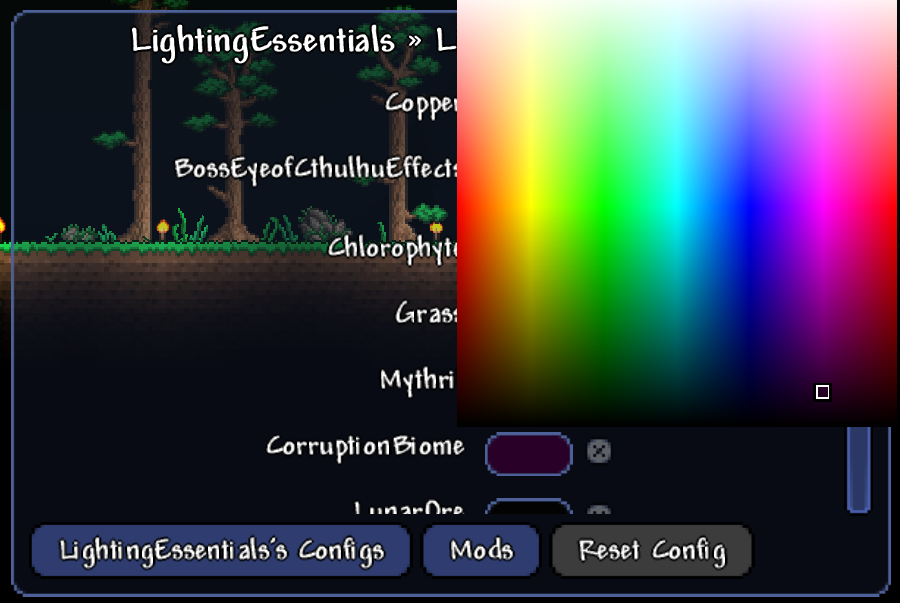
The core of Quick Mod Config lies in its redesigned Mod Configuration panel. Unlike the standard, often cumbersome interface, this mod presents a significantly smaller, transparent, and fully draggable panel. This design choice ensures that the vital center of your tModLoader screen remains visible, allowing you to see the immediate impact of your changes without obstruction. No more hunting for the right menu; the panel can be summoned with a custom keybind, intelligently remembering the last mod configuration you were adjusting for seamless workflow.
Real-Time Adjustments, No Save Button Required
Say goodbye to the tedious process of clicking “Save Config” after every minor adjustment. Quick Mod Config implements real-time updates. As soon as you alter a setting, the change is applied instantly, providing immediate feedback and a much smoother experience. This allows for rapid experimentation and fine-tuning of your mods to perfectly suit your playstyle.
Key Features of Quick Mod Config:
- Compact and transparent configuration panel.
- Draggable interface for optimal screen visibility.
- Customizable keybind for quick access.
- Remembers the last accessed mod configuration.
- Instant, real-time updates for all settings.
- Supports a variety of data types, including colors, numbers, booleans, enums, and strings.
Easy Integration and Usage
Getting started with Quick Mod Config is straightforward. You can assign a preferred keybind through tModLoader’s in-game settings menu. For users who also enjoy the DragonLens mod, Quick Mod Config integrates seamlessly, appearing as an additional tool within its interface, offering another convenient access point.
While the mod boasts broad compatibility, developers are continually working to expand support. Currently, it efficiently handles common data types like colors, numerical values, booleans, enums, and strings. Minor compatibility nuances with specific mods, such as Lighting Essentials, are noted, with developers recommending the use of the mod’s native configuration panels in such isolated cases.