
Palette Swap
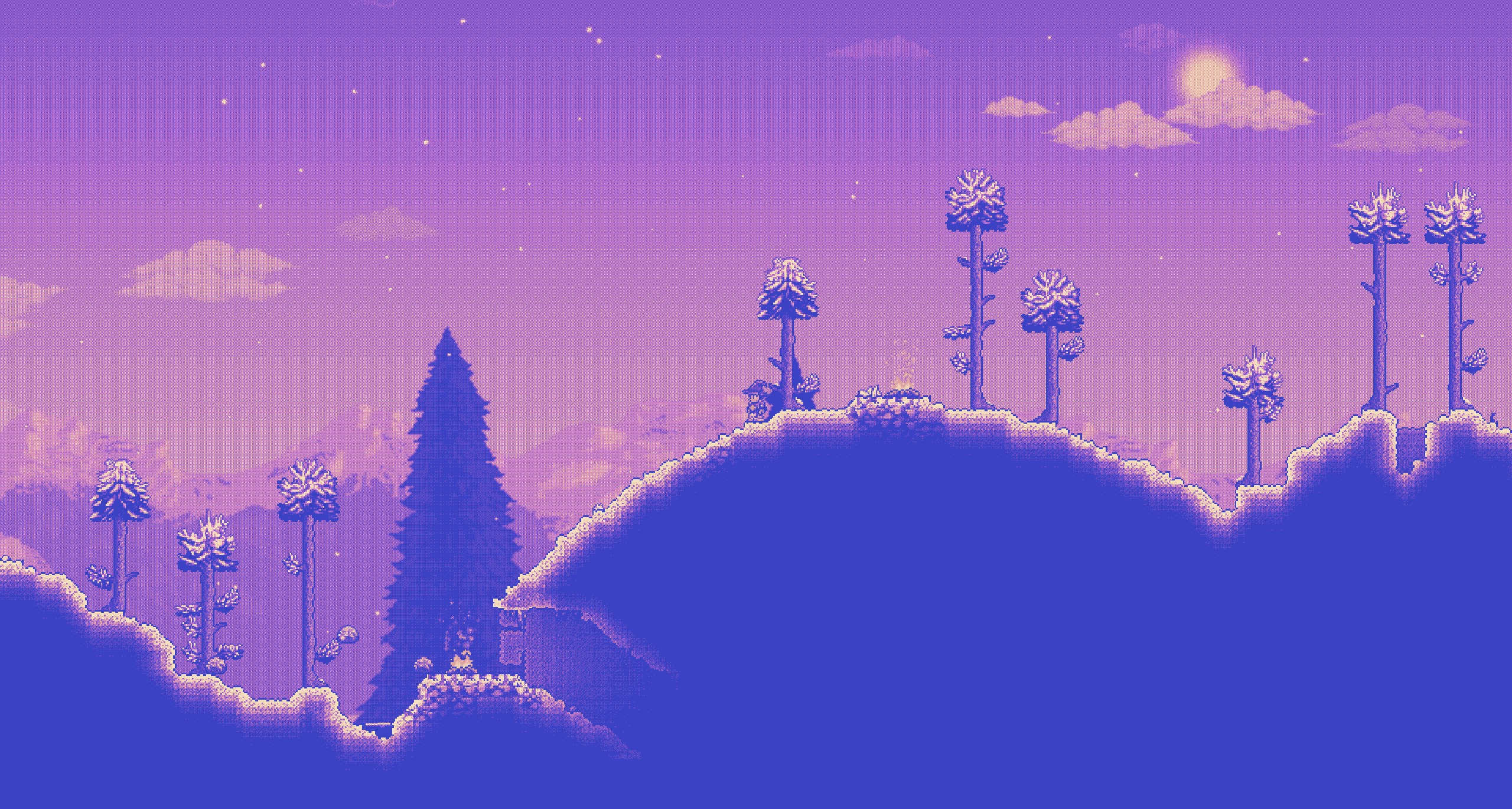
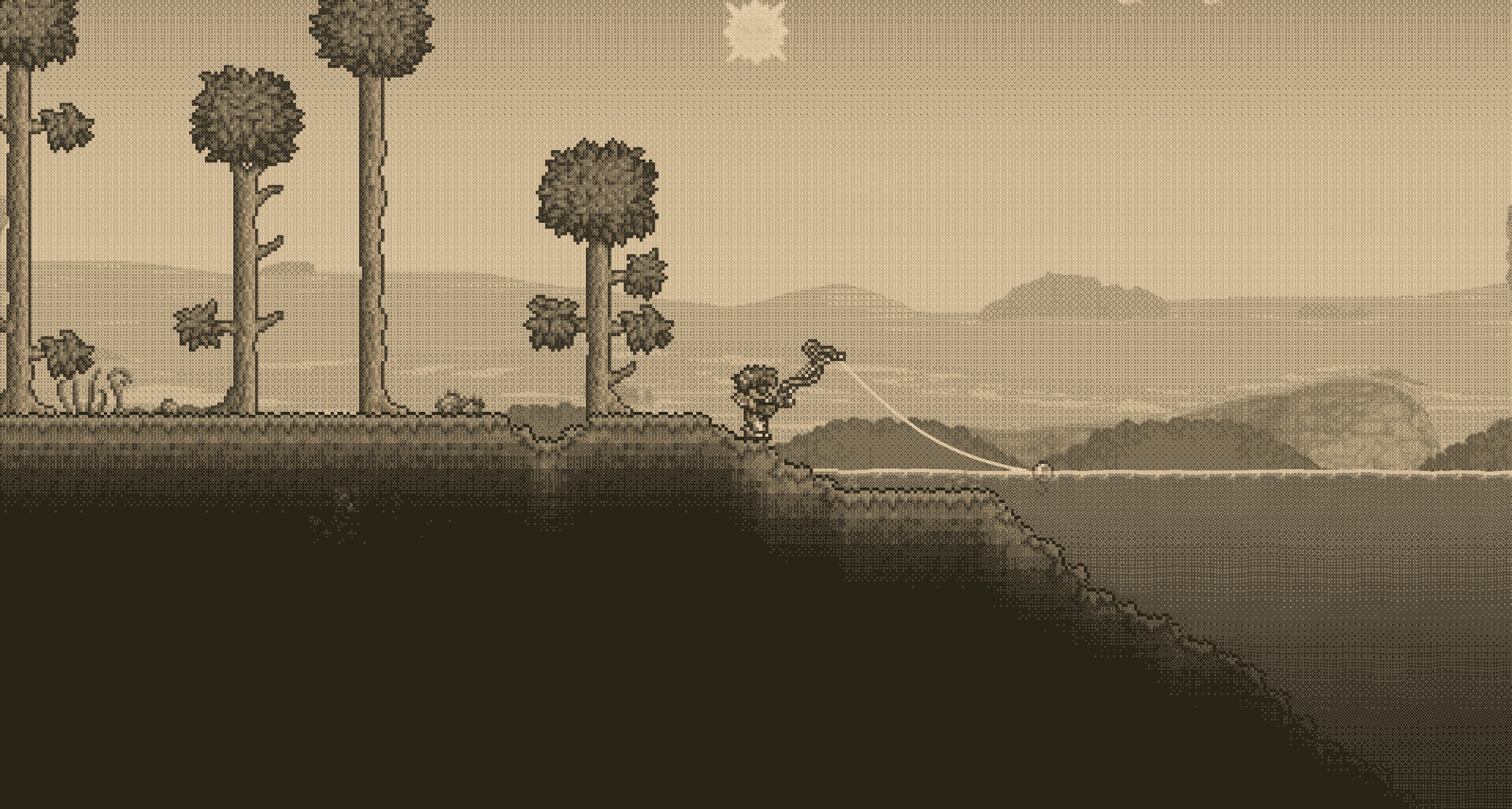
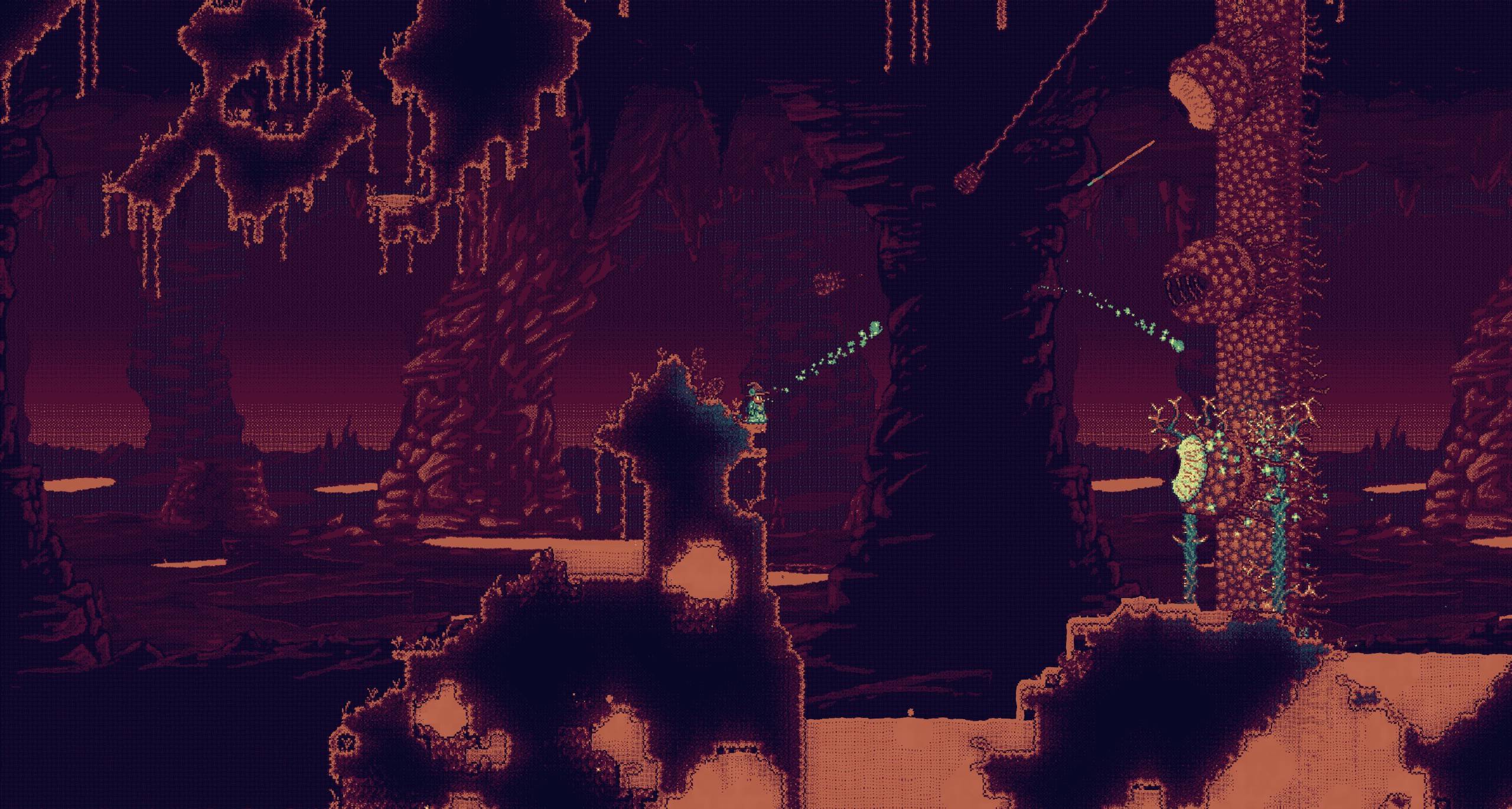
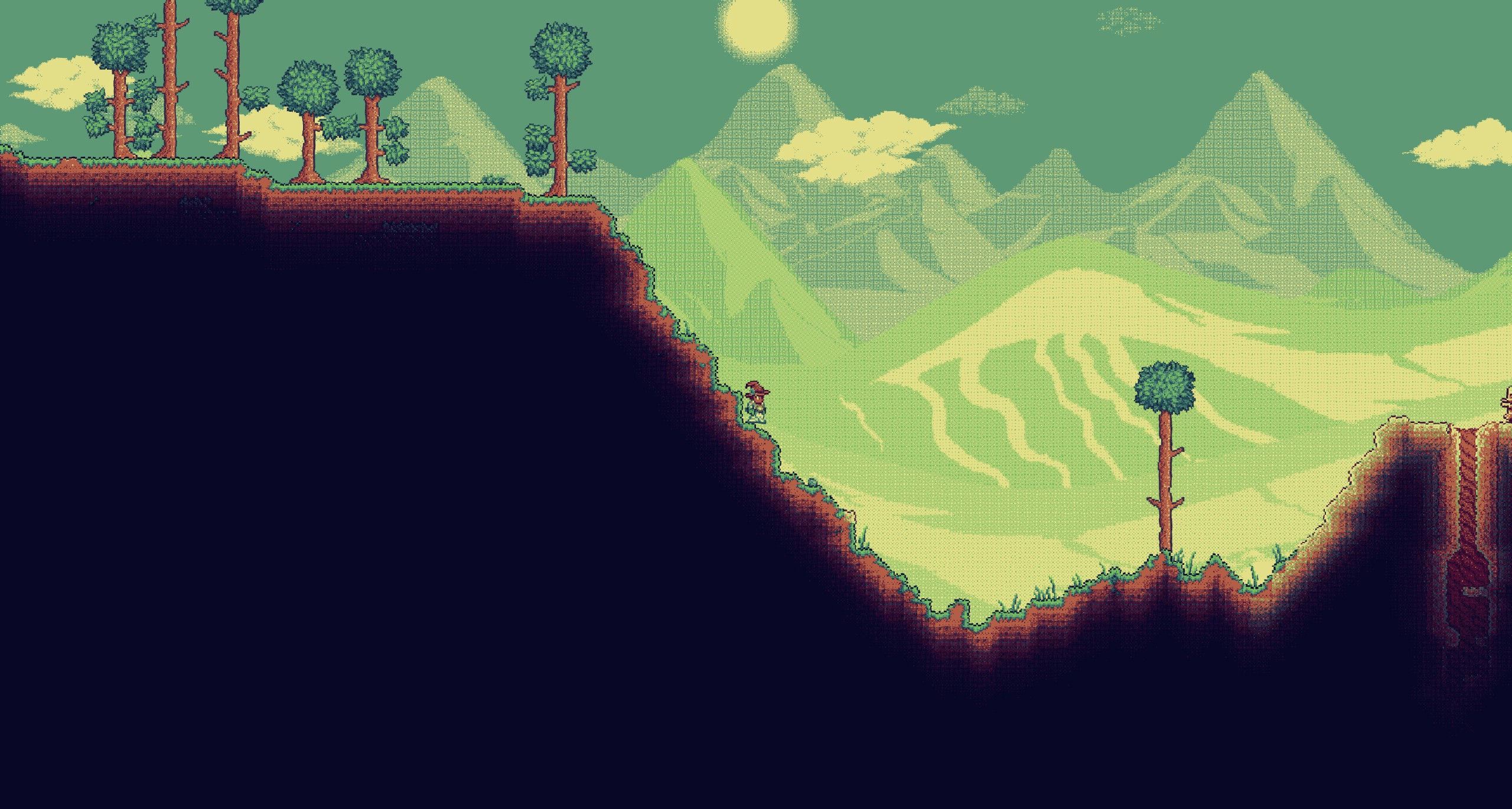
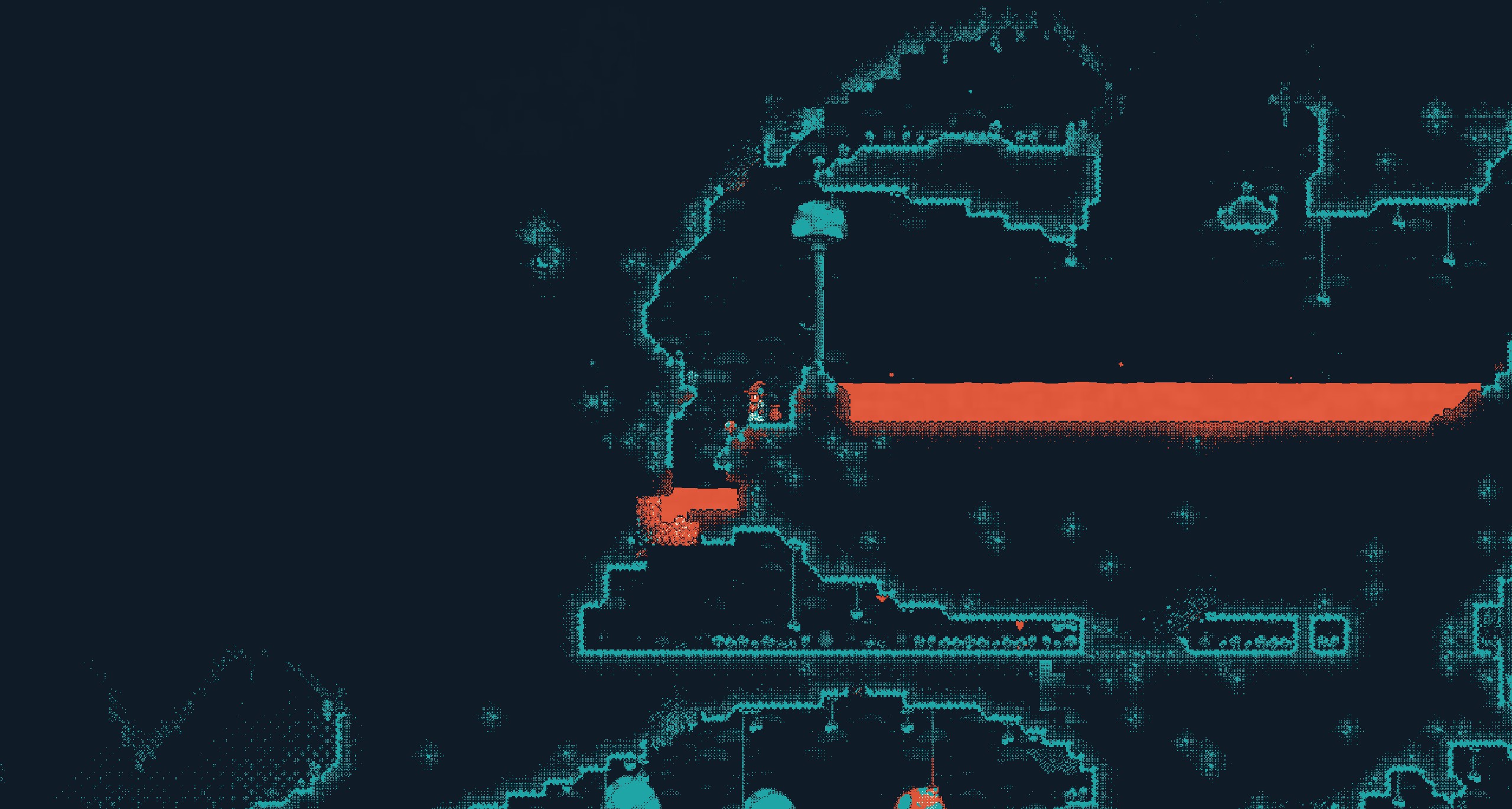

Transform Your tModLoader World with Palette Swap
Prepare to experience tModLoader like never before with the innovative Palette Swap mod. This remarkable modification allows you to completely reimagine the visual landscape of your game by applying custom color palettes to your screen. Whether you’re seeking a nostalgic retro feel or a vibrant, otherworldly aesthetic, Palette Swap offers an unparalleled level of visual customization.
Unleash Your Creativity with Custom Palettes
The heart of Palette Swap lies in its flexible palette system. You can dive into a curated selection of pre-made color schemes, offering instant visual overhauls. For those who crave ultimate control, the ability to create and upload your own custom palettes is a game-changer. Simply design your desired color palette in a PNG file, ensuring it contains no more than 48 unique colors, and upload it through the mod’s configuration.
Advanced Visual Features
Palette Swap goes beyond basic color changes. The mod incorporates advanced techniques like dithering to create smoother color transitions, preventing harsh banding and enhancing the visual fidelity of your chosen palette. It also features Redmean base color matching, intelligently mapping your custom colors to the game’s existing elements. For optimal results, it’s recommended to set your in-game lighting settings to white or color.
Key Features at a Glance:
- Apply custom color palettes to your tModLoader game.
- Utilize a variety of pre-made color schemes.
- Create and upload your own PNG-based custom palettes (up to 48 colors).
- Experience advanced visual effects like dithering and Redmean color matching.
- Full multiplayer support for shared visual experiences.
- Configurable options to disable shaders or dithering.
- Adjust palettes on-the-fly without needing to reload the game.
For inspiration and a fantastic resource to help you choose or create your next stunning palette, explore the vast collection at lospec.com/palette-list.