
Mod Folder System v0.7.3.2
Master Your tModLoader Mod Library with Mod Folder System
Are you drowning in a sea of tModLoader mods? Managing a sprawling collection can quickly become overwhelming, making it difficult to find, enable, or disable the content you want. The Mod Folder System mod is here to bring order to your modding chaos, offering an intuitive and powerful way to organize your entire library.
Streamlined Mod Management
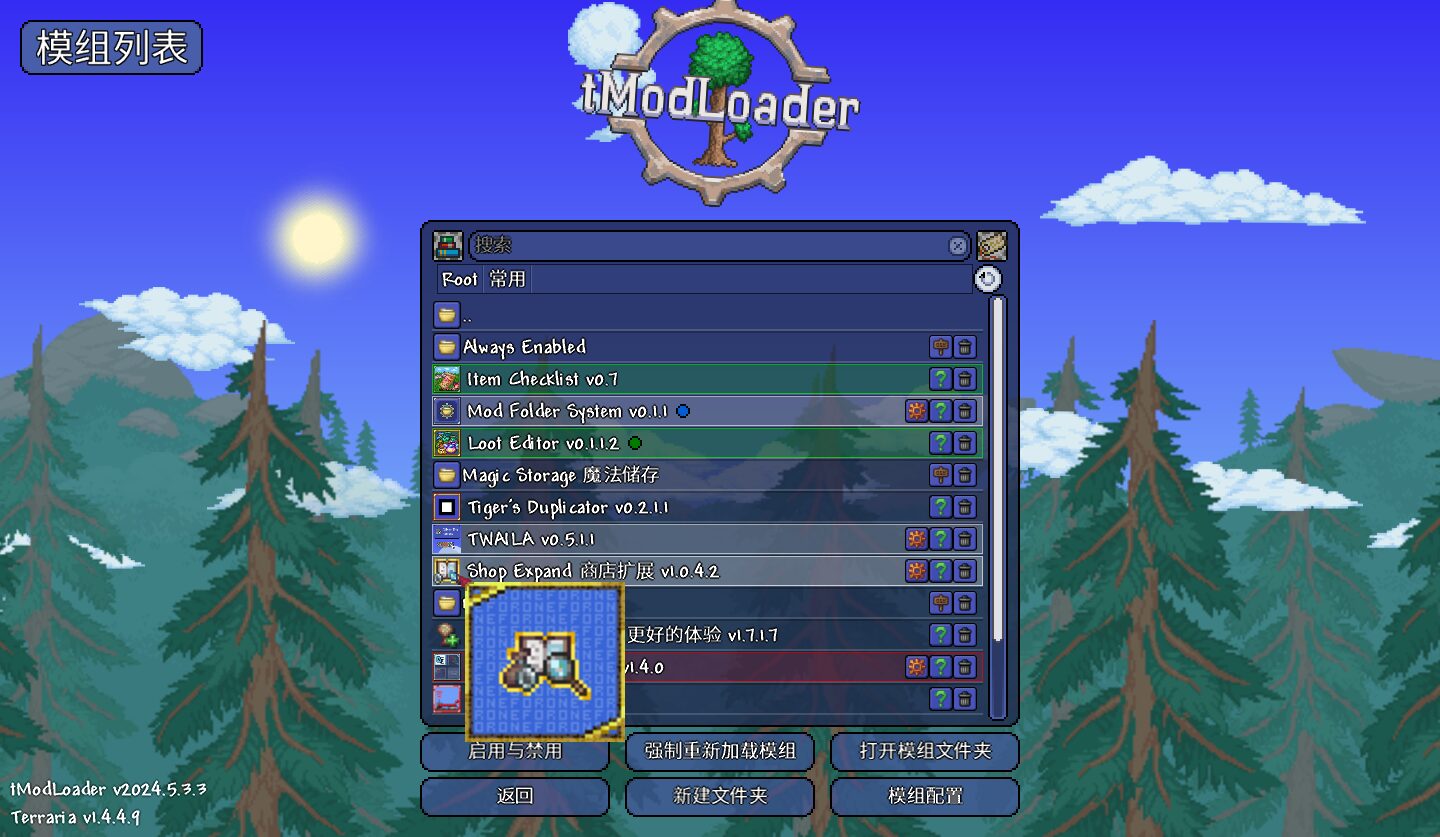
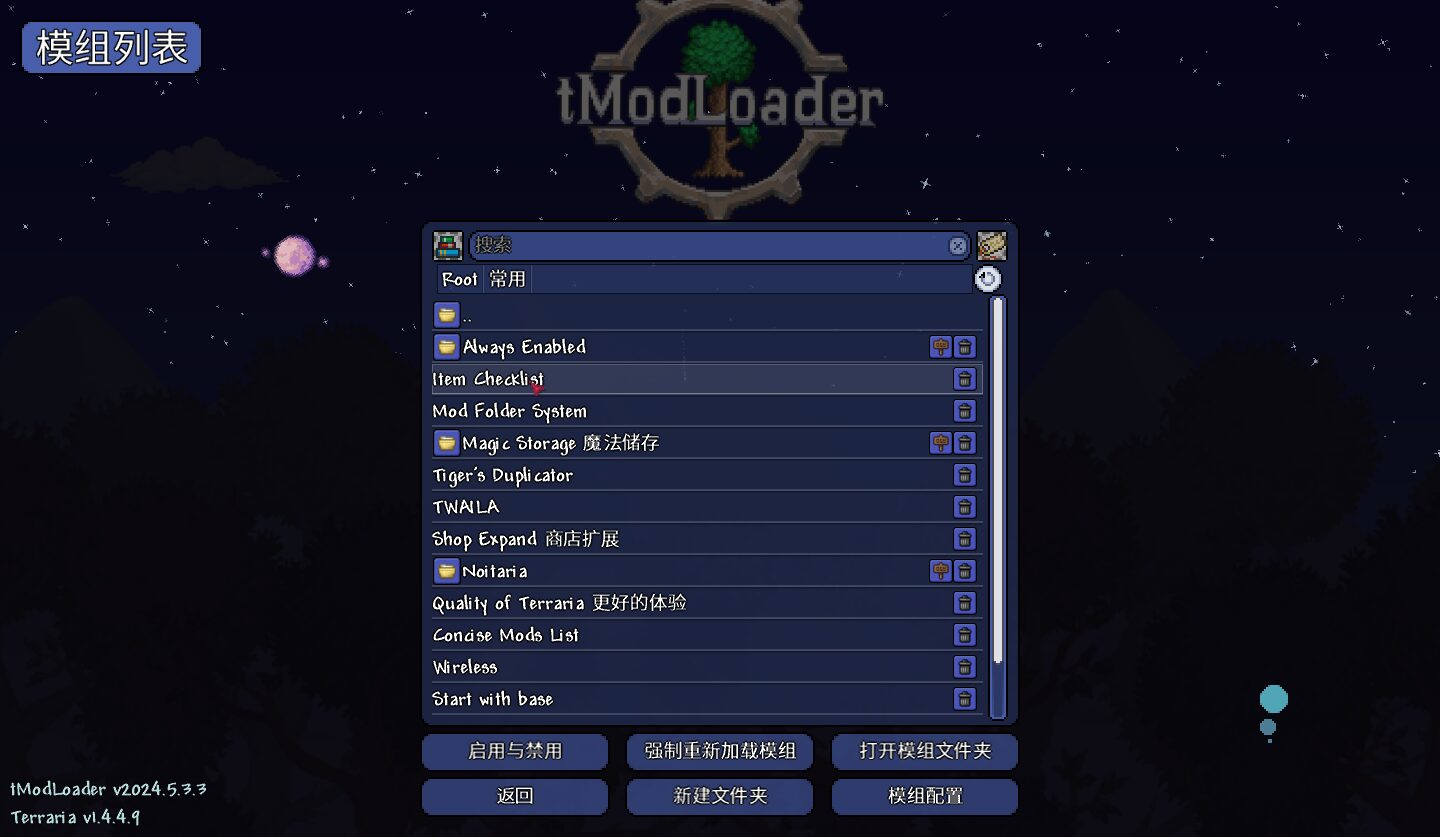
The core of Mod Folder System lies in its innovative folder-based interface. Instead of a single, monolithic list, you can create custom folders to categorize your mods. This allows for logical grouping, whether you sort by mod type, playstyle, or any other system that makes sense to you. Accessing this new management system is as simple as a left-click on the “Manage Mods” button, with a right-click defaulting back to the original mod manager.
Intuitive Controls for Every Need
Mod Folder System provides a wealth of features designed for efficient mod handling:
- Toggle Mods with Ease: Double-click a mod to toggle its enabled status. Holding Shift while disabling a mod will also disable any redundant dependencies that aren’t required by other enabled mods.
- Organize with Drag-and-Drop: Effortlessly rearrange mods within folders or move them between directories. Holding Shift while dragging a mod into a folder will copy its index, allowing a single mod to reside in multiple locations.
- Flexible Deletion Options: Choose between unsubscribing a mod (Ctrl-click) or simply removing its index from your current organization (Shift-click). This preserves your ability to resubscribe later.
- Prioritize Favorites: Alt-click on a mod to mark it as a favorite. These mods are protected from mass disabling actions unless explicitly targeted.
- Build Modpacks: The “Copy Enabled” button lets you quickly gather all currently active mods into a chosen folder, simplifying the creation of custom modpacks.
- Optimize Performance: Mods are loaded asynchronously, including icons and dependency trees, to improve loading times.
Enhanced Visuals and Functionality
Beyond organization, Mod Folder System subtly enhances the modding experience. Mod entries are presented more compactly, with smaller icons. You can even set aliases for mods, with the original name and author displayed on hover. The mod’s data is securely saved in “ModFolderData.json” within your tModLoader mods folder, so rest assured your organizational efforts are persistent.
Take control of your tModLoader mod library and elevate your gameplay experience with the Mod Folder System.