
Fancy Lighting
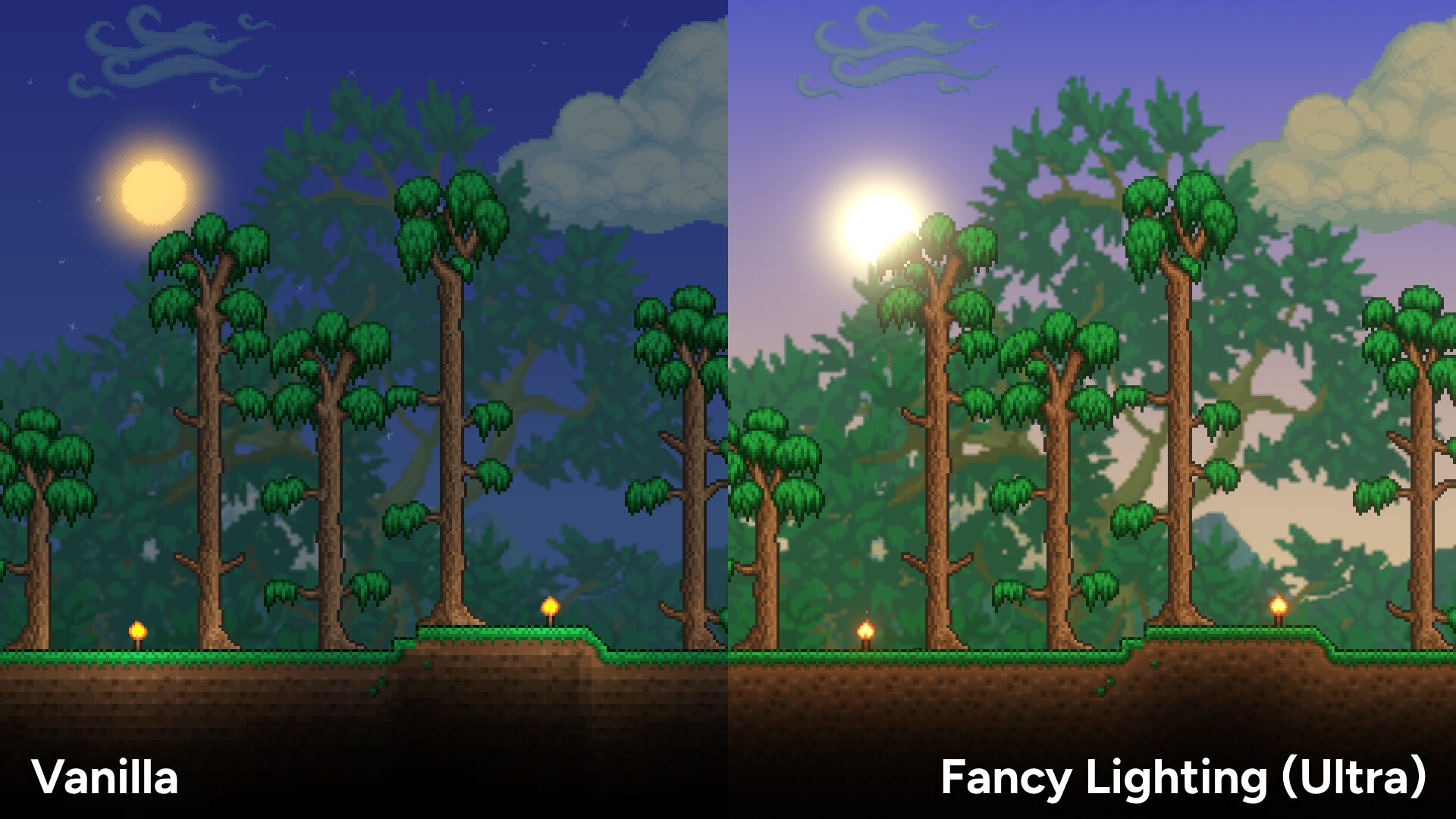
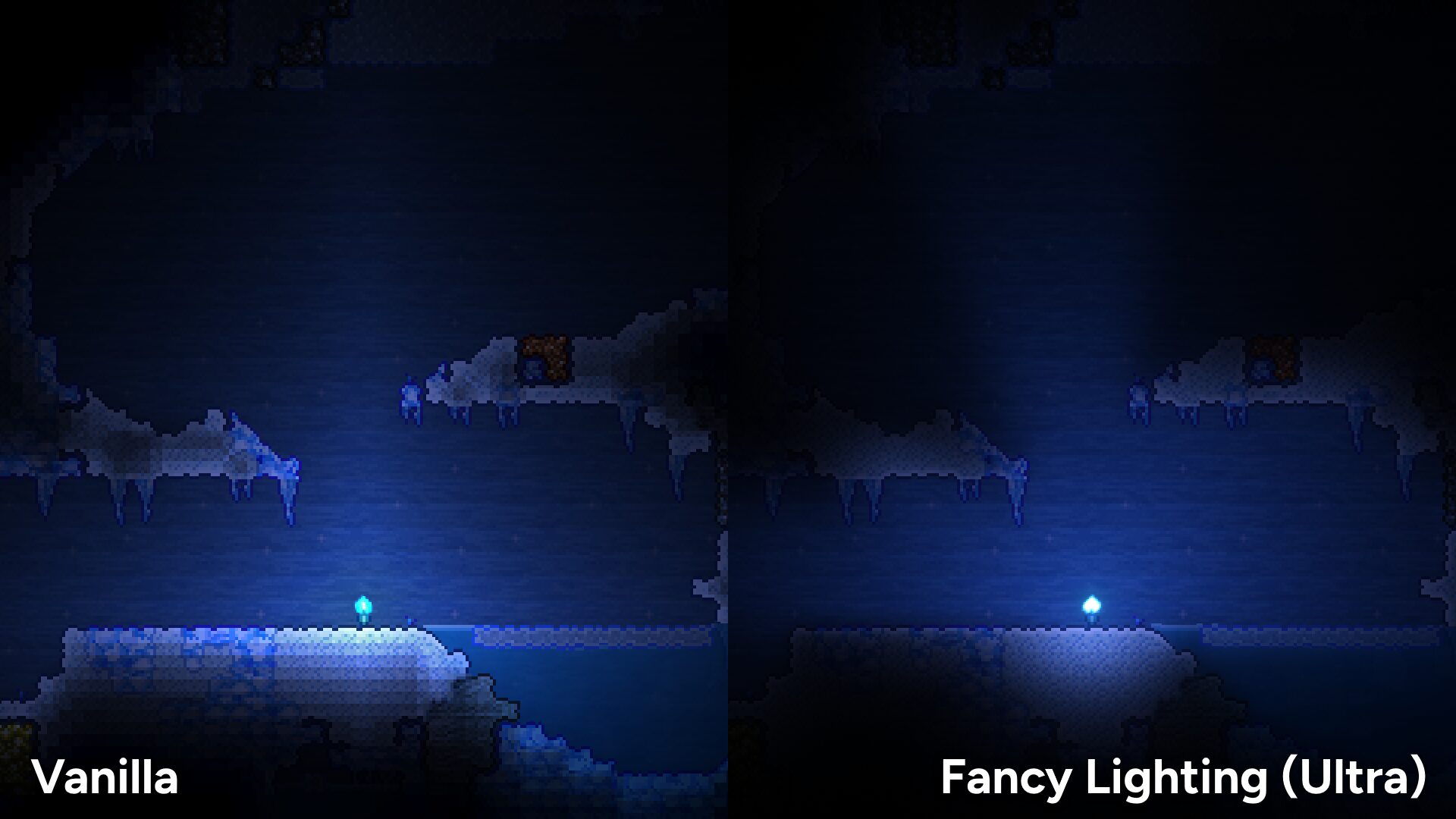
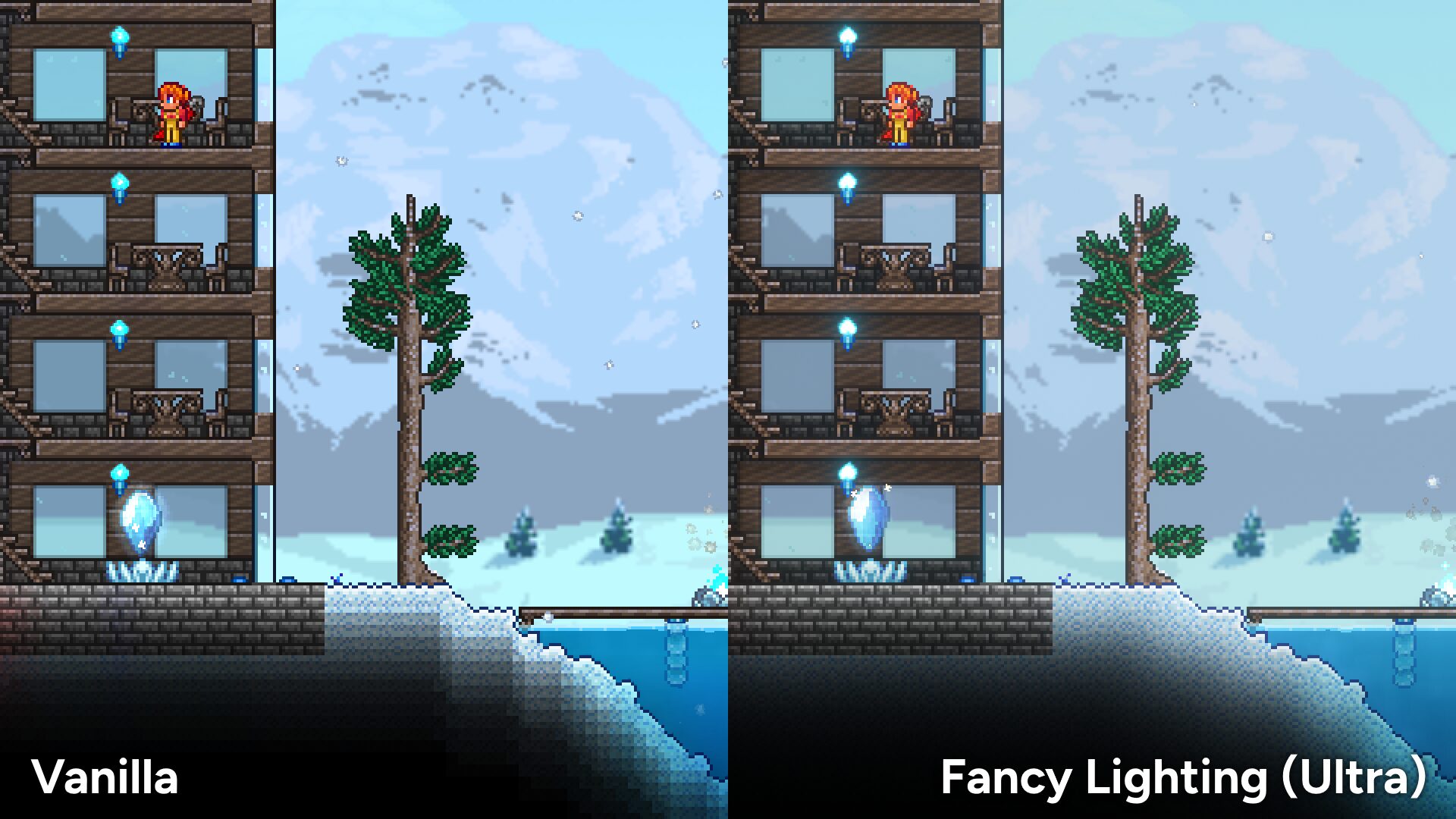
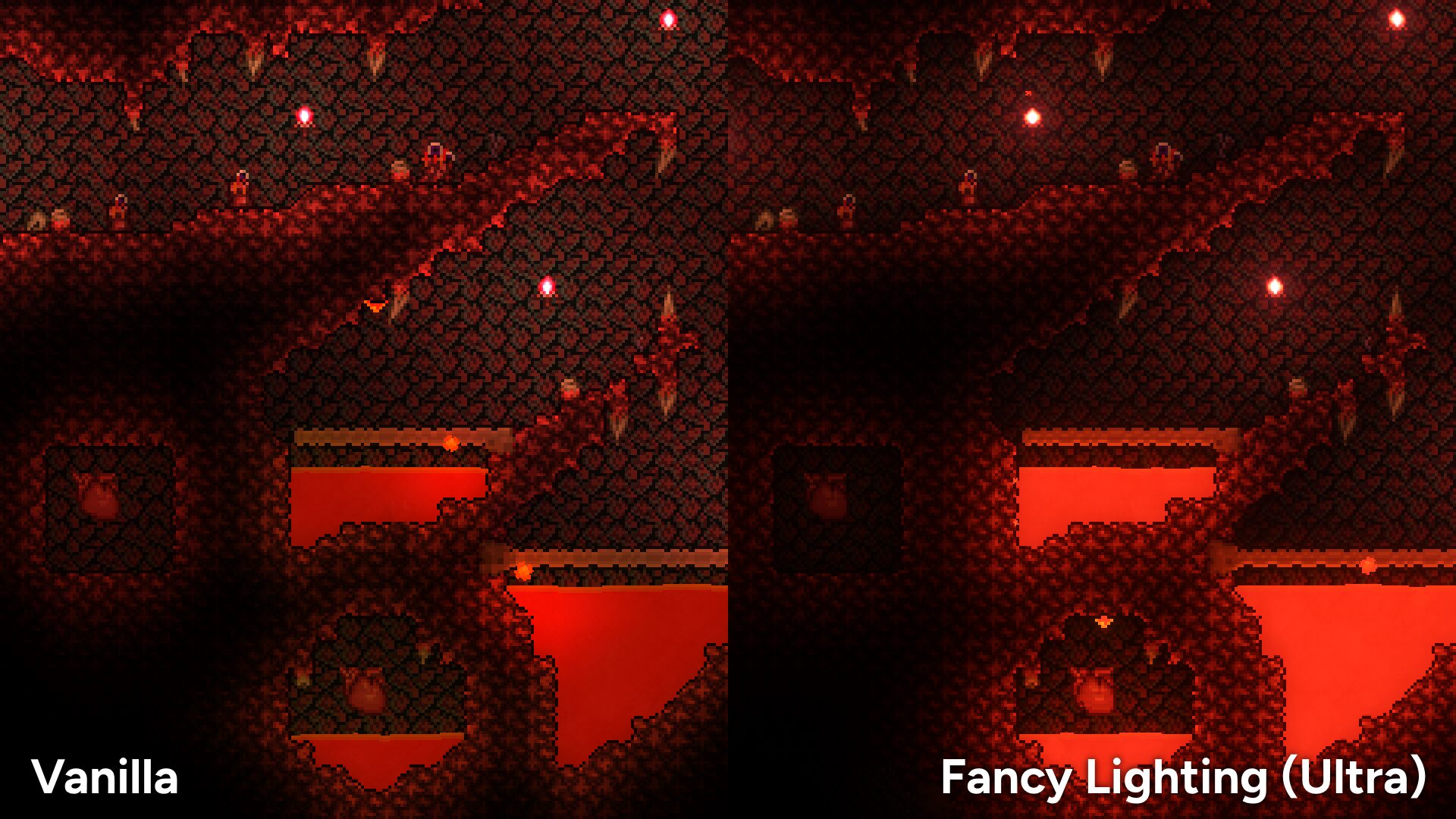
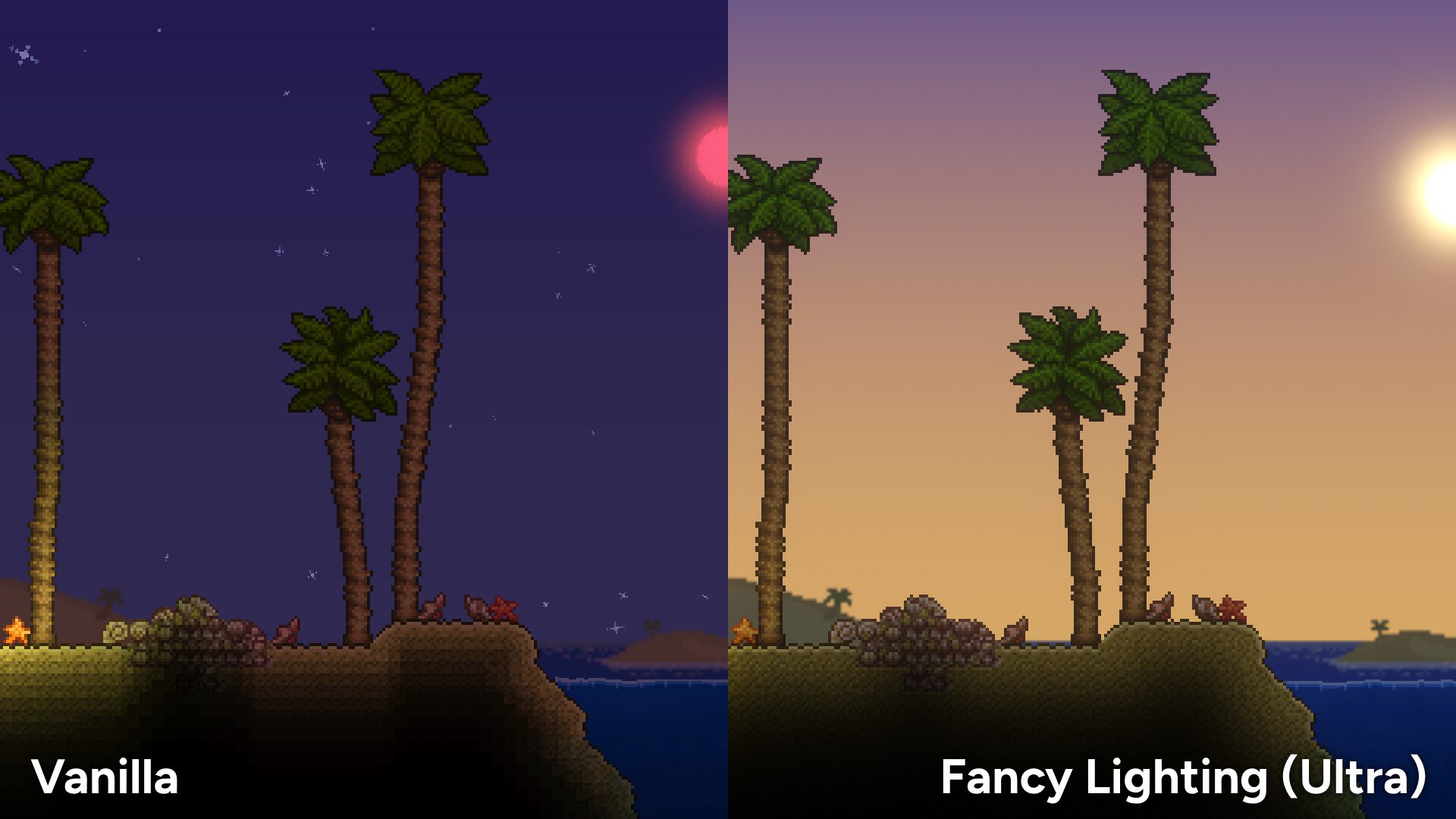
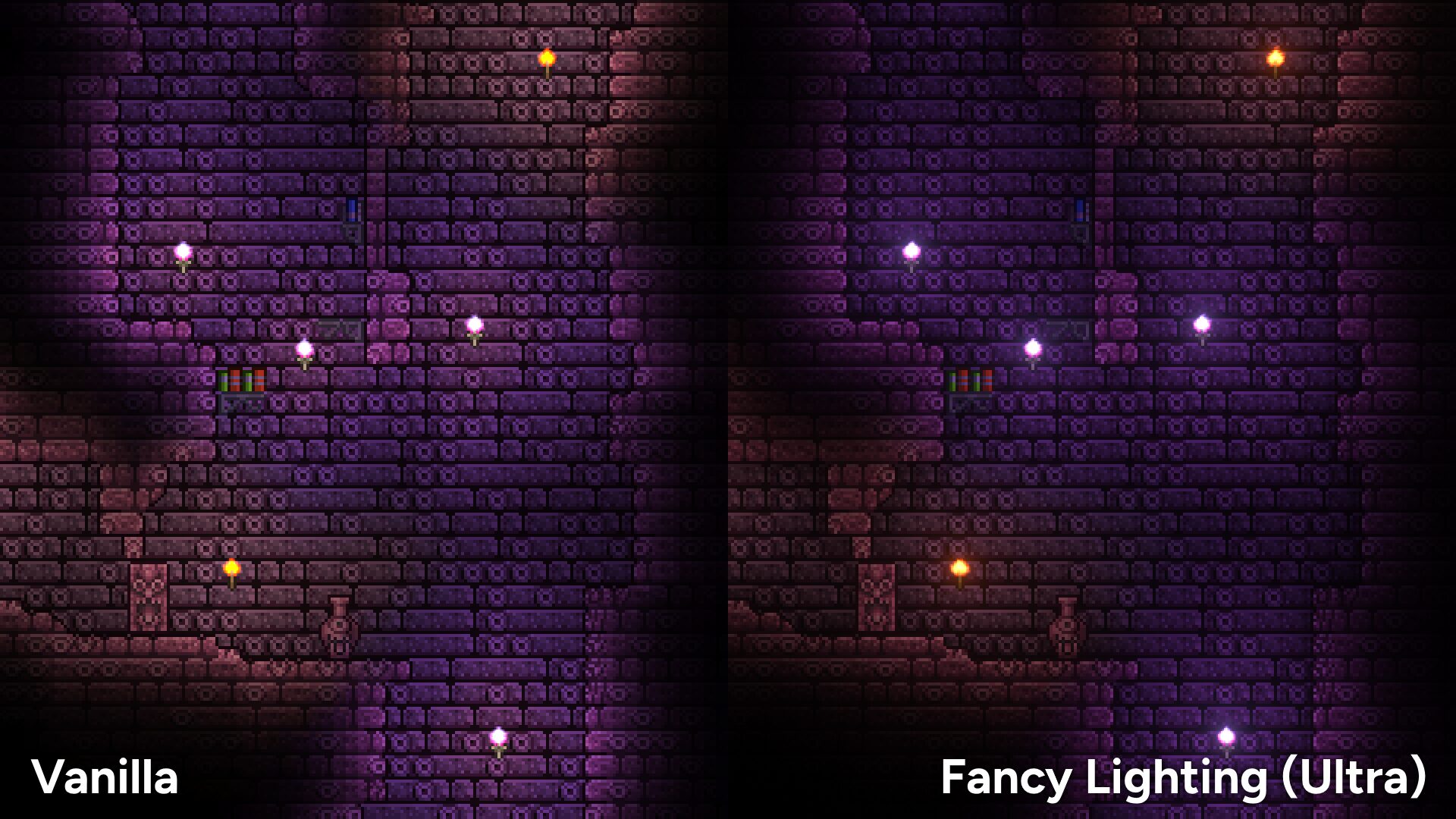
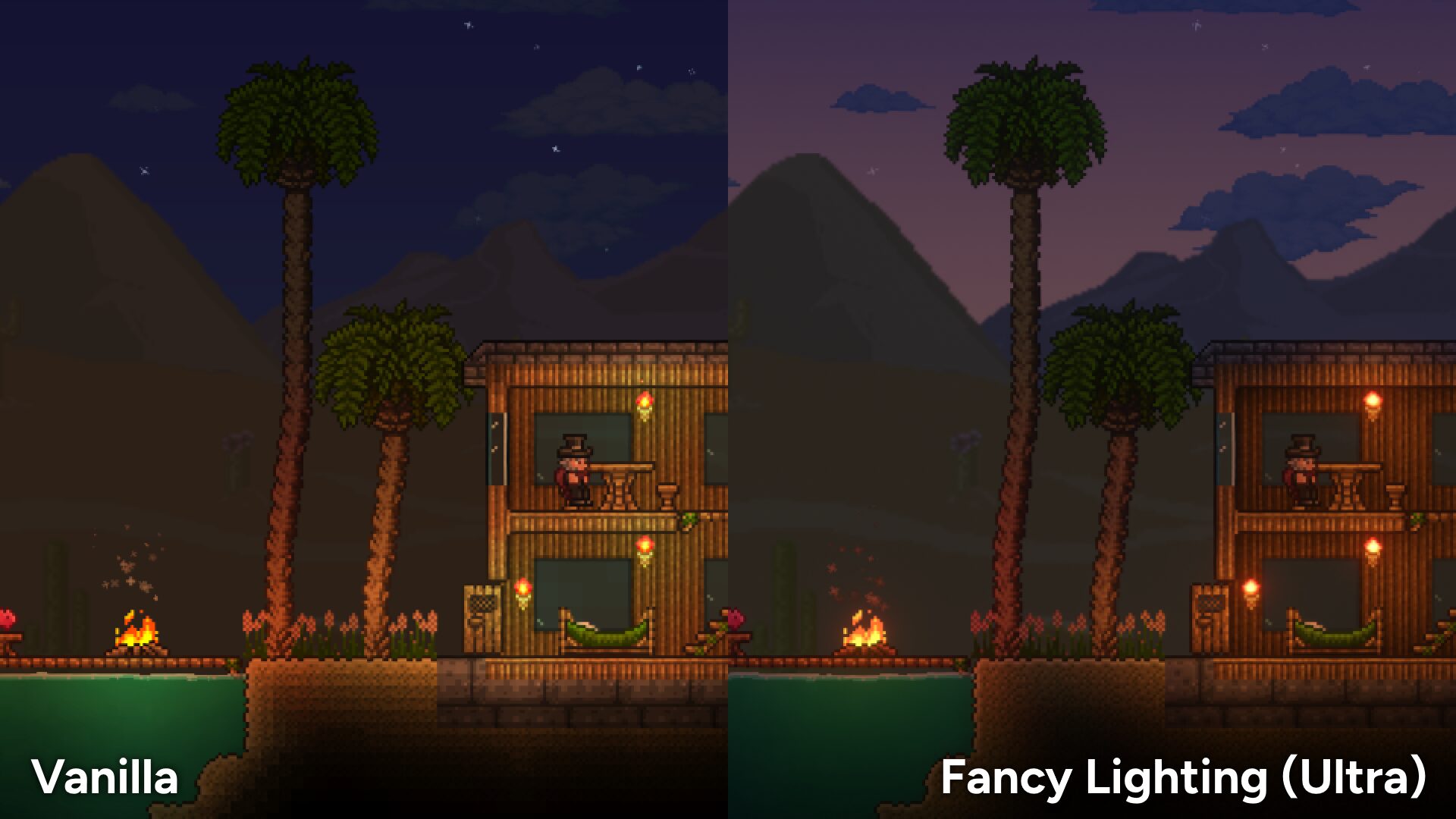
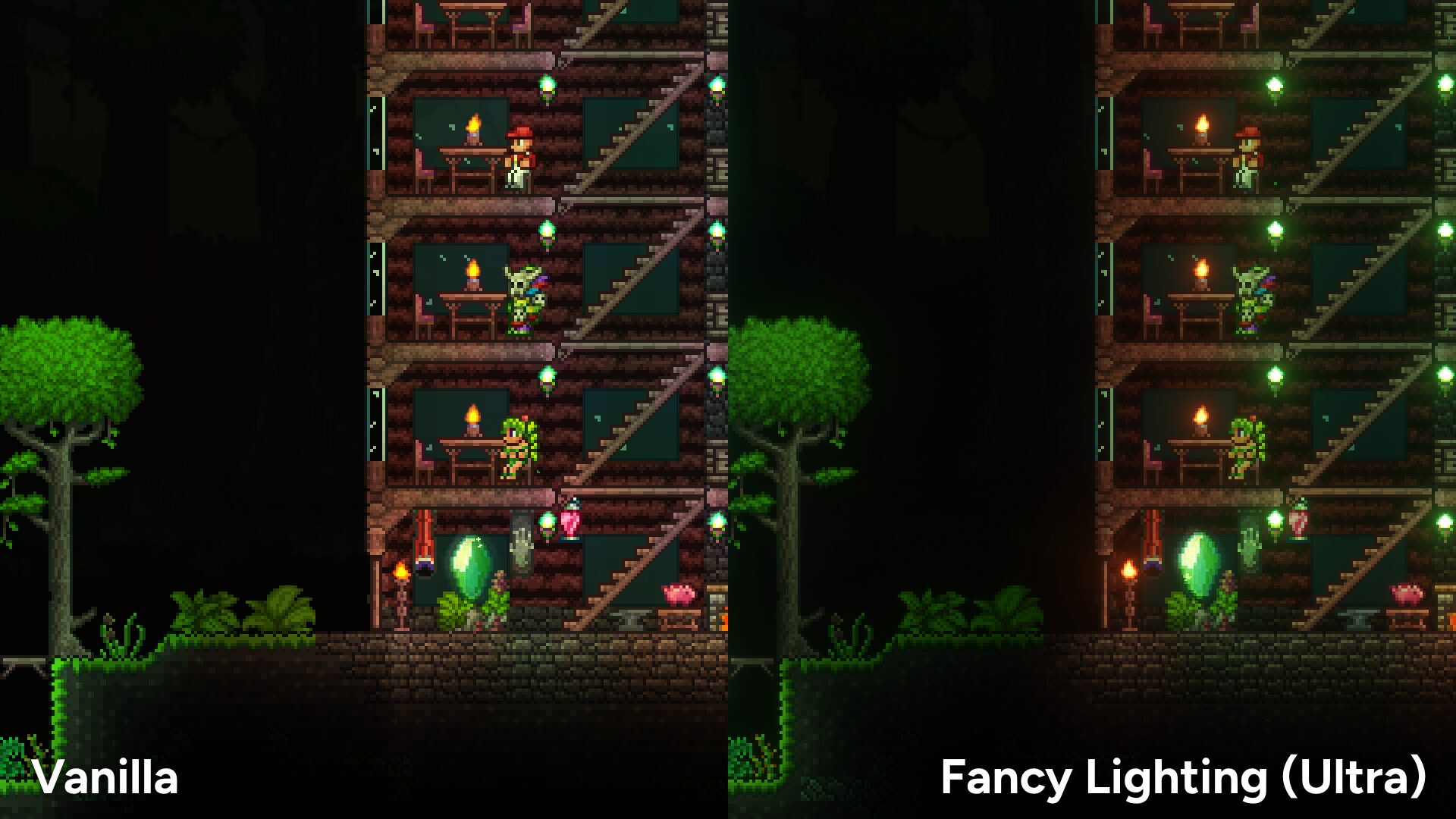
Elevate Your tModLoader Experience with Fancy Lighting
Prepare to be captivated by a visually stunning transformation of your tModLoader adventures. The Fancy Lighting mod injects a new level of graphical fidelity, breathing life into every corner of your world with enhanced lighting and breathtaking visual effects. If you’ve ever wished for a more immersive and realistic aesthetic within tModLoader, this mod is your answer.
A Feast for the Eyes
Fancy Lighting meticulously refines the game’s rendering engine to deliver a significantly improved visual presentation. Say goodbye to flat, uninspired environments and welcome a world sculpted by light and shadow. The mod introduces a suite of advanced graphical features that work in concert to create a truly remarkable display.
Key Features That Shine
Dive into the details of what makes Fancy Lighting such a transformative addition:
- Smooth Lighting: Experience seamless transitions and gradients in illumination, eliminating harsh edges and creating a more natural flow of light.
- Ambient Occlusion: Witness subtle yet impactful shadowing in crevices and corners, adding depth and realism to surfaces.
- Accurate Shadows: Enjoy shadows that are more precisely cast, reacting realistically to light sources and object placement.
- Improved Sky Rendering: Gaze upon skies that are more vibrant and detailed, enhancing the overall atmosphere of your game.
- Simulated Normal Maps: Objects gain a sense of surface detail and texture without requiring complex asset changes.
- HDR Rendering (Tone Mapped): High Dynamic Range lighting creates a wider range of light and dark tones, expertly mapped to your display for stunning contrast.
- Bloom and Depth of Field: Add a cinematic touch with subtle light scattering (bloom) and a focus effect that blurs distant objects, drawing attention to the foreground.
- Camera Mode Compatibility: Ensure these visual enhancements integrate smoothly with existing camera functionalities.
Optimizing Your Visuals
For those seeking the absolute best performance while enjoying these graphical upgrades, consider adjusting your in-game resolution. Setting it to 1920×1080 or 1920×1200, depending on your monitor’s aspect ratio, can provide a smoother experience.
Troubleshooting Tips
To avoid potential graphical glitches, it’s recommended to enable Fancy Lighting before loading any worlds. If you encounter issues, particularly when combining with other mods that affect rendering, explore the mod’s configuration options in the Preferences menu, such as ‘Full HDRR Mod Compatibility Fixes’ and ‘Disable HDRR During Boss Fights and Events’.