
Extra Accessory Slot
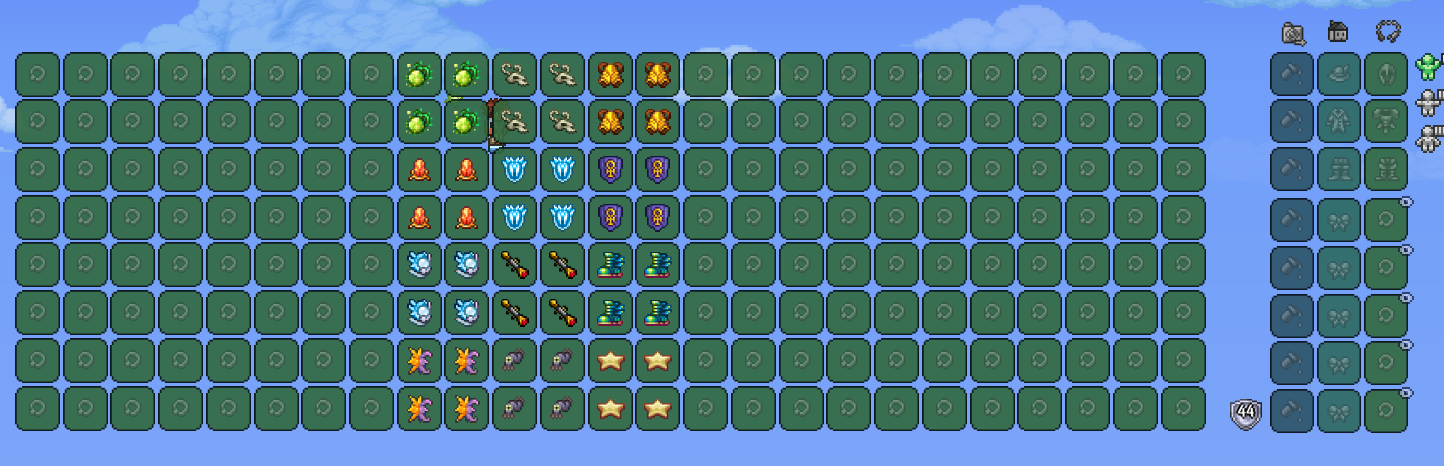
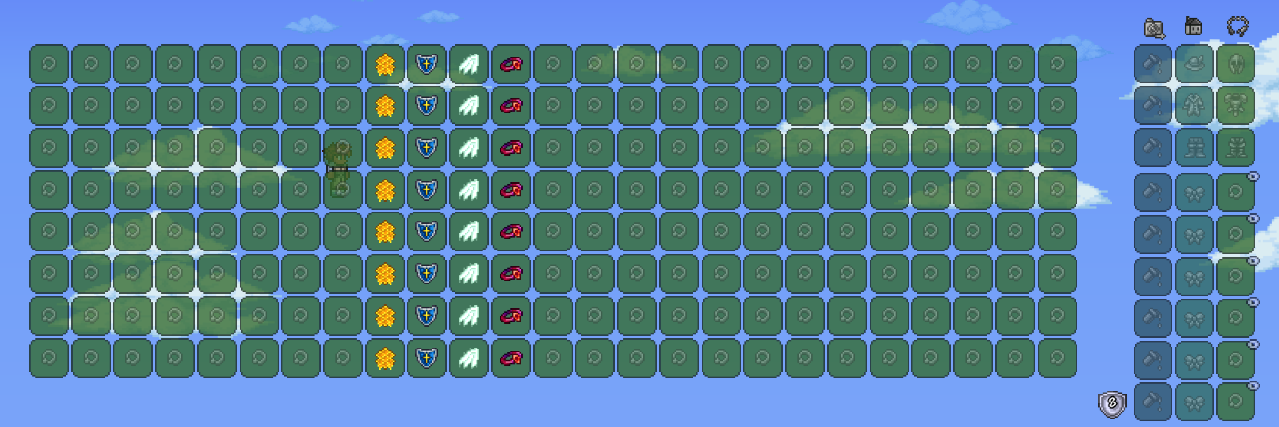
Unlock More Potential with Extra Accessory Slot for tModLoader
Tired of agonizing over which crucial accessory to equip in tModLoader? Do you constantly find yourself wishing for just one more slot to optimize your character’s build? Look no further! The Extra Accessory Slot mod is here to revolutionize your gameplay by significantly expanding your character’s accessory capacity.
More Slots, More Power
This ingenious mod introduces a substantial number of additional accessory slots, allowing you to equip far more of your hard-earned gear. Imagine the possibilities: stack defensive buffs, enhance your offensive capabilities, boost your mobility, and still have room for those utility accessories that make a world of difference. With the maximum potential to add a considerable number of slots, your character’s potential for customization and power is amplified dramatically.
Seamless Integration and Control
The Extra Accessory Slot mod is designed with user experience in mind. Not only does it provide the coveted extra slots, but it also offers intuitive control over their visibility. You can easily toggle the display of these new slots through the hotkey settings, ensuring a clean and uncluttered interface when you desire it. This means you can have access to your expanded inventory when you need it, and a streamlined view when you don’t, all at your fingertips.
Key Features of Extra Accessory Slot:
- Vastly increases the number of available accessory slots.
- Allows for unprecedented character customization and build diversity.
- Provides a hotkey option to easily show or hide the additional slots.
- Enhances gameplay by removing accessory slot limitations.
Whether you’re a seasoned adventurer delving into the deepest dungeons or a builder looking to maximize your character’s utility, the Extra Accessory Slot mod for tModLoader is an essential addition. Free yourself from the constraints of limited inventory and explore new frontiers of power and personalization!