
Dialogue Panel Rework
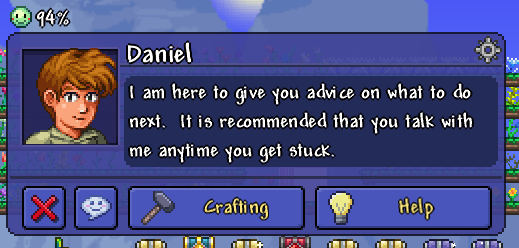
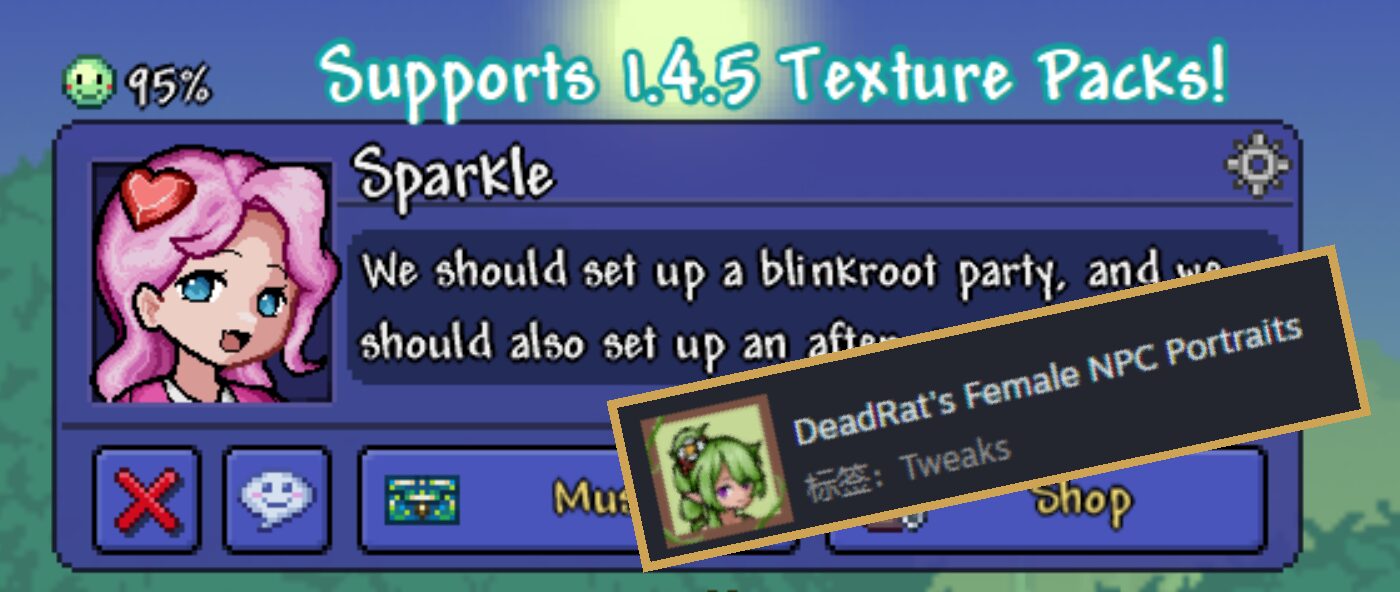
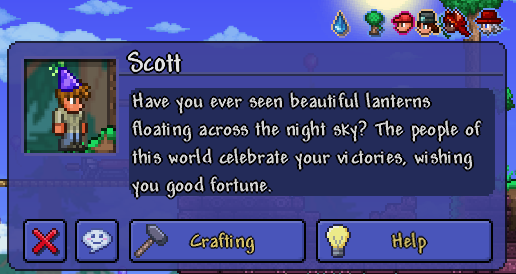
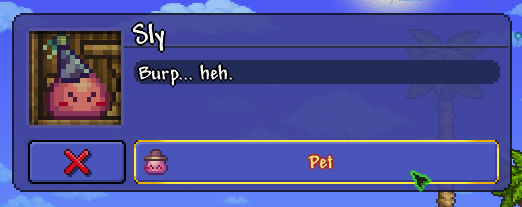
Dialogue Panel Rework: A Fresh Look for tModLoader Conversations
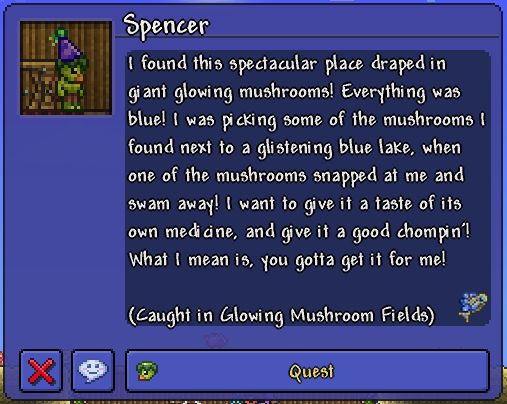
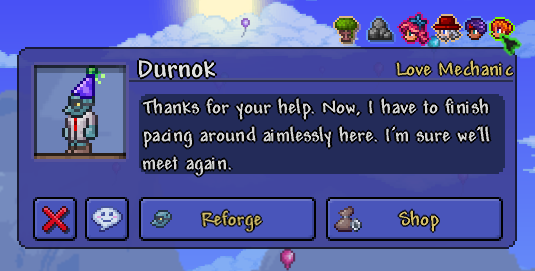
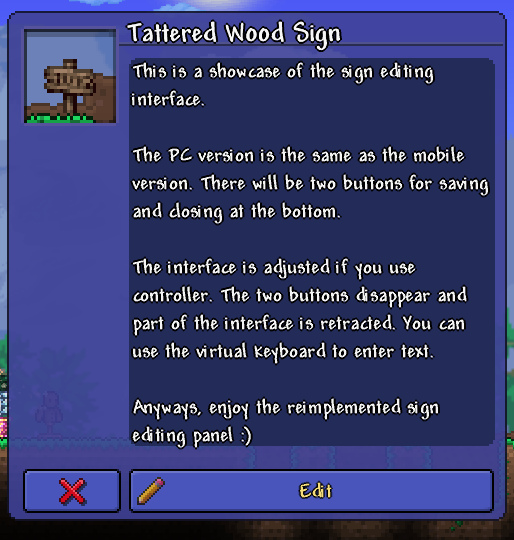
Tired of the same old dialogue interfaces in tModLoader? The Dialogue Panel Rework mod brings a significant overhaul to how you interact with Non-Player Characters (NPCs) and even edit in-game signs. Inspired by the streamlined experience found elsewhere, this mod breathes new life into your tModLoader adventures by enhancing the visual presentation and functionality of dialogue windows.
Enhanced Dialogue Experience
One of the most immediate and impactful changes this mod introduces is the addition of text scrolling. No more abrupt text boxes cutting off your conversations! Now, dialogue unfolds smoothly, allowing you to read at your own pace. For those who prefer a quicker pace, a simple hold of the left mouse button accelerates the scrolling speed, ensuring you can zip through familiar conversations or get to the juicy bits faster.
Key Features at a Glance
- Smooth Text Scrolling: Enjoy conversations that flow naturally without abrupt text cutoff.
- Adjustable Scrolling Speed: Hold the left mouse button to speed up text progression.
- Modernized Interface: Experience a visually updated dialogue panel and sign editing interface.
- Modder-Friendly Customization: Easily integrate custom button icons or draw directly onto the panel.
A Boon for Mod Creators
The Dialogue Panel Rework isn’t just for players; it’s also a powerful tool for tModLoader mod creators. The mod offers convenient Mod.Call functions that allow developers to easily customize the button icons displayed for their NPCs. Furthermore, modders can access the panel’s drawing functions through PostSetupContent to implement their own unique visual elements. This opens up a world of possibilities for creating more immersive and personalized NPC interactions within your own mods. For detailed information on how to leverage these features, consult the project’s GitHub page.
It’s important to note that this mod significantly alters the core dialogue panel. As such, other mods that also modify the NPC dialogue panel might experience compatibility issues. If you encounter any problems, the best course of action is to report them on the mod’s dedicated forum thread or Steam Workshop page, where the developer actively seeks feedback.