
Concise Mods List
Streamline Your tModLoader Experience with Concise Mods List
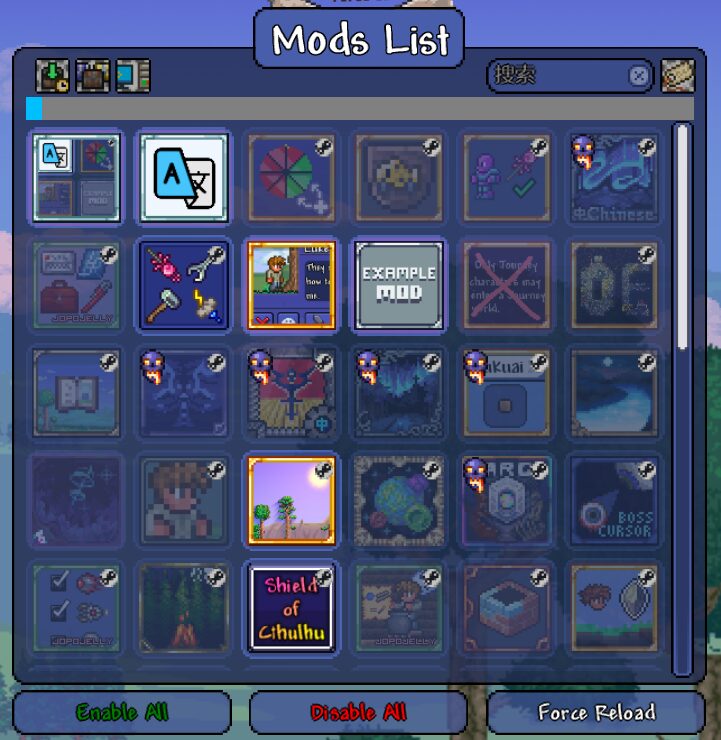
Tired of the clunky and time-consuming mod interface in tModLoader? The Concise Mods List mod is here to revolutionize how you manage your game modifications. Designed to significantly optimize the opening time of your mod list, this enhancement brings unparalleled speed and efficiency to your tModLoader setup. Even with a substantial collection of around 100 mods, expect the list to load in under a second, allowing you to jump into your customized tModLoader adventures without delay.
Intuitive Mod Management at Your Fingertips
Concise Mods List doesn’t just speed things up; it introduces a suite of user-friendly interactions to make managing your mods effortless. Say goodbye to cumbersome navigation and hello to a streamlined workflow. The mod provides a fresh, intuitive approach to enabling, disabling, and configuring your mods.
Key Features for Enhanced Control:
- Quick Toggling: Left-click any mod in the list to instantly enable or disable it.
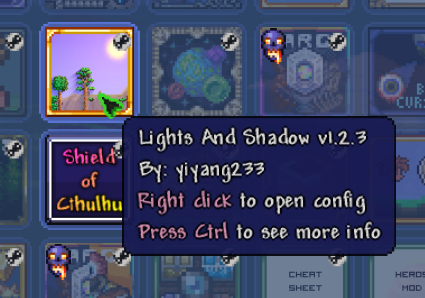
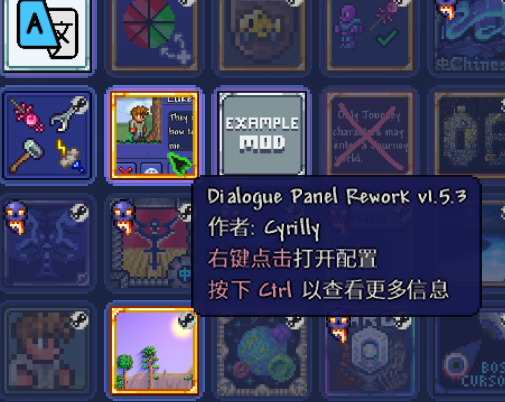
- Direct Configuration Access: Right-click mods with available configurations to open their settings directly.
- Effortless Deletion: Disabled mods can be swiftly removed with a simple right-click.
- Dependency Management: Middle-click a mod to automatically enable all of its necessary dependencies, ensuring smooth gameplay.
- Mod List Export: Utilize the new button at the top of the mod list to export a clean text file of your currently enabled mods.
Customizable Interface Options
Beyond the core functionalities, Concise Mods List offers extensive customization to tailor the interface to your exact preferences. You have the power to decide which visual elements are displayed, ensuring a clean and personalized mod list. Options include toggling the visibility of the configuration button, Steam icon, modpack icon, the “mod updated” indicator, the “no preview build” obsidian skull, the mod reference icon, and the translation mod icon. Right-clicking icons still allows access to their functions even if they are hidden, providing flexibility without sacrificing usability.