
Better Zoom

Expand Your Horizons with Better Zoom for tModLoader
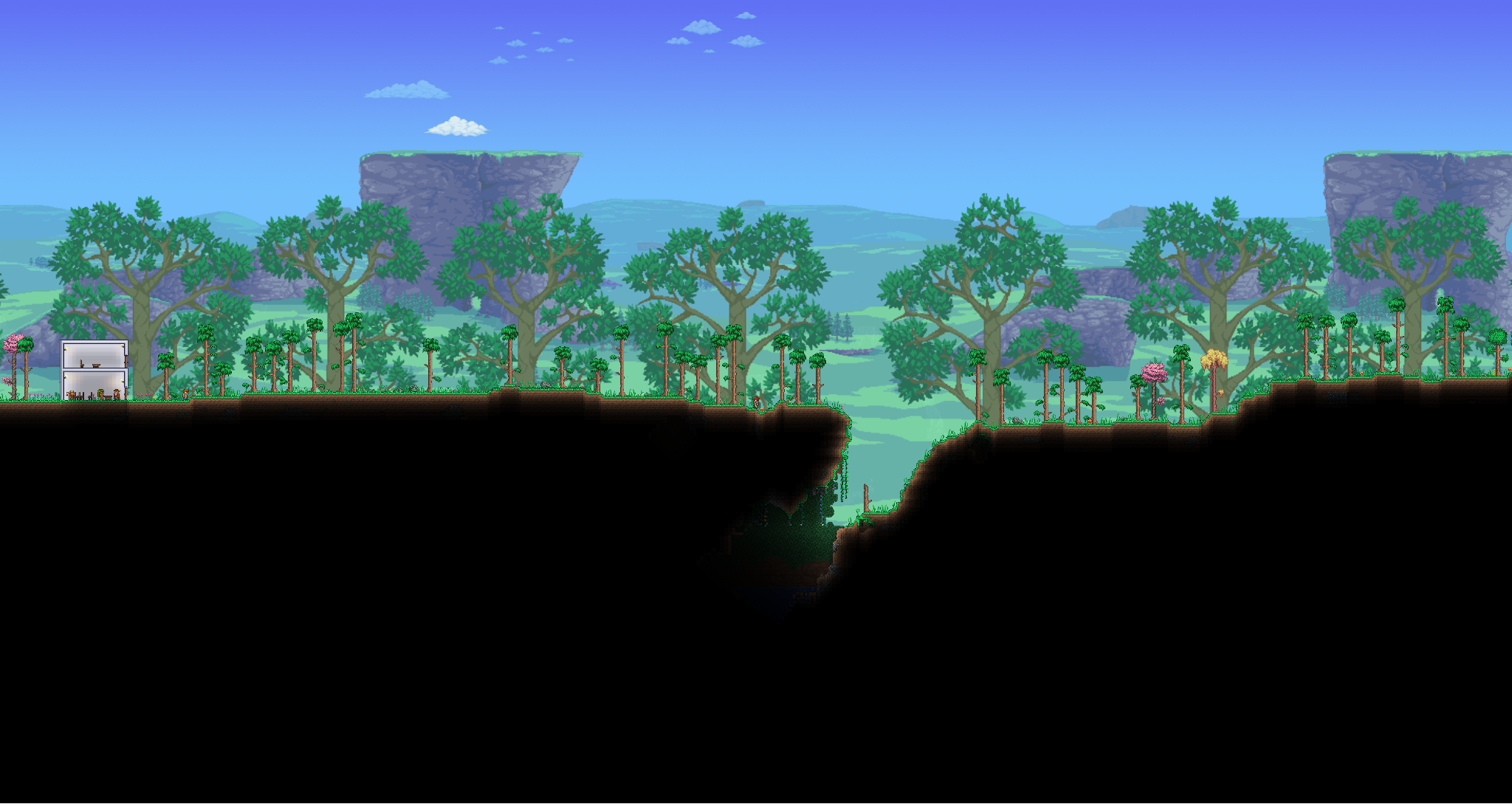
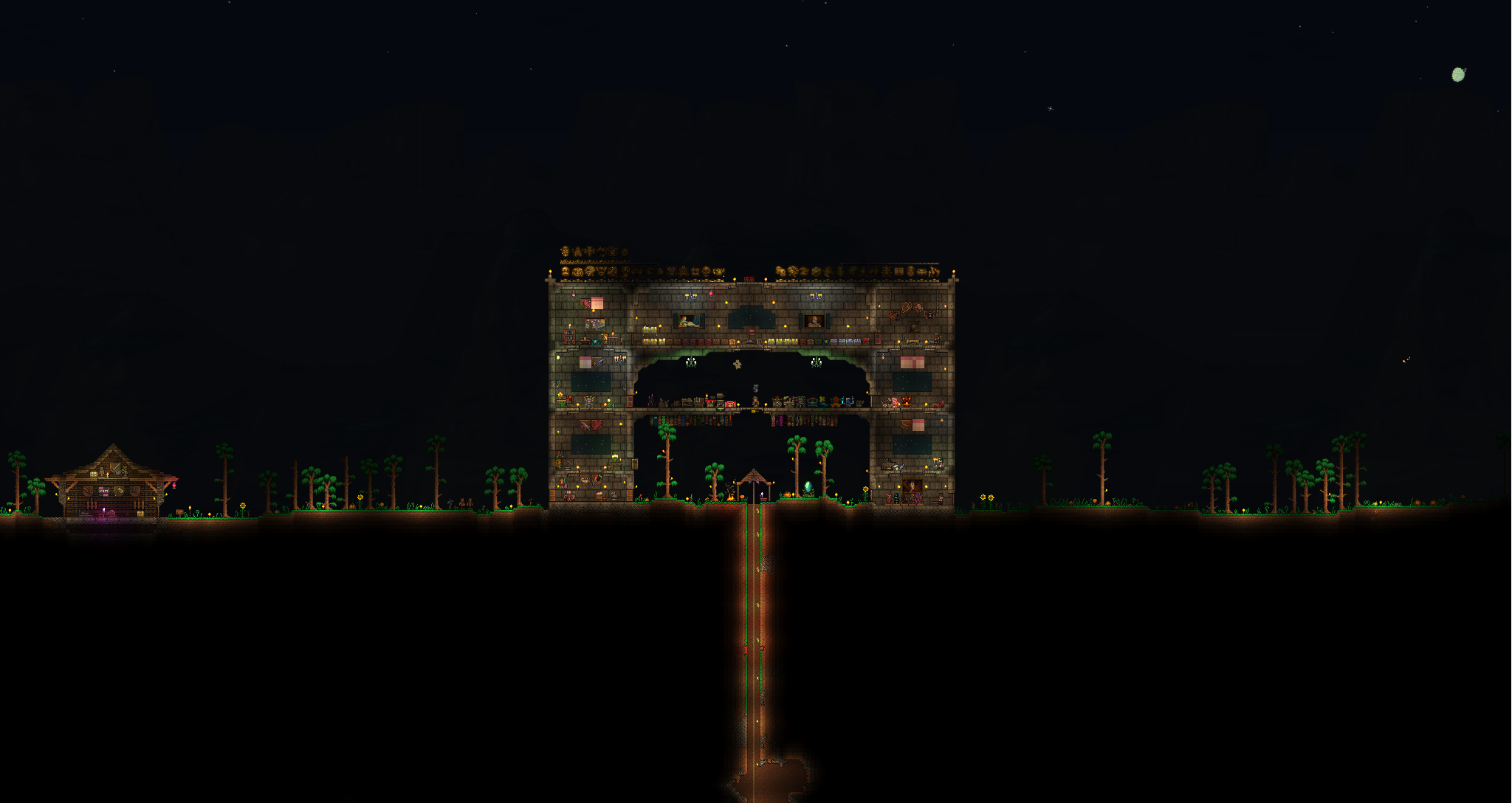
Tired of being limited by the default zoom capabilities in tModLoader? Prepare to see your worlds in a whole new light with the Better Zoom mod. This essential modification dramatically expands the zoom range, allowing for unparalleled visual control and a more immersive experience, especially for those who favor lower resolutions or appreciate the intricate detail of high-resolution sprites.
Unlocking Greater Visual Fidelity
Better Zoom empowers you to zoom significantly further in and out than the standard game mechanics allow. This means you can pull back to take in the grand scale of your creations or zoom in close to admire the finer points of your builds. The flexibility offered by this mod is a game-changer, enabling players to tailor their view to suit any situation.
Intuitive Controls and Customization
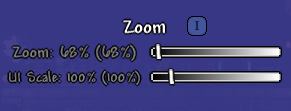
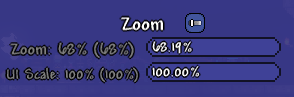
Getting started with Better Zoom is straightforward. The mod integrates seamlessly with the game’s existing settings menu, offering both slider and exact input methods for precise adjustments. You can fine-tune your zoom level from a mere 10% all the way up to a staggering 1000%. Beyond zoom, the mod also introduces adjustable UI scaling, allowing you to resize the interface elements from 50% to 500% for optimal comfort and readability.
Key Features of Better Zoom:
- Expanded Zoom Range: Go from 10% to 1000% zoom.
- Adjustable UI Scale: Control interface size from 50% to 500%.
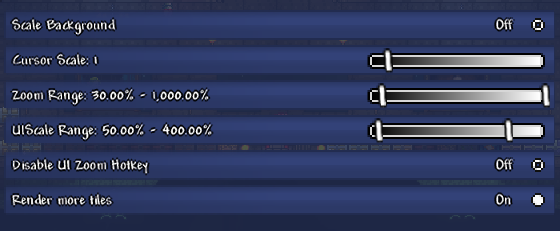
- Configurable Options: Tailor background scaling, cursor size, and zoom/UI scale ranges.
- Advanced Rendering: Choose to render more tiles for an expanded view, with performance considerations.
- Customizable Zoom Speed: Adjust the keyboard zoom speed to your preference.
Performance Considerations and Advanced Settings
While Better Zoom opens up a world of visual possibilities, zooming out extensively can impact performance. The mod includes options to mitigate this, such as the ability to disable background scaling or limit the rendering of additional tiles. Players can also fine-tune the “Tile Render Limit” and “Zoom Speed” to find the perfect balance between visual detail and smooth gameplay. For those seeking even more granular control, settings can also be adjusted directly within the configuration file.