
转化桌Pro Max/Table For Conversion Pro Max
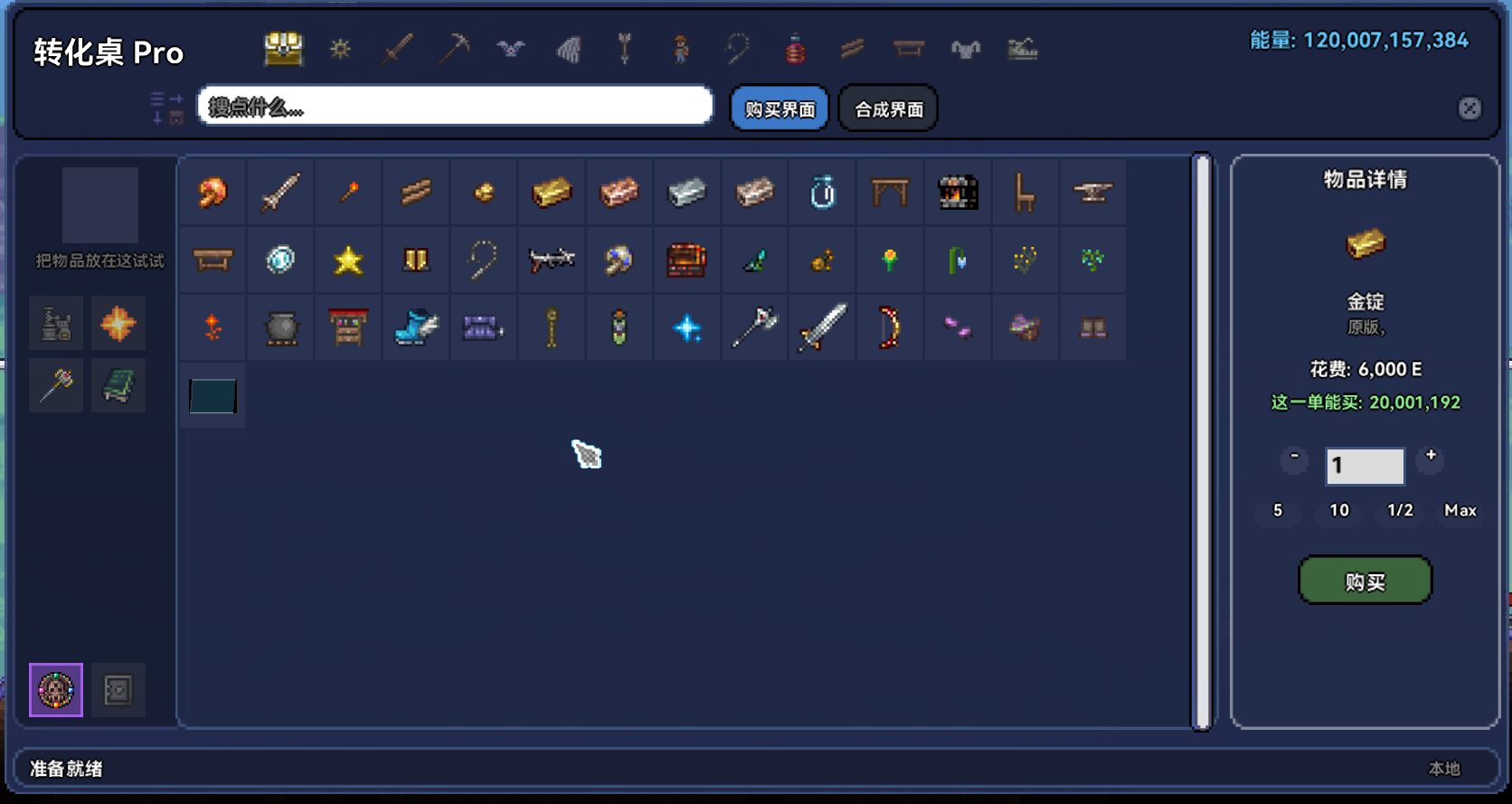
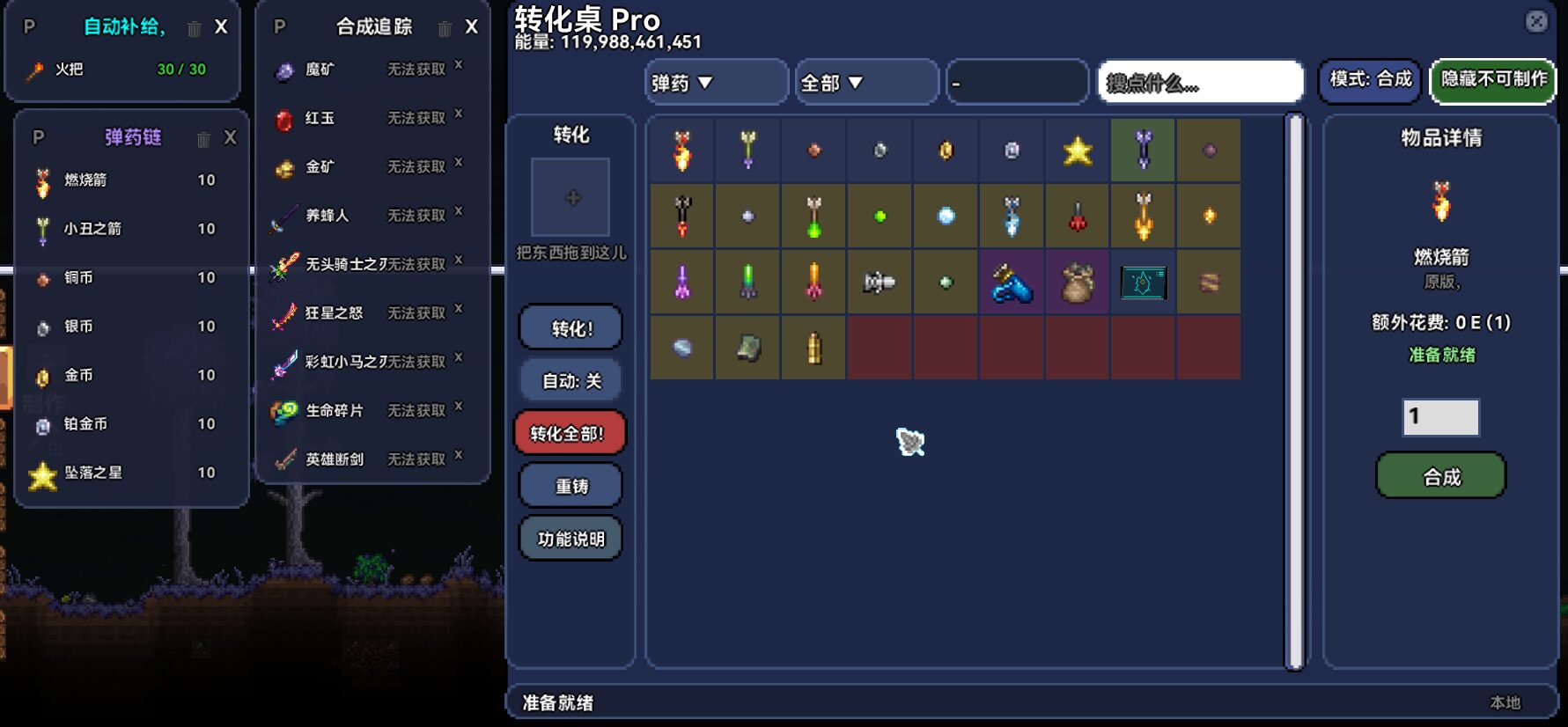
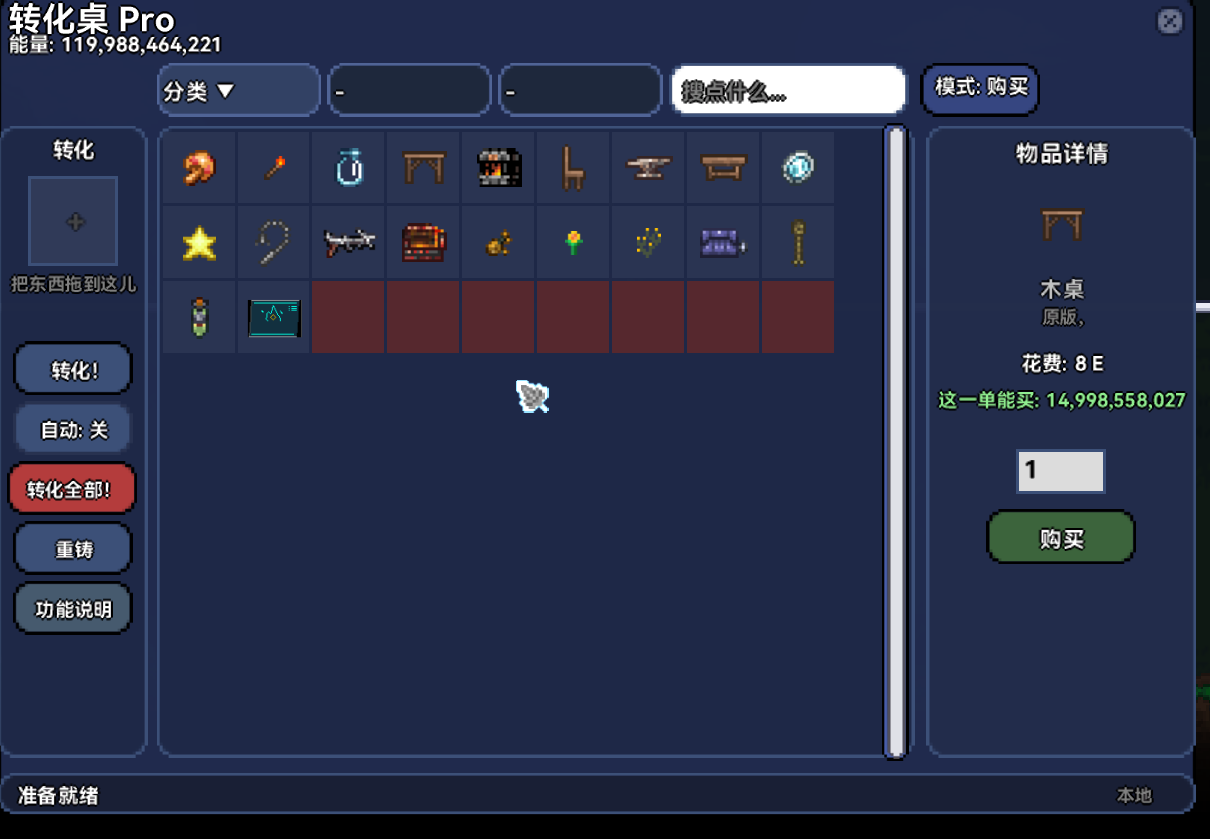
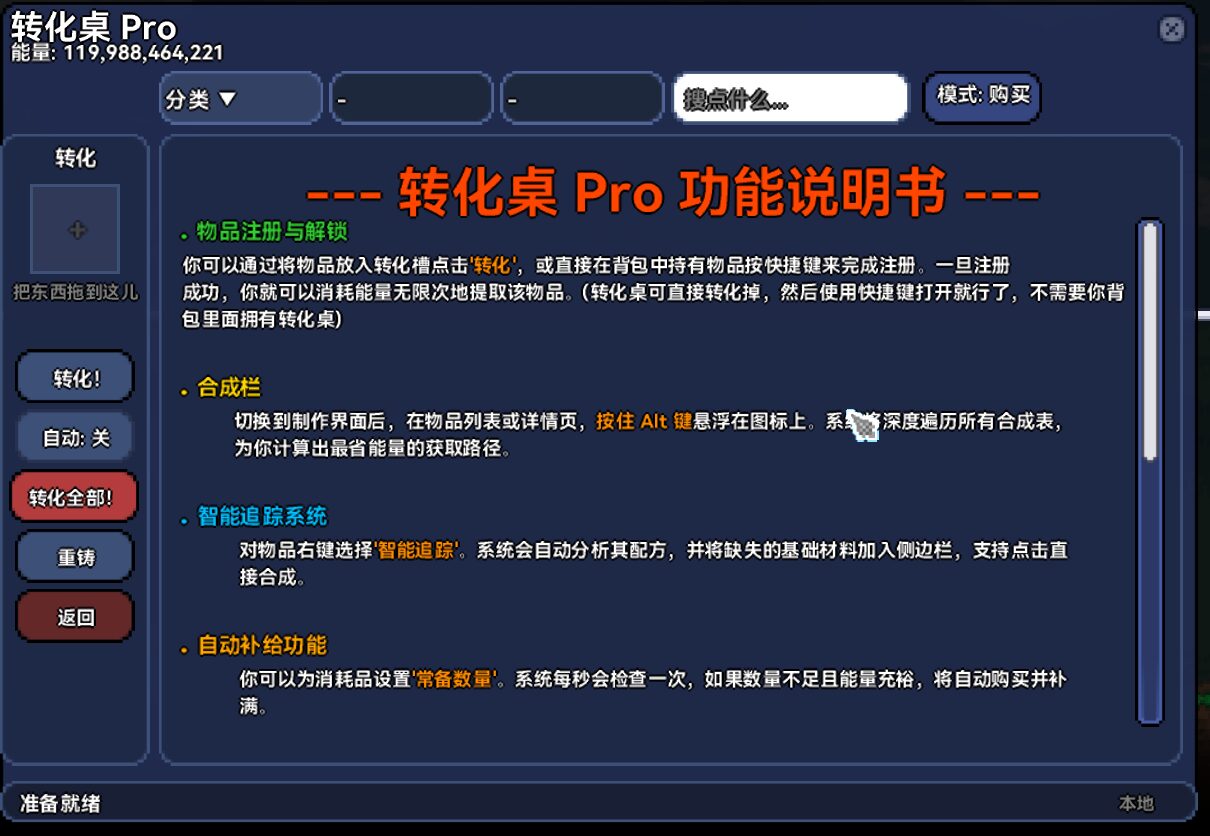
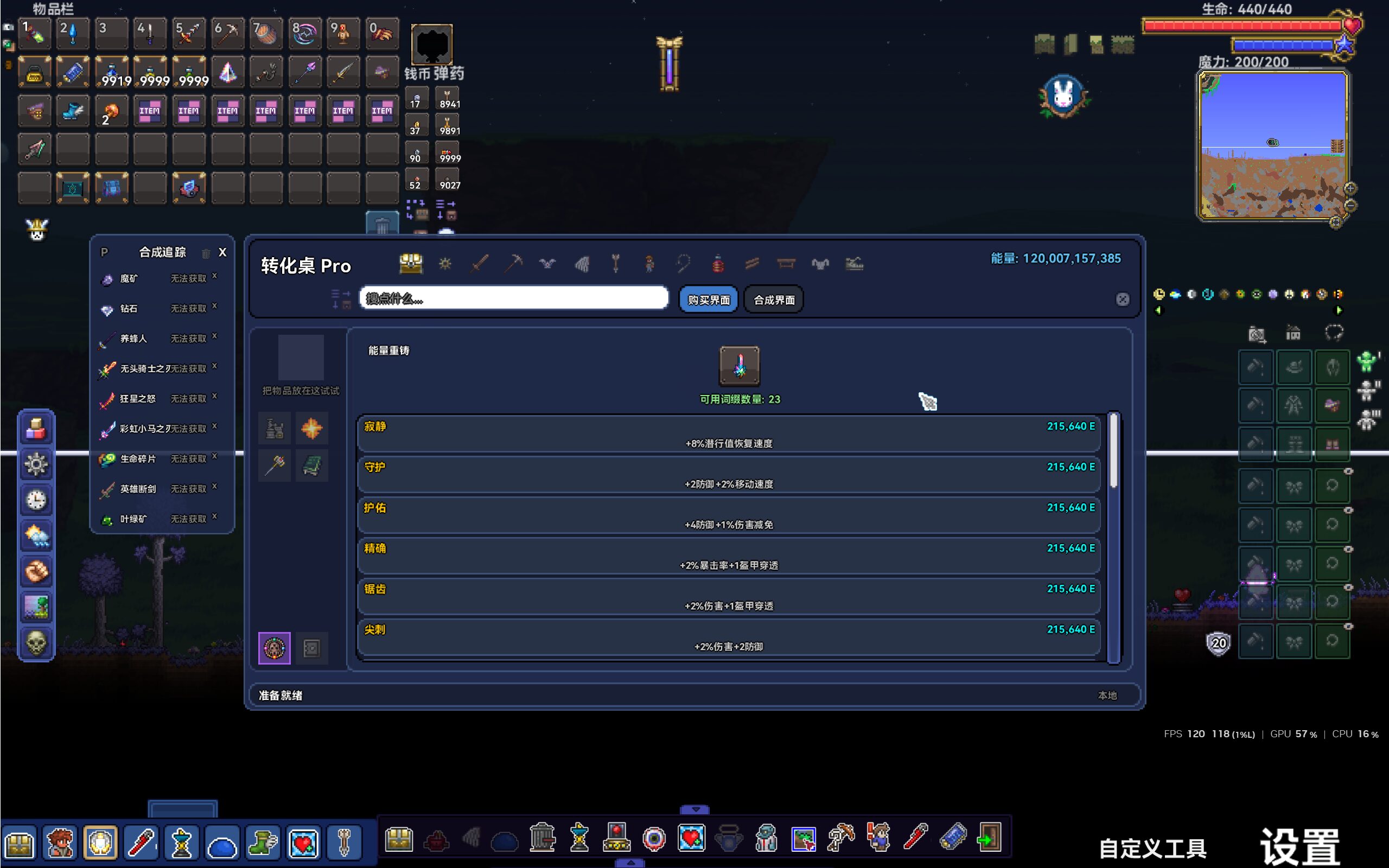
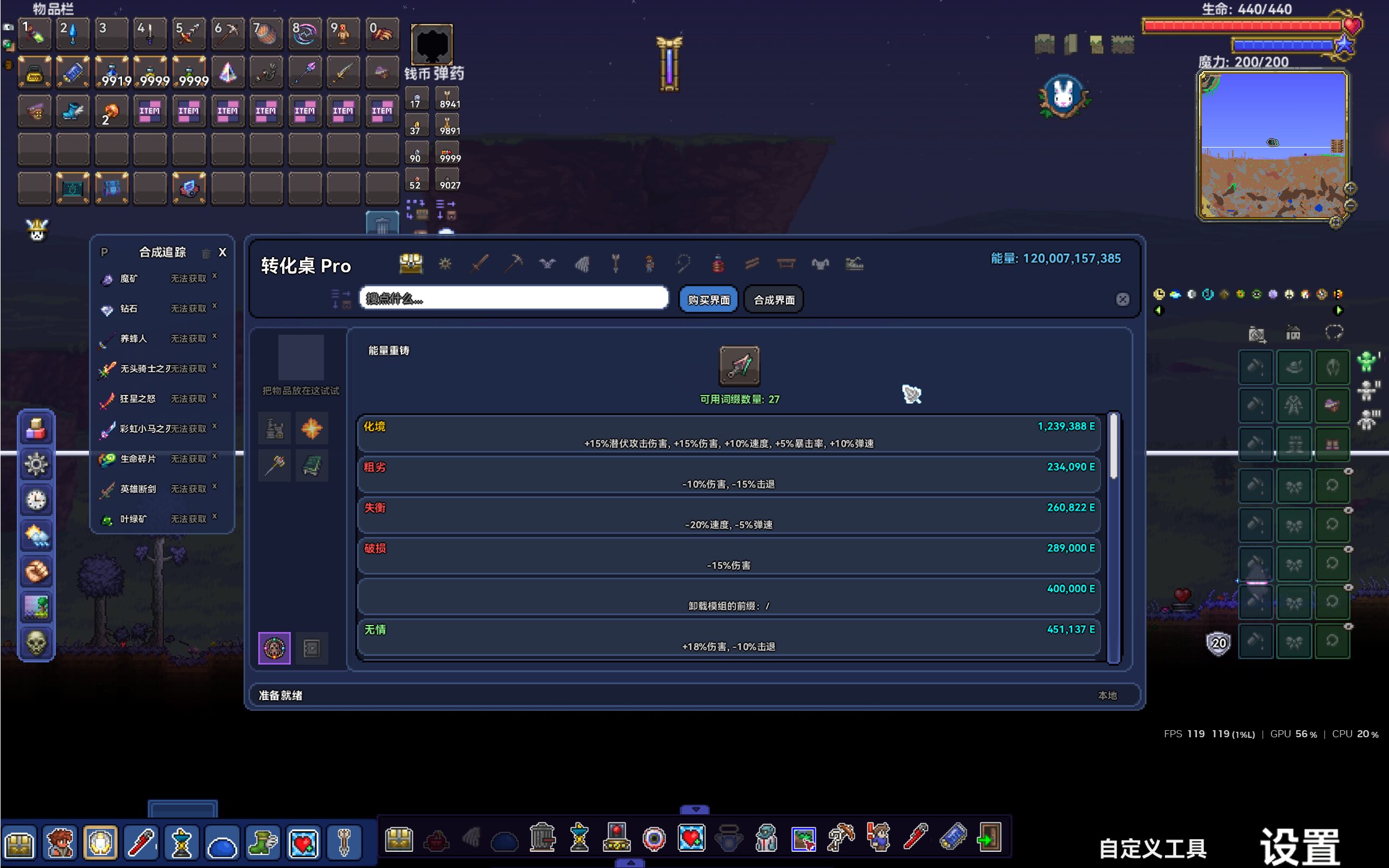
Table For Conversion Pro Max: The Ultimate tModLoader Utility
Tired of the endless cycle of rummaging through chests for that one specific item or the right crafting material? Table For Conversion Pro Max is here to revolutionize your tModLoader experience. This powerful mod consolidates storage, crafting, and equipment management into a single, intuitive interface, freeing you from inventory clutter and streamlining your progression.
Getting Started with Unprecedented Ease
New adventurers in tModLoader will find the Table For Conversion Pro Max waiting for them from the very start, automatically added to their inventory. For veteran players or those starting a new character on an existing world, the table can be conveniently crafted. You’ll need 15 of any Iron Bar, 10 of any Evil Bar, and 5 Topaz and 5 Ruby, assembled at any Workbench.
Core Features That Transform Gameplay
- The Conversion Slot: This central hub is where the magic happens. Place any item into the Conversion Slot to “learn” it, enabling instant buy-back later. When you place crafting materials here, the interface will dynamically display all possible recipes that utilize them, saving you precious time.
- Intuitive Navigation: Say goodbye to endless scrolling. A row of large icons at the top of the interface categorizes items by Weapons, Armor, Materials, and more. Simply click an icon to instantly jump to that section, making item discovery a breeze.
- Direct Material Acquisition: The most groundbreaking feature for crafters is the ability to purchase missing materials directly. Within the crafting UI, a clear list of required components is shown. If you’re short on any items, you can instantly spend energy to acquire them and complete the craft without ever leaving the interface.
- Effortless Reforging: Achieve that perfect roll on your gear with the integrated reforging tool. Click the hammer icon, place your item, and spend energy to re-roll its prefixes until you achieve your desired stats.
- Streamlined Purchasing: Buying items in bulk is now simple. Dedicated shortcut buttons allow you to purchase 5, 10, half a stack, or a full stack with a single click.
- Organized Inventory Management: Sorting options by Price, Internal ID, or Name ensure your inventory is always in order. The Infinite Storage feature allows for unlimited stacking of items while perfectly preserving all their unique metadata and prefixes.
Enhanced Performance and User Experience
Table For Conversion Pro Max boasts a highly optimized search engine that supports both Pinyin and initial-based searches, ensuring lightning-fast results even with extensive modpacks installed. The interface also remembers your last viewed category and search query, providing a seamless experience every time you open it.
Convenient Hotkeys for Instant Access
Quickly toggle the UI with the [O] key. Use [C] to instantly sell or store the item under your cursor. Activate or deactivate Auto-Convert with the [Z] key, putting essential functions right at your fingertips.