
Moonlit UI
Moonlit UI: Illuminate Your Terraria Experience
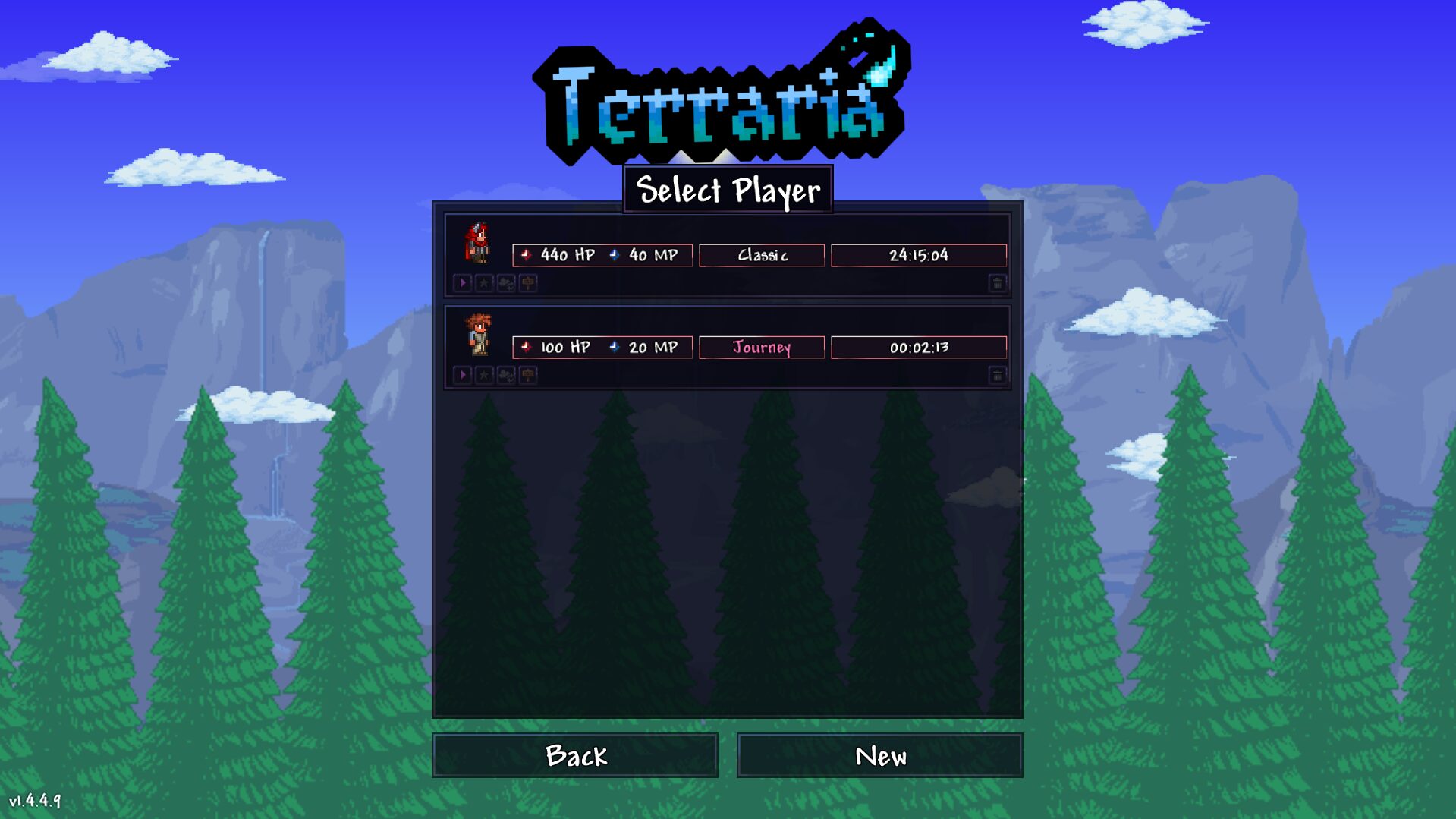
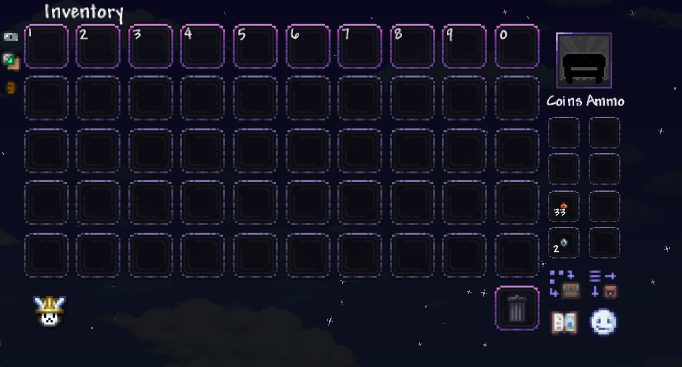
Tired of the same old interface in Terraria? Yearning for a visual overhaul that breathes new life into your adventures? Look no further than Moonlit UI, a high-quality user interface mod designed to transform the look and feel of your tModLoader experience. This mod doesn’t just tweak a few elements; it reimagines your game’s interface, making it significantly more appealing and functional.
Elevate Your Gameplay with a Stunning Interface
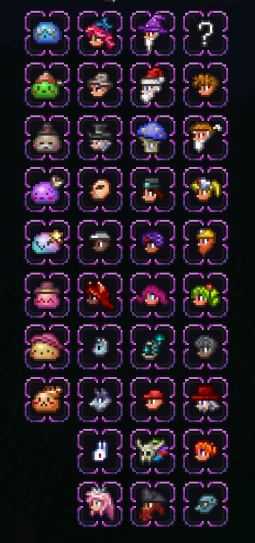
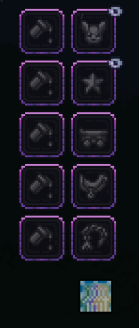
Moonlit UI offers a sophisticated and visually pleasing aesthetic that enhances immersion without compromising usability. Every element has been meticulously crafted to provide a cleaner, more modern look, allowing you to focus on what truly matters: exploring, building, and battling your way through the world of Terraria.
Key Features of Moonlit UI
- A dramatically improved and more attractive user interface.
- Enhanced visual clarity for a more immersive gameplay experience.
- Seamless integration with tModLoader for easy installation.
- A refreshingly modern aesthetic for all in-game menus and displays.
- Designed to complement, not distract from, your core gameplay.
Explore Related Mods
If you’re looking to further customize your Terraria experience, be sure to check out the developer’s other creations. Covenant UI and Covenant Health / Mana offer additional ways to personalize your game’s interface and resource displays, providing a cohesive visual theme for your modded adventures.
Troubleshooting Installation
Encountering issues with Moonlit UI not appearing in tModLoader? Follow these simple steps to ensure proper installation:
- Locate the mod pack folder within your Steam directory under “steamapps/workshop/content”.
- Copy the desired pack folder. You can verify it’s the correct one by opening the “icon” file within the folder.
- Launch tModLoader and navigate to the “Workshop” tab, then select “Use Resource Packs”.
- Click “Open Folder” and paste the copied pack into this directory.
- Return to the “Workshop” tab, and your resource pack should now be available to activate and play with.