
Undo the Spire
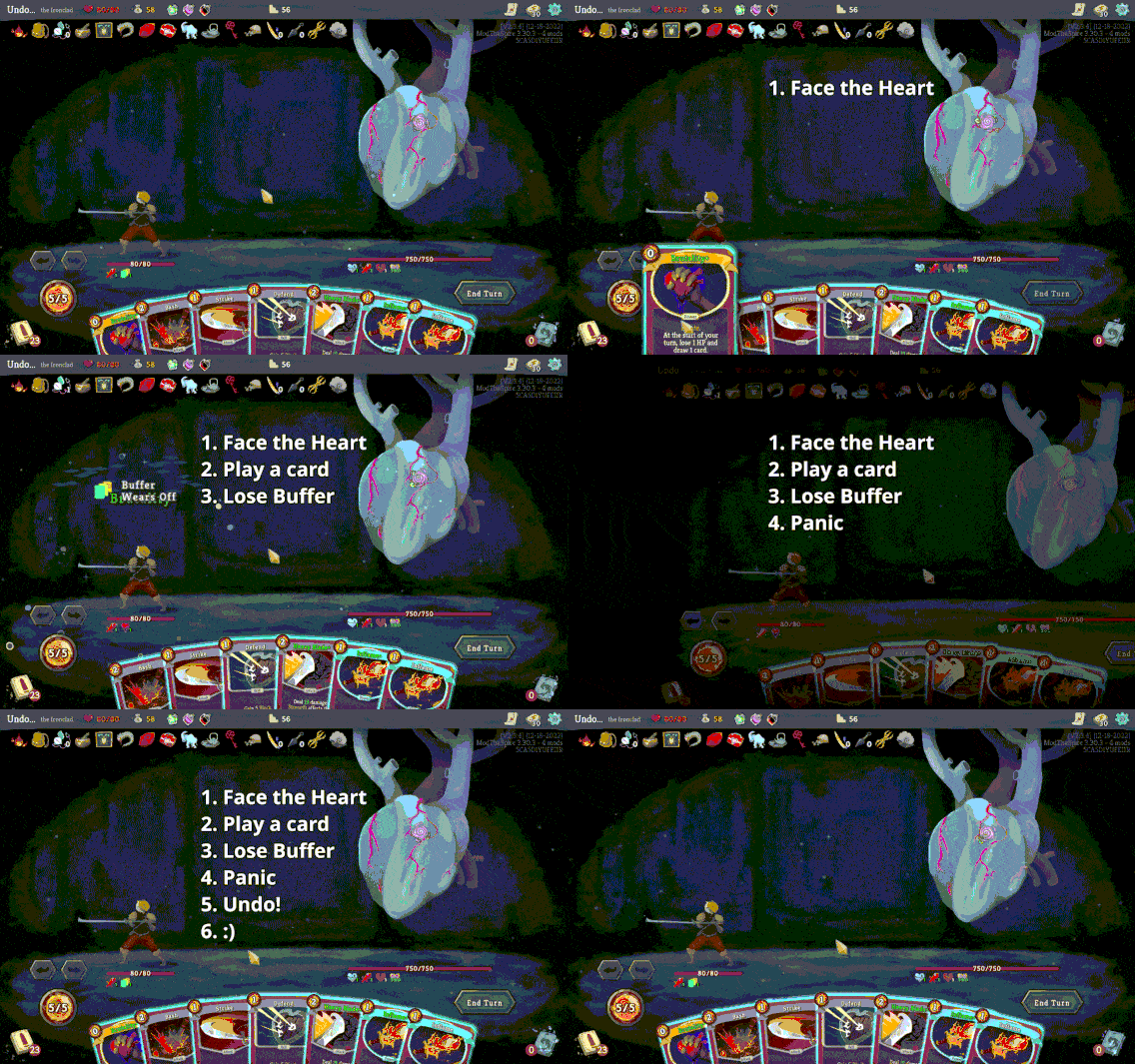
Undo the Spire: Rectify Your Missteps in Slay the Spire
Even the most seasoned climbers of the Spire can find themselves in a bind due to a simple oversight. Whether it’s playing a defensive card when victory was within reach or miscalculating a powerful combo, a single misplay can have devastating consequences for your run. Fortunately, the “Undo the Spire” mod is here to offer a second chance, allowing you to rewind your combat actions and correct those frustrating mistakes.
Combat Correction at Your Fingertips
The core functionality of “Undo the Spire” is elegantly simple: it introduces undo and redo buttons directly into your combat interface. This mod aims to alleviate the sting of accidental blunders that can often feel insurmountable. Instead of lamenting a lost turn or a wasted resource, you can now seamlessly backtrack and make the optimal play. This feature is invaluable for those moments where quick decisions are crucial, and the sheer complexity of Slay the Spire’s interactions can lead to the occasional slip-up.
Key Features of Undo the Spire:
- Combat Action Reversal: Instantly undo your last played card or action.
- Redo Capability: If you change your mind about an undo, you can reapply the action.
- Seamless Integration: Buttons are designed to be intuitive and non-intrusive during gameplay.
- Run Saver: Helps prevent minor errors from derailing an otherwise successful run.
Limitations and Compatibility
It’s important to note that “Undo the Spire” currently focuses solely on combat scenarios. Actions taken outside of battle, such as map navigation or shop purchases, cannot be undone by this mod. Additionally, controller support is not yet implemented, and the mod is designed primarily for mouse and keyboard input. When it comes to compatibility with other modifications, “Undo the Spire” uses intricate code tailored for the base game. While it generally plays well with quality-of-life mods that don’t alter core gameplay, such as RelicStats or Mapmarks, mods that introduce significant new mechanics or entire characters might not be compatible. The mod will typically disable its undo/redo buttons if it detects an incompatibility, providing a clear visual cue.