
No Mouse, Only Gamepad
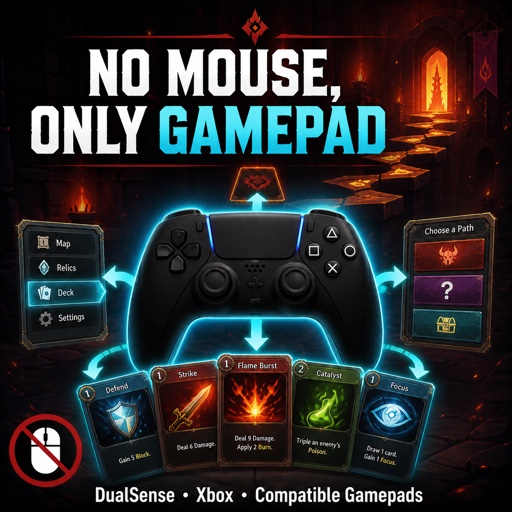
Experience Slay the Spire with Full Gamepad Control
For those who prefer the tactile feel of a controller or simply wish to navigate the Spire without reaching for the mouse, the “No Mouse, Only Gamepad” mod offers a comprehensive solution. This accessibility mod meticulously expands gamepad support, allowing for a truly immersive, controller-first Slay the Spire experience.
Seamless Navigation, Without the Mouse
The primary goal of this mod is to eliminate the need for mouse input, providing intuitive gamepad navigation across every facet of Slay the Spire. From the moment you launch the game, you’ll find menus, character selection, and crucial settings all fully controllable with your preferred gamepad.
Expanded Combat and Exploration Controls
The mod’s reach extends deep into the core gameplay loops. Engage in strategic combat with full controller support for selecting cards, targeting allies and enemies, and utilizing potions. When you’re navigating the branching paths of the map, selecting rewards, browsing shops, or interacting with campfires, your gamepad will be your guide.
Key Features at Your Fingertips:
- Full gamepad control for main menus, profile management, and character selection.
- Navigate combat actions, including card selection, targeting, and potion usage.
- Explore maps, review rewards, manage shop inventories, and interact with campfires using your controller.
- Effortlessly browse your entire deck and card selection screens, with right-stick scrolling for extensive lists.
- Control special in-game events, such as the Wheel of Change and Match and Keep, without touching a mouse.
- Dynamic button prompts adapt to the type of gamepad you’re using, ensuring clear and accurate feedback.
- Optional compatibility handling ensures smooth operation even when other mods are present.
Broad Controller Compatibility
This mod boasts compatibility with a wide range of controllers. Whether you’re using a PlayStation DualSense or DualShock, an Xbox controller, or any other gamepad recognized by Steam Input, you should find a smooth and responsive experience. Steam Input is particularly recommended to ensure the best possible integration.
Developed with accessibility in mind, “No Mouse, Only Gamepad” requires ModTheSpire and BaseMod to function. It’s an ongoing project, and feedback on any missing interactions or specific controller combinations is highly valued to further refine the experience.