
Mod the Spire++ (READ INSTALL INSTRUCTIONS)
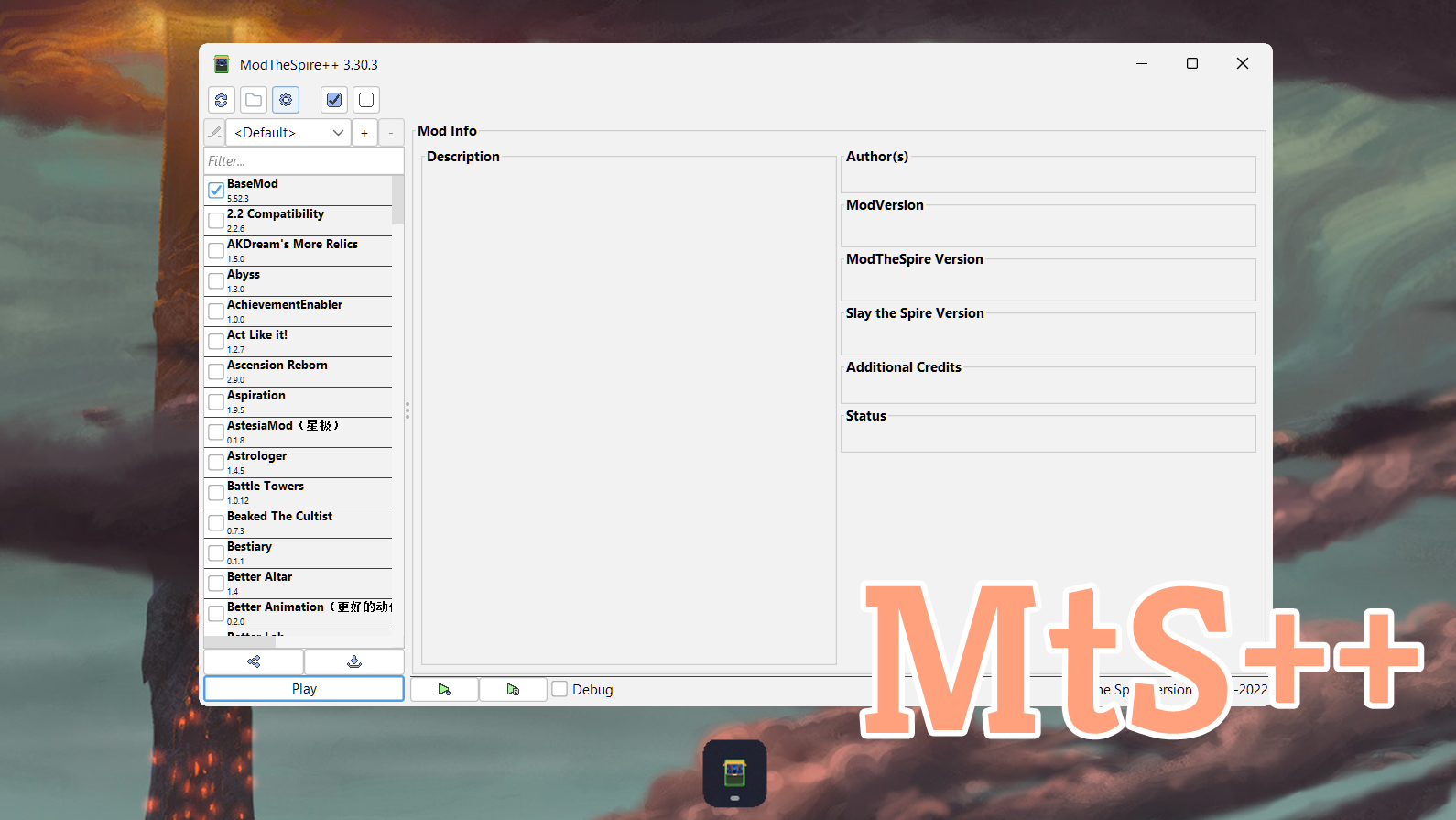
Enhance Your Slay the Spire Modding Experience with Mod the Spire++
Are you looking to streamline your Slay the Spire modding workflow? Mod the Spire++ offers a suite of powerful improvements and new features designed to elevate your experience with the Mod Launcher. This custom update focuses on making mod management more intuitive and user-friendly, all while maintaining compatibility with your favorite mods.
Getting Started with Mod the Spire++
Installing Mod the Spire++ is a straightforward, one-time process. First, ensure you are subscribed to ModTheSpire, BaseMod, and Mod the Spire++ itself. Launch the standard Mod Launcher and select ‘!Mod the Spire Patcher’ along with Basemod from your mod list. Initiate the game launch. Once the game has fully loaded, the modifications will be applied. The next time you open the Mod Launcher, you’ll find all the enhancements seamlessly integrated. This initial setup is only required once, even if you reinstall the mod.
Key Features for an Improved Modding Journey
Mod the Spire++ introduces several highly requested features and quality-of-life improvements:
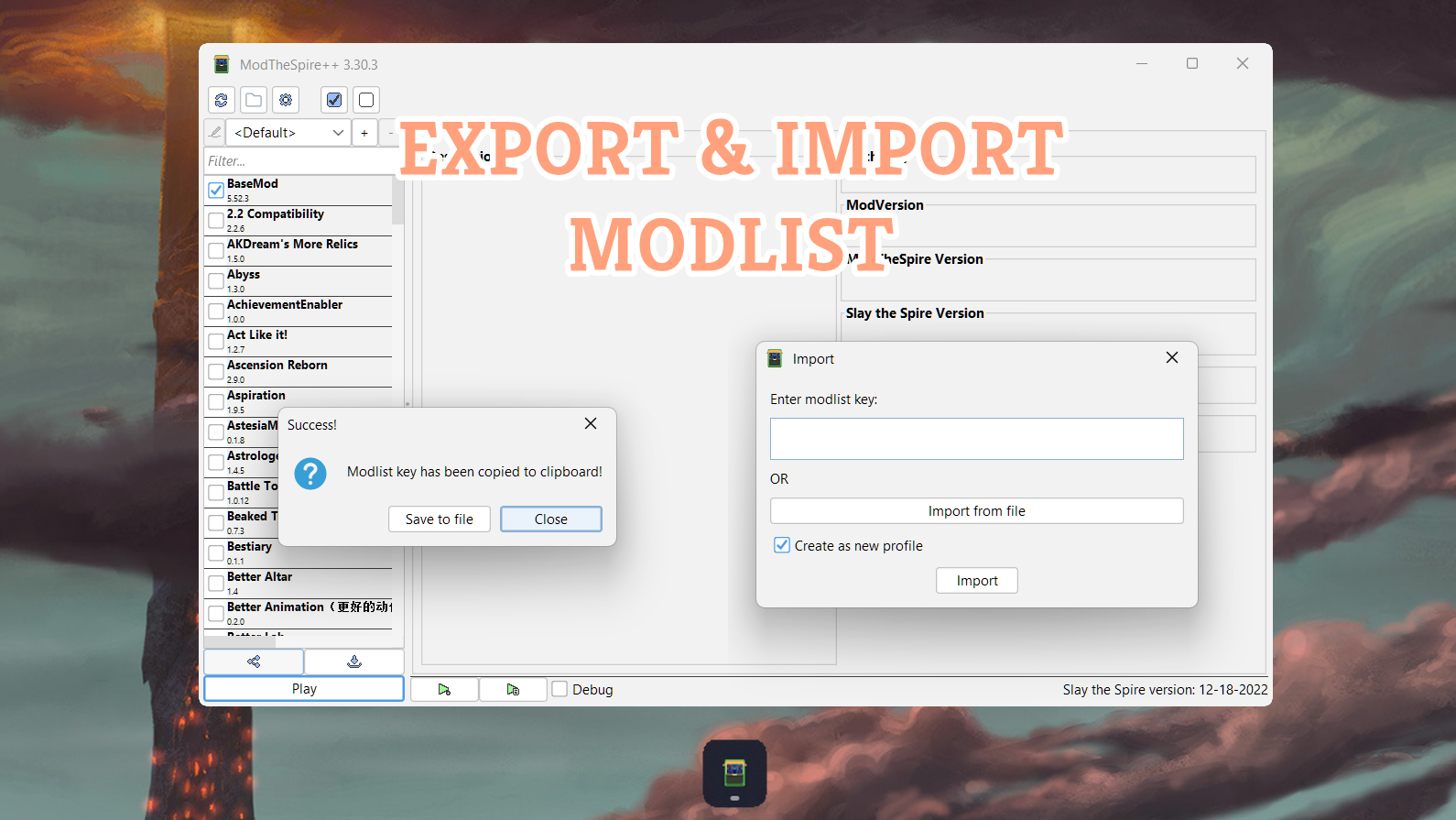
- Mod List Import/Export: Effortlessly share your curated mod lists with friends.
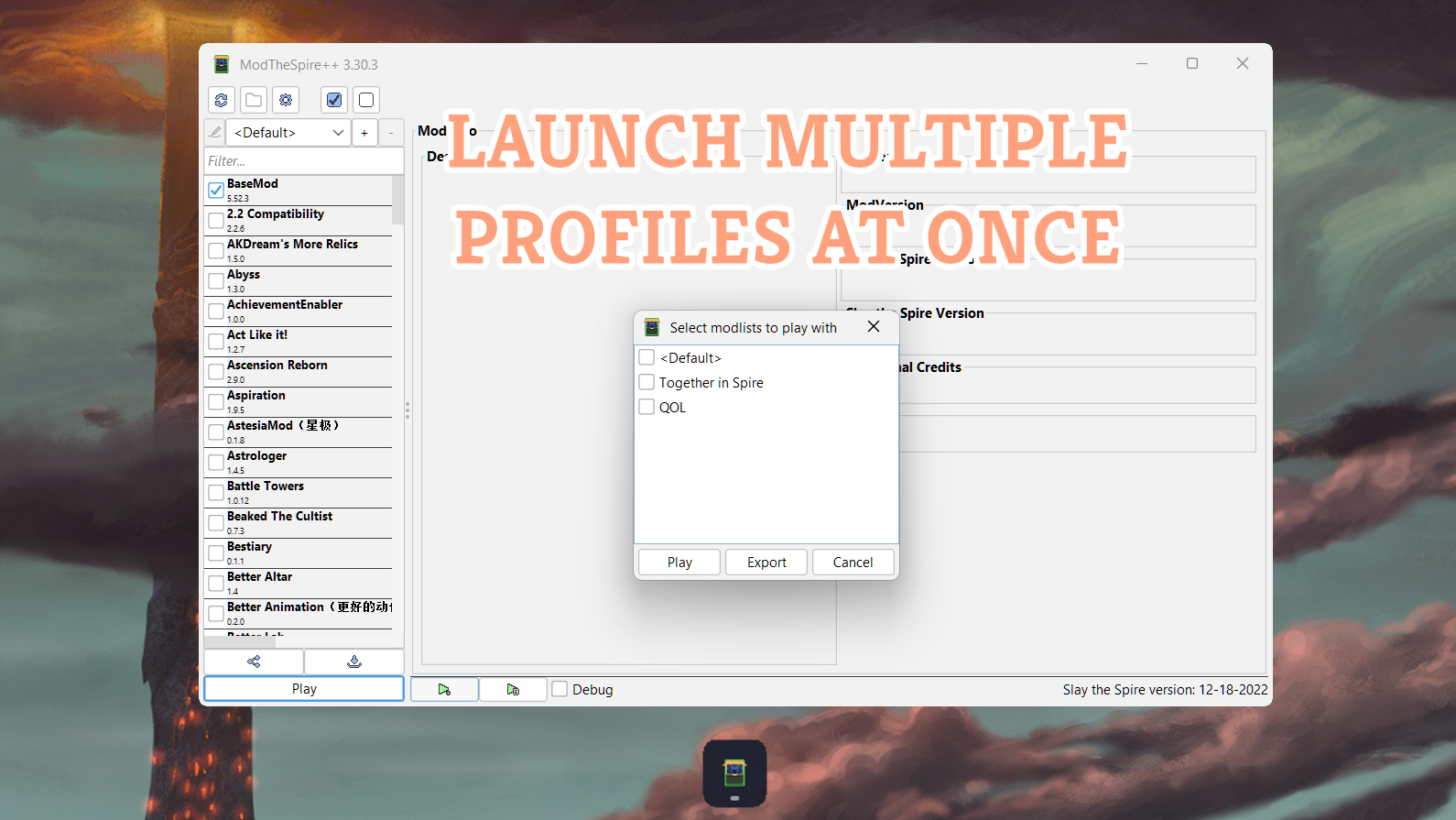
- Profile Multi-launch: Launch multiple modded profiles simultaneously for organized testing or varied playthroughs.
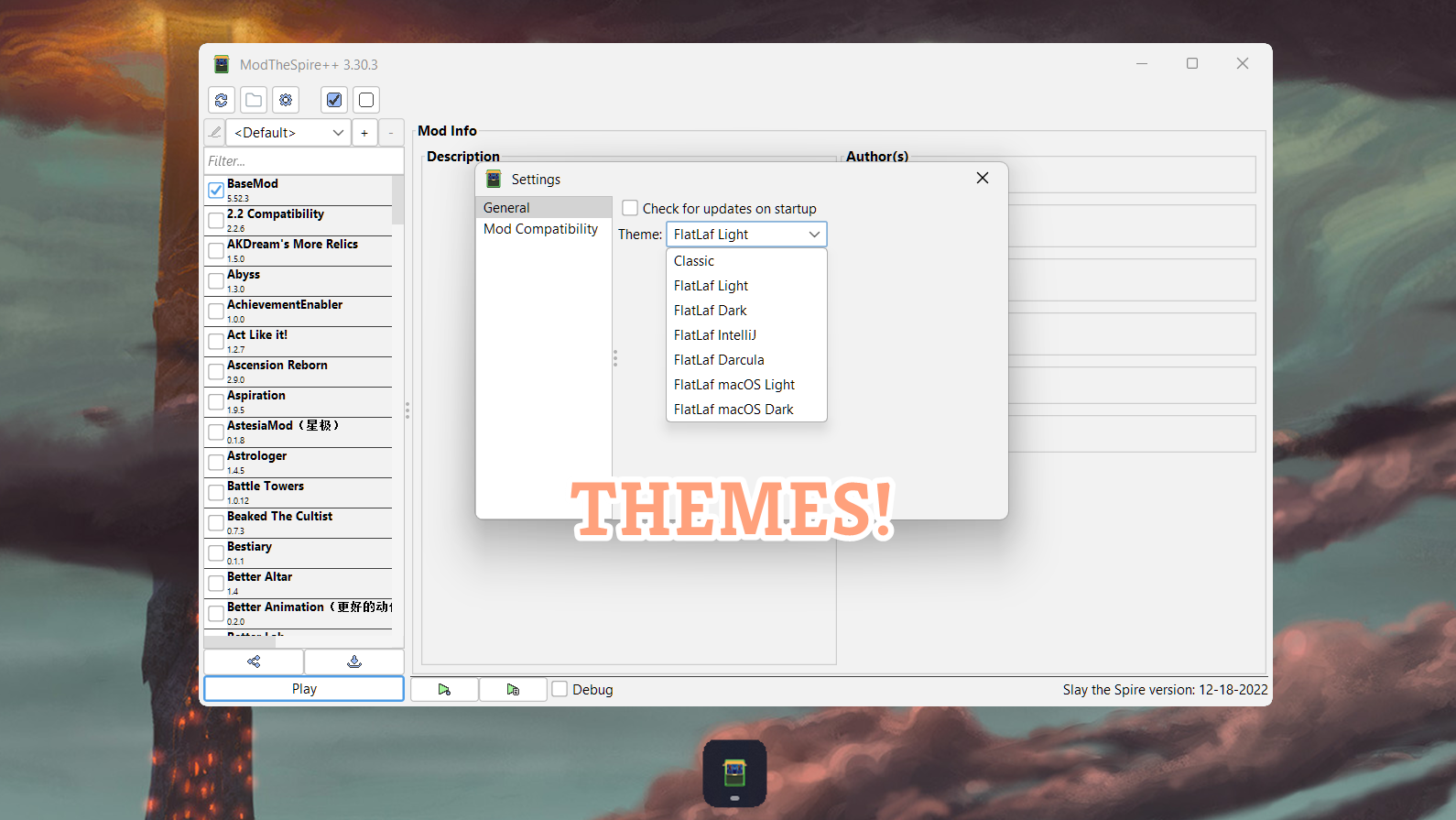
- Theming Options: Personalize the appearance of your Mod Launcher.
- Edit Profile Functionality: Rename your modded profiles for better organization.
- Enhanced Update Checks: The “Check for Updates” button now includes Steam updates, providing a more comprehensive overview of available patches.
- Direct Steam Access: A “Visit on Steam” button offers quick access to the mod’s Steam page.
- Launch Updates: Receive notifications for Mod the Spire updates directly upon launching the application.
- UI Enhancements: Experience a cleaner and more intuitive user interface throughout the launcher.
Uninstalling Mod the Spire++
To revert to the original Mod the Spire experience, simply unsubscribe from Mod the Spire++. If you wish to perform a complete removal of patches, navigate to your game folder, locate the “mtspp_backup” directory, and replace the “mts_launcher.jar” file in your main game folder with the one found in the backup.
Support for Mod Creators
Mod the Spire++ also offers benefits for mod developers. Currently, it allows for linking Discord and Patreon information directly within the mod launcher. Future updates aim to provide mod authors with even more tools to leverage Mod the Spire++ for their creations. Most changes are confined to the launcher itself, minimizing potential compatibility issues with in-game modifications.