
Mod Manager: Server
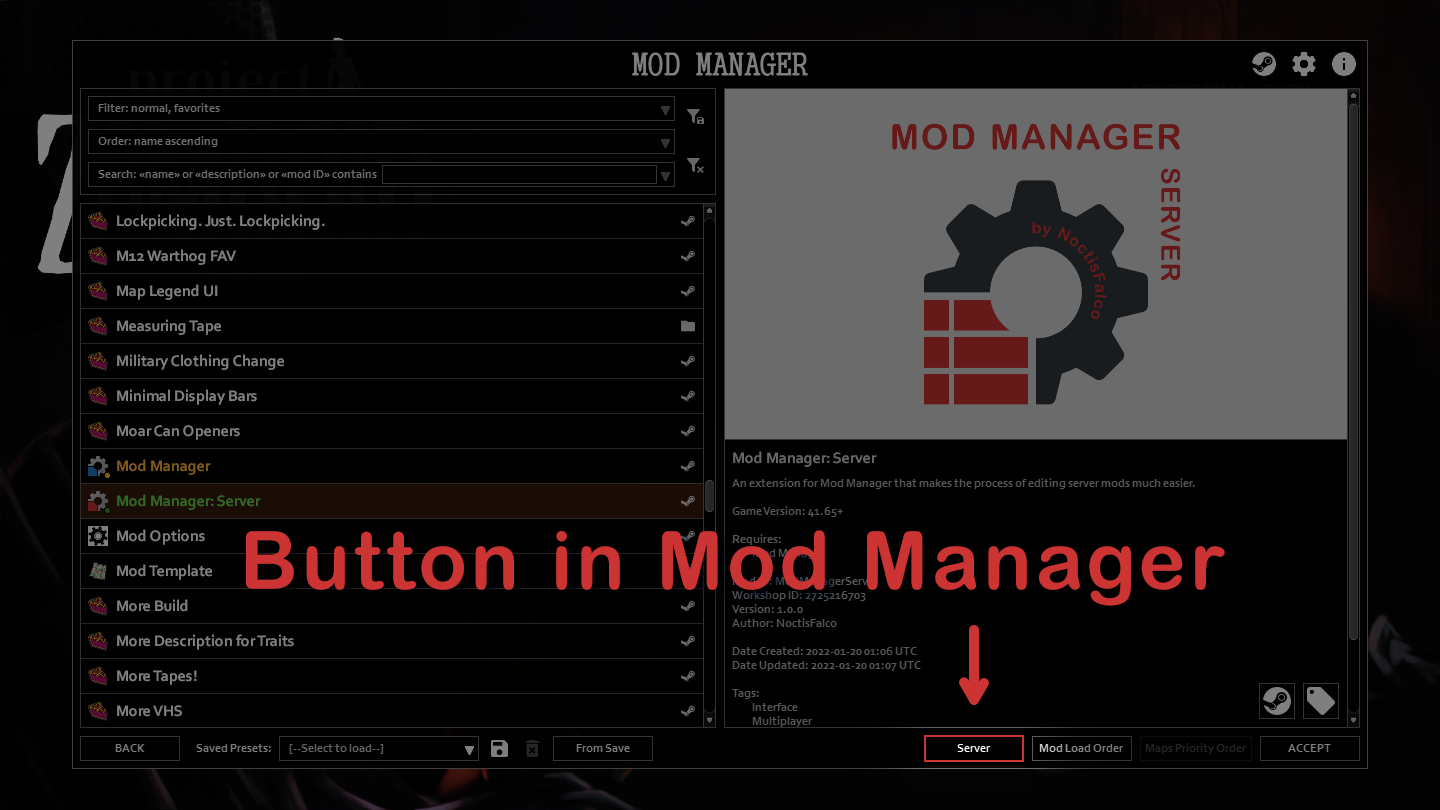
Streamline Your Project Zomboid Server with Mod Manager: Server
Managing mods on your Project Zomboid dedicated server can be a daunting task. Keeping track of required mods, ensuring compatibility, and preventing common errors often leads to frustrating downtime. Fortunately, Mod Manager: Server is here to simplify the process, making it faster and more efficient than ever before to curate your server’s mod list.
Effortless Mod List Management
This powerful extension of the original Mod Manager is specifically designed for server administrators. It provides an intuitive interface to handle your server’s mod configurations with ease. Forget manual editing and potential mistakes; Mod Manager: Server streamlines the entire experience.
Key Features for Server Admins:
- Advanced Filtering, Sorting, and Search: Quickly locate the specific mods you need within your collection.
- Dedicated Server Presets: Save and load distinct mod configurations for different servers or playstyles.
- Keyboard Navigation: Enjoy a fluid and efficient workflow with seamless keyboard controls.
- Prioritized Workshop Mods: The mod intelligently prioritizes mods from your Steam Workshop folder, preventing conflicts and ensuring consistency.
- Clear Visual Indicators: Mods not subscribed to are highlighted in red, allowing you to easily identify and manage them.
Understanding the Interface
Mod Manager: Server presents a clear three-panel layout. The left panel displays all your available mods. The middle panel shows the Workshop IDs listed in your server’s configuration, with tooltips providing additional details. The right panel lists the mod IDs present in your server configuration, also offering helpful tooltips.
Saving changes is a straightforward process, but remember that these actions cannot be undone unless you explicitly save them. Navigating away or selecting a different server config without saving will discard any modifications.
Important Considerations
It’s crucial to note that Mod Manager: Server does not alter the maps or spawn regions used by your server. Any changes to these elements, particularly when adding or removing mods that introduce new maps or spawn points, must be handled manually within the vanilla server settings or by directly editing the server’s configuration files.
This mod is an essential tool for anyone looking to maintain a stable and well-configured Project Zomboid server. By simplifying the complexities of mod management, it allows you to spend more time surviving the apocalypse and less time troubleshooting your server setup.