
Mod Checker
Project Zomboid Mod Checker: Identify and Resolve Mod Conflicts
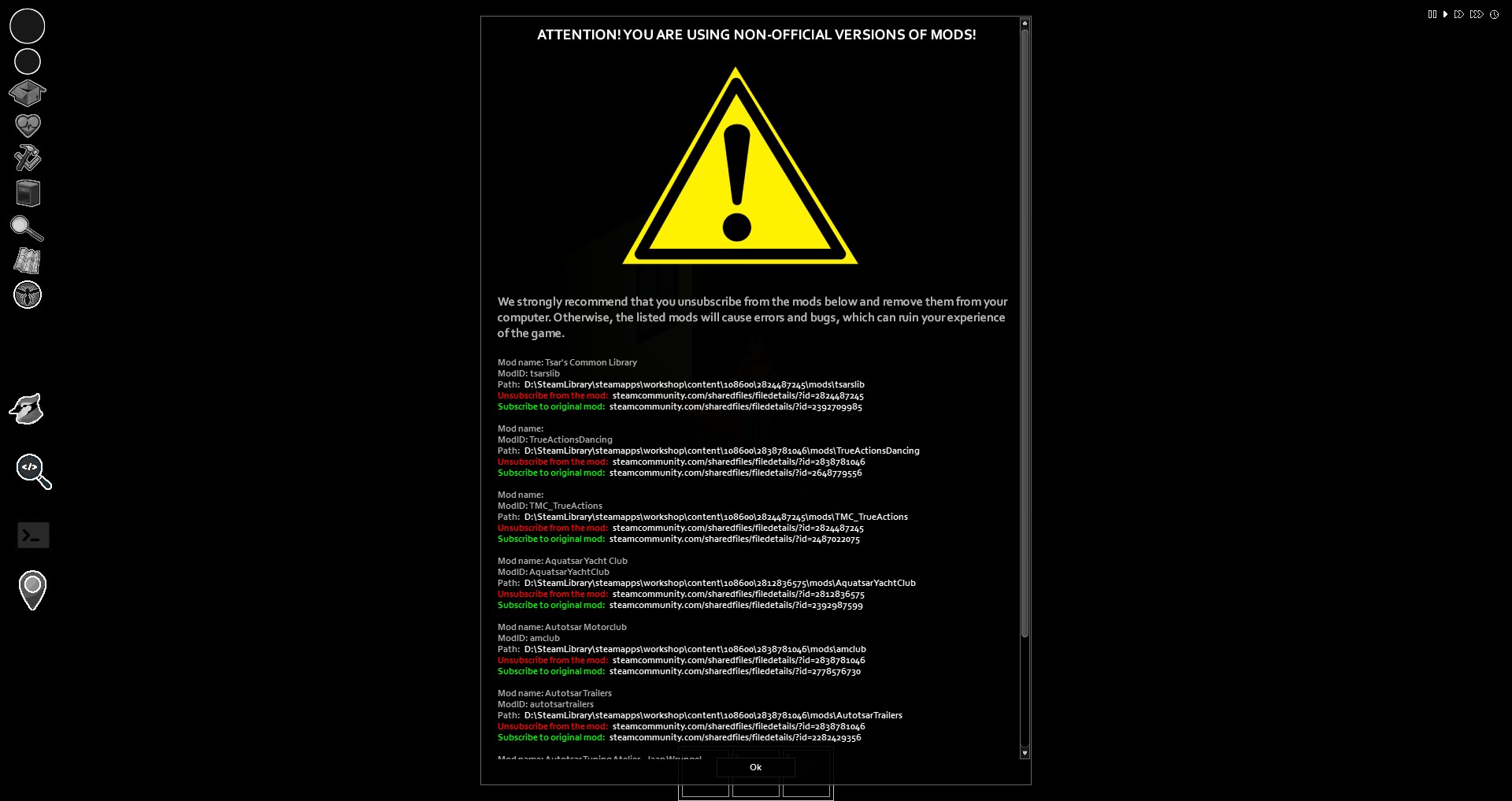
Navigating the complex world of Project Zomboid mods can sometimes lead to frustrating issues. Have you ever encountered cryptic error messages hinting at missing files or version mismatches? If comments like “File doesn’t exist on the client” or “File doesn’t exist on the server” sound familiar, then the Mod Checker mod is precisely what you need.
What is the Mod Checker?
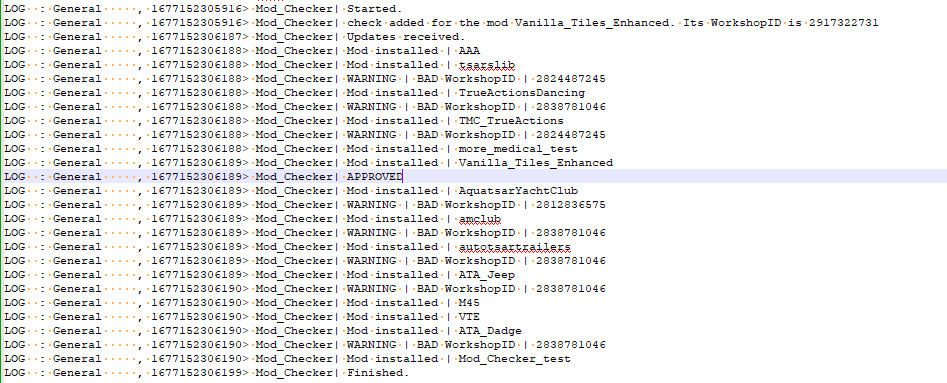
This indispensable utility is designed to streamline the process of identifying and resolving common mod conflicts. It works by cross-referencing the unique ModID of installed mods with their corresponding WorkshopIDs. This allows the mod to detect instances where a mod might have been included in a modpack or a different version is being used instead of the original release.
Key Features and Benefits:
- Conflict Detection: Automatically scans your mods for inconsistencies between ModIDs and WorkshopIDs.
- Clear Reporting: Provides a clear list of mods that may be causing issues due to incorrect versions or sources.
- Enhanced Stability: Helps prevent crashes and unexpected behavior by highlighting potential mod conflicts before they impact your gameplay.
- Simplified Troubleshooting: Offers a straightforward way to pinpoint the source of mod-related problems, saving you valuable time.
How to Integrate Mod Checker with Your Mods
Adding the Mod Checker’s validation capabilities to your own custom mods is a straightforward process, offering two main options:
Option 1: Direct Lua Integration
For most mod creators, the simplest method is to add a few lines of Lua code to any existing client-side Lua file within your mod’s directory. You’ll need to specify your mod’s unique ModID and its corresponding WorkshopID.
Here’s a code example:
CheckMyModTable = CheckMyModTable or {}
--                ModID        WorkshoID
CheckMyModTable["yourModId"] = 111111111;
Option 2: Repository Contribution (for large mods)
If your mod has achieved significant popularity (over 50,000 subscribers), you can contribute directly to the project. By forking the official Mod Checker repository on GitHub, making the necessary changes to the “mods.lua” file, and submitting a pull request, you can ensure your mod is seamlessly integrated.
The Mod Checker mod is an essential tool for any dedicated Project Zomboid player who enjoys enhancing their game with community-created content. By proactively identifying and flagging potential conflicts, it ensures a smoother, more enjoyable, and stable gameplay experience.