
Raytraced Black Holes
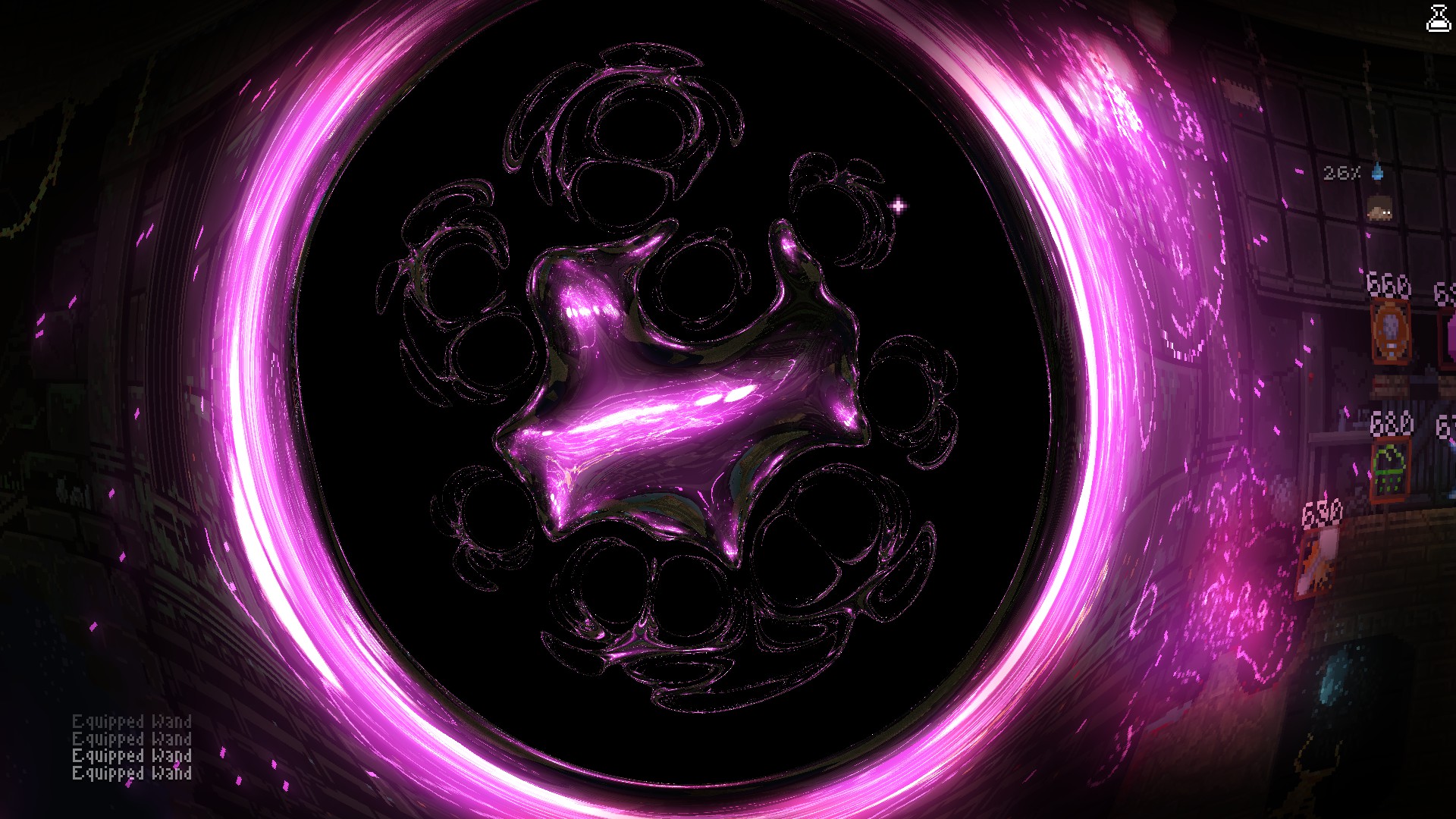
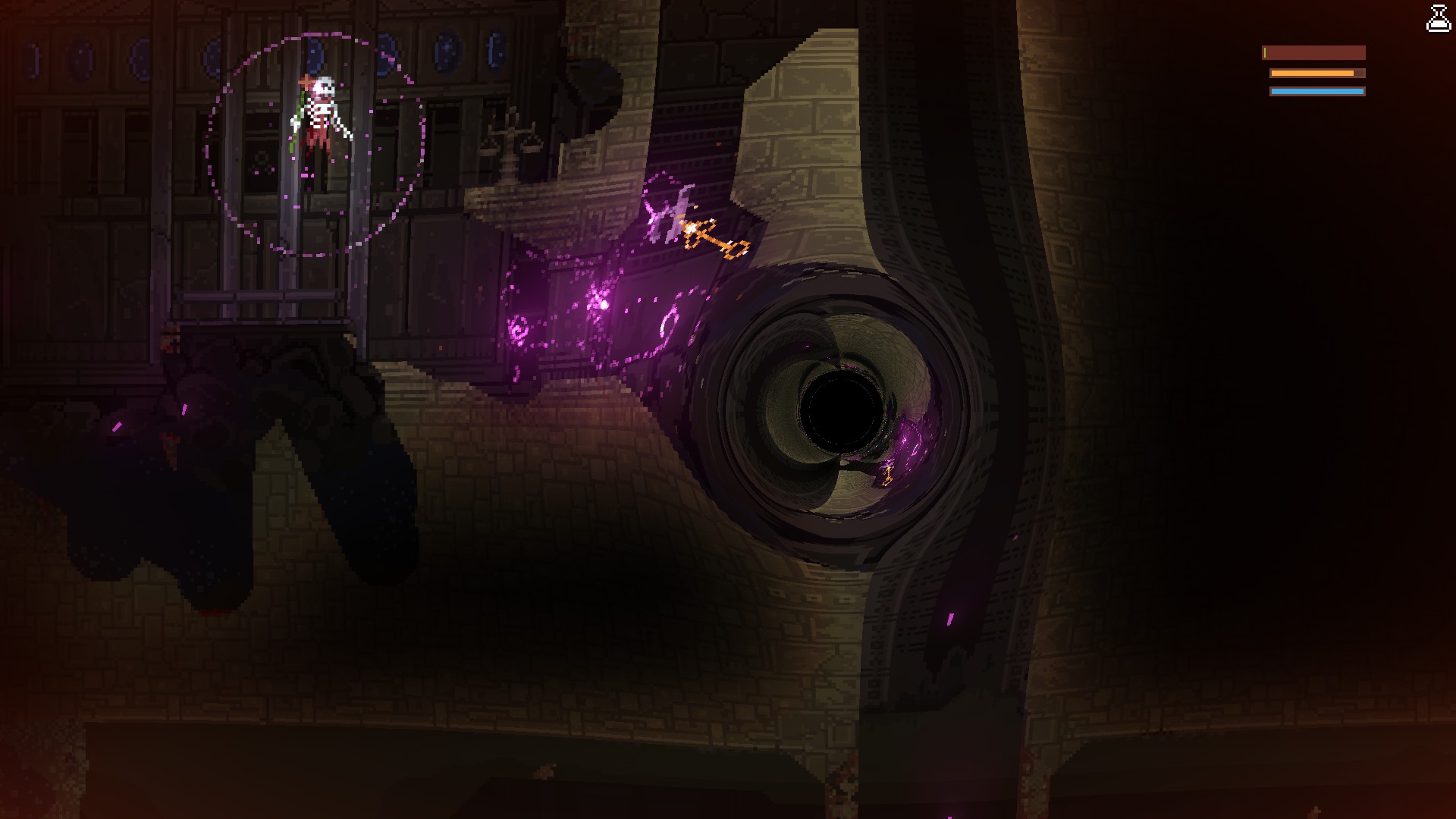
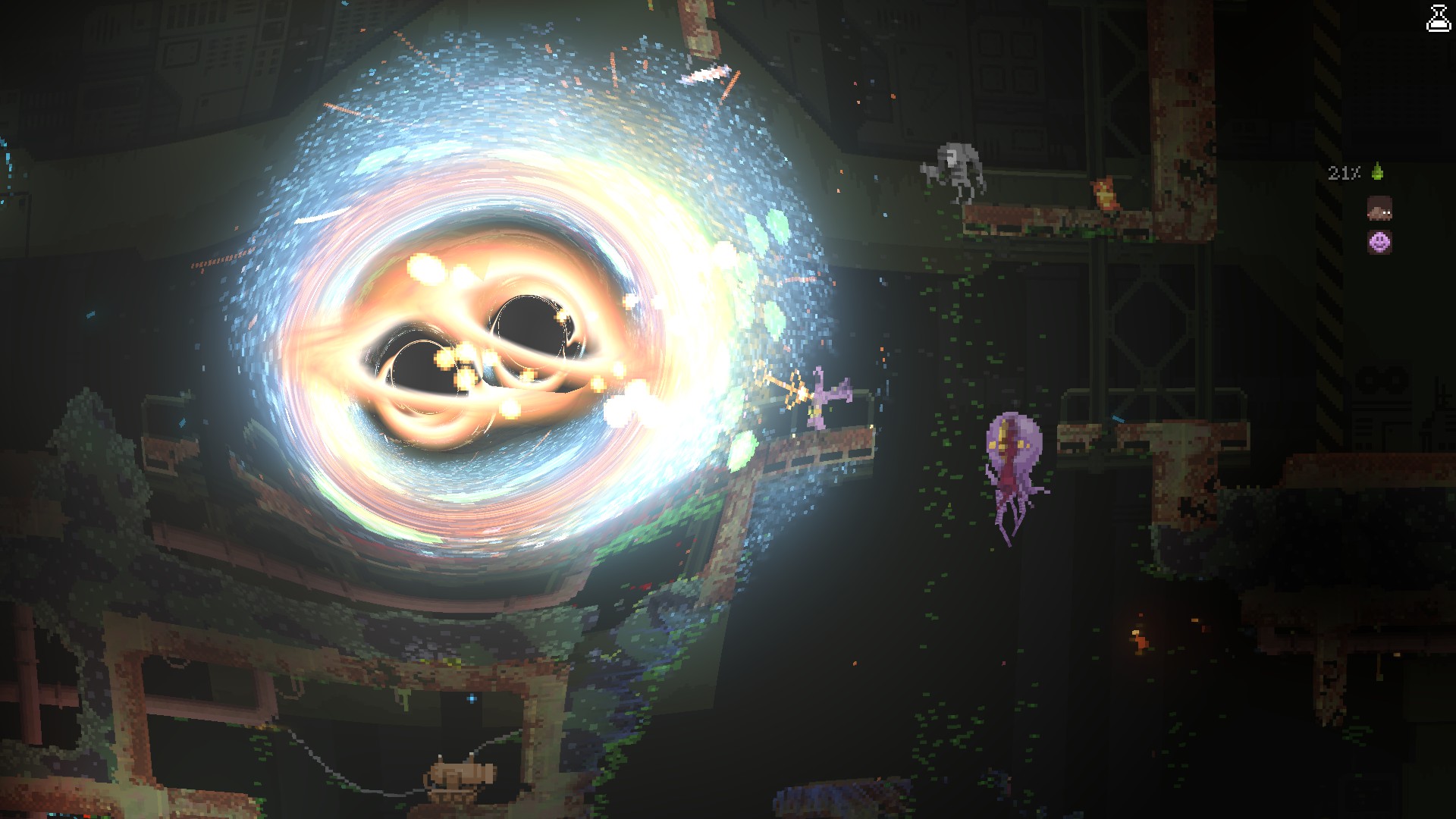
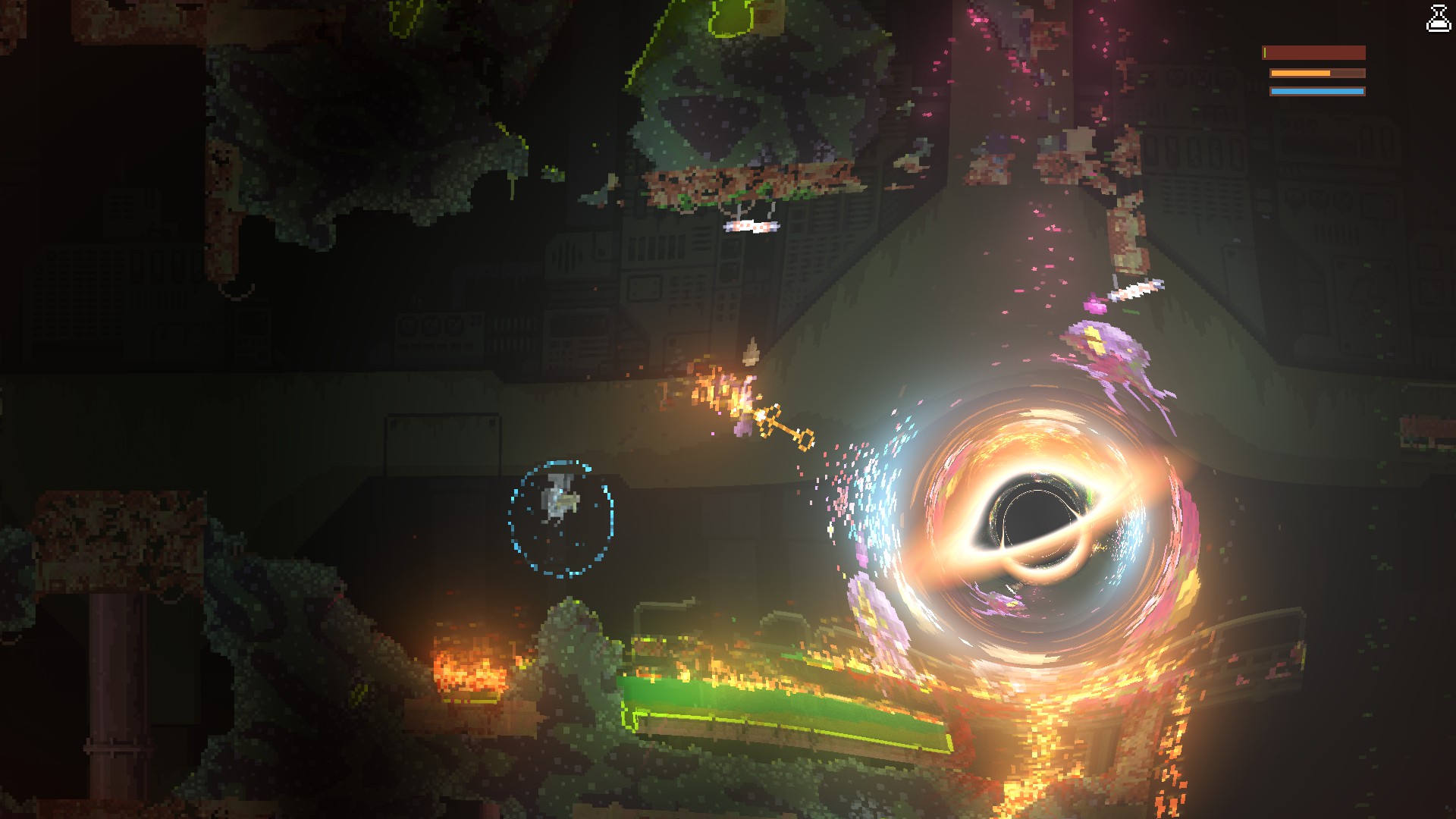
Raytraced Black Holes: A Visual Overhaul for Noita
Experience the Cosmic Dance
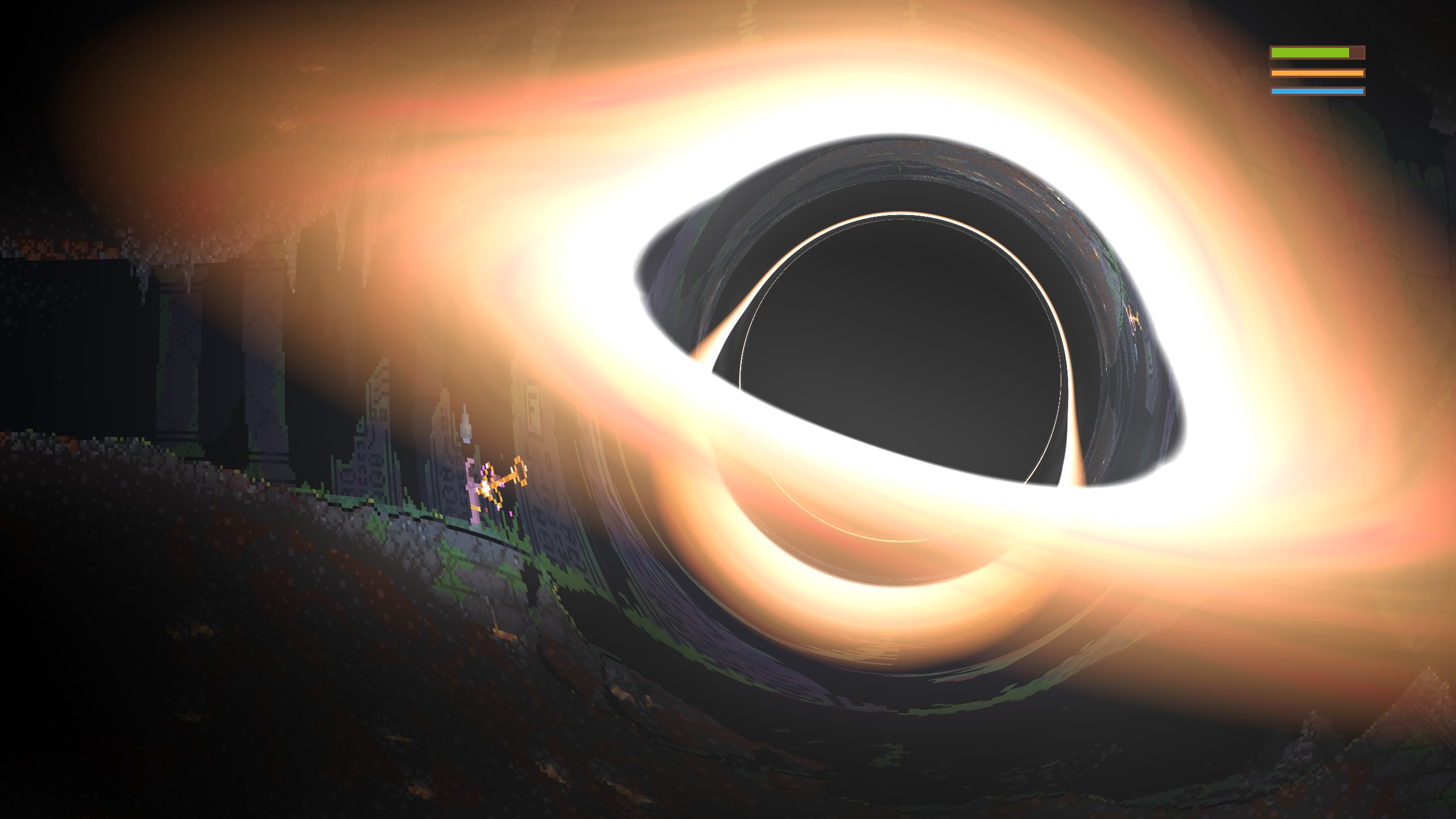
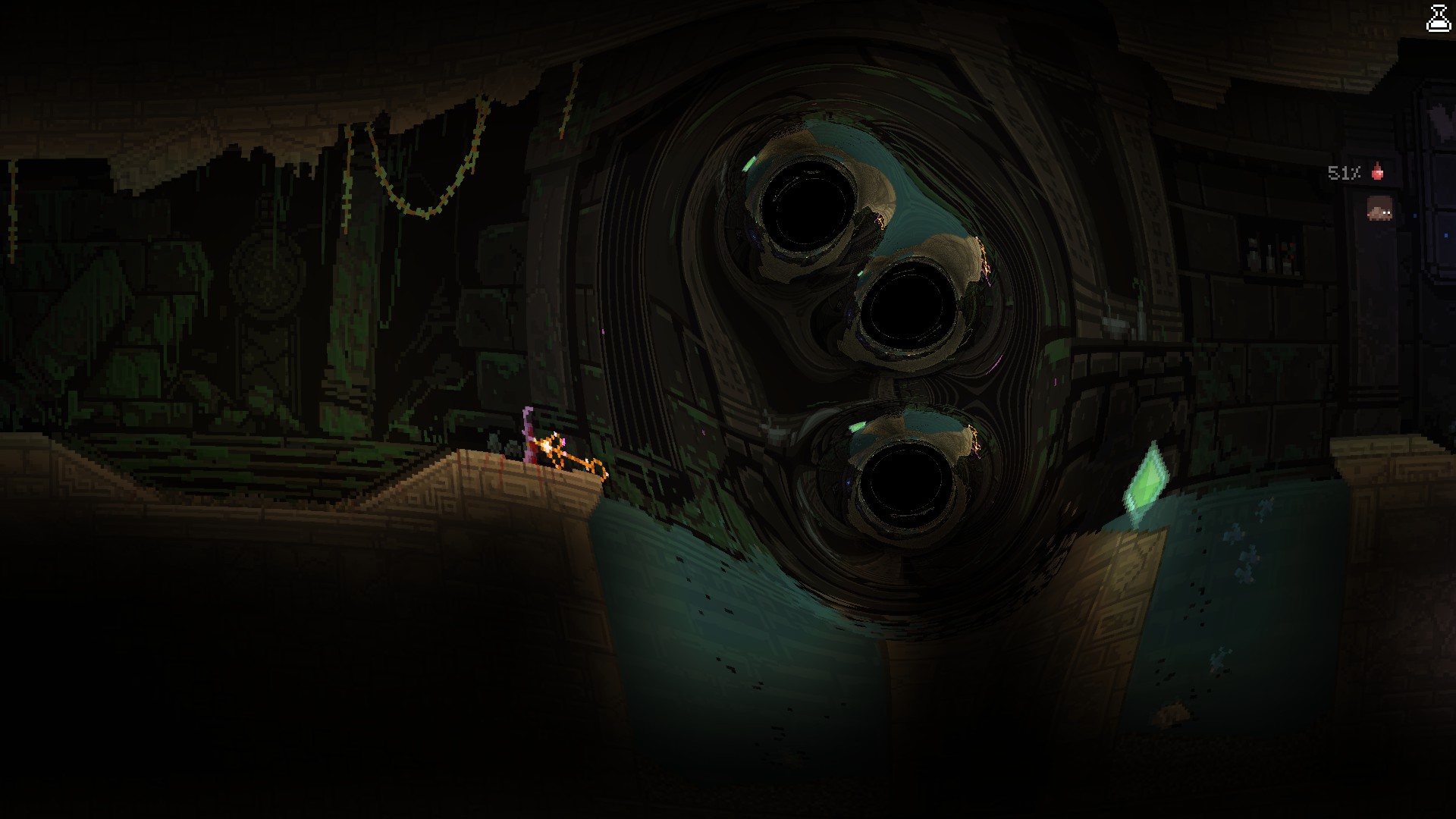
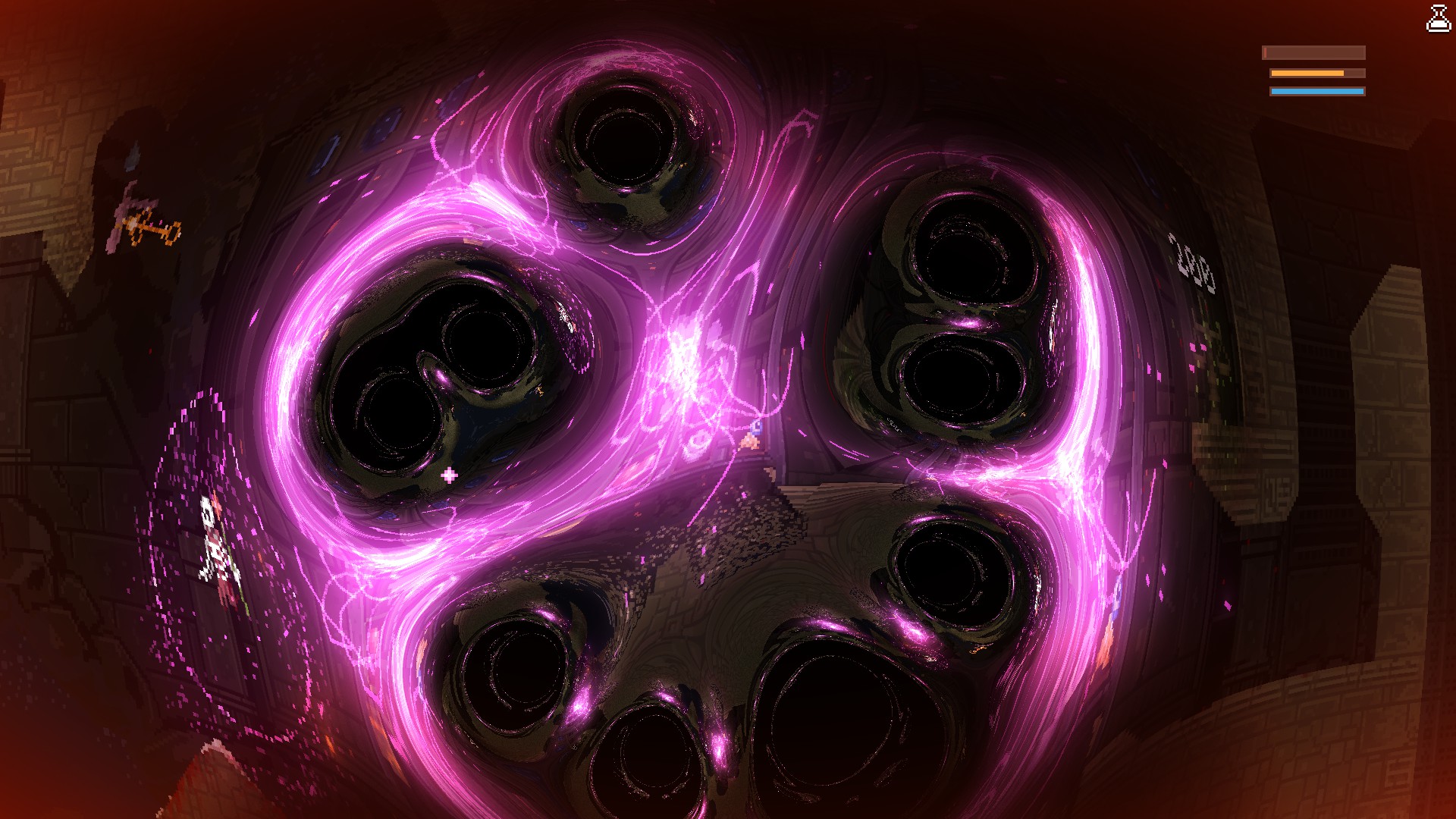
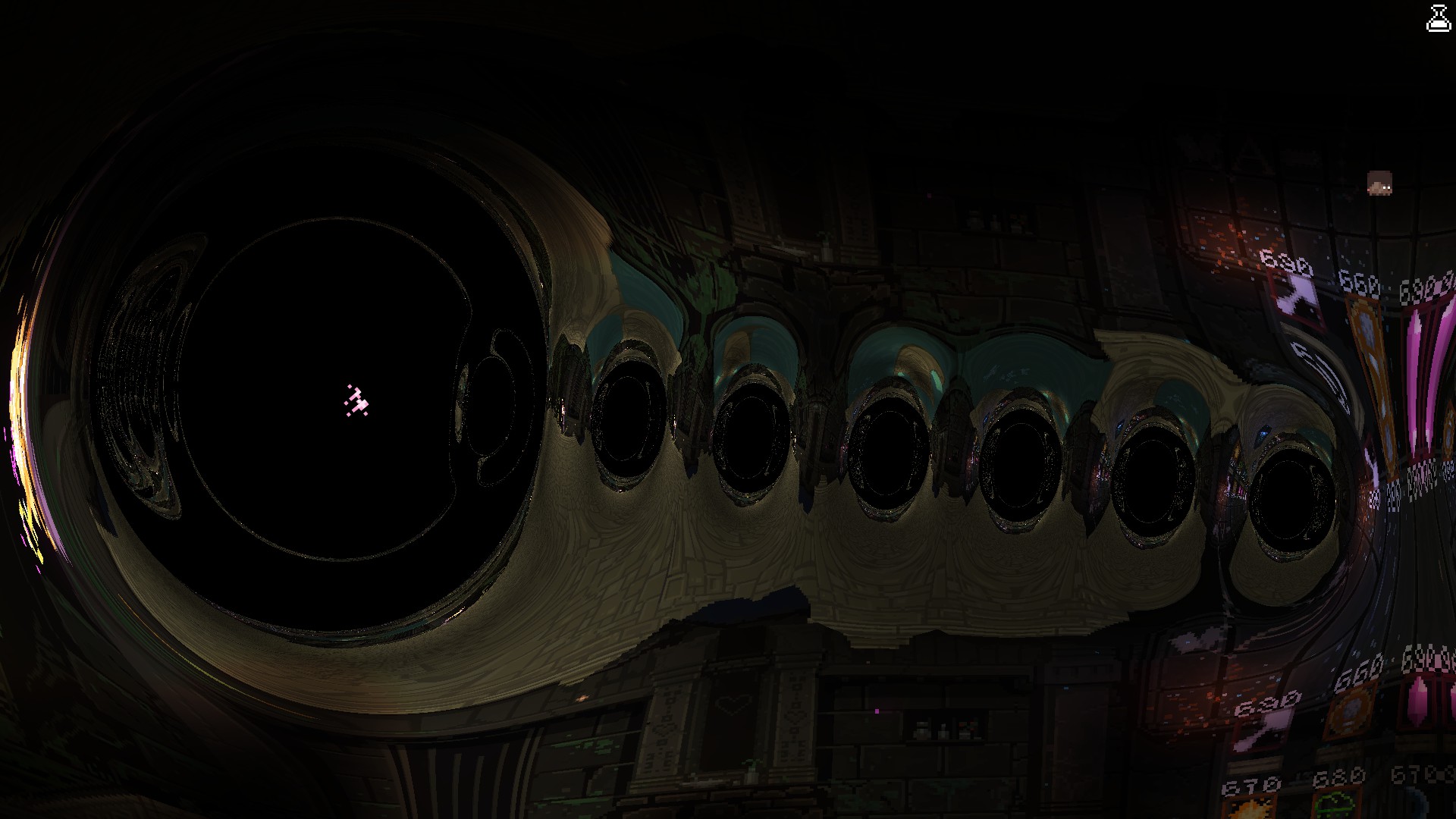
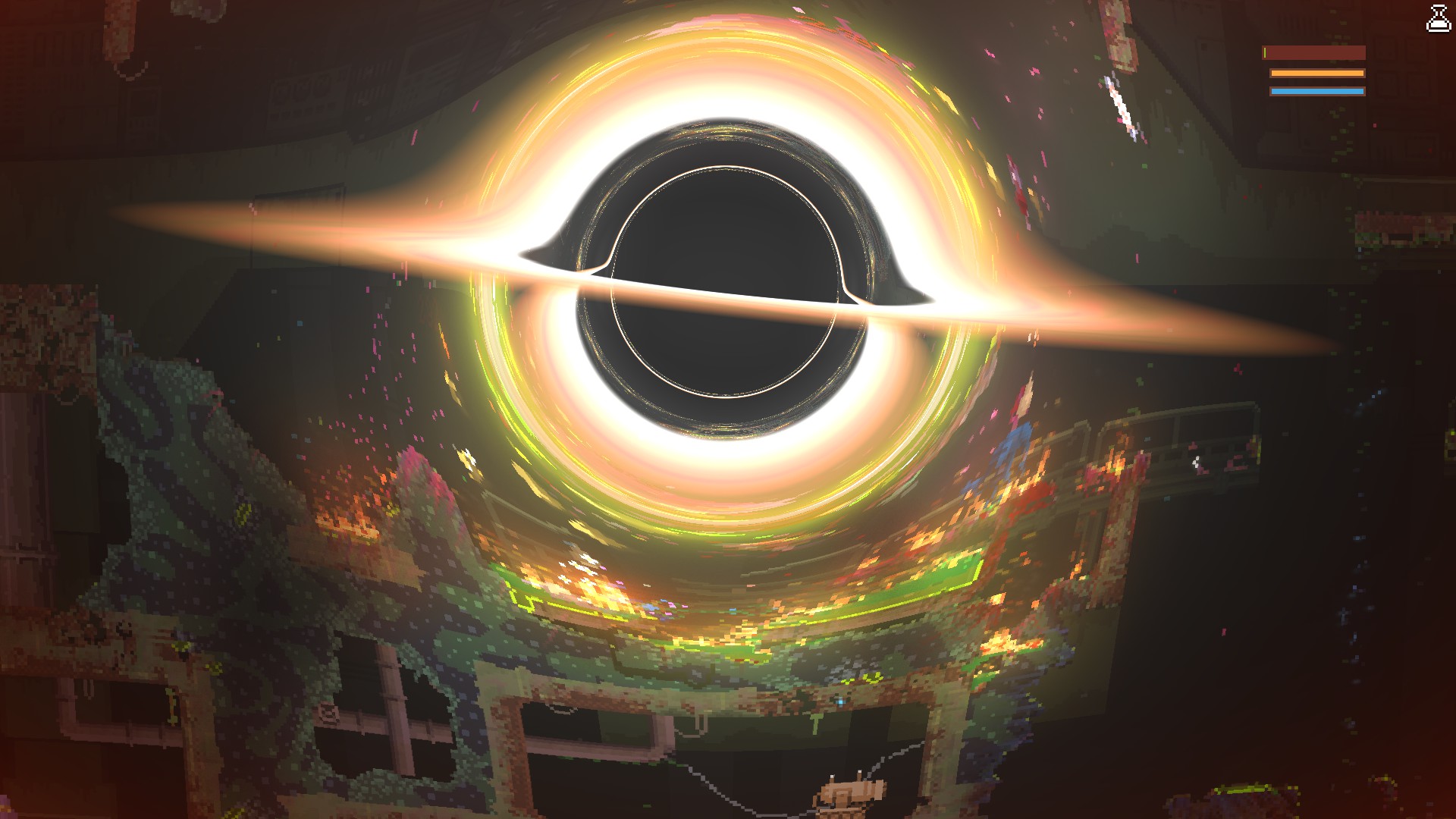
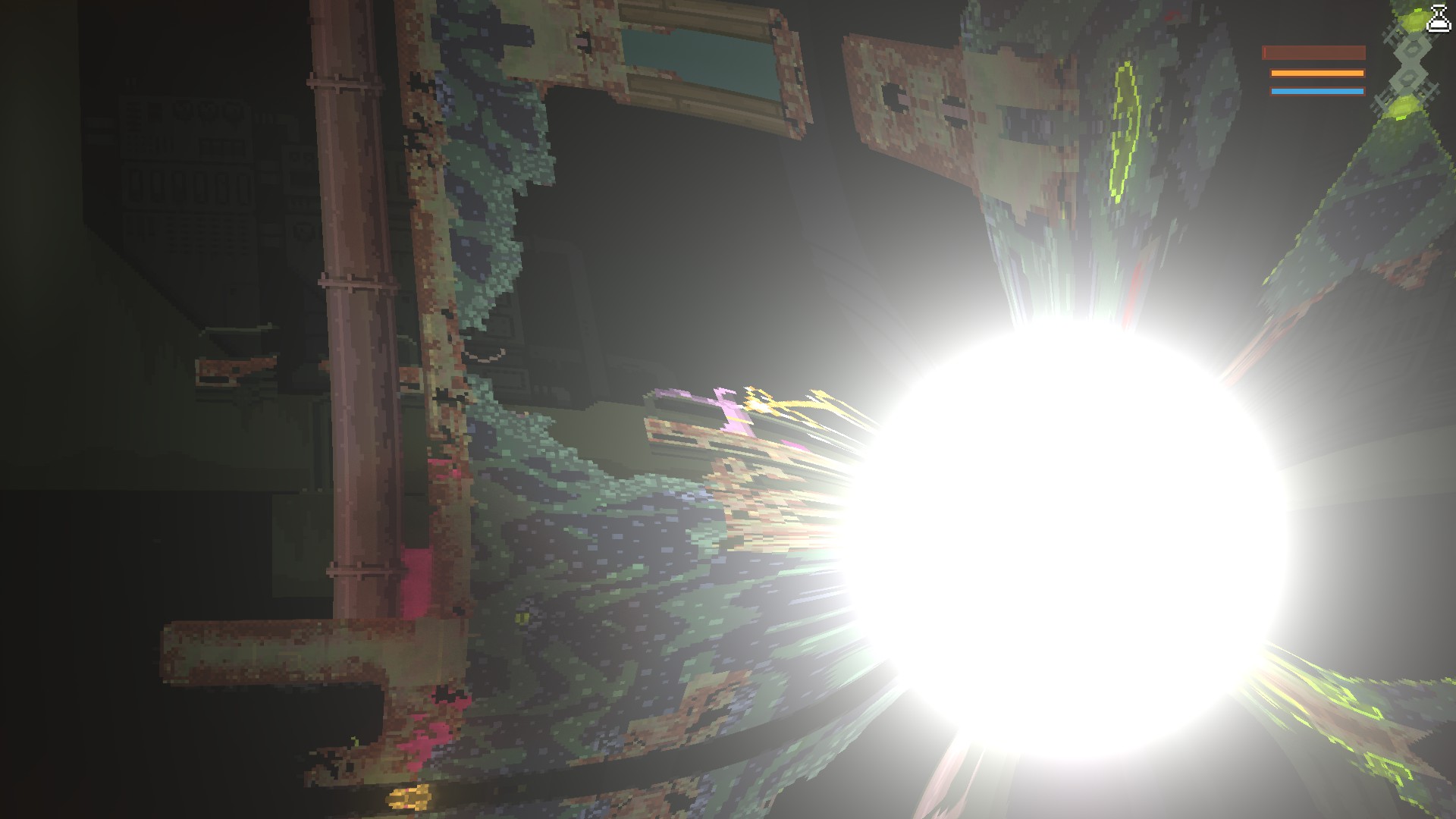
Prepare to witness the raw power of Noita’s most enigmatic entities like never before. The Raytraced Black Holes mod injects a stunning visual upgrade into these gravitational phenomena, transforming them into mesmerizing spectacles of cosmic energy. Gone are the days of simple, static representations; now, black and white holes pulsate with dynamic, raytraced effects and captivating accretion disks.
Performance and Customization
This mod significantly enhances the visual fidelity of black and white holes, but this comes at a cost to your GPU. To ensure a smooth experience tailored to your hardware, the mod includes a dedicated performance settings menu. Within this menu, you can fine-tune various parameters to achieve optimal framerates. For those unsure where to start, a convenient benchmark option is available to automatically configure the settings that best suit your system.
The mod creators have implemented a default limit of 16 black holes active simultaneously to prevent performance issues on less powerful systems. However, this limit is fully adjustable in the advanced settings menu for those seeking to push their hardware or simply enjoy the chaos of more gravitational anomalies.
Installation and Compatibility
Upon first launching Noita with this mod installed, the game will need a moment to compile the new shaders. This is a one-time process, after which you can dive straight into the enhanced visuals.
It’s important to note that this mod may exhibit compatibility issues with other mods that modify Noita’s shader files. If you encounter any problems with the visual effects not displaying correctly, try moving the Raytraced Black Holes mod to the bottom of your mod load order. This ensures it has priority and can correctly apply its unique graphical enhancements.
Key Features:
- Adds stunning raytraced effects to black and white holes.
- Introduces dynamic accretion disks around gravitational anomalies.
- Includes a performance settings menu for GPU optimization.
- Features a benchmark option for automatic performance tuning.
- Allows adjustment of the maximum active black hole count.