
HD Noita
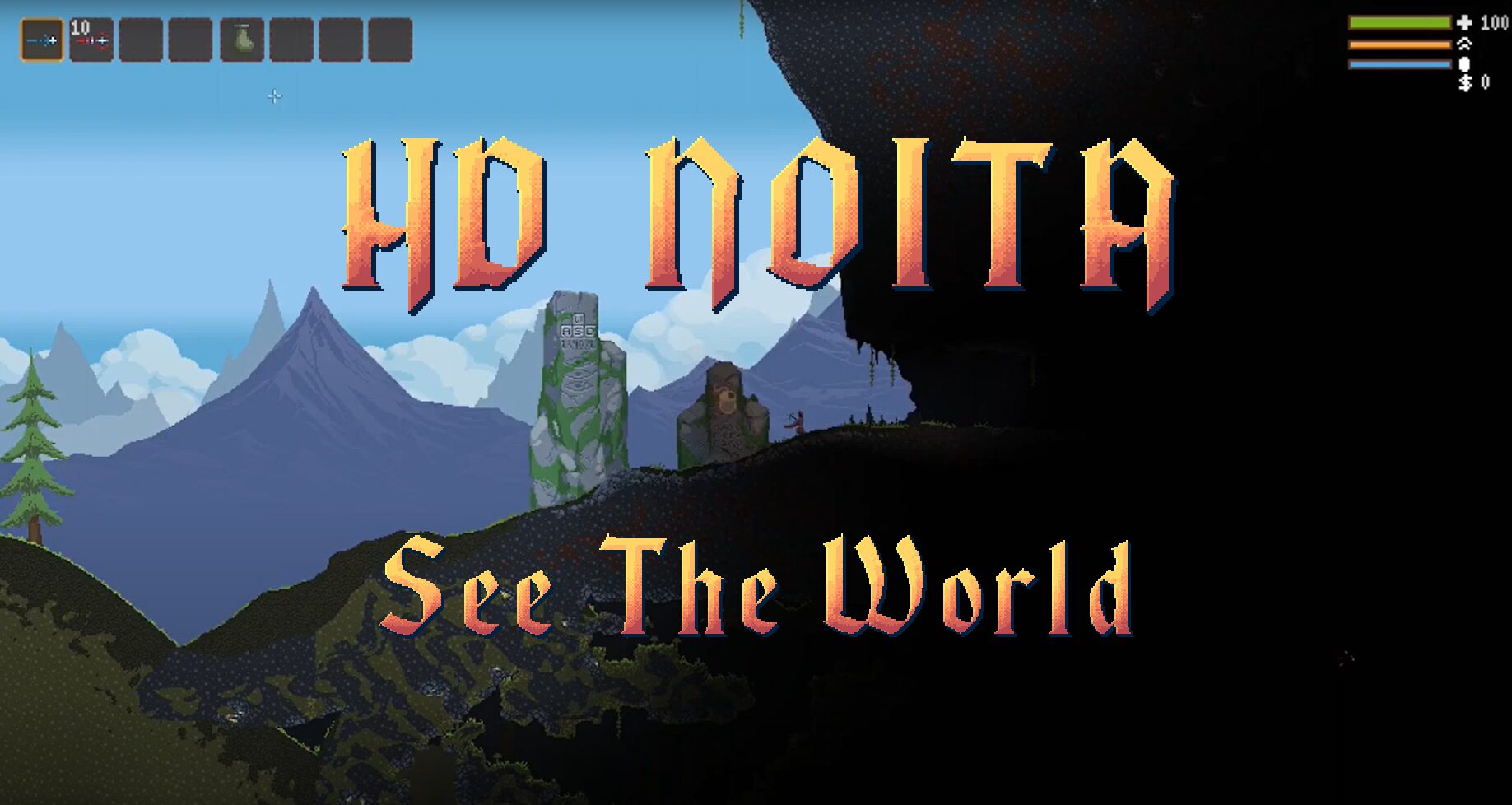
HD Noita: Expand Your View of the Caves
Delve deeper into the treacherous caverns of Noita with HD Noita, a visual-only mod designed to grant you an unprecedented perspective. This modification focuses on enhancing your situational awareness by adjusting the game’s zoom level, allowing you to survey a much larger portion of the environment at any given moment.
A Wider Horizon
The core of HD Noita lies in its ability to zoom out the game’s perspective. By default, the mod offers a 2.5x zoom-out, significantly increasing the visible play area. This expanded view is crucial for anticipating enemy movements, identifying environmental hazards, and planning your next move with greater foresight. No longer will you be caught off guard by threats lurking just off-screen.
Customizable Vision
HD Noita understands that player preferences vary. While the default zoom offers a substantial increase in view, you can fine-tune the zoom level to your exact liking. The mod supports values ranging from a subtle 1.1x zoom to the maximum 2.5x. For those seeking a more extreme experience, humorous “joke” settings are also included, such as an extreme 8x zoom that challenges the very definition of playability, or an inward zoom that focuses on Mina with an almost microscopic detail.
Key Features:
- Significantly increases the visible game area through zoom-out functionality.
- Adjustable zoom levels allow for personalized visual settings.
- Maintains the integrity of Noita’s simulation, with no changes to gameplay mechanics.
- Includes experimental “joke” zoom settings for novelty.
- Minor shader adjustments for optimal performance at higher resolutions.
Performance Considerations
Rest assured, HD Noita is designed with performance in mind. The mod does not alter any of Noita’s core simulation processes. Instead, it primarily expands the on-screen area. This means that while more terrain is visible, the underlying simulation remains unchanged. Some users may notice a slight performance impact due to the increased rendering demands, particularly on less powerful systems. To mitigate this, players might consider reducing the amount of cosmetic particles in the game’s graphics settings, which can often provide a performance boost.