
English Enemy Names
Enhance Your Noita Experience with English Enemy Names
Dive deeper into the treacherous depths of Noita with a simple yet impactful modification that brings clarity to the chaos. The “English Enemy Names” mod is designed to demystify the arcane language of your foes, magical artifacts, and mysterious occurrences, offering a more accessible and engaging journey through the procedurally generated world.
Unlocking the Meaning Behind the Mayhem
Noita is renowned for its challenging gameplay and unique, often inscrutable, terminology. While the Finnish names contribute to the game’s distinct atmosphere, they can sometimes obscure the player’s understanding of what they are facing or interacting with. This mod bridges that gap, translating a variety of in-game elements into clear and concise English.
Key Features of the English Enemy Names Mod:
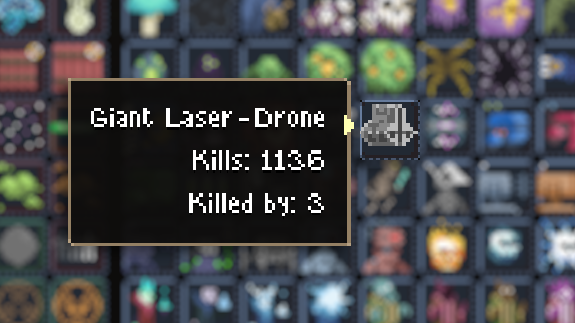
- Enemy Identification: Know precisely what monstrous entity stands between you and survival with easily understandable enemy names.
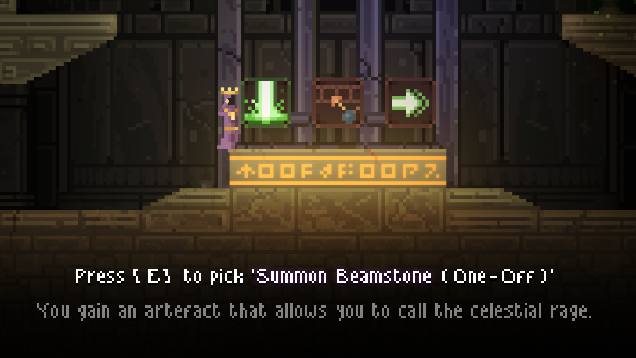
- Item and Spell Clarity: Understand the function and potential of every item, spell, and perk at a glance, allowing for more strategic decision-making.
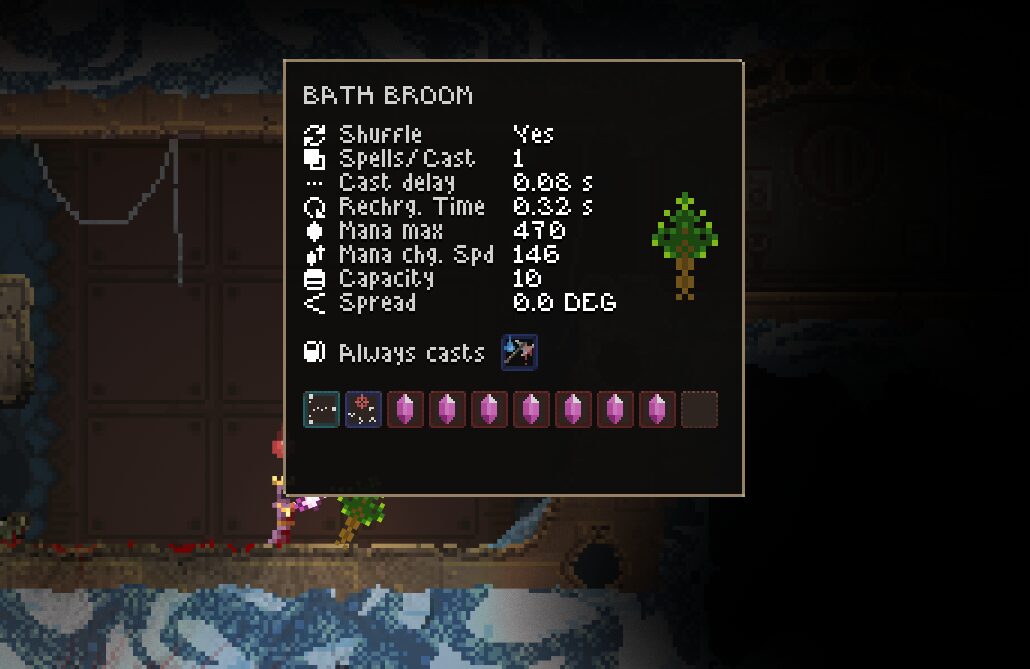
- Wand Nomenclature: Decipher the unique properties of powerful wands with English designations that hint at their capabilities.
- Event Comprehension: Grasp the nature of in-game events, including those integrated with Twitch, without a language barrier.
Seamless Integration and Gameplay Integrity
One of the significant advantages of this modification is its non-intrusive nature. The “English Enemy Names” mod focuses solely on language and does not alter any gameplay mechanics, enemy behaviors, or game balance. This means you can enjoy the full, intended Noita experience while benefiting from the added clarity. Furthermore, the game will still recognize your session as “Vanilla,” ensuring compatibility with any other mods you might be using that adhere to similar restrictions.
How to Activate the Translation
Integrating this mod into your Noita playthrough is straightforward:
- Launch Noita and navigate to the in-game Options menu.
- Select the General tab.
- Locate the Miscellaneous section and find the Language setting.
- Right-click on the current language setting until “English [Translated Names]” appears.
- Exit the menu to apply the changes.
By making this simple adjustment, you can transform your understanding of Noita’s world, making every exploration, combat encounter, and discovery more immediate and satisfying.