
Terraformer + Builder
Master Your World: Introducing the Terraformer + Builder Mod
Tired of tedious manual labor when shaping your Necesse world? Say goodbye to endless clicking and hello to effortless construction with the Terraformer + Builder mod! This powerful toolset is meticulously designed to streamline the most time-consuming aspects of building and landscaping, allowing you to focus on the creative fun of designing your dream base.
Unleash Your Inner Architect with the Terraformer
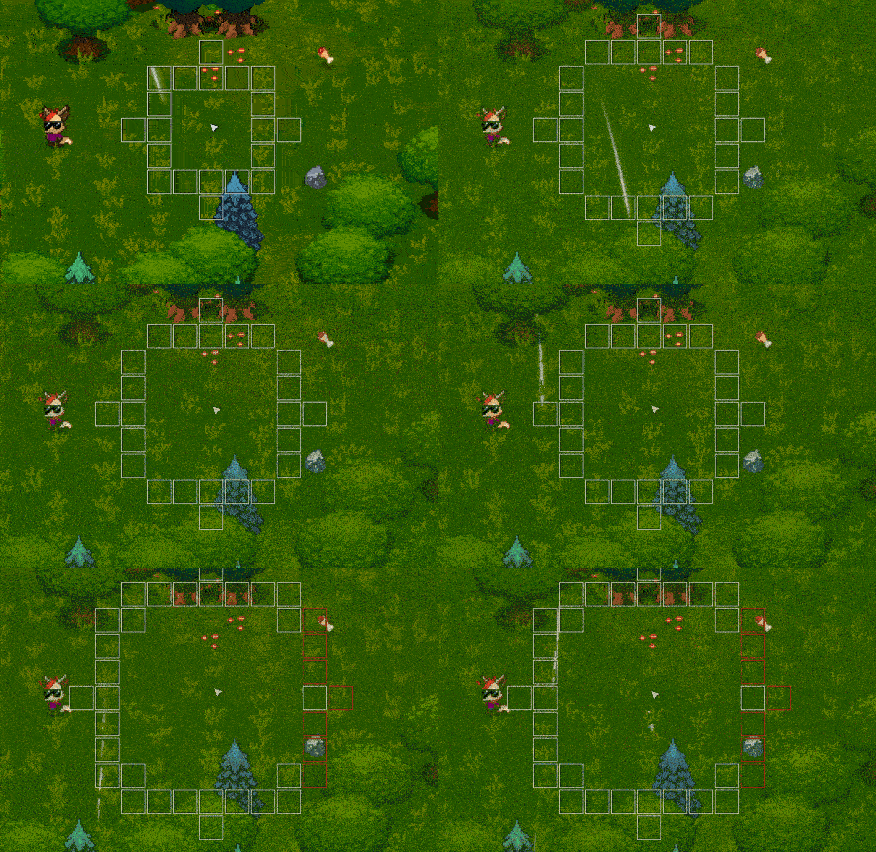
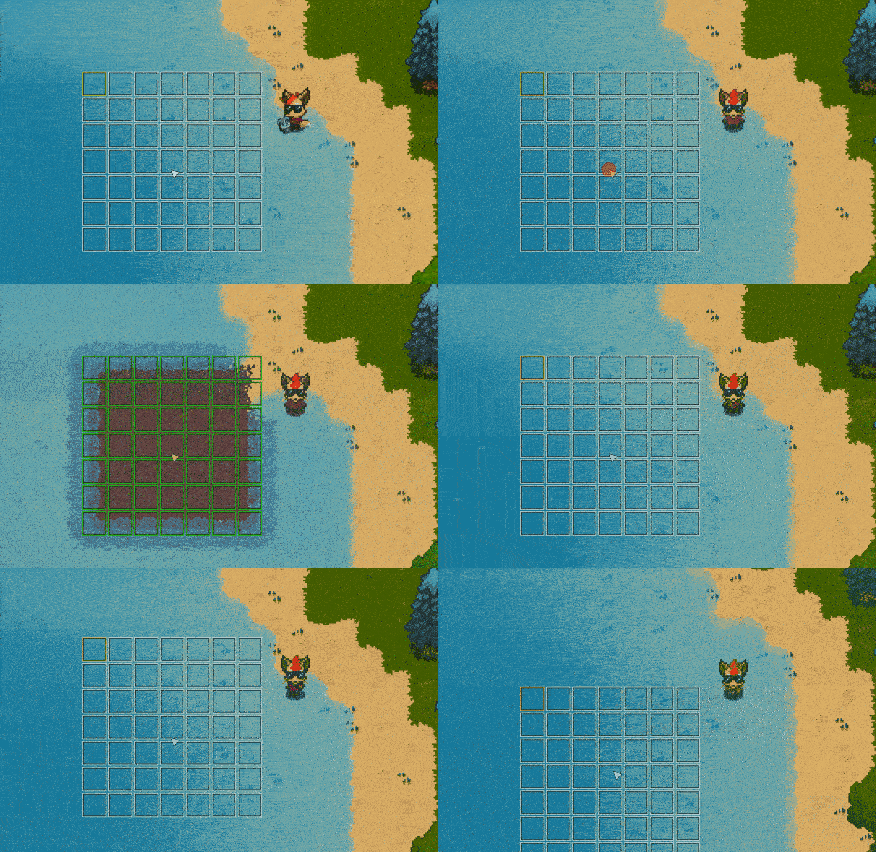
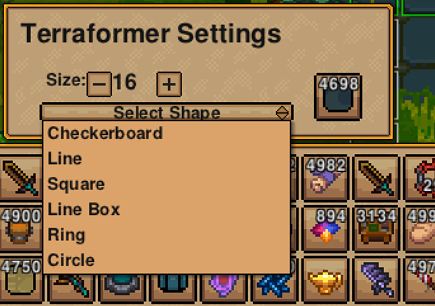
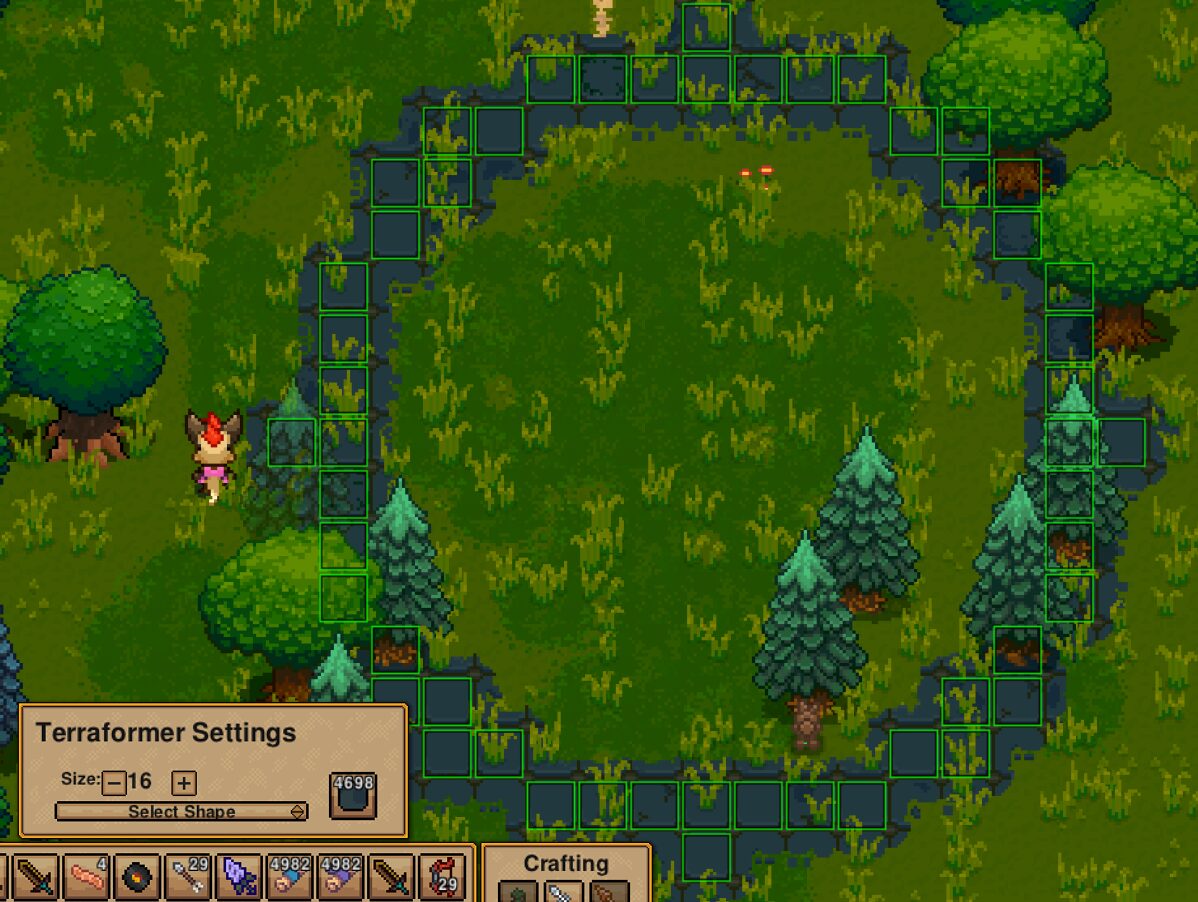
The Terraformer is your ultimate landscaping companion. Need to reshape terrain on a massive scale? This tool allows you to scoop and dump both solid and liquid materials across large areas with remarkable efficiency. Choose from four distinct shapes and adjust their size on the fly, making terraforming vast swathes of land or precisely carving out moats a breeze. Whether you’re raising mountains or filling valleys, the Terraformer puts unparalleled control at your fingertips.
Build Smarter, Not Harder with the Builder
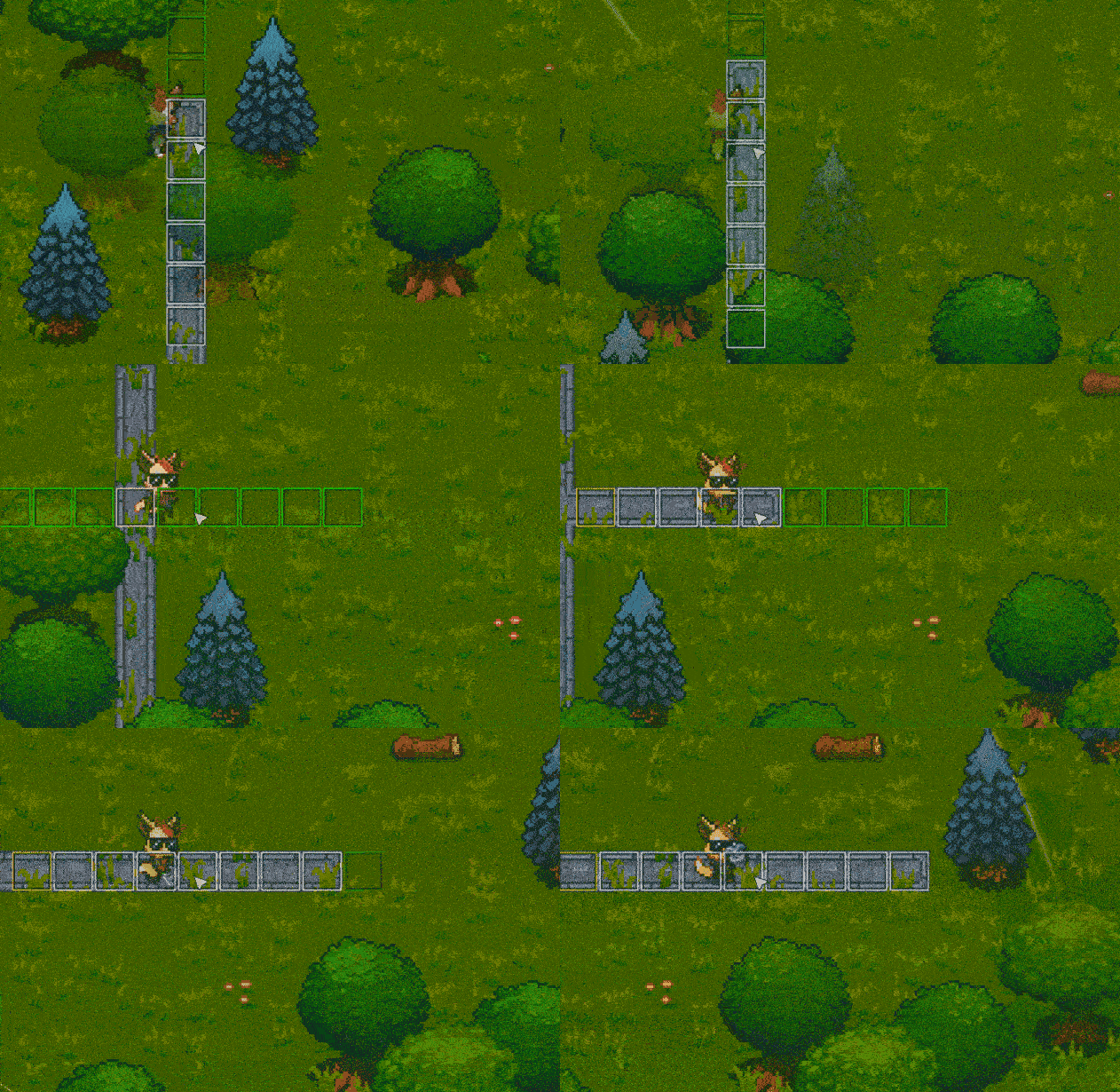
Complementing the Terraformer, the Builder mod revolutionizes how you place and remove structures. Forget placing one wall segment at a time. This tool enables bulk placement and removal of objects like walls, letting you construct fortifications or clear out space with incredible speed. Imagine building entire fortresses or demolishing old structures in mere moments!
Key Features at a Glance:
- Bulk Landscaping: Effortlessly shape terrain by picking up and dumping solids and liquids.
- Adjustable Tools: Modify the size and shape of your terraforming and building actions for precision.
- Mass Object Placement: Construct and deconstruct structures like walls in large quantities.
- Hotkey Support: Customize controls for quick size adjustments, enhancing workflow.
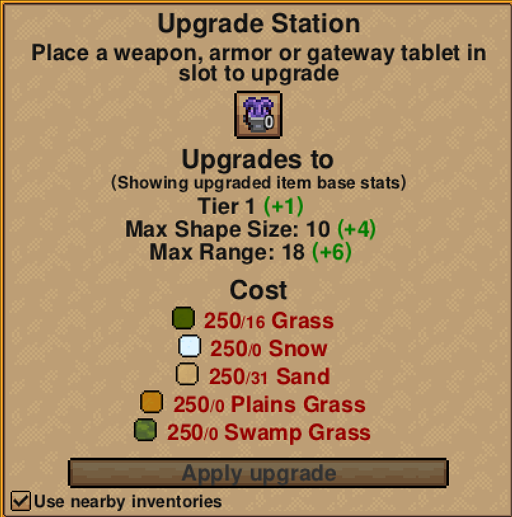
- Upgradeable Components: Enhance the range and size limits of both tools for even greater capabilities.
Both the Terraformer and Builder can be found at your nearest Elder, or accessed via the debug menu for quick testing. Hotkeys are included for adjusting tool size, with default settings for increasing size using the ‘[‘ key and decreasing with the ‘.’ key (these can be customized in your controls menu). Dive into a more efficient and enjoyable Necesse experience today!