
Stack Resizer
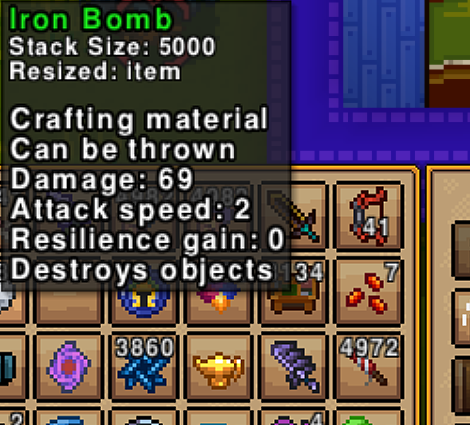
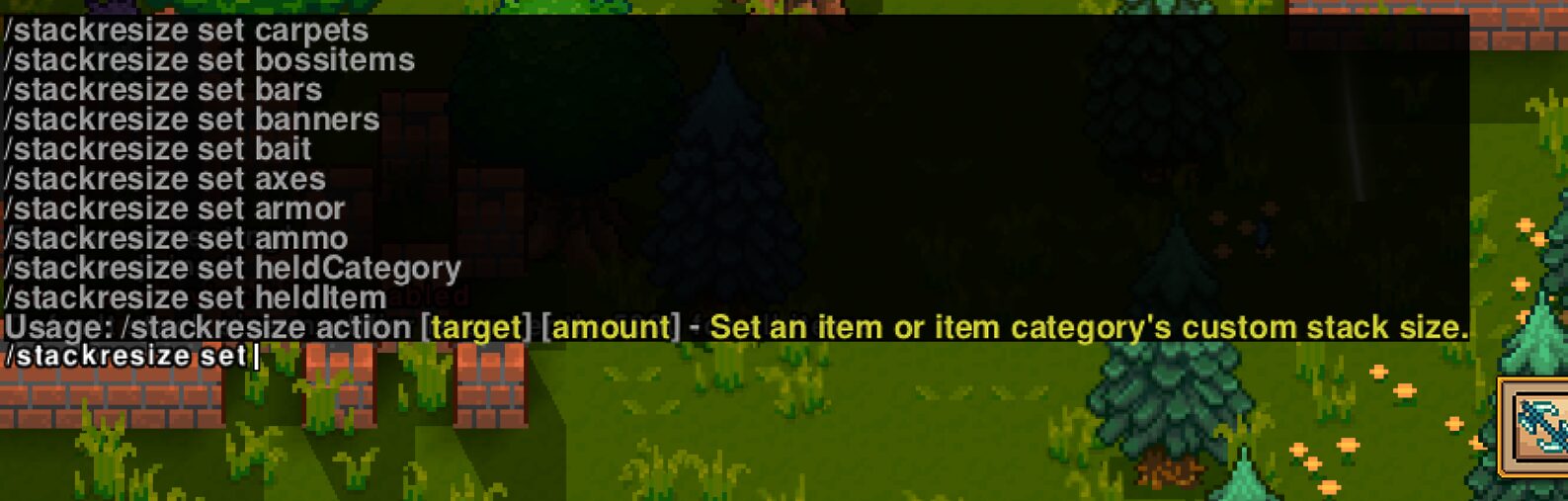
Unleash Your Inventory Potential with Stack Resizer
Tired of constant inventory management? Wish you could carry more of those essential crafting materials or valuable loot without breaking a sweat? The Stack Resizer mod is here to revolutionize your gameplay experience by giving you unprecedented control over item stack sizes. Say goodbye to overflowing chests and hello to a streamlined, efficient inventory system that lets you focus on what truly matters: adventure!
What is Stack Resizer?
Stack Resizer is a powerful Necesse mod designed to put the reins of item stacking firmly in your hands. It allows you to define custom maximum stack sizes for any item in the game. Whether you want to quintuple the amount of wood you can carry or set a specific, larger stack limit for your favorite potions, Stack Resizer makes it possible. You have the freedom to tailor these changes on an individual item basis or apply them universally across entire item categories.
Key Features at Your Fingertips
This mod is packed with features to give you ultimate control:
- Granular Item Control: Specify unique stack sizes for individual items by their exact name.
- Category-Wide Customization: Effortlessly adjust stack sizes for entire groups of items, like all “fish” or all “weapons,” with an intuitive autocomplete system.
- Flexible Blacklisting: Prevent specific items or categories from having their stack sizes altered by adding them to the blacklist.
- Global Defaults: Set a universal default stack size for any item not explicitly modified or blacklisted.
- External Mod Support: Seamlessly integrate with other mods, allowing for dynamic adjustments to blacklists and stack sizes.
- Automatic Saving: All your custom configurations are automatically saved alongside the game’s own autosaves, ensuring your settings are always preserved.
Admin-Level Control and Configuration
Stack Resizer is designed for server administrators and those with higher privileges. The mod is configured through simple, easy-to-understand commands, initiated by typing `/stackresize`. All settings are world-specific and stored in plain text files within your Necesse configuration directory, making it straightforward to manage different setups for various worlds. A default blacklist is included to prevent common issues, such as modifying weapon and armor stacks, though this can be adjusted if necessary – proceed with caution!