
MJ Blueprint
MJ Blueprint: Effortlessly Duplicate Your Creations
Tired of rebuilding the same structures over and over in Necessese? The MJ Blueprint mod introduces a revolutionary system for copying and pasting your hard-earned constructions, saving you valuable time and resources. This powerful toolset allows you to preserve your designs and deploy them anywhere you choose, streamlining your building process whether you’re expanding your base or collaborating with friends in multiplayer.
Key Features of MJ Blueprint
The MJ Blueprint mod offers a comprehensive suite of functionalities designed for ease of use and maximum efficiency:
- Automatic Blueprint Bag: A dedicated bag automatically collects new blueprints, with ample space for up to 40 unique designs.
- Customizable Blueprints: Rename your blueprints for better organization and easy identification.
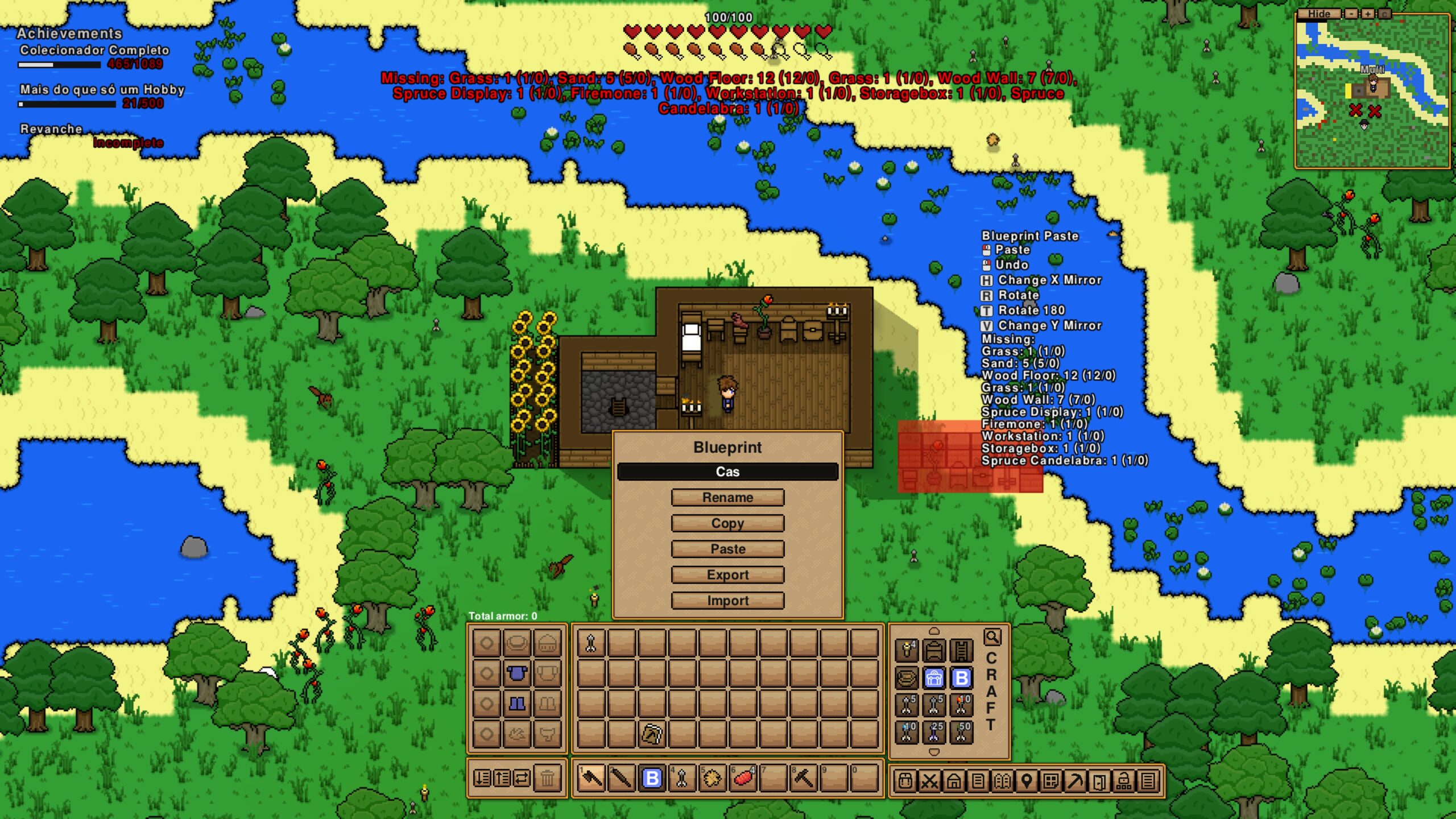
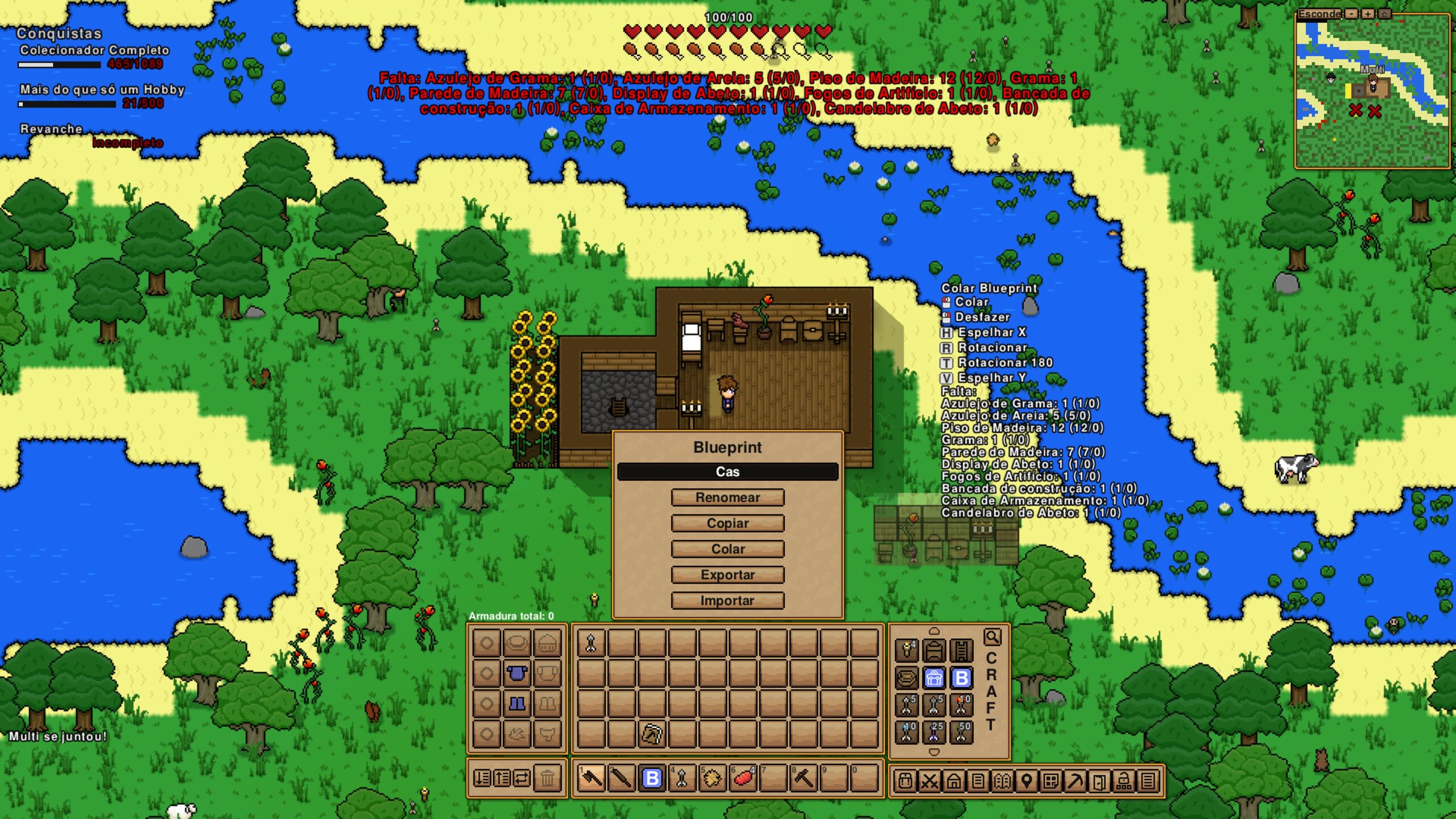
- Intuitive Blueprint Menu: Right-click any blueprint to access a menu for renaming, copying, pasting, exporting, and importing.
- Selective Copying: Utilize a left-hand filter when copying to choose precisely which elements of a structure you want to include in your blueprint.
- Intelligent Pasting: The mod checks your inventory for necessary materials before pasting. For terrain blueprints, seeds will be required.
- Advanced Paste Options: Once materials are confirmed, you can choose to paste, undo the paste operation, rotate the blueprint, mirror it horizontally or vertically, or even rotate it 180 degrees.
- Material Refund on Undo: Undoing a paste operation returns consumed materials to your inventory. If your inventory is full, they will be dropped on the ground.
- Real-Time Material Display: See exactly how many of each item your blueprint requires and how many you currently possess, with clear indicators for missing components.
- Export and Import: Save your blueprints as files and share them with others, or import designs created by the community. Blueprints must be named to enable export/import functionality.
- Multiplayer Compatibility: Built to work seamlessly in multiplayer environments, allowing you to share your creations with your team.
Saving and Sharing Your Designs
With MJ Blueprint, your creations are no longer confined to a single location. The export and import feature, available for named blueprints, allows you to save your designs as text files. These files can be placed in the designated ‘blueprints’ folder within your Necessese game directory, ready to be imported and used at your leisure or shared with fellow players. This feature opens up a world of possibilities for collaborative building projects and sharing innovative base designs.
Ongoing Development
The creator is actively working on further enhancements, including features like direct blueprint placement using a tool-like interface, discovering blueprints from pre-built structures, and dynamic blueprint reading from your computer. Future updates also aim to allow blueprint selection via the mouse scroll wheel while holding the blueprint bag.