
GridMod
Master Your Necesse Builds with GridMod
Elevate your Necesse building experience with GridMod, a powerful client-side Quality of Life overlay designed to transform your construction process into a precision-driven art form. Imagine a world-class level editor at your fingertips, allowing you to meticulously plan and execute every floor, wall, road, and decorative element with unparalleled confidence. GridMod brings a clean, intuitive grid system, essential chunk indicators, clear settlement boundaries, and a robust paint and blueprint workflow directly into your game, ensuring your creations are exactly as you envision them before they ever touch the game world.
Unlock Precision Building
GridMod offers a suite of tools to refine your building strategy:
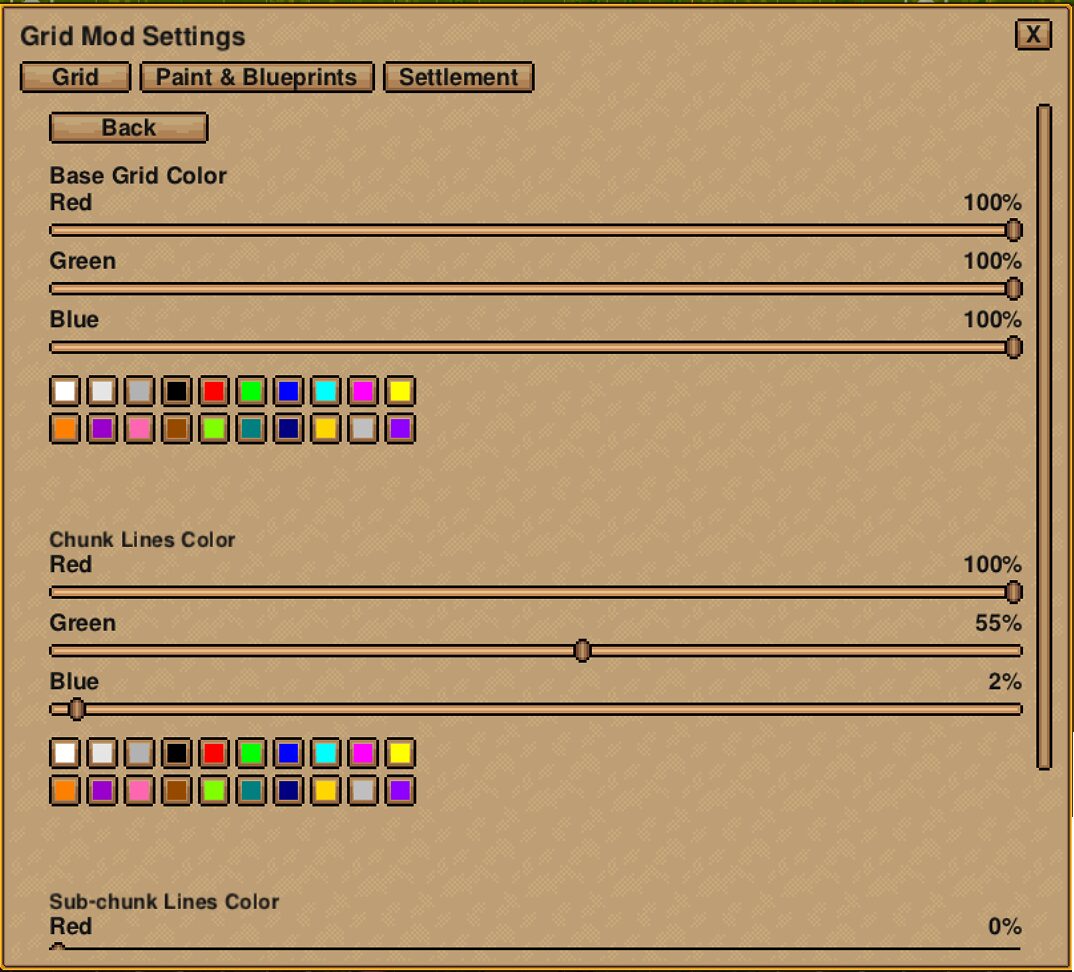
- Grid Overlay: Visualize your build space with an optional tile grid, complete with adjustable chunk and sub-chunk lines. Fine-tune the opacity of both the grid and chunk indicators to suit your preference.
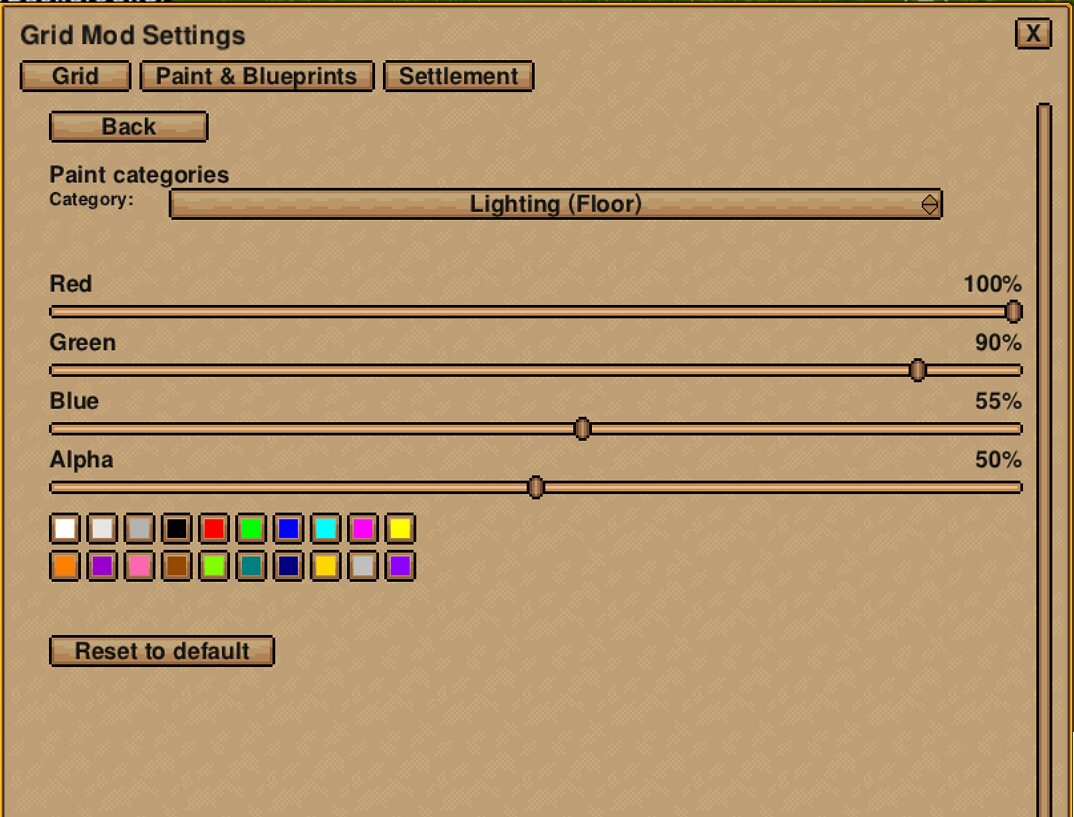
- Advanced Painting System: Lay down floors, walls, and more with a flexible paint system. Utilize three distinct layers (bottom, middle, top) to stack elements logically, allowing for complex designs without overwriting previous work. Adjust brush size, preview your placement, and seamlessly erase with a dedicated hold key or right-click.
- Intelligent Selection Tools: Choose from various selection modes—Rectangle, Freehand Edge, Fill, or All—to precisely select areas for modification or blueprint creation. Target specific layers to isolate and manage parts of your build.
Streamlined Blueprinting and Settlement Planning
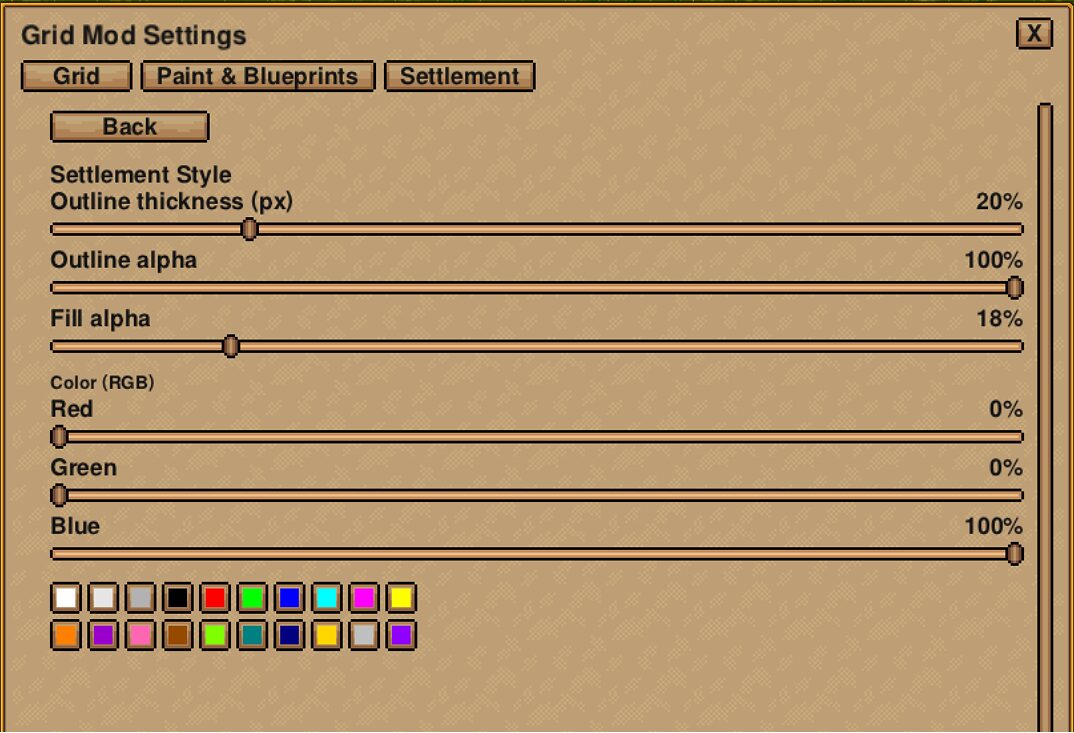
Beyond the core building tools, GridMod introduces sophisticated blueprint management and settlement aids. Create, save, and load blueprints tied directly to your current world or opt for global blueprints accessible across all your saves. Explore a curated selection of default templates to get started quickly. Visualize and manage your settlement’s influence with an overlay that displays its bounds, allowing you to center and size it with precision.
Effortless Control at Your Fingertips
GridMod ensures you have complete command over your building environment. Keybinds are essential for a fluid experience, allowing you to instantly toggle the grid, activate painting, clear your canvas, and manage blueprint placement. Customize these controls to match your playstyle and make complex builds feel effortless.