
Terrain Editor
Craft Your Perfect Don’t Starve Together World with the Terrain Editor Mod
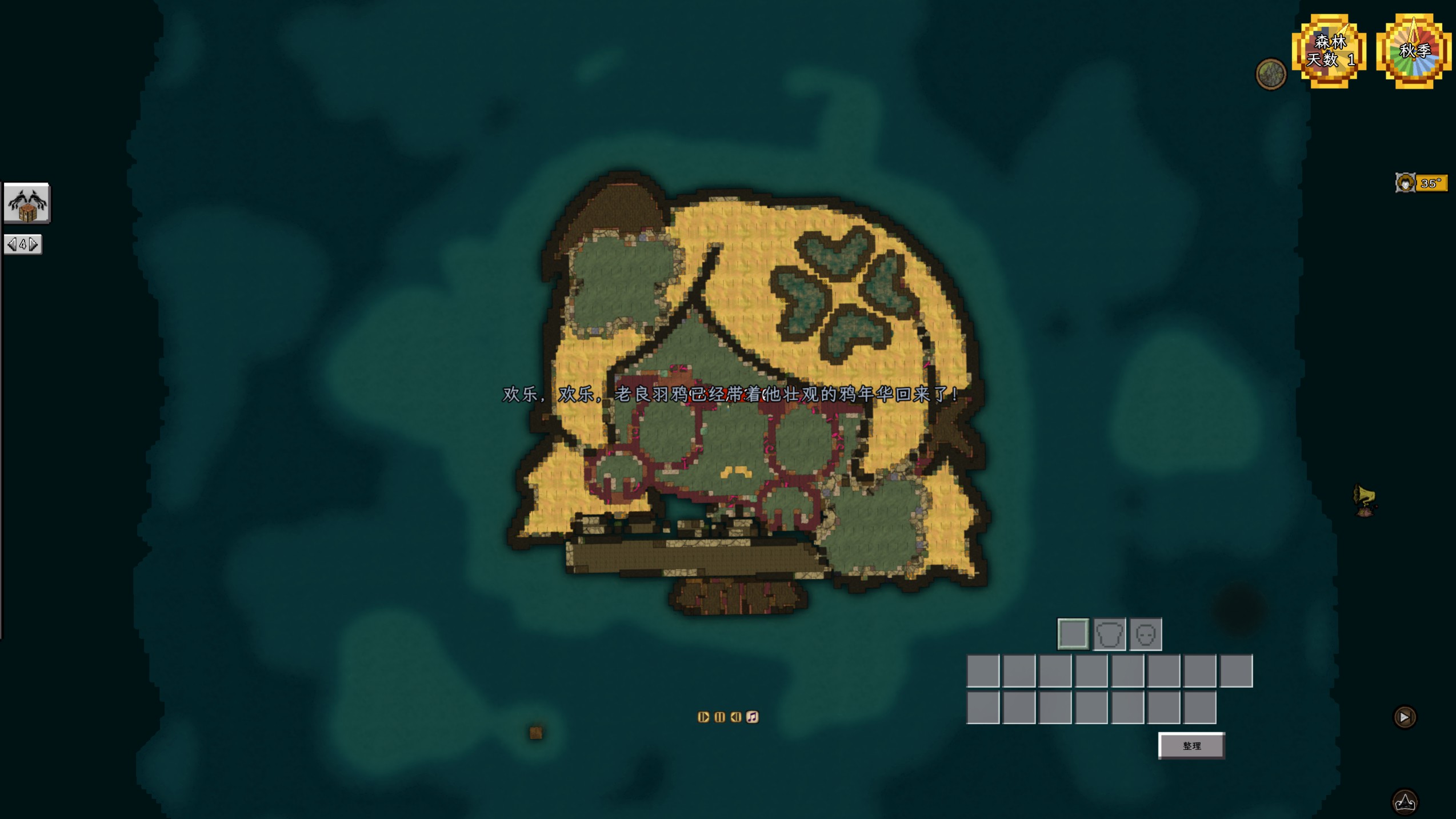
Tired of the same old generated landscapes in Don’t Starve Together? Do you dream of meticulously designed islands, strategically placed resources, and treacherous paths tailored to your specific survival challenges? The Terrain Editor mod empowers you to become the architect of your own Don’t Starve Together experience, allowing you to sculpt the very ground beneath your survivors’ feet.
Unleash Your Inner Cartographer
This powerful mod provides an intuitive interface for creating entirely custom maps. Forget leaving your world’s layout to chance; with the Terrain Editor, you have complete control. Whether you envision a vast, resource-rich continent perfect for long-term base building, a series of small, isolated islands demanding careful exploration and resource management, or a challenging maze designed to test your navigational skills, this mod makes it a reality.
Key Features for World Builders:
- Full control over terrain generation and placement.
- Ability to design unique island layouts and continental structures.
- Strategic positioning of resources, biomes, and points of interest.
- Create custom challenges and gameplay scenarios.
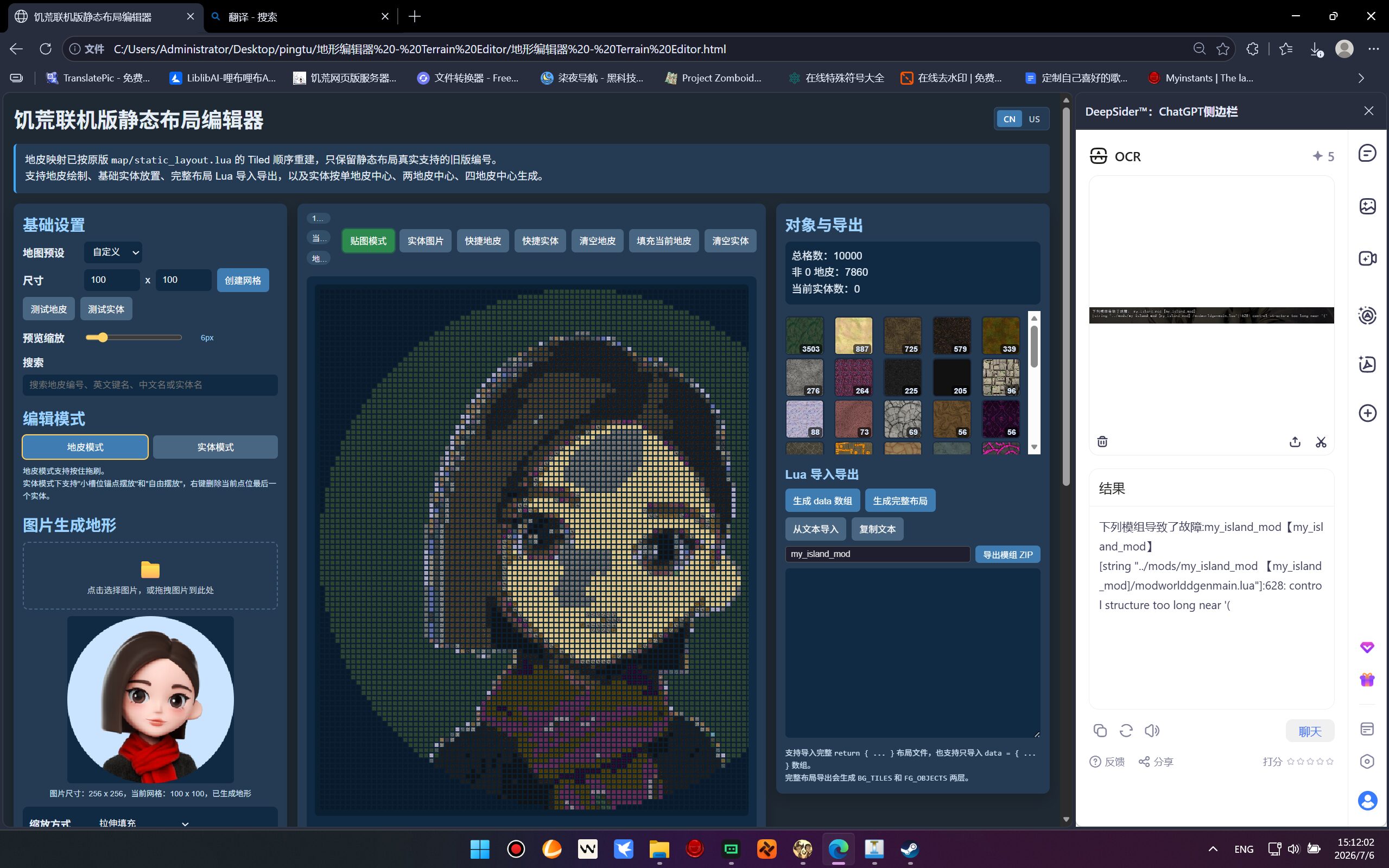
- Intuitive and user-friendly HTML-based editor.
Getting Started with Your Custom World
Implementing the Terrain Editor mod is a straightforward process, designed to get you into world creation quickly. Once you have the mod installed within your Don’t Starve Together game directory, navigate to the designated `terrain_editor` folder. From there, you’ll find the HTML file that serves as your gateway to shaping the world. Launch this file, and you’ll be presented with the tools needed to bring your wildest Don’t Starve Together map ideas to life. Prepare to embark on adventures in worlds that are truly your own.