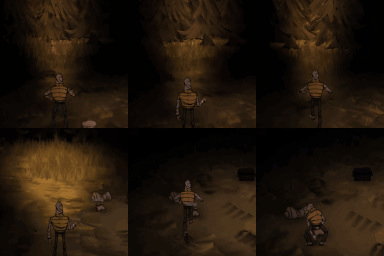
Screecher-style third-person
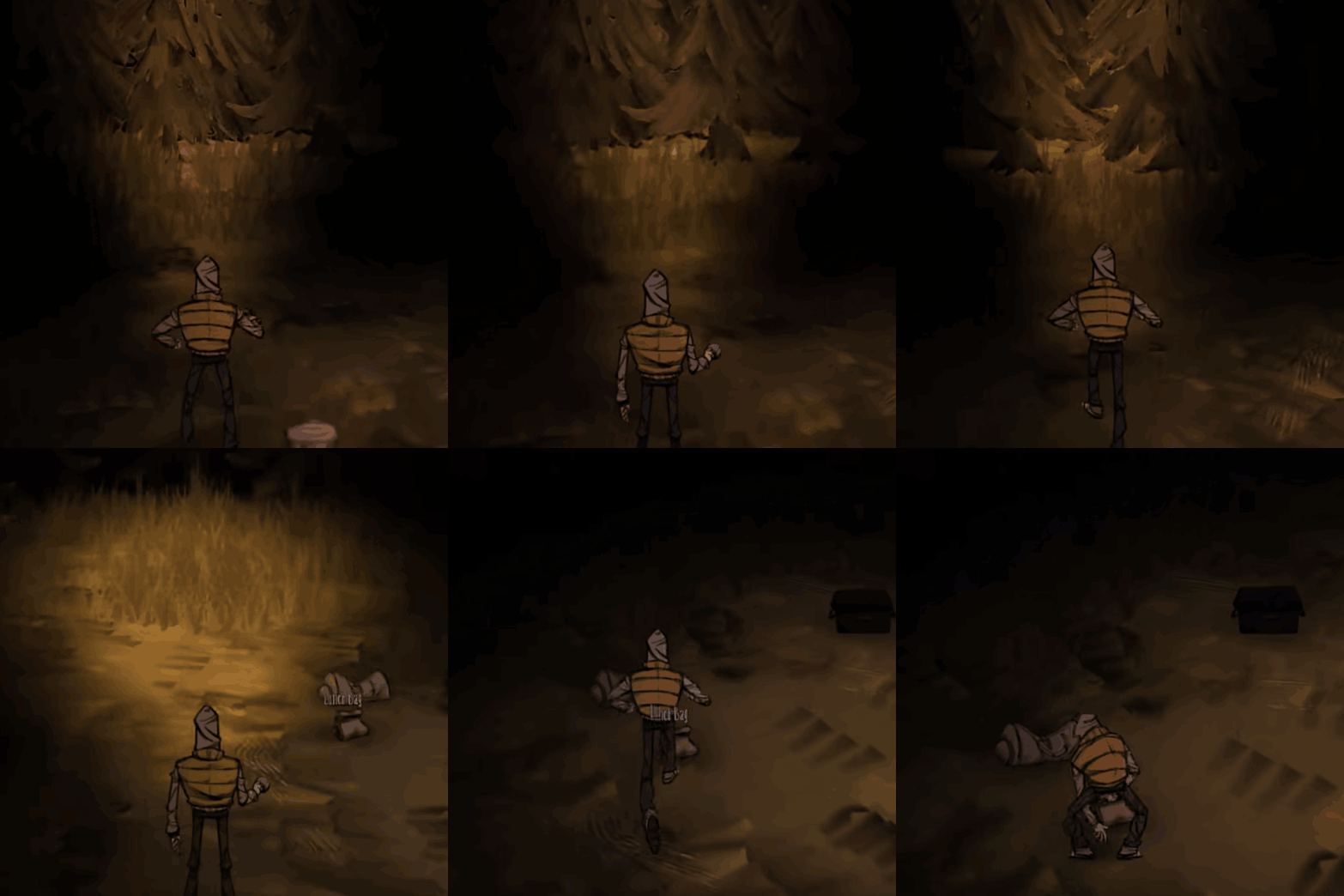
Experience Don’t Starve Together from a New Perspective with the Screecher-Style Third-Person Mod
Do you crave a fresh viewpoint on the unforgiving world of Don’t Starve Together? This innovative mod introduces a captivating third-person perspective, reminiscent of the unsettling “Screecher” style from the single-player experience. Prepare to immerse yourself in the wilderness like never before, with a camera that closely follows your character’s every move.
A Unique Camera Experience
This mod places you directly behind your character’s head, offering a low-altitude, dynamic view. Unlike the standard top-down perspective, this third-person angle can fundamentally change how you perceive threats and navigate the environment. Every rustle in the bushes, every approaching shadow, takes on a new level of immediacy.
Intuitive Controls for Enhanced Immersion
Mastering this new perspective is straightforward thanks to thoughtfully implemented controls:
* **Smooth Rotation:** Hold down the ‘Q’ or ‘E’ keys for a fluid and continuous rotation of your character and, consequently, the camera. This allows for quick turns and situational awareness without breaking the flow of gameplay.
* **Mouse Control:** For an alternative method, press and hold the middle mouse button. Dragging your mouse left or right will achieve the same smooth camera rotation as the keyboard controls.
* **Pitch Adjustment:** Use your mouse wheel to adjust the camera’s pitch angle, allowing you to look up or down within the designated low-altitude range. This adds another layer of control for scouting or observing the immediate surroundings.
Seamless Integration and Convenience
The Screecher-style third-person mod is designed for convenience. A simple press of the ‘F5’ key toggles the mod on and off, instantly reverting to the game’s original perspective if you prefer. Furthermore, the mod intelligently deactivates itself upon your character’s demise. After respawning, the game will return to its default camera view, and you’ll need to manually re-enable the mod with ‘F5’ if you wish to continue using it. This ensures a smooth transition back into the core gameplay after a challenging encounter.