
In-game Mod Menu
Unlock the Secrets of Your Don’t Starve Together Mods Mid-Game
Navigating the ever-growing world of Don’t Starve Together mods can be a challenge. Keeping track of what’s installed, which mods are affecting your game, and where to find that one specific mod can become a task in itself. Thankfully, the “In-game Mod Menu” mod offers a seamless solution, allowing you to manage and explore your mod collection directly from within your ongoing survival adventure.
Effortless Access to Your Mod List
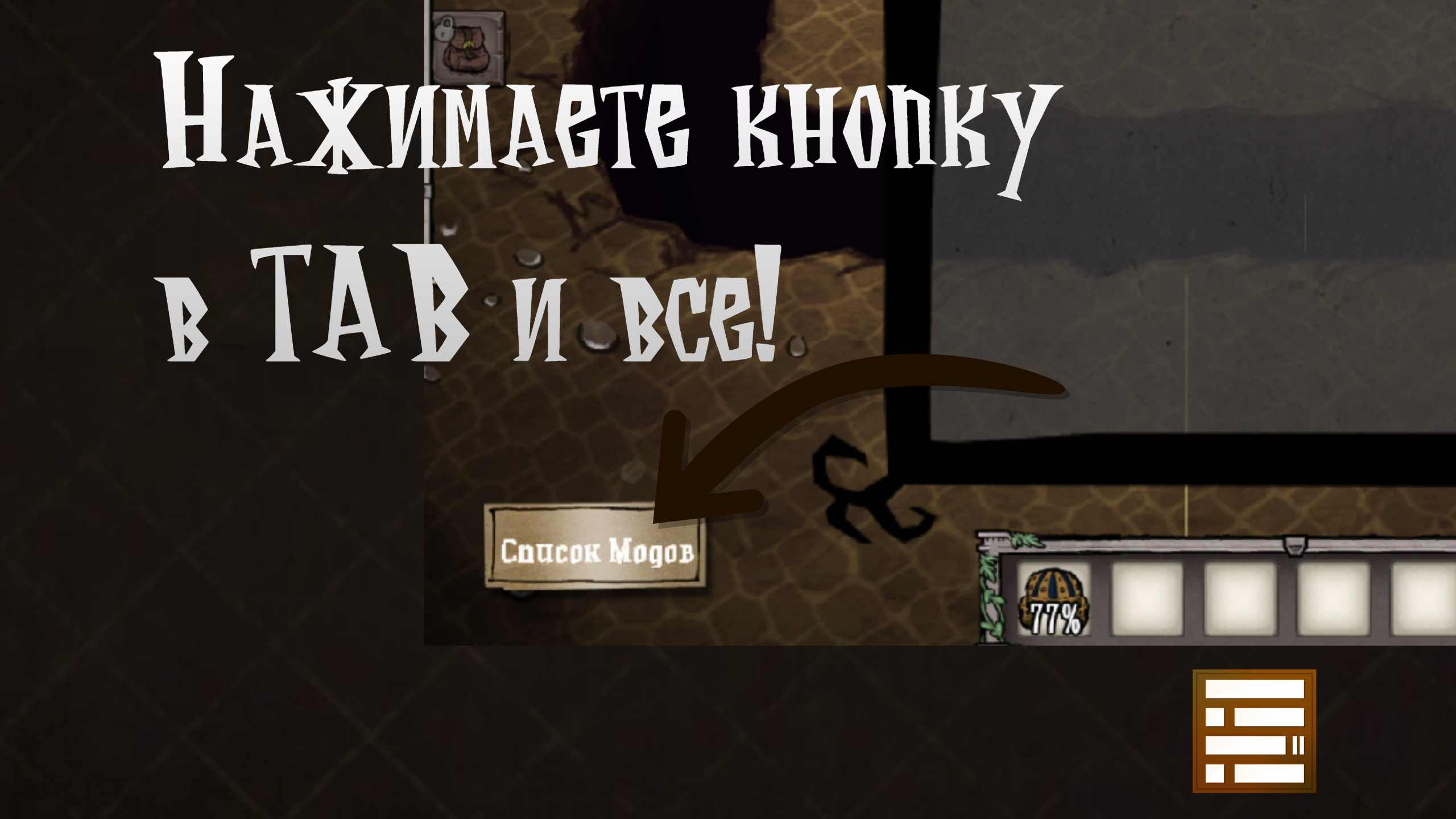
Tired of alt-tabbing out of the game or exiting entirely just to check your mods? This ingenious client-side mod integrates a new “Mod List” button directly onto your player status screen. With a simple click, you can instantly view a comprehensive breakdown of all active server and client mods without ever leaving your current session.
Powerful Search and Sorting Capabilities
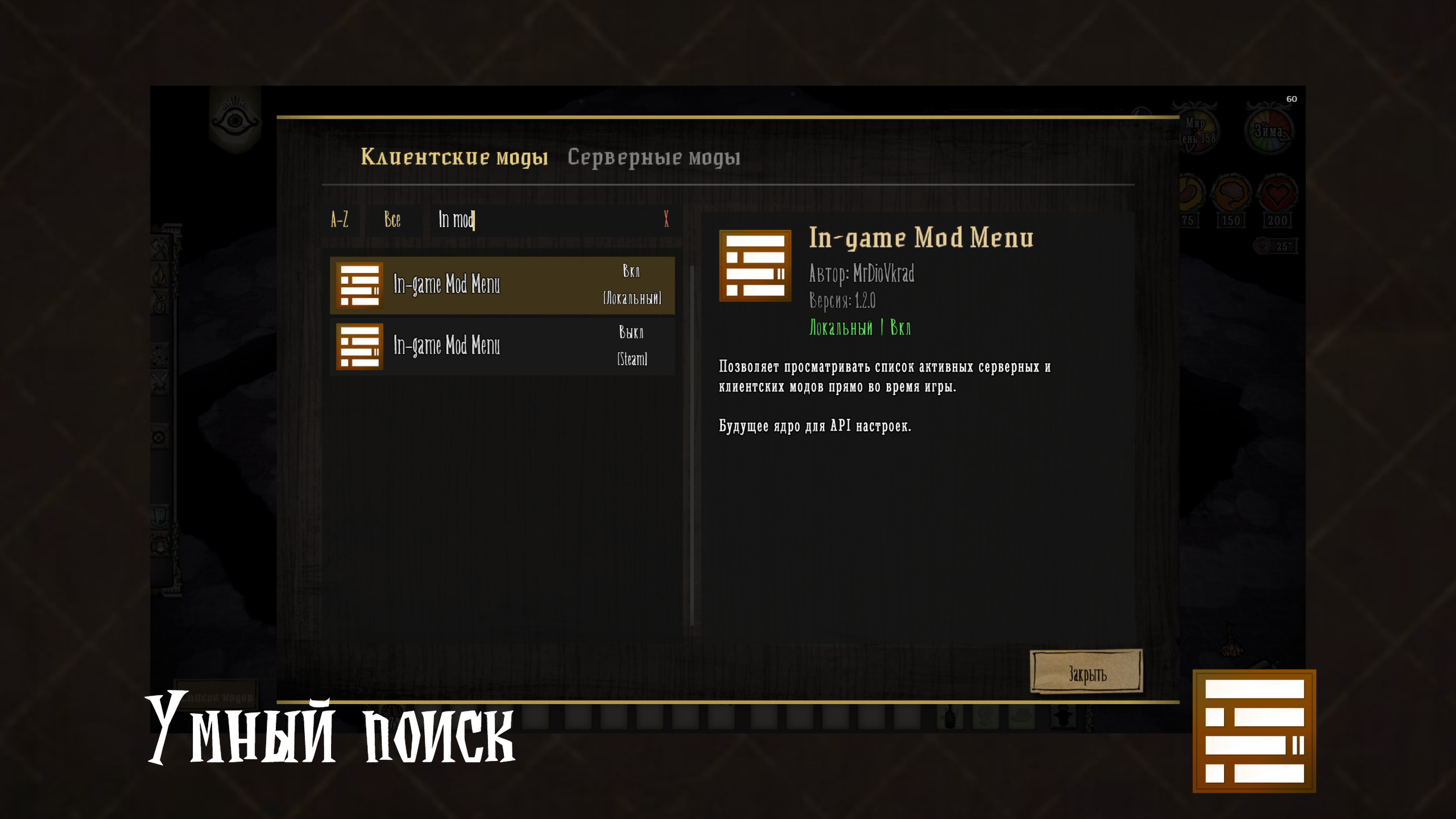
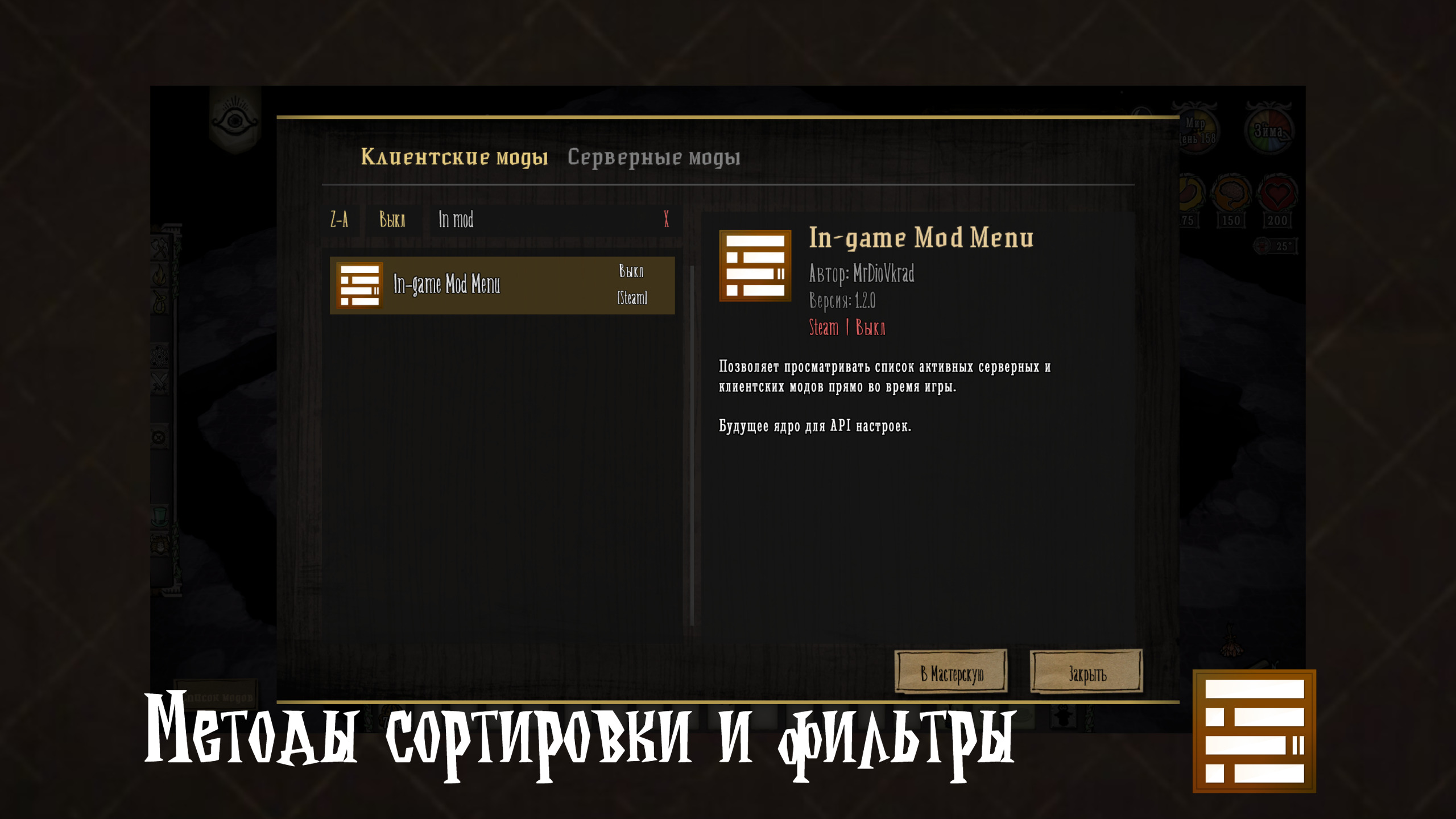
Finding a specific mod has never been easier. The “In-game Mod Menu” boasts an intelligent search function that utilizes a fuzzy-search algorithm. This means even if you mistype a mod’s name, author, or ID, the mod menu can still help you locate it. Beyond searching, you can effortlessly switch between server and client mod lists, sort your mods alphabetically (A-Z or Z-A), and filter them by their enabled or disabled status.
Detailed Mod Information at Your Fingertips
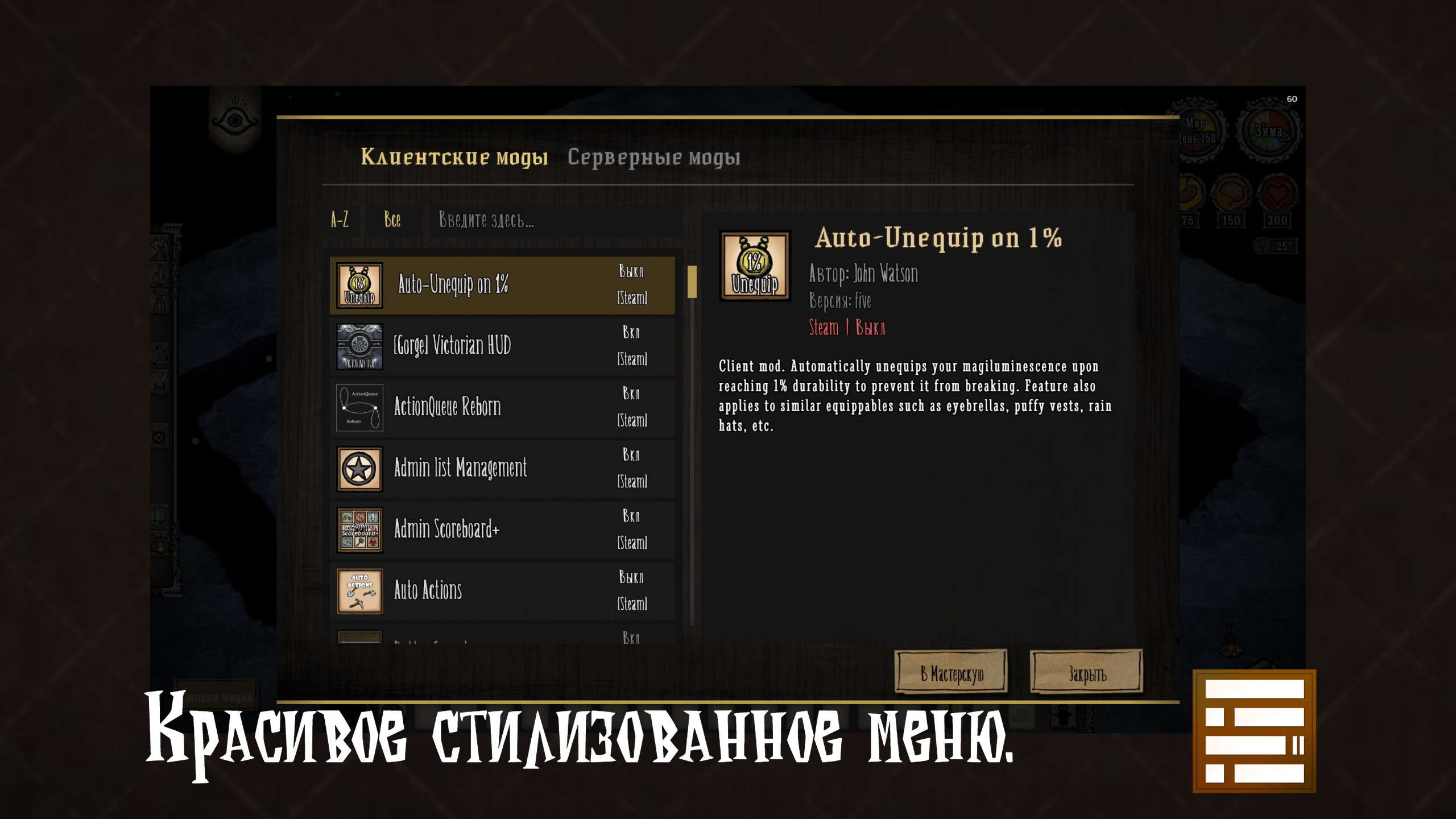
This mod provides a wealth of information about each installed mod. You can view:
- Mod icons
- Full mod descriptions
- Current mod versions
- Mod authors
All of this is presented in a clean, user-friendly interface complete with smooth UI animations, making browsing your mod list a pleasure.
Seamless Steam Workshop Integration
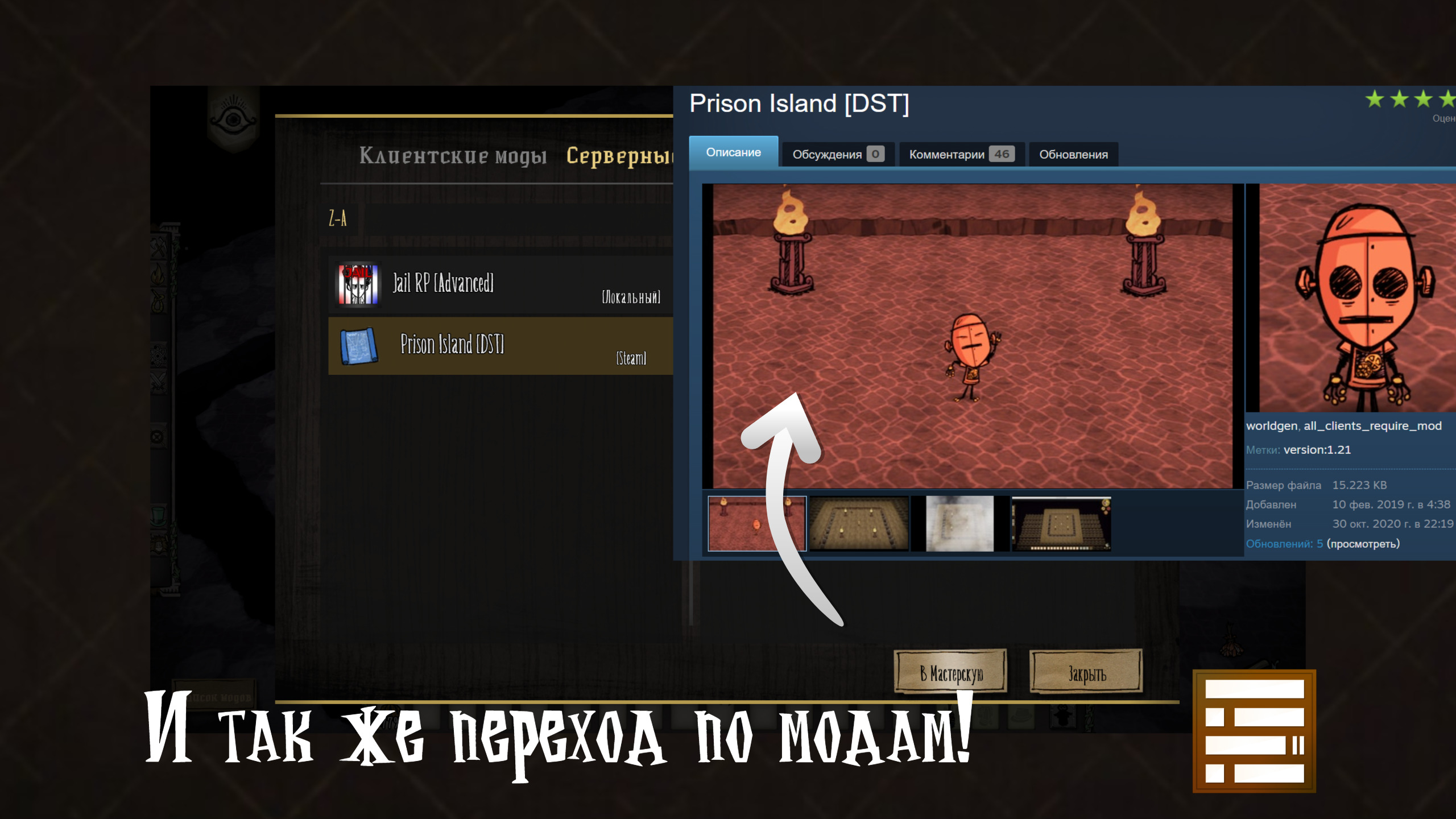
Ever stumbled upon an interesting server mod while playing and wished you could learn more or subscribe to it? The “In-game Mod Menu” has you covered. A convenient “To Workshop” button allows you to instantly open the Steam Workshop page for any server mod you’re viewing, streamlining the process of discovering and acquiring new additions to your game.
Completely Client-Side and Server-Friendly
One of the most significant advantages of this mod is its client-side nature. This means you can install and use the “In-game Mod Menu” on any server, public or private, without needing the server host or any other players to install it. It’s a safe and unobtrusive way to enhance your Don’t Starve Together experience by keeping your mod knowledge readily accessible.