
Hue HUD
Revitalize Your Interface with Hue HUD for Don’t Starve Together
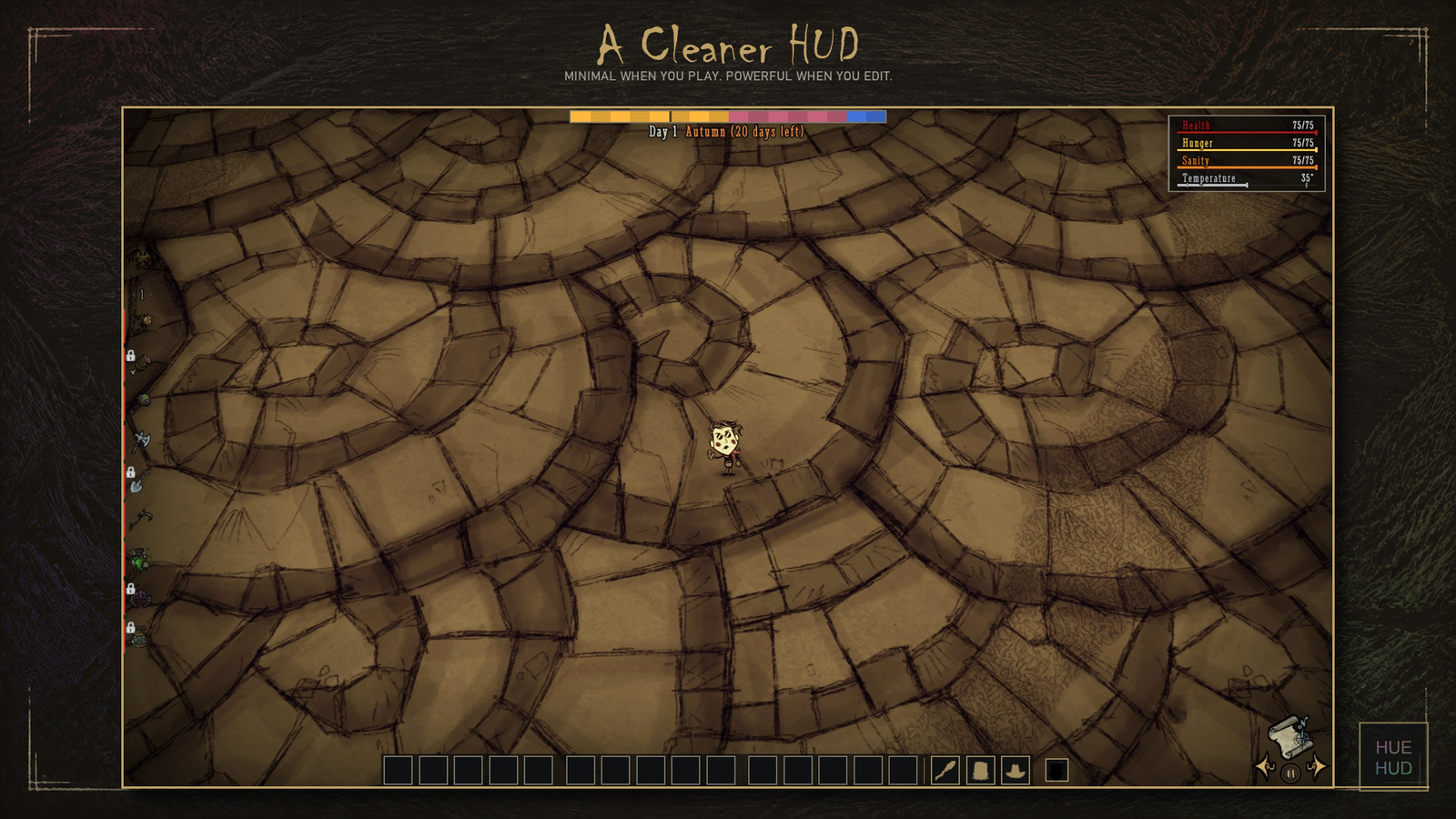
Tired of the same old interface in Don’t Starve Together? Hue HUD offers a refreshing and highly customizable client-side modification that breathes new life into your game’s visuals. This isn’t just a simple cosmetic change; it’s a comprehensive overhaul designed to enhance clarity and consistency across your entire user experience.
A Smarter, Sharper Interface
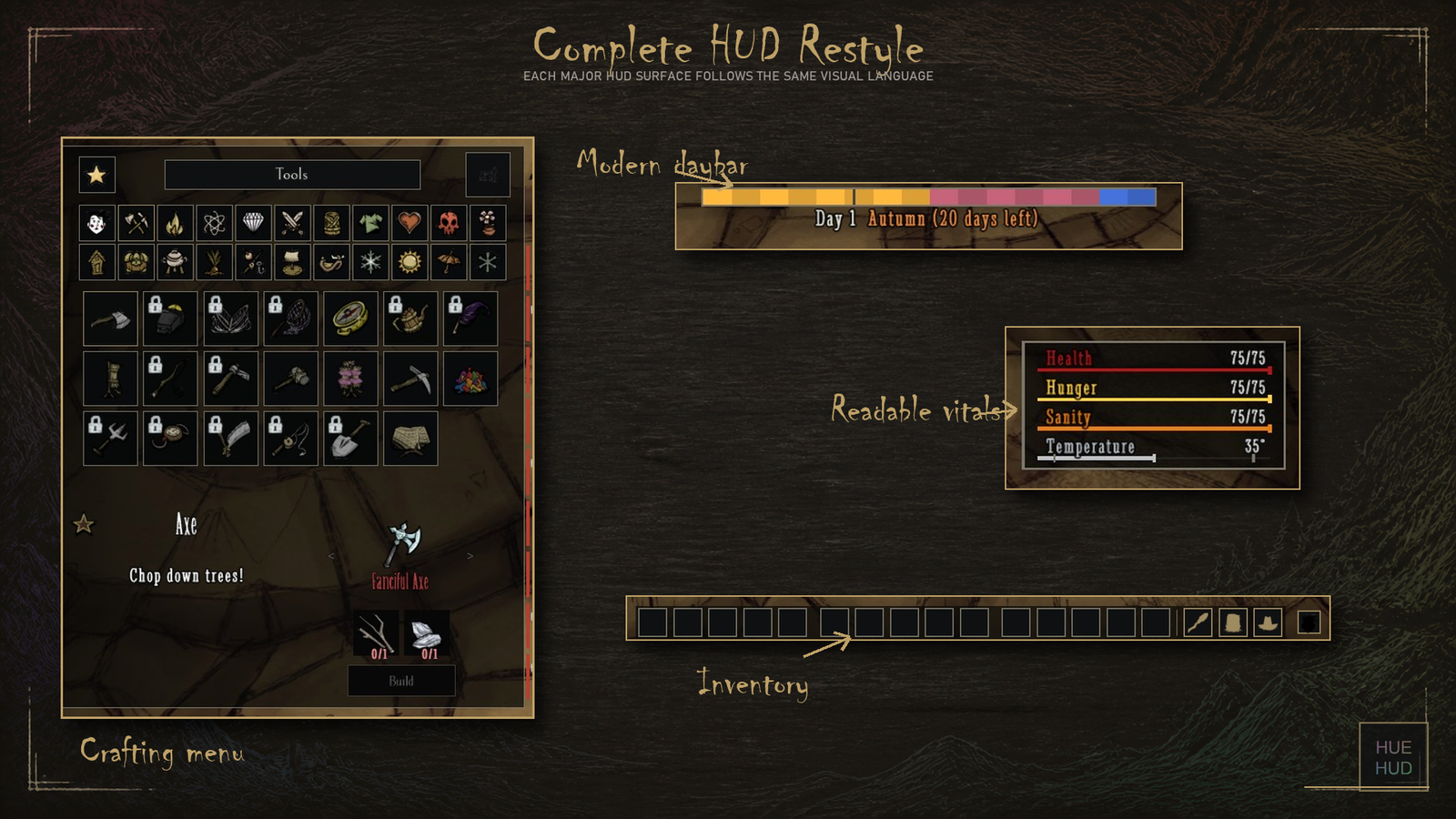
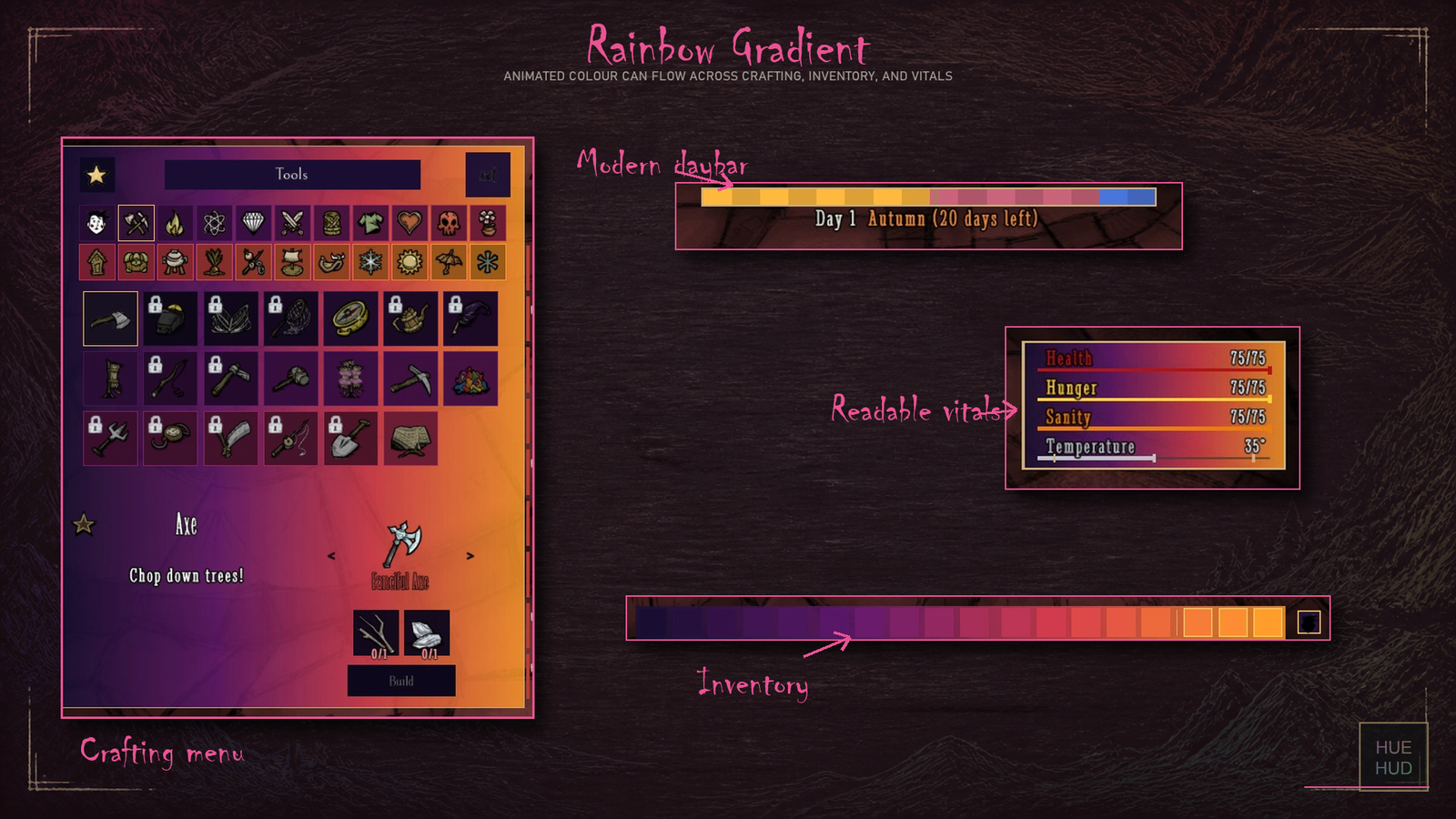
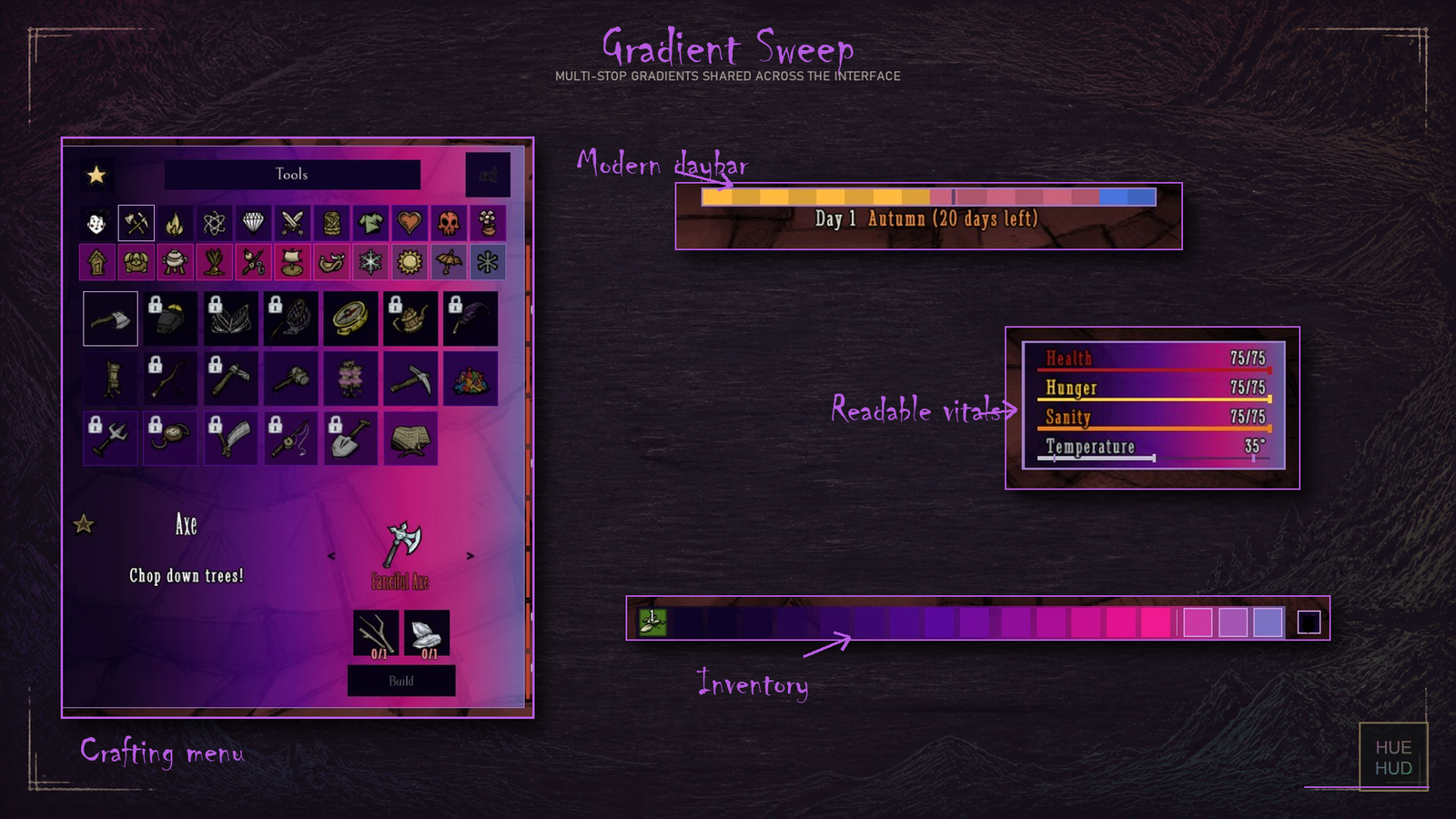
What began as a desire for a more modern in-game clock has blossomed into an extensive HUD redesign. Hue HUD meticulously refines various elements of your interface, including the inventory, container screens, crafting menus, status displays, and the all-important day clock. Crucially, these visual enhancements are layered over the original game’s functionality, ensuring that core mechanics remain unchanged.
Unleash Your Inner Designer
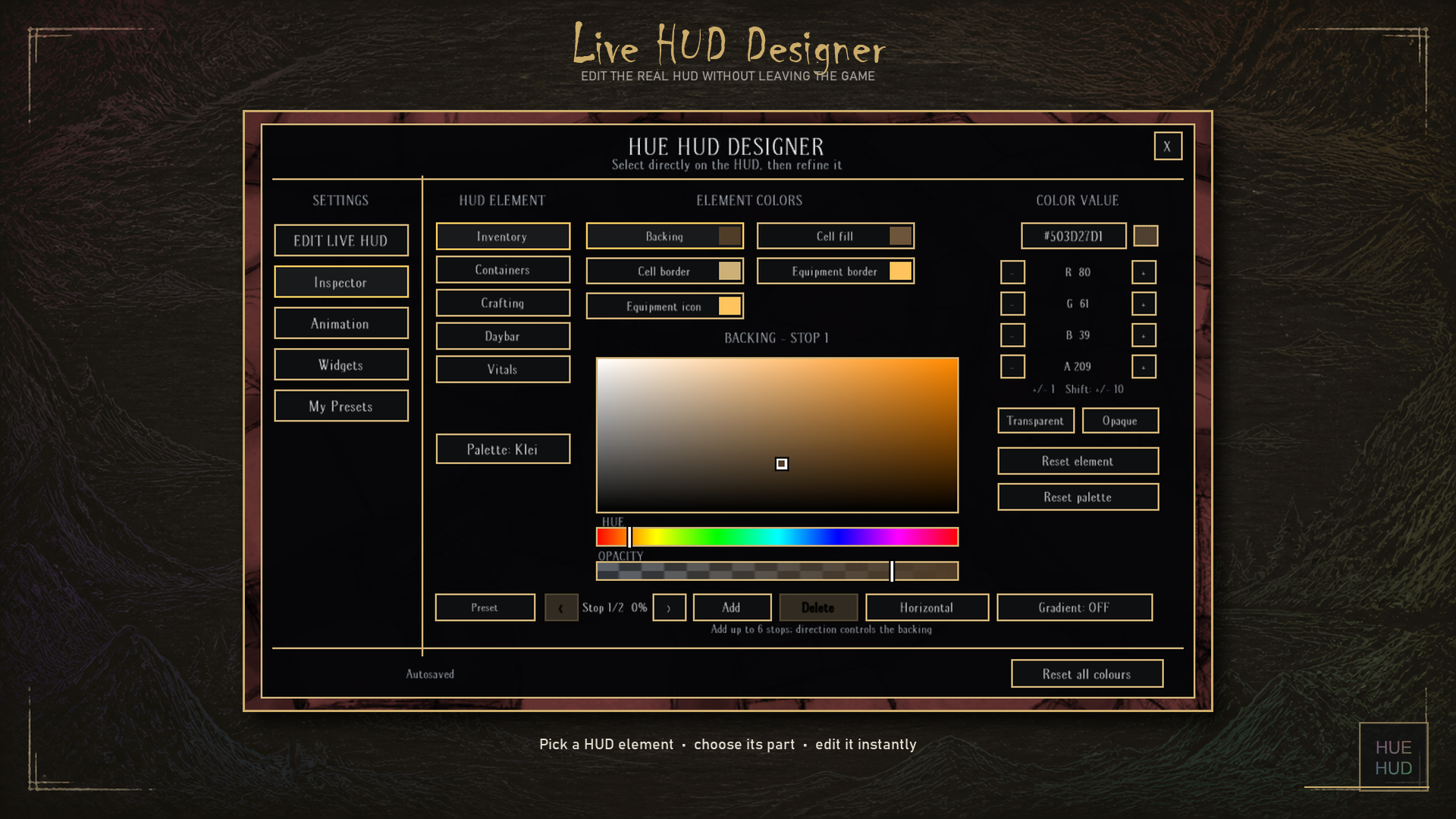
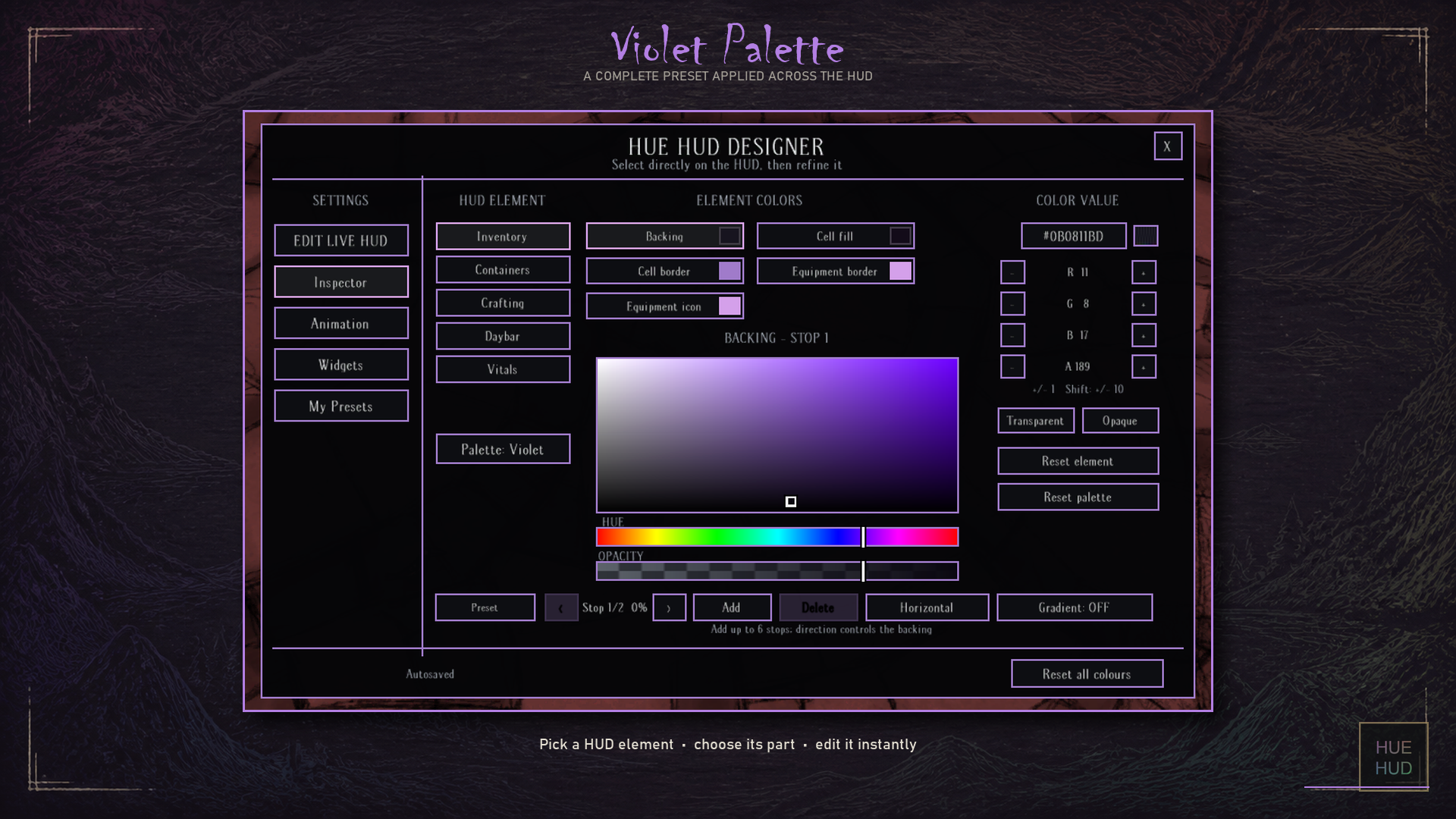
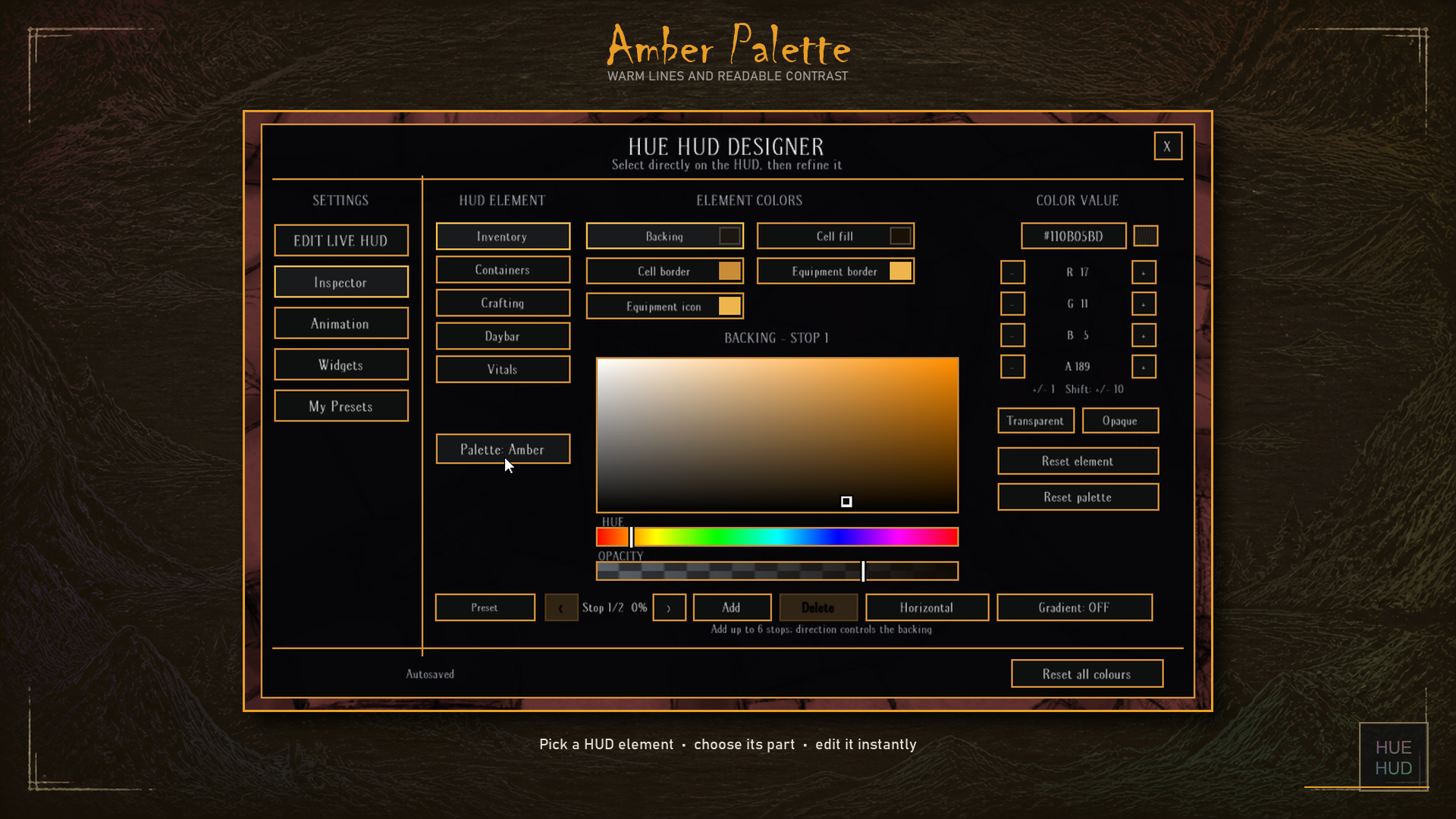
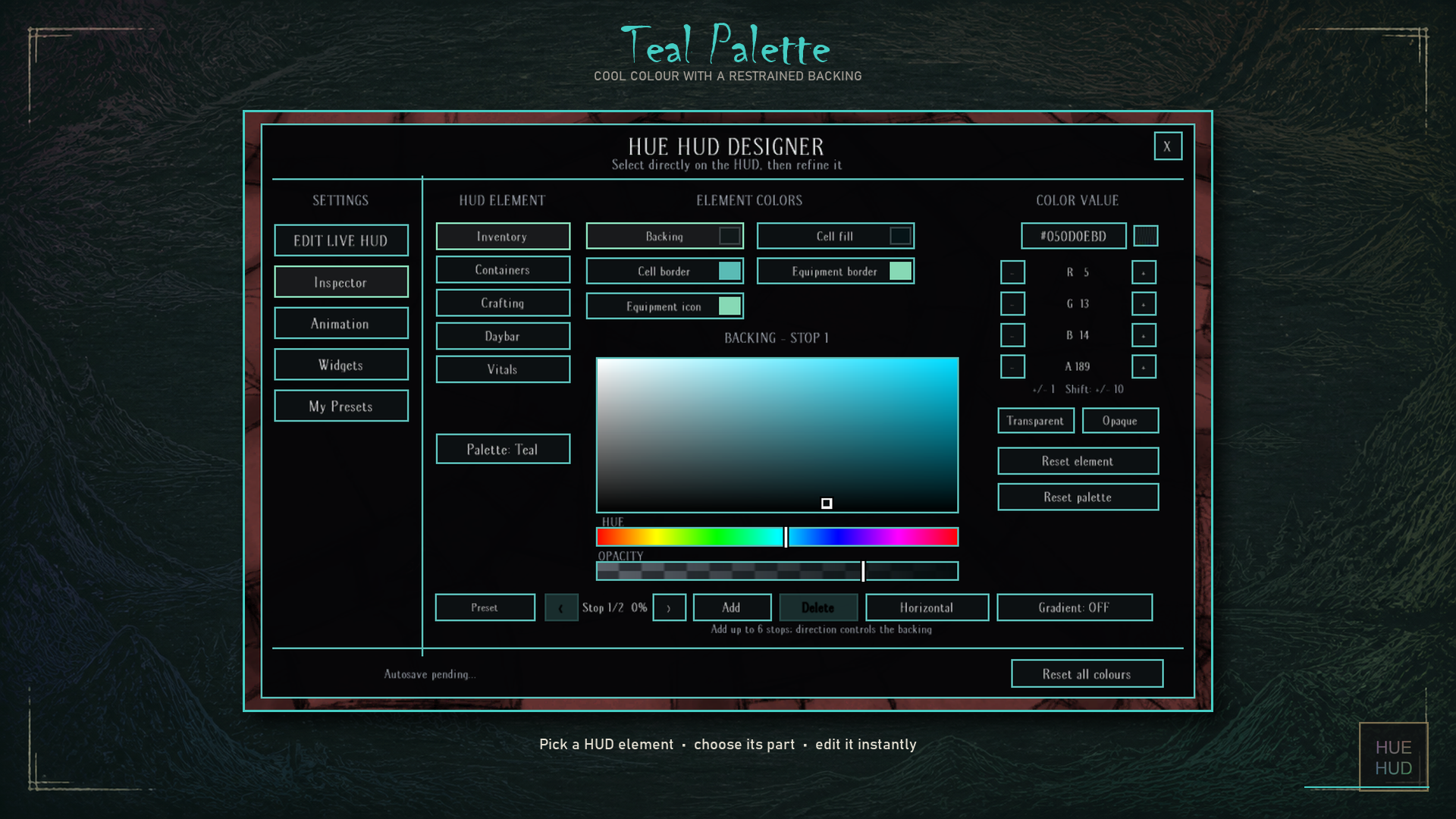
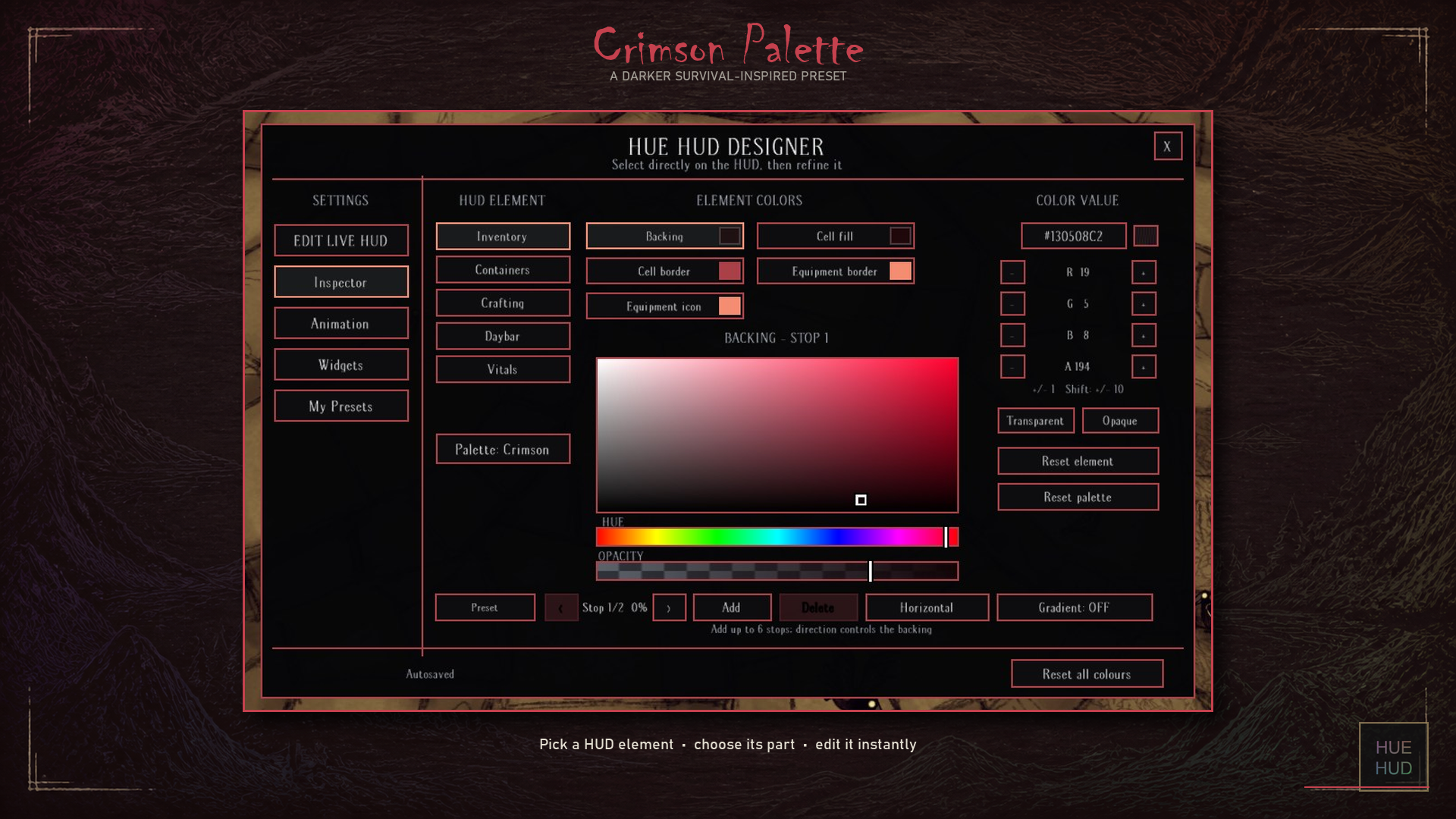
The true power of Hue HUD lies in its unparalleled customization. Access the intuitive HUD Designer by middle-clicking the “Inspect Self” button located near your inventory. From here, you can meticulously tweak and tailor almost every aspect of your interface.
- Customize the colors and transparency of inventory backings and individual slots.
- Adjust equipment slots and their icons for optimal visibility.
- Personalize containers and their unique slot icons.
- Modify the crafting menu, including recipe slots and the pinbar.
- Fine-tune the daybar and vitals panel to your exact preferences.
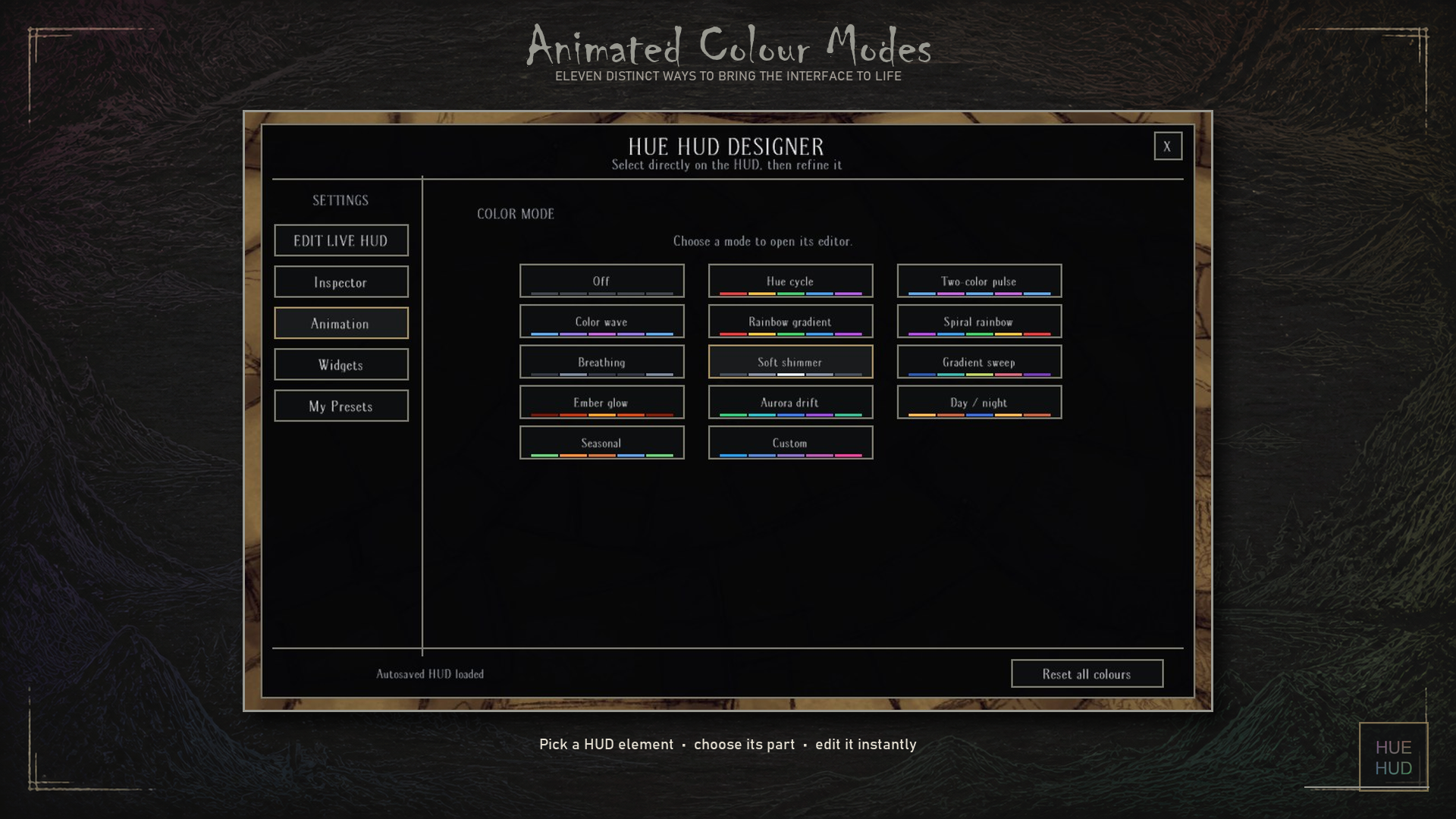
The editor supports a wide array of options, from standard colors and hex codes to gradients, additional color stops, and even animated color modes. You can save your personalized presets, ensuring your perfect setup is always at your fingertips.
Intuitive Layout and Modern Displays
Hue HUD also introduces a more informative daybar, displaying the current day, season, and the precise time remaining until the next seasonal shift. The vitals panel offers a modern display of your character’s health, hunger, sanity, and temperature, even accommodating character-specific meters like Wanda’s age and Wigfrid’s inspiration thresholds. These modern replacements can be disabled if you prefer the classic look. Furthermore, HUD elements can be repositioned using a simple drag-and-drop system.
This client-only mod is designed to work seamlessly without server-side installation. While it’s best to avoid other full HUD reskins to prevent conflicts, Hue HUD strives for compatibility with inventory layout modifications. Experience Don’t Starve Together with a cleaner, more personalized, and visually engaging interface today.