Gone With the Mouse (Crafting Auto-Close)
Streamline Your Crafting with Gone With the Mouse
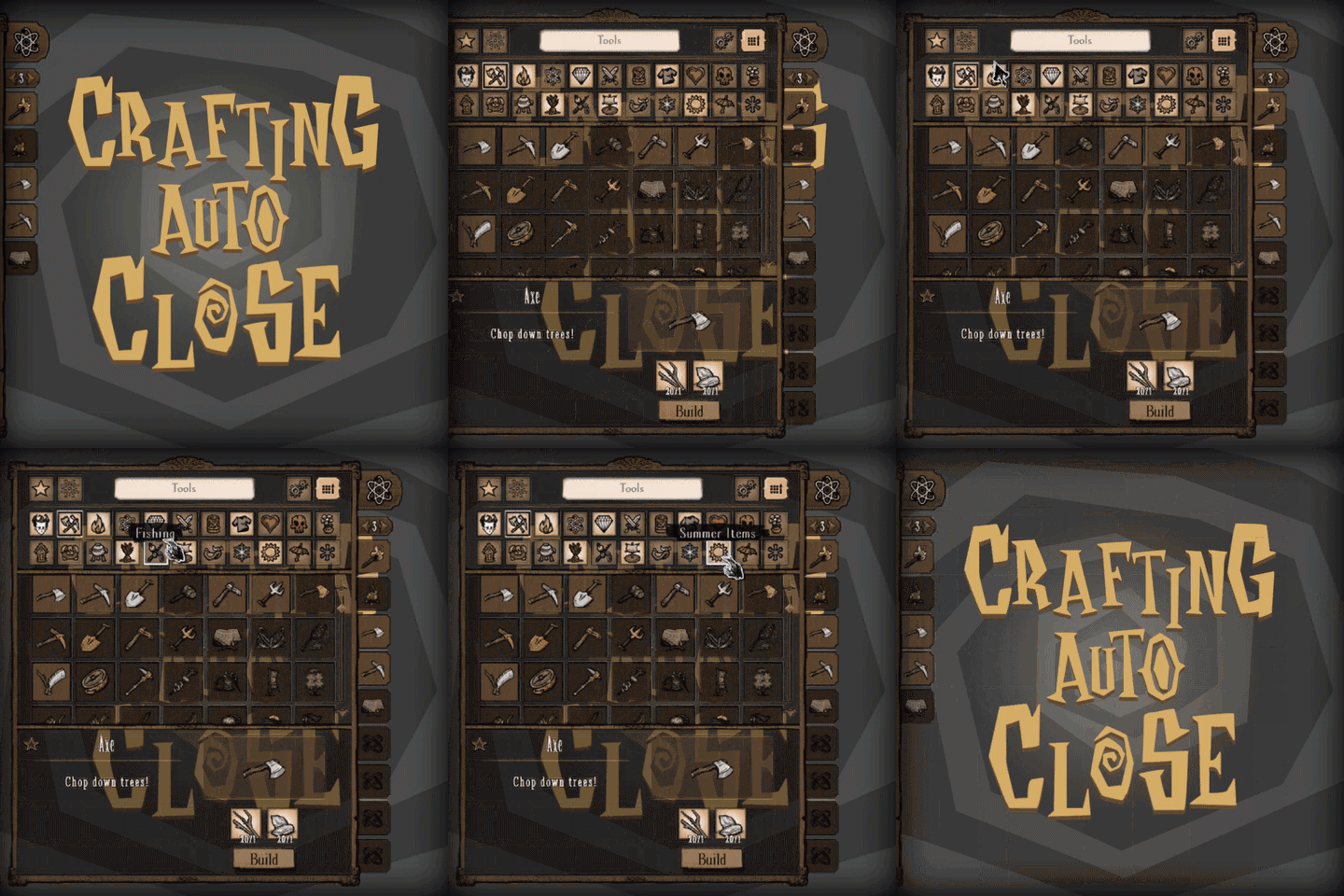
Tired of a cluttered crafting interface in Don’t Starve Together? The “Gone With the Mouse (Crafting Auto-Close)” mod brings back a beloved, intuitive feature that significantly cleans up your gameplay experience. This modification restores the crafting menu’s ability to automatically close when your cursor drifts too far away, a subtle yet powerful quality-of-life improvement that helps keep your focus exactly where it needs to be.
Reclaiming Focus and Flow
In the heat of survival, every second counts. Having the crafting menu linger open unnecessarily can be a distraction, drawing your attention away from the immediate threats or opportunities in the environment. Gone With the Mouse addresses this by intelligently managing the crafting interface. Once you’ve selected your items and are ready to get back to adventuring, a simple movement of your cursor away from the menu’s immediate vicinity will cause it to elegantly retract, clearing your screen and restoring your full view of the world.
Customizable Control for Every Survivor
This mod isn’t just a simple toggle; it offers a robust set of options to tailor the auto-close behavior to your specific playstyle and preferences. You have complete control over how and when the crafting menu decides to take its leave.
- Cursor Distance Threshold: Define precisely how far your cursor needs to travel before the menu automatically dismisses itself. This is set as a percentage of your screen width, giving you granular control over the sensitivity.
- Open Chest Behavior: Decide if you want the auto-close feature to remain inactive while you’re actively managing your chest inventory, preventing accidental closures during vital looting.
- Wait for Initial Mouseover: Configure whether the mod should only attempt to auto-close after your cursor has initially hovered over the crafting menu. This setting can be adjusted to always be enabled, disabled entirely, or to intelligently activate only when the menu was opened through non-standard means.
- Grace Period: Set a brief waiting period after opening the crafting menu before the auto-close function becomes active. This is particularly useful if you open menus via hotkeys and prefer a slight delay before the menu disappears.
Enhance Your Don’t Starve Together Experience
By restoring this classic functionality and providing extensive customization, Gone With the Mouse allows for a smoother, more immersive Don’t Starve Together experience. Spend less time managing interfaces and more time surviving the wilderness.