
Container Finder
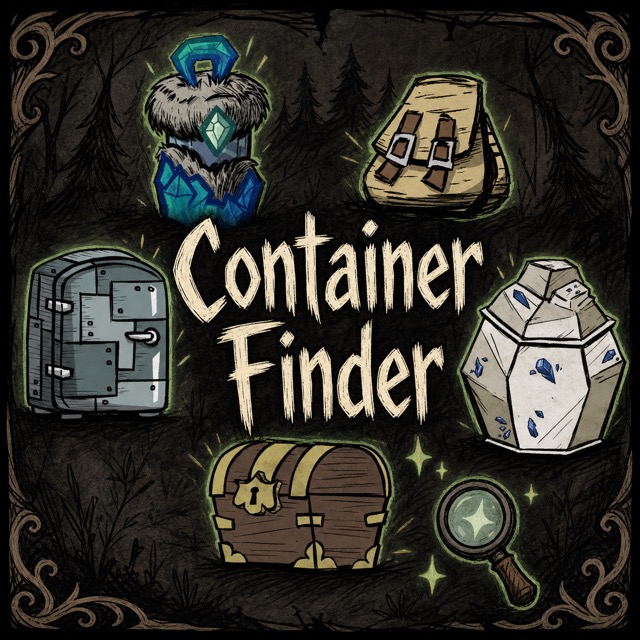
Never Lose Track of Your Loot in Don’t Starve Together
Are you tired of endlessly searching for that one specific item scattered across your sprawling base in Don’t Starve Together? Does the frustration of forgetting where you stashed your precious resources make your survival efforts feel more like a scavenger hunt? Introducing Container Finder, a game-changing mod designed to streamline your inventory management and bring peace to your Don’t Starve Together experience.
Effortless Item Location
Container Finder revolutionizes how you interact with your stored goods. Simply hover over an item in your inventory or focus on an ingredient within the crafting menu, and the mod instantly highlights all nearby containers that currently hold a matching item. No more digging through chests, backpacks, or drying racks one by one. This intuitive system saves you valuable time and mental energy, allowing you to focus on what truly matters: surviving the wilderness.
Key Features at Your Fingertips
- Intelligent Scanning: Hold an item on your cursor or focus a crafting ingredient to initiate a search for its matches.
- Dynamic Highlighting: Nearby containers holding the target item are visually highlighted, making them instantly recognizable.
- Clean Slate: Once you clear your cursor or crafting focus, the highlights disappear automatically, keeping your screen uncluttered.
- Multiplayer Friendly: Designed with multiplayer in mind, the mod ensures fair and efficient searching across your server.
Customizable Search Parameters
Container Finder isn’t just a one-size-fits-all solution. The mod offers several configuration options to tailor the experience to your specific needs. You can adjust the search range from a tight 10 tiles up to a generous 40 tiles. Furthermore, you have the flexibility to enable or disable searches within various storage types, including generic storage containers, dropped backpacks, drying racks, and even cooking stations. This granular control ensures you only see the results you’re interested in.
Seamless Integration
The mod operates smoothly in both single-player and multiplayer environments. In multiplayer settings, the server performs the scan, and each client displays the results, ensuring consistency. For advanced users and troubleshooting, a debug mode is available, offering detailed logs and console commands to fine-tune the experience or diagnose any potential issues.