
Batch Portable Storage (Client)
Streamline Your Shipments in Don’t Starve Together with Batch Portable Storage
Tired of the tedious process of filling and launching WX-78’s delivery drones one by one? The Batch Portable Storage mod for Don’t Starve Together is here to revolutionize how you send supplies across the treacherous wilderness. Say goodbye to repetitive clicking and hello to efficient, automated deliveries.
Effortless Item Management
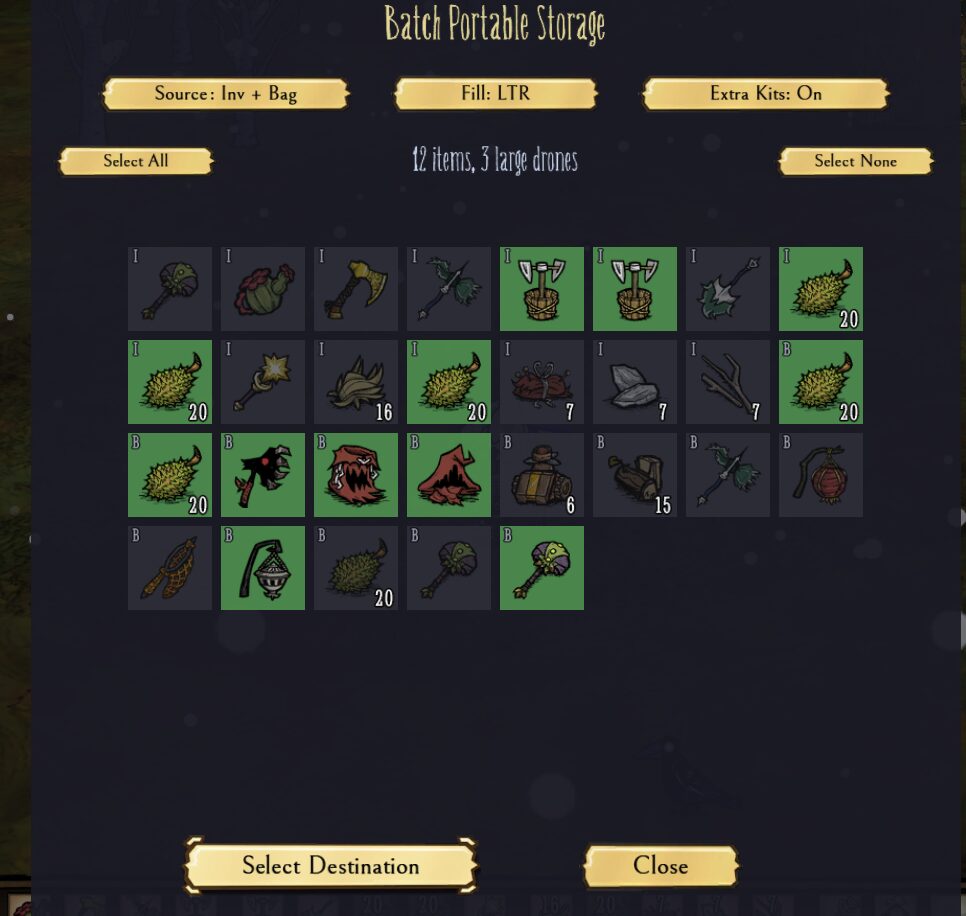
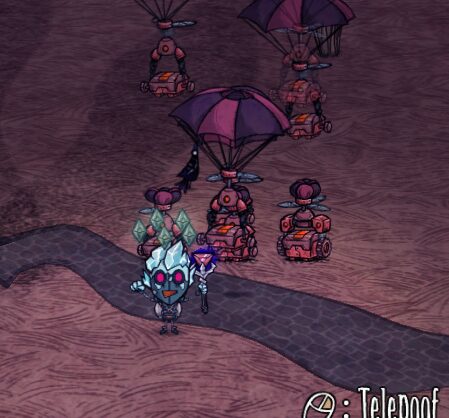
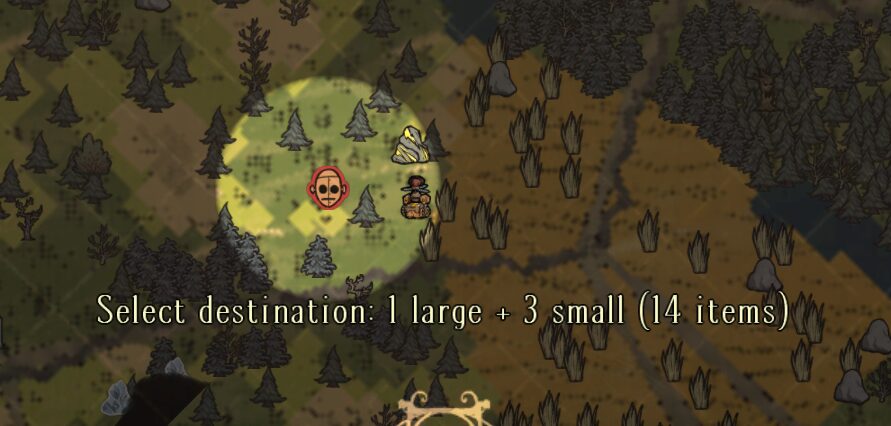
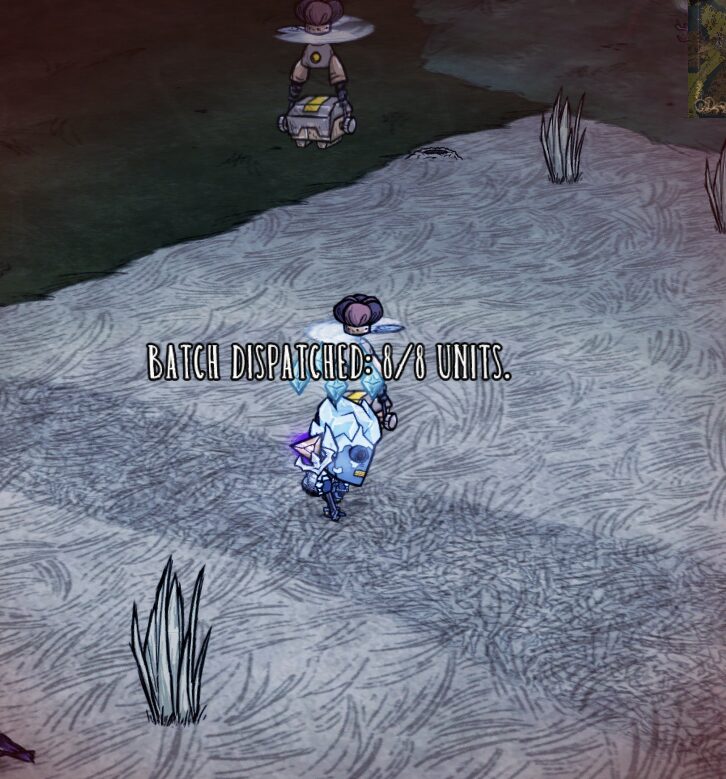
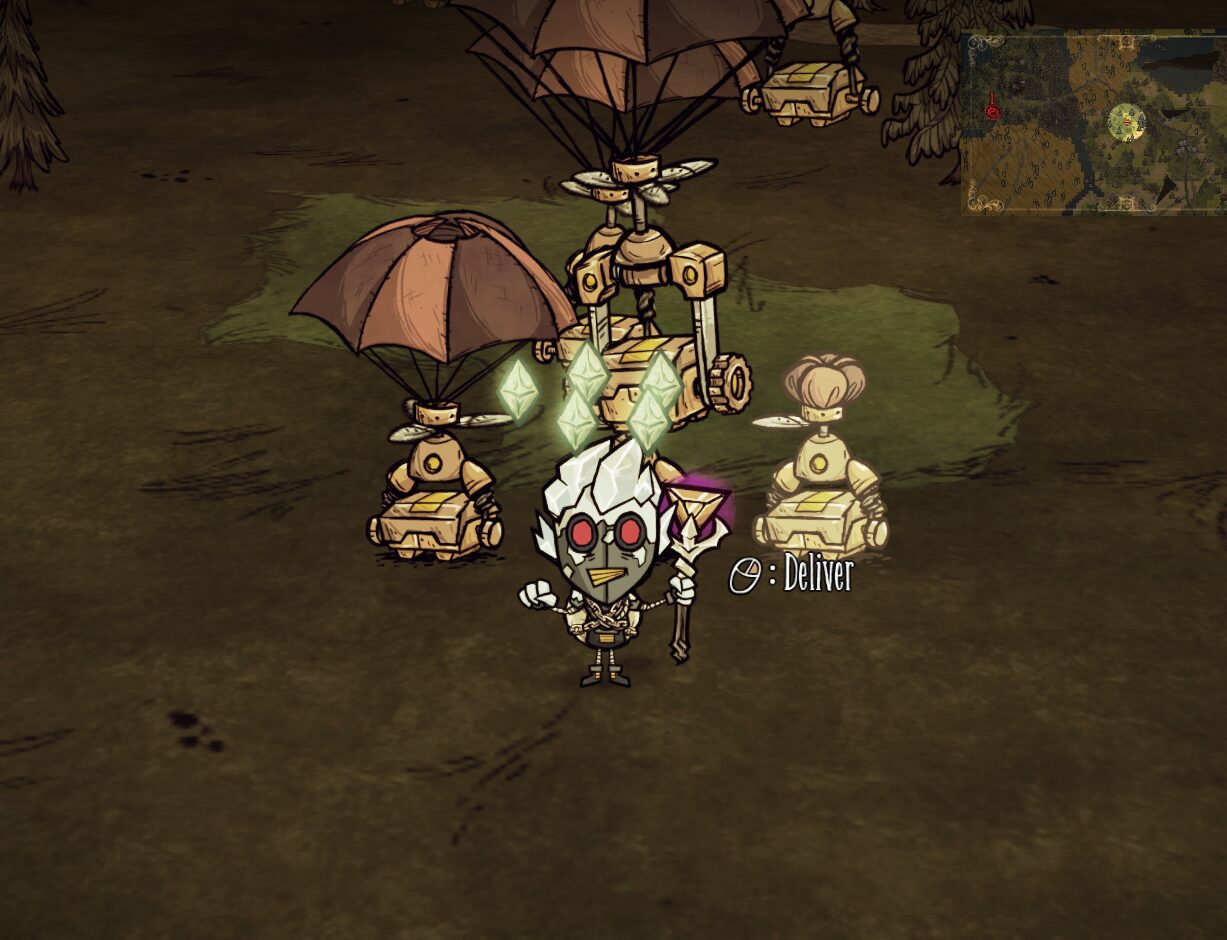
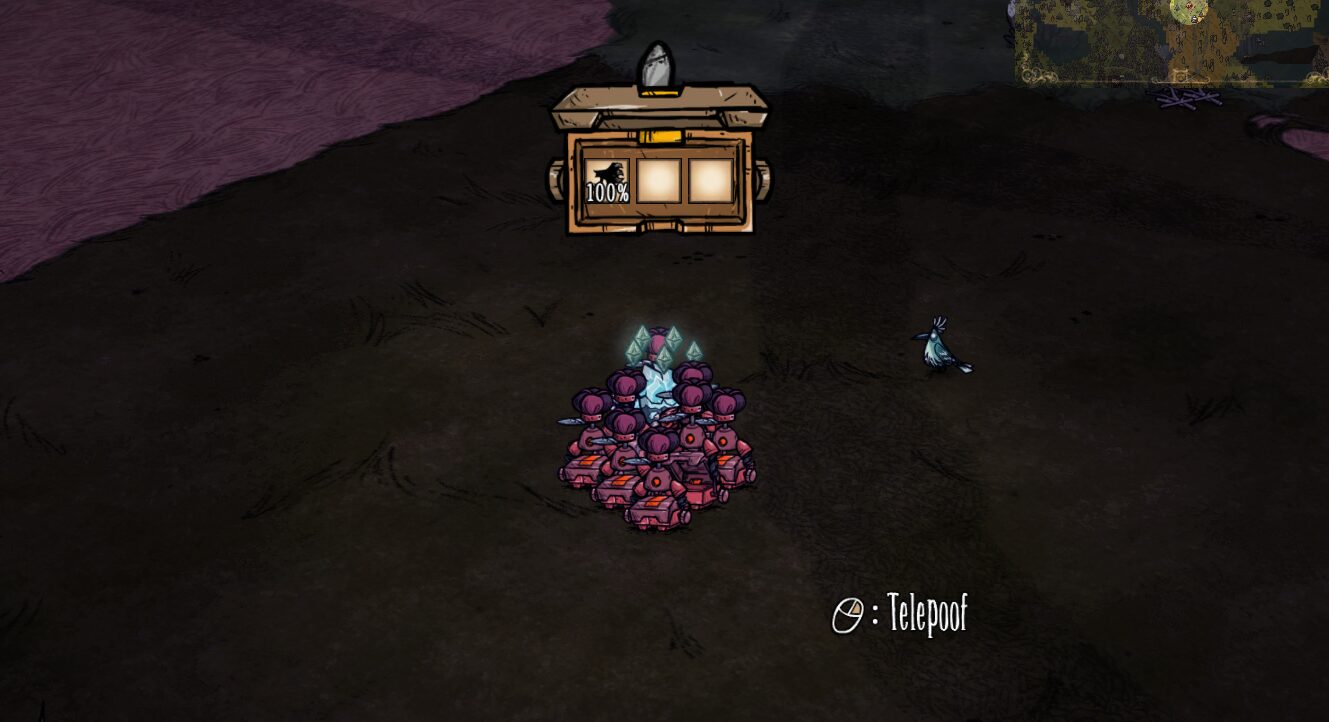
This ingenious client-side mod introduces a streamlined hotkey that automates the entire “care package” creation process. With a single key press, you’ll access an intuitive in-game menu. Here, you can precisely select which inventory and backpack slots you wish to ship. You can also adjust settings on the fly, ensuring your deliveries are always tailored to your needs. Once your items are selected and your destination is chosen on the map, the mod automatically deploys the necessary portable storage kits, fills them with your chosen cargo, and launches them directly to their target.
Reverse the Flow with Ease
The convenience doesn’t stop at sending. The same intuitive menu includes a “Collect” button that performs the reverse operation. With a click, nearby portable storage drones will be emptied into your inventory, dismantled, and their kits reclaimed. This makes retrieving supplies from your remote outposts as simple as sending them out.
Customizable Delivery Options
Batch Portable Storage offers several in-game settings that persist across sessions, allowing you to fine-tune your experience:
- Source: Choose whether to draw items from your main Inventory, your Backpack, or both.
- Fill Direction: Specify the order in which items are packed, either from Left-to-Right or Right-to-Left.
- Ship Extra Kits: An optional setting to pack leftover portable storage kits directly into the drones as additional cargo.
Advanced Configuration
For those who prefer a quicker approach, holding the Shift key while activating the hotkey bypasses the menu entirely, instantly opening the map for destination selection. This legacy fast-path ensures that everything permitted by your Source setting is shipped without further input. The mod-config menu allows you to set default preferences, including a customizable hotkey and a debug log for troubleshooting.
To utilize Batch Portable Storage, ensure you have WX-78 unlocked with the necessary transport kits, and at least one kit item and one non-equipped item ready to be shipped.