
Action Text Style Debugger
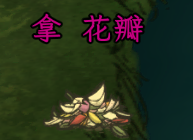
Action Text Style Debugger: Enhance Your Don’t Starve Together Experience
Dive deeper into the intricate world of Don’t Starve Together with the Action Text Style Debugger mod. This powerful modification allows you to meticulously customize the appearance of the hover action text, adding a personalized touch and potentially improving readability during your survival adventures. No more settling for the default look – take full control and make the crucial information you see on screen truly your own.
Unleash Your Creativity with Visual Customization
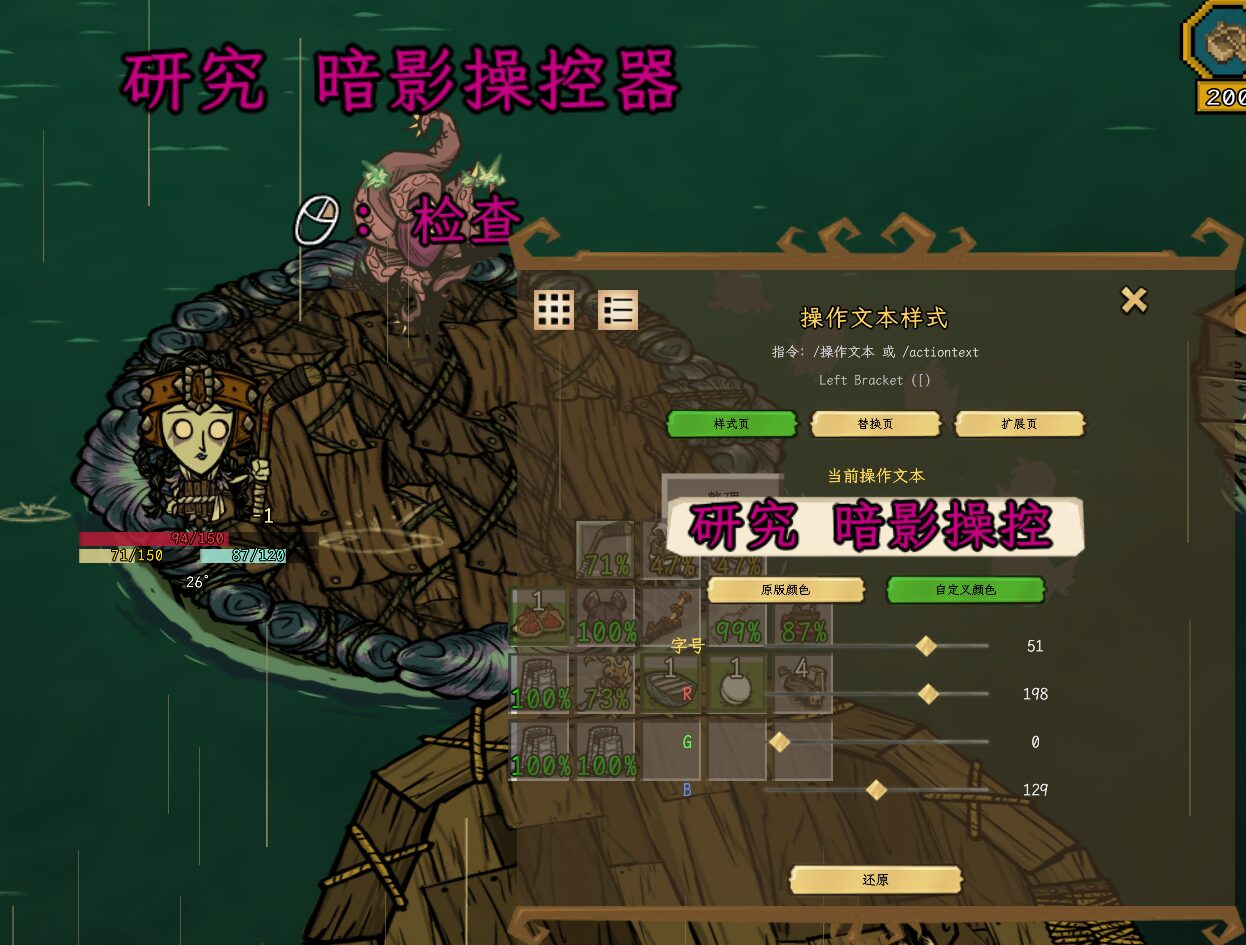
The core of the Action Text Style Debugger lies in its extensive visual customization options. You can fine-tune the font size to perfectly suit your preferences, ensuring that vital action prompts are always clear and easy to read, even amidst the chaos of survival. Beyond just size, the mod offers a vibrant palette of color effects to choose from. Select from the classic vanilla colors or venture into custom color modes for truly unique displays.
Dynamic Effects for a Lively Interface
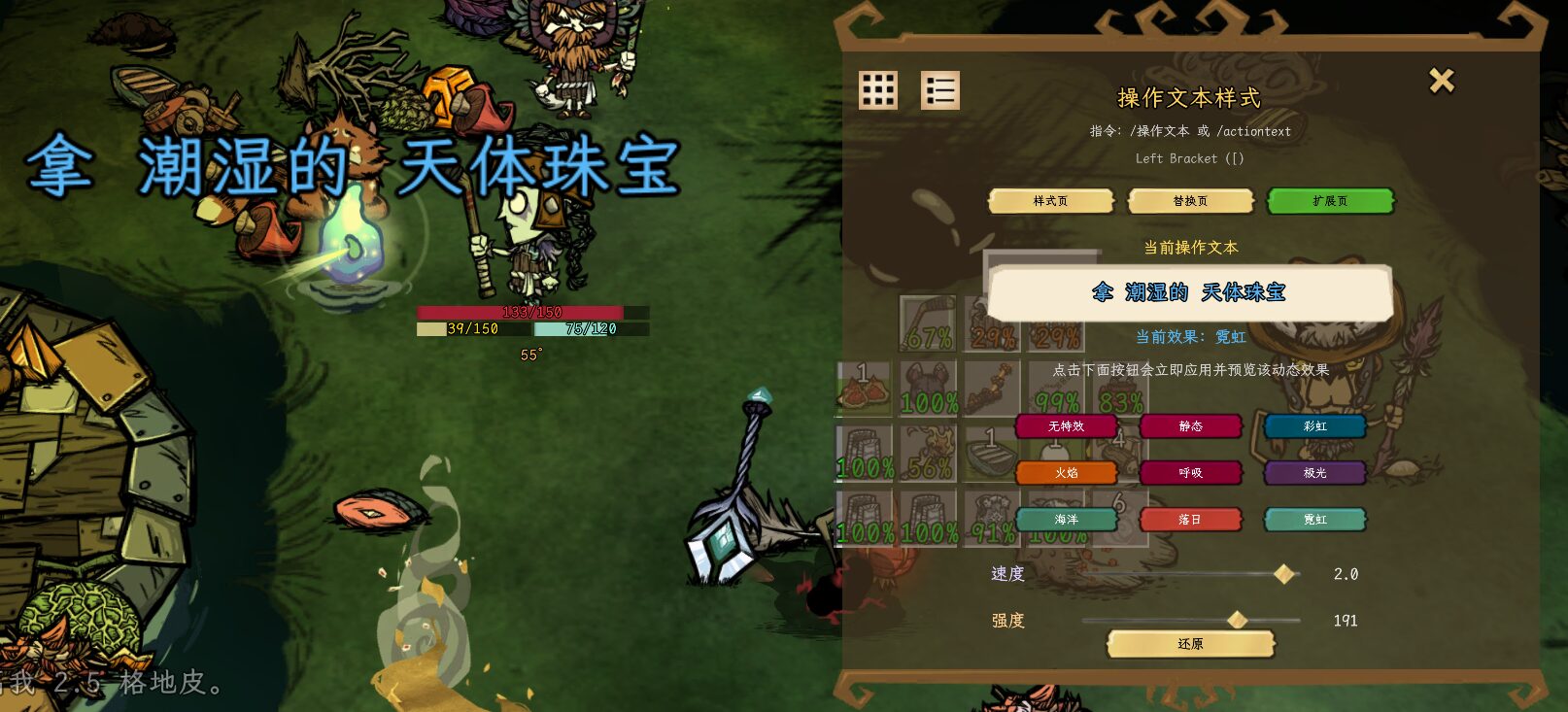
Bring your interface to life with a variety of dynamic visual effects. The Action Text Style Debugger mod introduces options that go far beyond static text:
- Static: A clean, unchanging color.
- Rainbow: A smooth transition through a spectrum of colors.
- Flame: Emulates the flickering intensity of fire.
- Pulse: A gentle, rhythmic change in color or intensity.
- Aurora: Mimics the ethereal glow of the northern lights.
- Ocean: Evokes the calming ebb and flow of water.
- Sunset: Captures the warm, gradient hues of twilight.
- Neon: A bright, vibrant, and eye-catching effect.
For those who crave even more control, an extended page within the mod’s settings allows for precise adjustments to the speed and intensity of these dynamic effects. You can tailor the animation to be subtle and understated or bold and attention-grabbing.
Intuitive Controls and Features
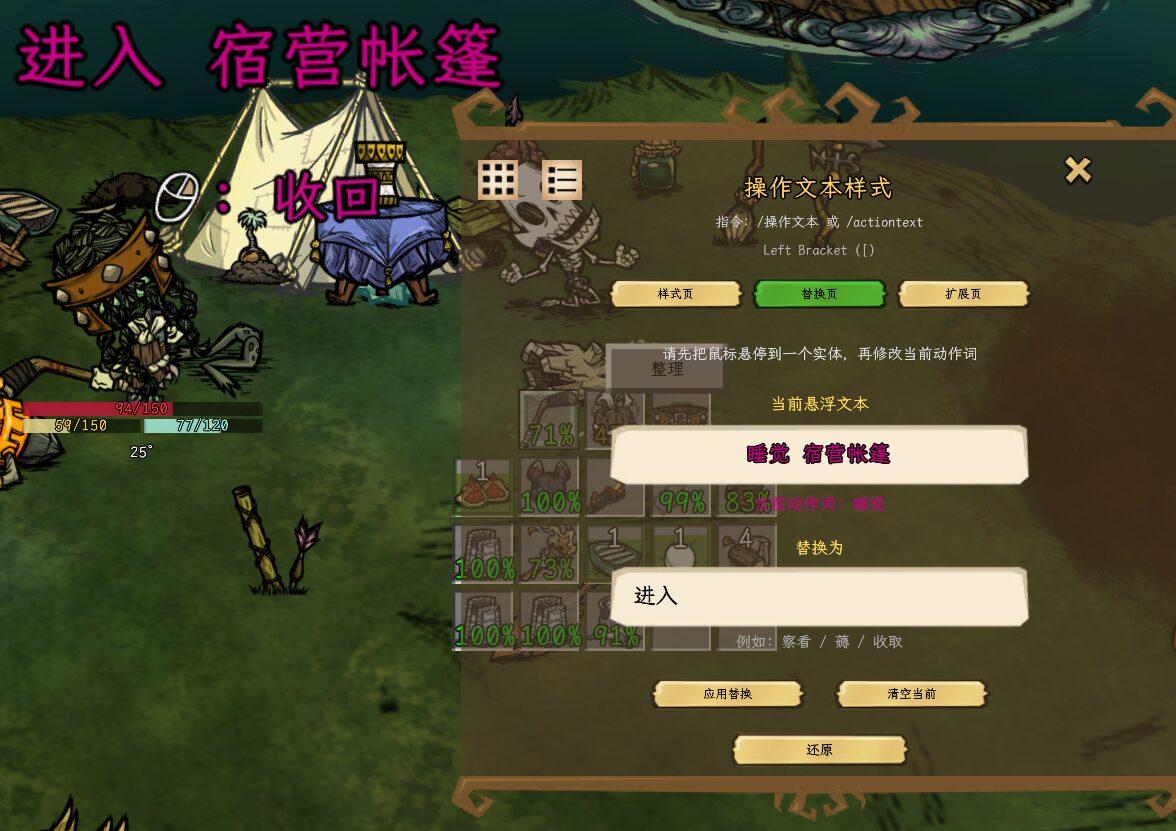
The Action Text Style Debugger is designed with user-friendliness in mind. The mod enables you to edit action words based on the latest hovered text, providing contextual customization. Furthermore, a compact, draggable panel houses all your settings, allowing you to position it conveniently on your screen. Its position is saved between sessions, ensuring your preferred layout remains intact. Accessing various settings is also streamlined through convenient chat commands like `/czwb`, `/actiontext`, and `/optext`, offering quick adjustments on the fly.