
LW- fawn’s eye skin (12/24 fix)
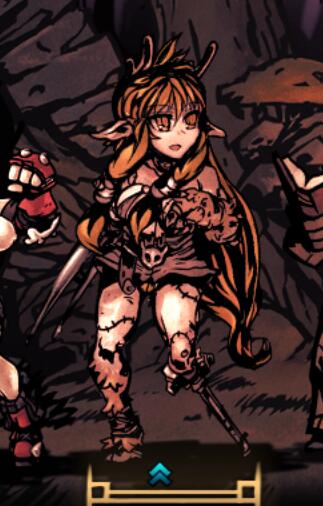
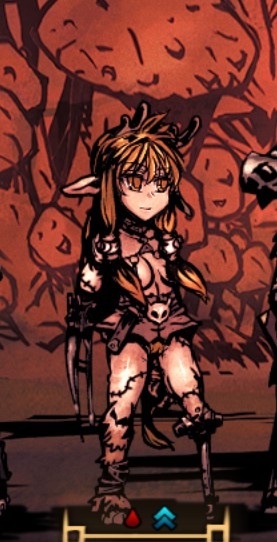
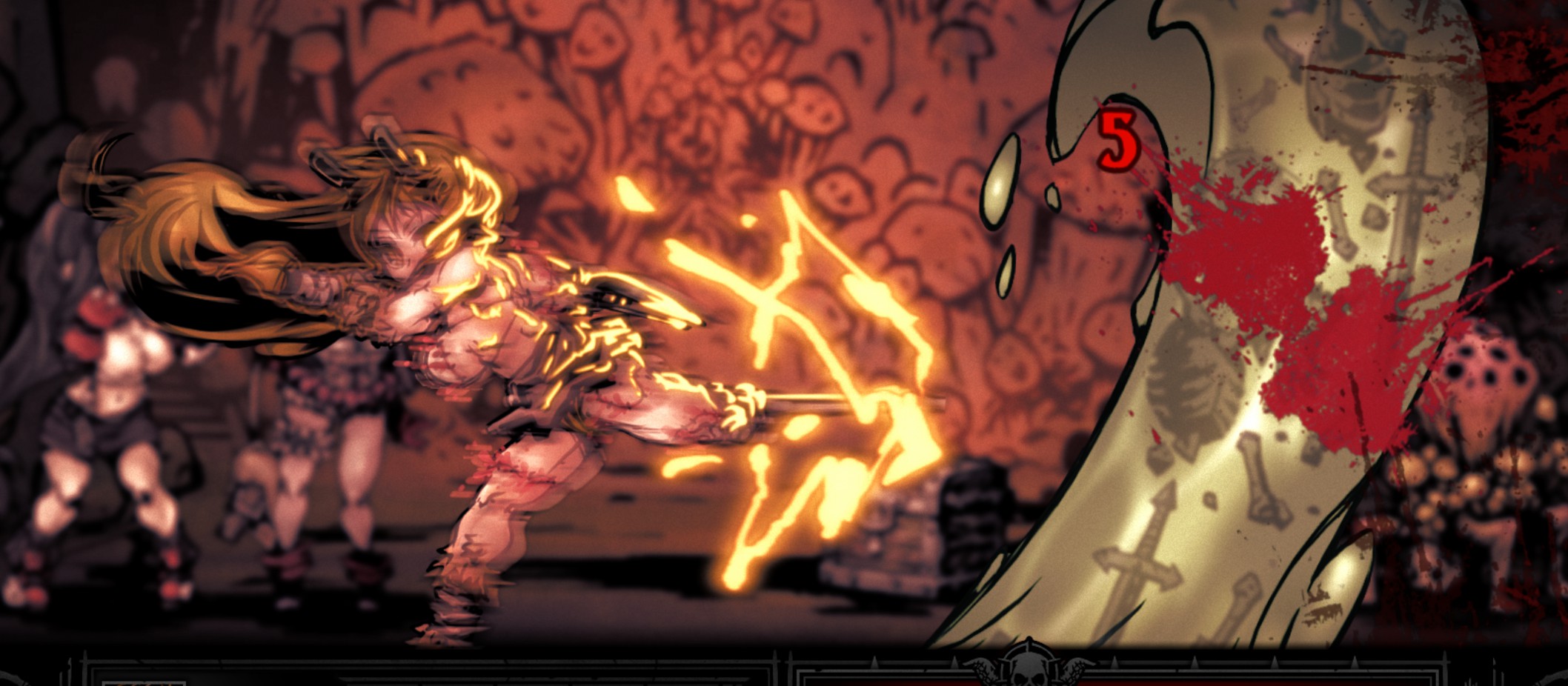
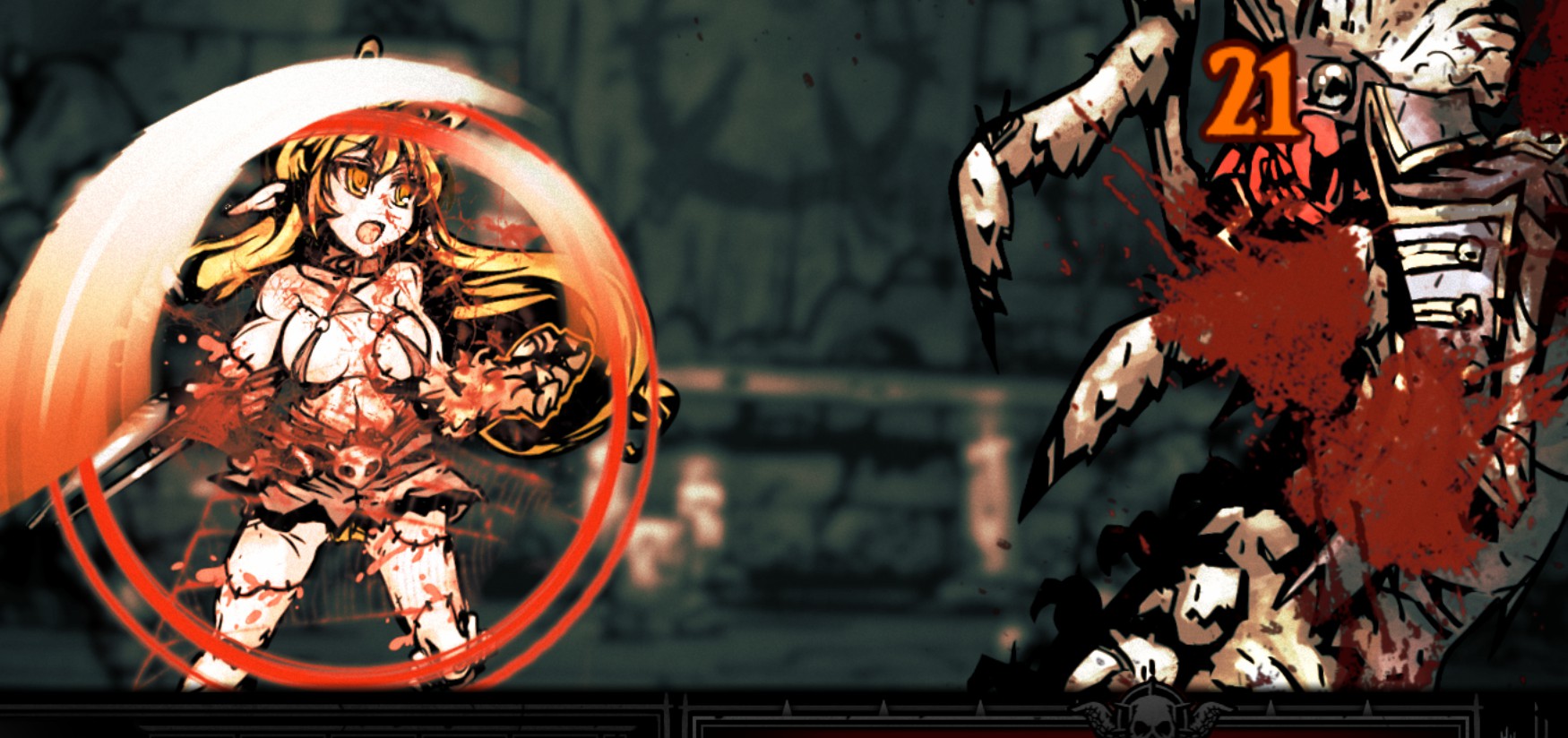
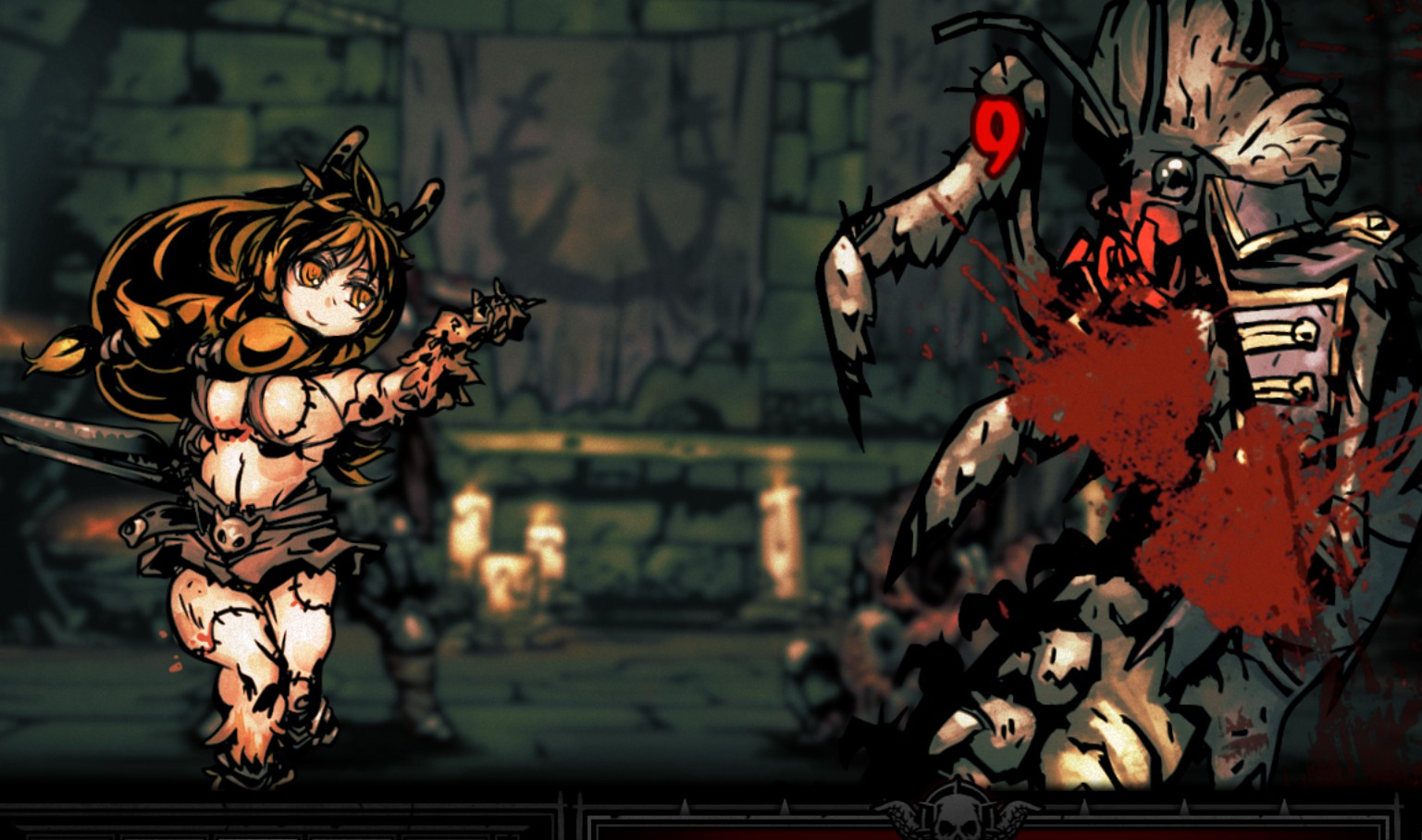
Enhance Your Darkest Dungeon Experience with Fawn’s Eye Skin Mod
For dedicated fans of Darkest Dungeon seeking to personalize their grim adventures, the Fawn’s Eye Skin mod offers a distinct visual upgrade. This modification focuses on providing a unique aesthetic for the Fawn character, allowing players to refresh the appearance of their roster with a touch of individual flair. Whether you’re aiming for a slightly different mood or simply enjoy customizing the look of your heroes, this mod provides a straightforward way to achieve it.
Aesthetic Customization Options
The Fawn’s Eye Skin mod comes with a variety of optional versions, catering to different player preferences. These alternative appearances can range from subtle adjustments to more significant visual changes. Players interested in exploring these options will find detailed instructions within the mod’s files on how to replace the default assets with their chosen variations. It’s important to note that some of these optional versions may contain mature content, so players should exercise discretion when browsing and selecting their preferred look.
Key Features and Usage
This mod provides a fresh skin for the Fawn, breathing new life into their in-game appearance. With several optional versions included, players can tailor the look to their exact liking. For those who enjoy deep customization, PSD files are also provided, enabling users to create their own unique textures if they possess the necessary graphic editing skills.
- Unique visual skin for the Fawn character.
- Includes multiple optional versions for varied aesthetics.
- Optional versions may contain NSFW elements; use with awareness.
- Support for advanced customization via included PSD files.
- Clear instructions provided for installation and option switching.
Installation is typically handled through subscribing via the Steam Workshop or by manually placing the mod files into the game’s designated mods folder. Once installed, players can enable the mod through the game’s in-game menu. The mod also includes helpful guidance on managing potential conflicts with other modifications, allowing players to adjust the mod’s load order if necessary. For those seeking to delve deeper, detailed instructions are available for manually replacing assets and even creating entirely new looks using the provided PSD files.