
LW- crypts Landscaping 2 遗迹美化2
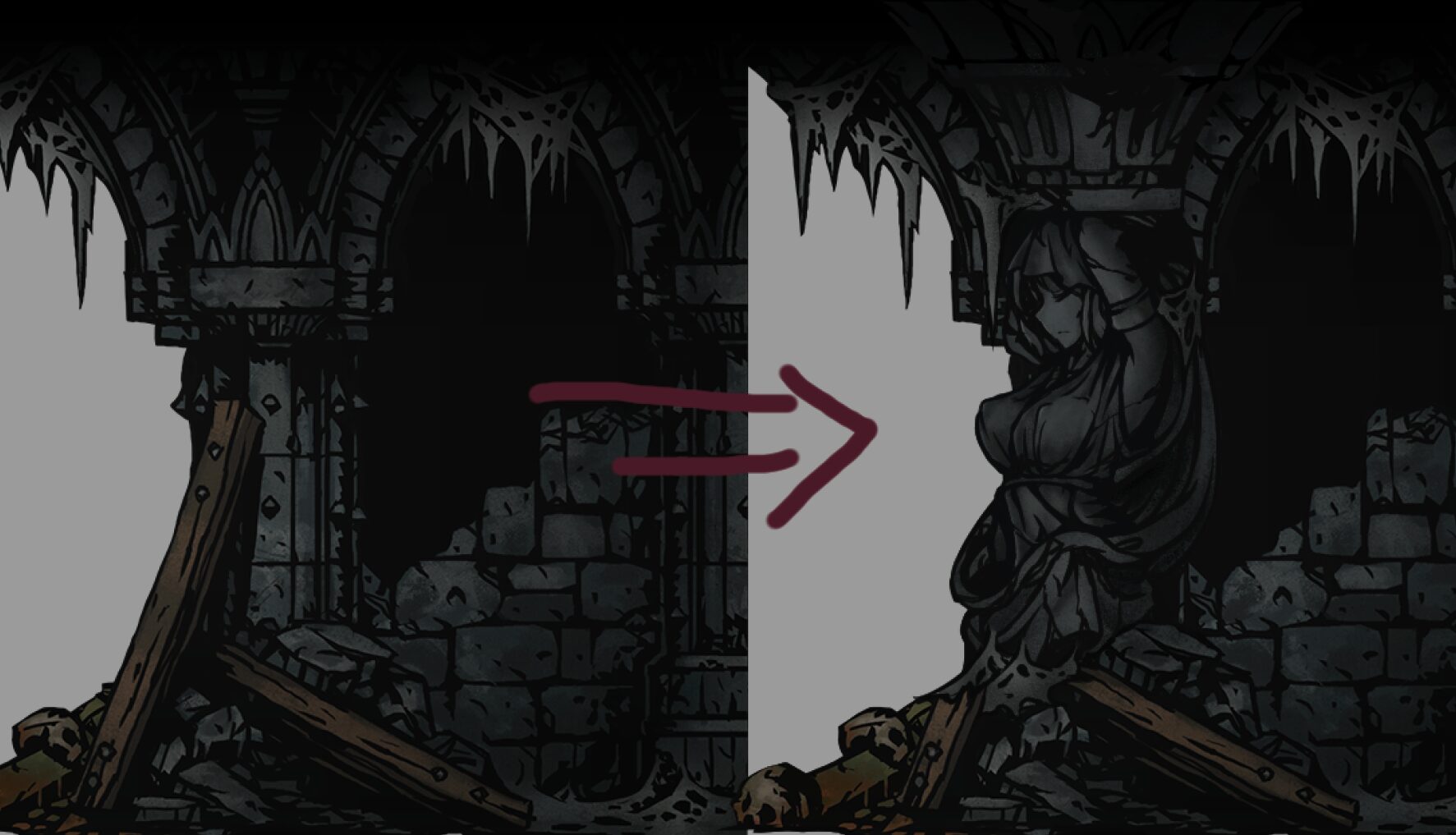
Enhance Your Darkest Dungeon Expeditions with Crypts Landscaping 2
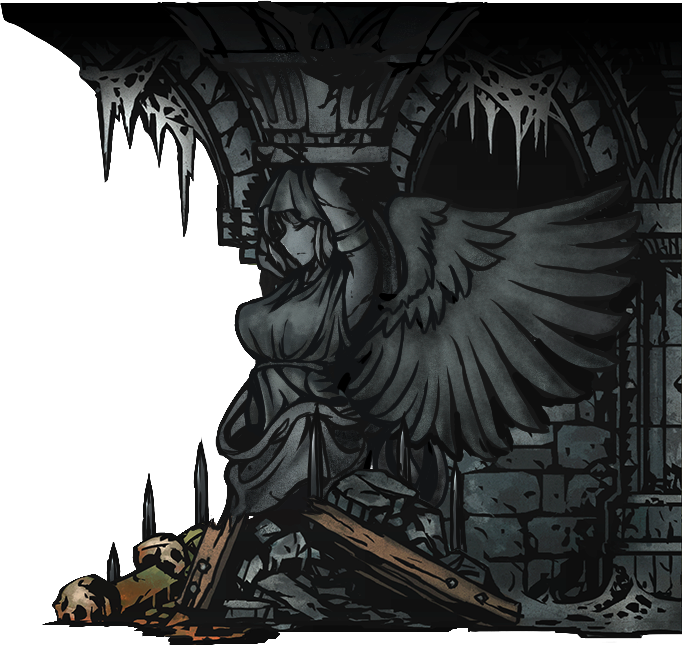
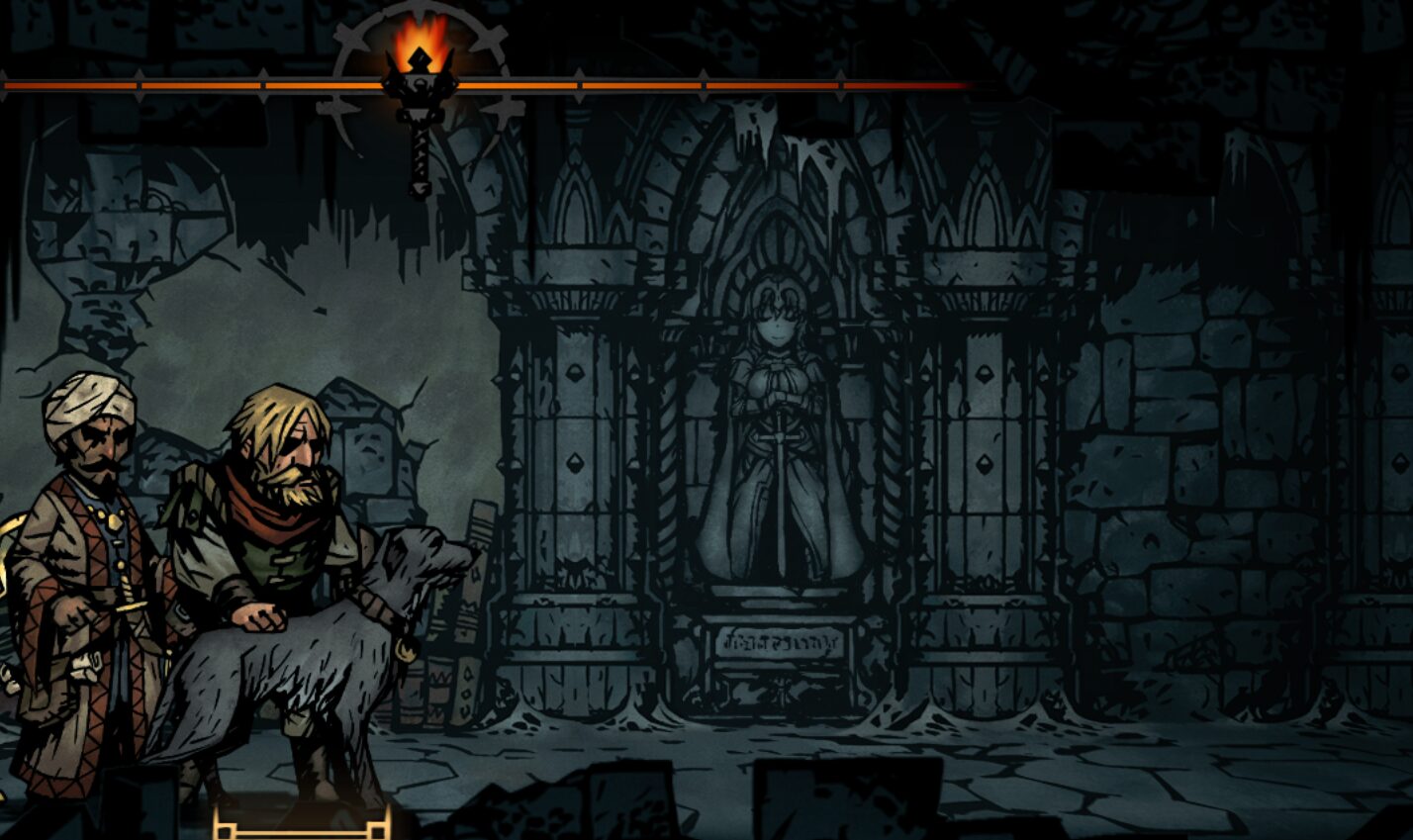
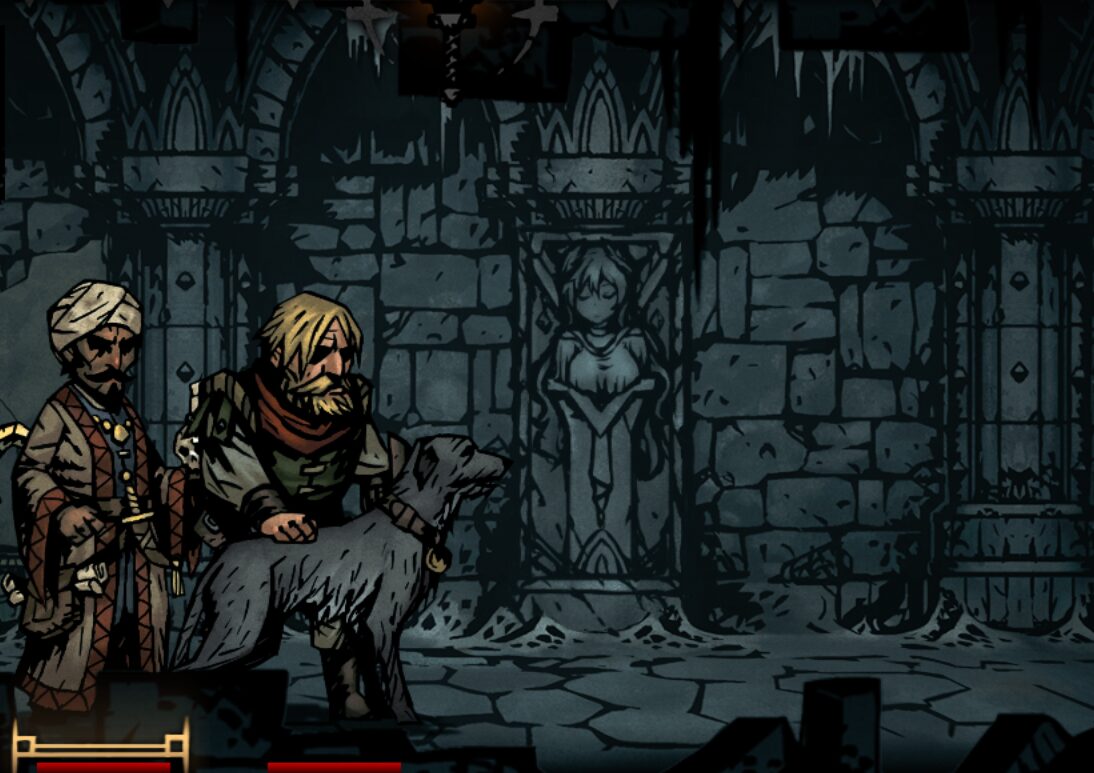
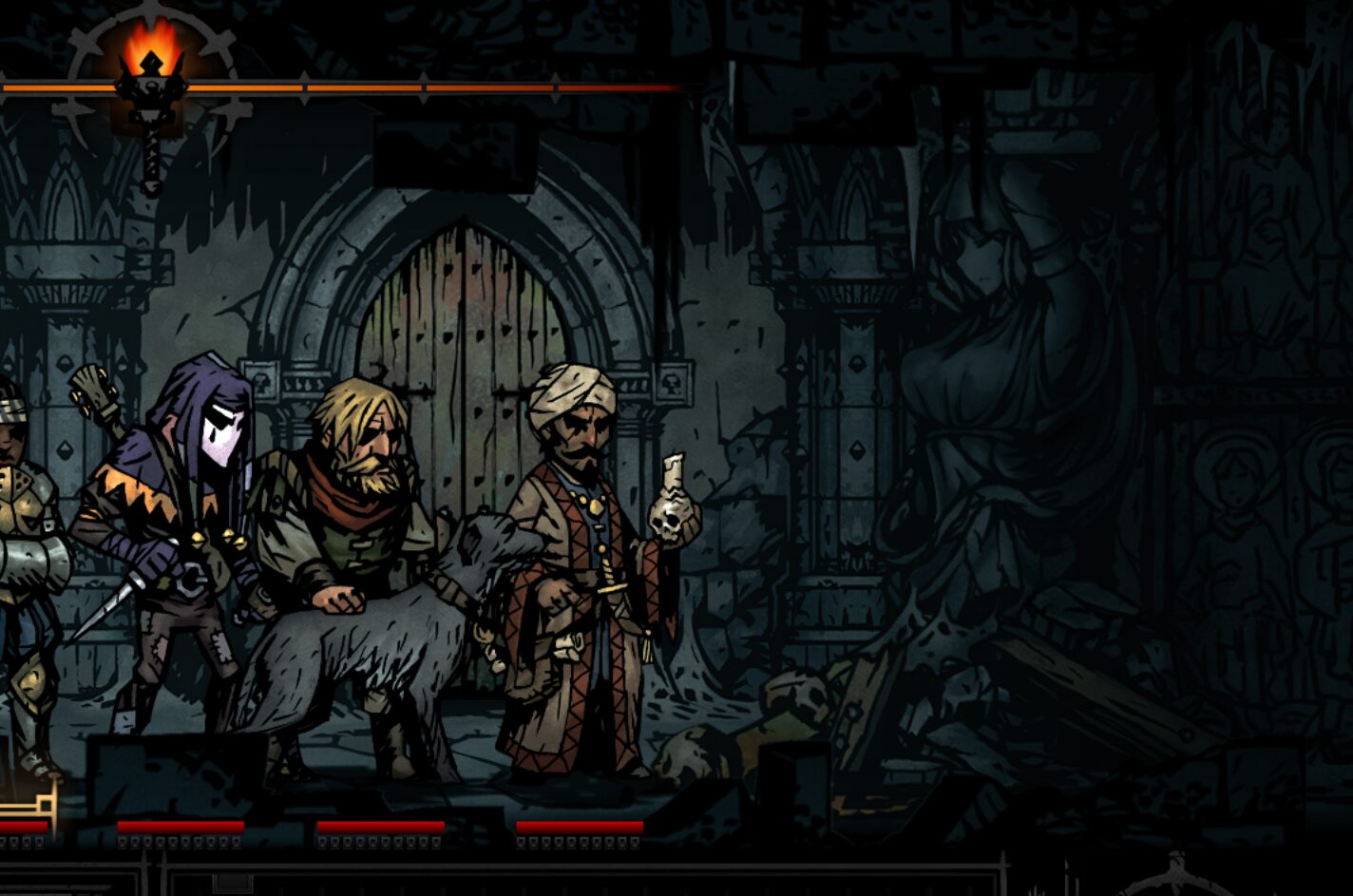
The grim and perilous world of Darkest Dungeon is about to receive a touch of artistic refinement. The Crypts Landscaping 2 mod introduces subtle yet impactful visual enhancements to the background elements of the Ruins, breathing new life into familiar environments and adding a layer of aesthetic depth to your harrowing expeditions.
A More Artistic Ruin
This mod focuses on enriching the visual tapestry of the Ruins, a region players will undoubtedly become intimately familiar with. Two new, distinct statues have been carefully integrated into the background art, offering a fresh visual focal point. Furthermore, the very end-of-room scenery in the Ruins has been subtly reimagined to possess a more artistic flair, making those moments of quiet dread before the next encounter feel a little more deliberate and visually engaging.
Key Features:
- Introduction of two new background statues in the Ruins.
- Enhanced artistic details for the end-of-room scenery in the Ruins.
- Includes replacement versions for seamless integration.
- PSD files provided for advanced customization.
The creator of this mod has also thoughtfully included PSD files alongside the replacement assets. This empowers dedicated players to delve deeper, modify existing elements, or even craft entirely new artistic contributions that align with their personal vision for the game’s aesthetic. This dedication to user customization ensures that the mod can be tailored to individual preferences, further personalizing the Darkest Dungeon experience.
Installation and Customization
Integrating Crypts Landscaping 2 is a straightforward process, designed to be accessible for all players. Once subscribed to or manually installed, a simple in-game menu option allows you to enable the mod. For those seeking a more bespoke appearance, the mod offers optional replacement files and a dedicated “Special Edit” folder. Within this folder, players can discover alternative visual styles or utilize the provided PSDs to create their own unique artistic touches, overriding default assets for a truly personalized touch. Detailed instructions are available for advanced customization, including a convenient one-click replacement system for quicker modifications.