
File in workshop is damaged – unable to upload and update
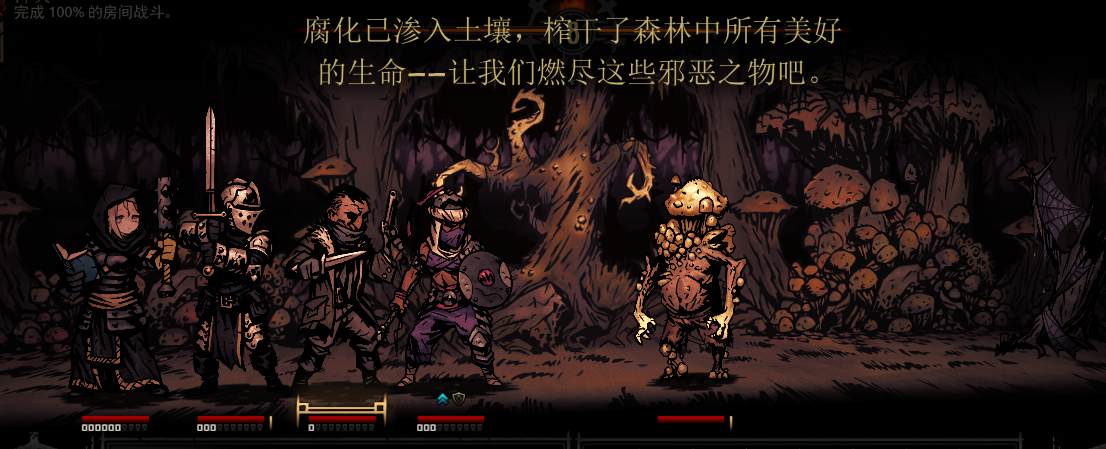
Troubleshooting Damaged Workshop Files in Darkest Dungeon
Experiencing issues with your Darkest Dungeon workshop files? A common problem that can arise is encountering a “File in workshop is damaged – unable to upload and update” error. This message indicates that something has gone wrong with the files that manage your workshop content, preventing you from sharing your creations or applying updates to existing ones. Fortunately, this is usually a resolvable issue with a few targeted troubleshooting steps.
Understanding the Error
This particular error message often stems from corrupted data within the game’s workshop management system. It’s akin to a digital filing cabinet having its drawers jammed, making it impossible to add or retrieve items. When this happens, the Darkest Dungeon client cannot properly communicate with the Steam Workshop servers for your specific mod, leading to the upload and update failures.
Common Causes and Solutions
Several factors can contribute to corrupted workshop files. It’s important to approach these systematically to identify and rectify the problem.
- **Incomplete Downloads or Uploads:** Interrupted internet connections or sudden program closures during file transfers can leave workshop files in an inconsistent or damaged state.
- **Conflicting Software:** Antivirus programs or other background applications can sometimes interfere with file operations, mistakenly flagging game files as threats and corrupting them.
- **Steam Client Issues:** Problems with the Steam client itself, such as outdated versions or temporary glitches, can also impact workshop functionality.
- **Mod File Integrity:** For those attempting to upload or update mods, ensuring the individual mod files themselves are not corrupted is crucial.
To address these issues, consider the following actions:
Resolving the Damaged File Error
The most effective way to overcome the “File in workshop is damaged” error involves clearing out the problematic local data and allowing Steam to re-download or re-verify the necessary files.
First, locate your Darkest Dungeon workshop content folder. Within your Steam library, right-click on Darkest Dungeon, select “Properties,” then “Local Files,” and finally “Browse Local Files.” Navigate to the Steam Workshop folder within the game’s directory. You will need to delete the specific folder associated with the mod causing the error. Be cautious and ensure you are deleting the correct folder to avoid unintended data loss.
After deleting the problematic folder, restart your Steam client. Then, attempt to subscribe to the mod again or initiate the update process. Steam should now redownload the workshop files cleanly, resolving the corruption. If you are experiencing this error while trying to upload a mod you created, you may need to re-verify the integrity of your mod’s files locally before attempting to upload again. Disabling any interfering background software temporarily can also be beneficial during this process.