
Better Mod Menu (Manual Install needed)
Enhance Your Modding Experience with the Better Mod Menu
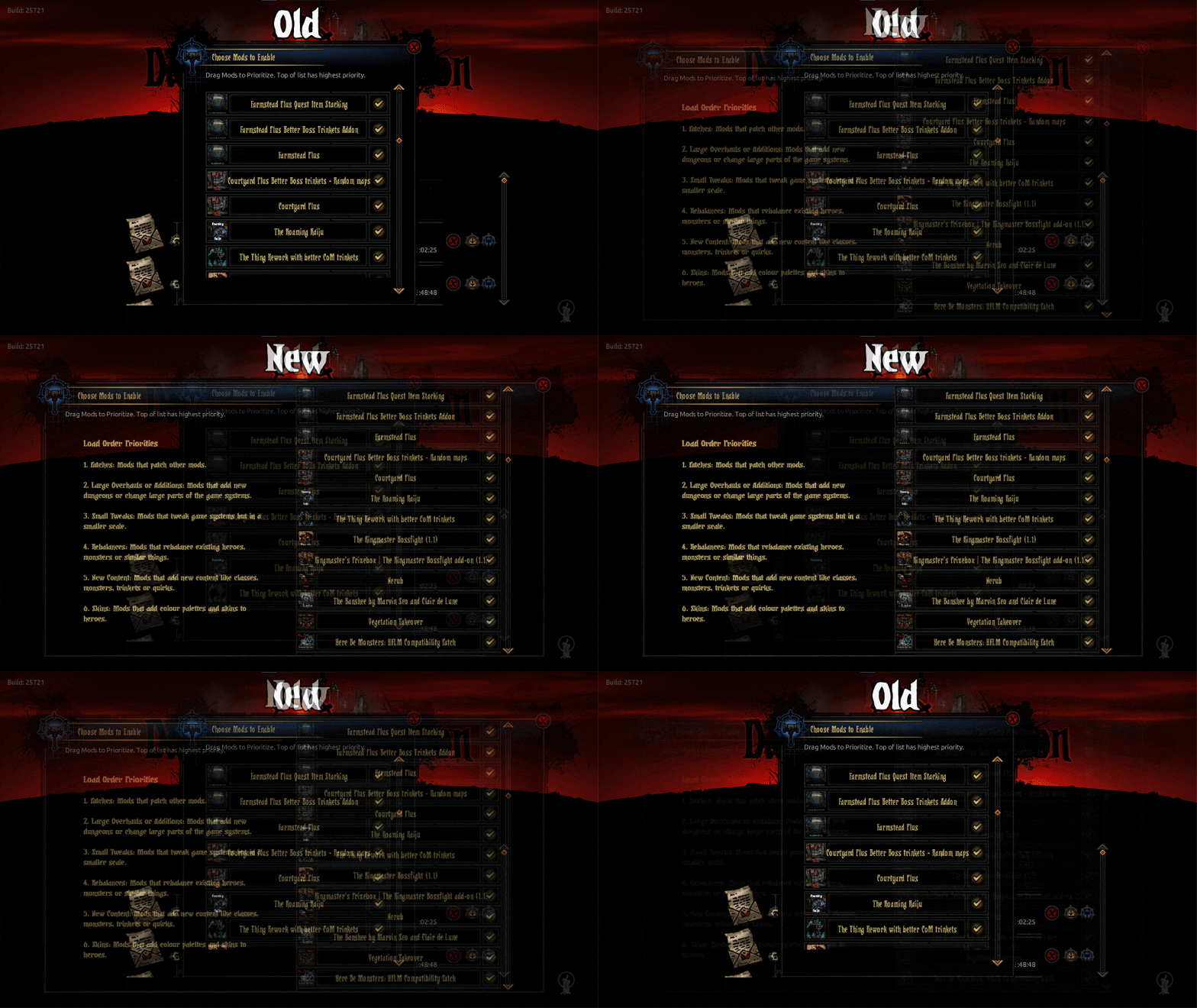
Tired of a cramped and clunky mod menu hindering your Darkest Dungeon modding adventures? The Better Mod Menu mod is here to streamline your experience, offering a more intuitive and user-friendly interface for managing your game modifications. This mod focuses on refining the existing mod menu, providing crucial quality-of-life improvements for players who enjoy customizing their Darkest Dungeon playthroughs.
Key Improvements for Mod Management
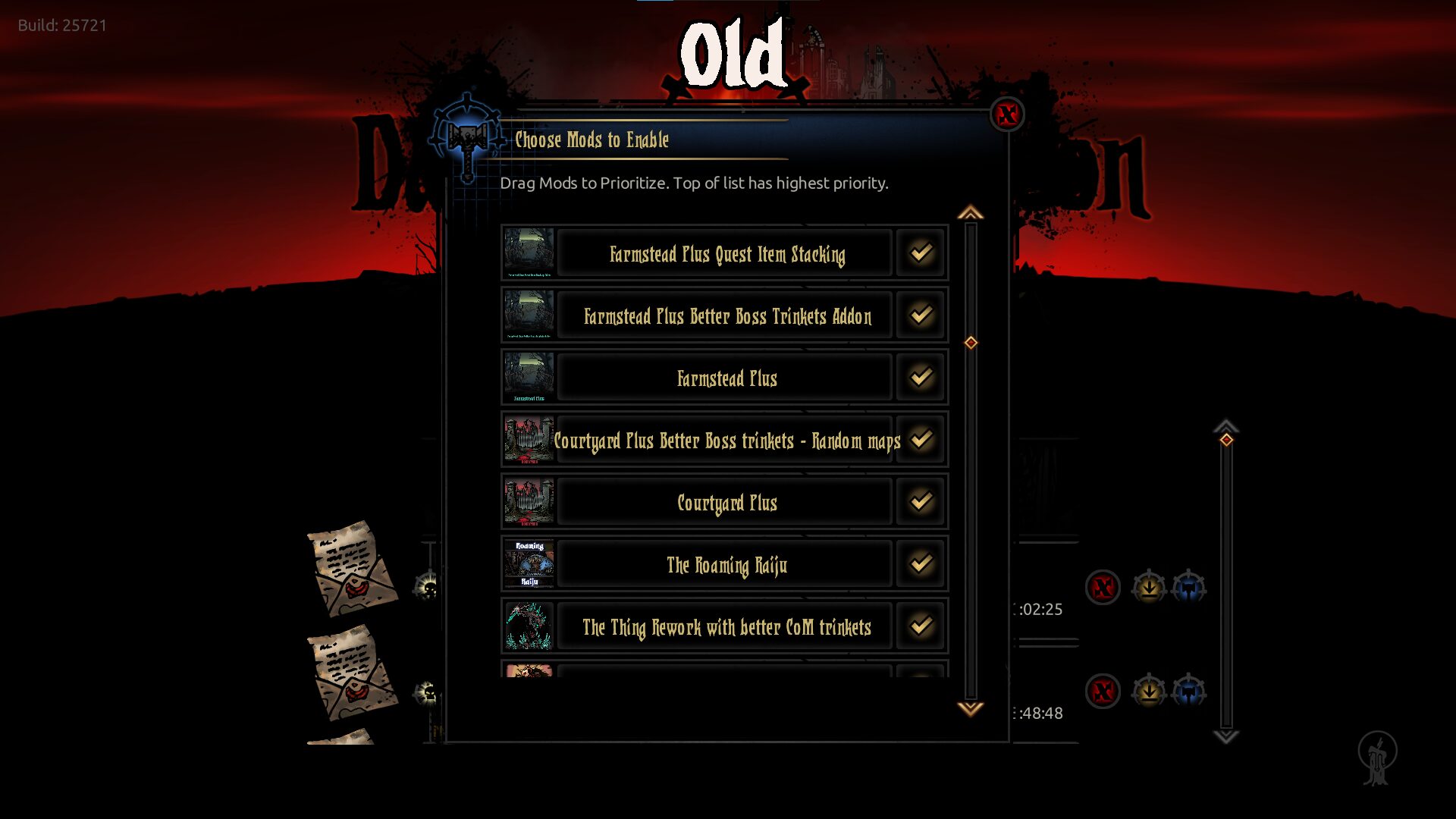
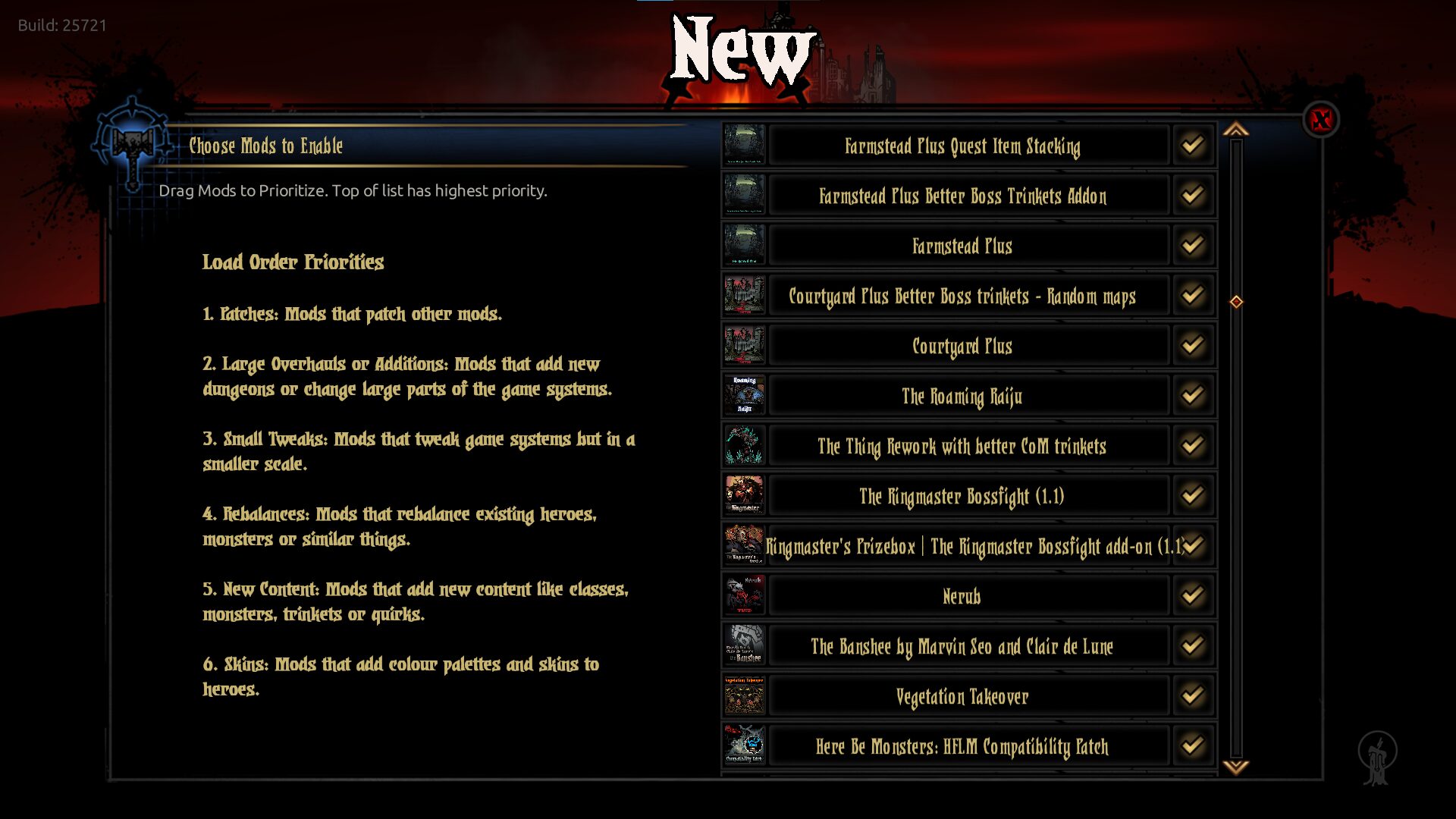
The Better Mod Menu addresses the limitations of the default interface by significantly increasing the available viewing space for your installed mods. This means less scrolling and a clearer overview of your entire mod collection. Furthermore, the mod enhances the drag-and-drop functionality, making it smoother and more responsive when reordering your mods. Whether you’re fine-tuning load orders or simply tidying up your list, these improvements make the process far less cumbersome.
Manual Installation Required
Due to the technical nature of how mods are loaded within Darkest Dungeon, this particular modification requires a manual installation. This ensures that the mod integrates correctly with the game’s core files. Detailed instructions are provided for users who wish to implement this enhancement.
What the Mod Offers:
- Increased viewing space for mods within the menu.
- Improved responsiveness for drag-and-drop mod reordering.
- A more convenient and efficient mod management experience.
Installation and Localization
To install the Better Mod Menu, users will need to back up their existing ‘fe_flow’ folder. The mod’s files are then copied and pasted into the main Darkest Dungeon directory. The creator has also included localized versions for Simplified Chinese and Spanish, with instructions on how to integrate these language packs. They are also open to contributions for further language support.