
Saving System : Save and Load
Brotato: Master Your Runs with the Saving System Mod
Ever wished you could rewind time in Brotato? Perhaps you’ve just survived a brutal wave, only to make a costly mistake in the shop, regretting that last purchase? The Saving System mod introduces a powerful new layer to your Brotato experience, allowing you to take control of your runs like never before.
Never Lose Progress Again
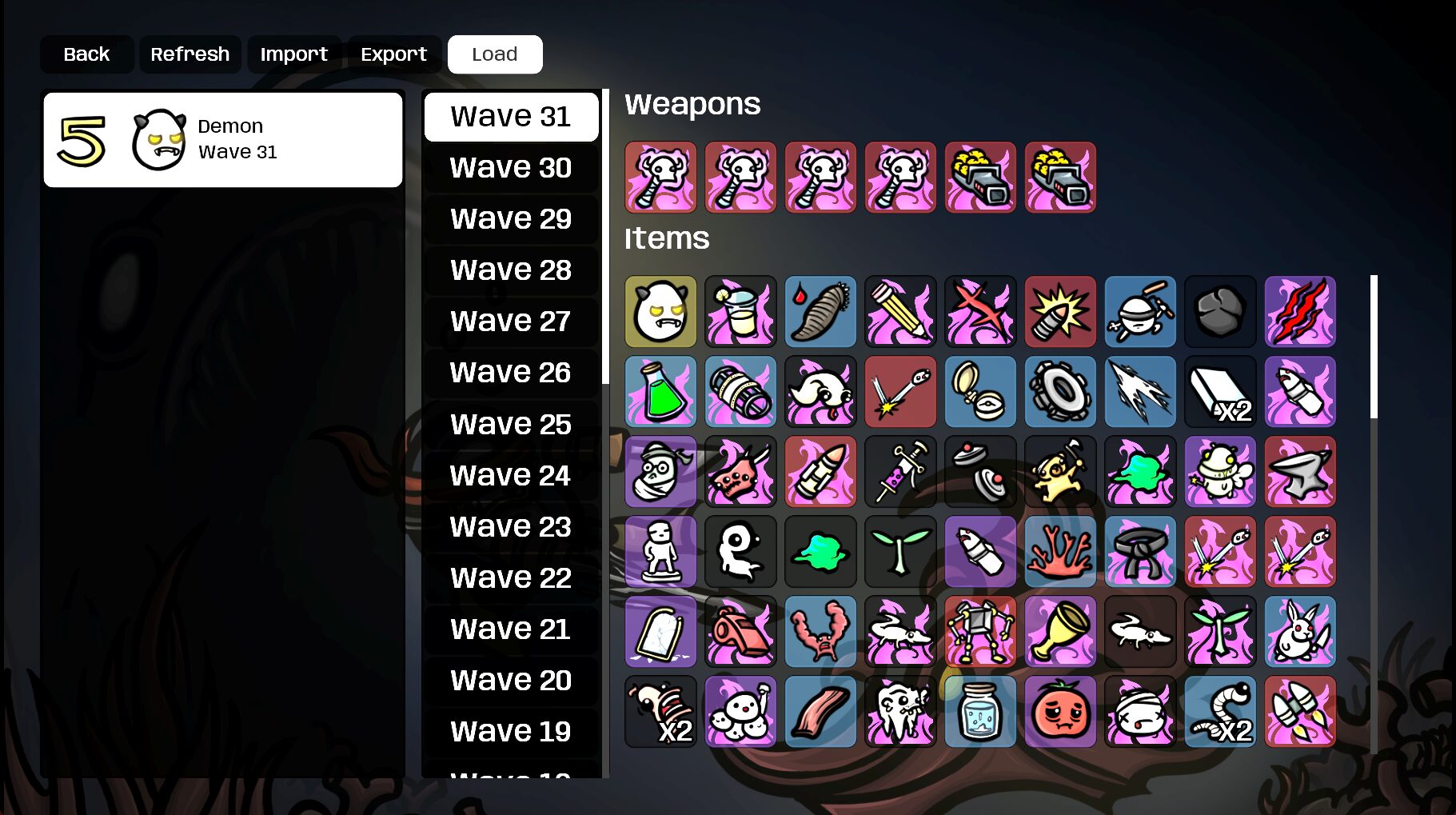
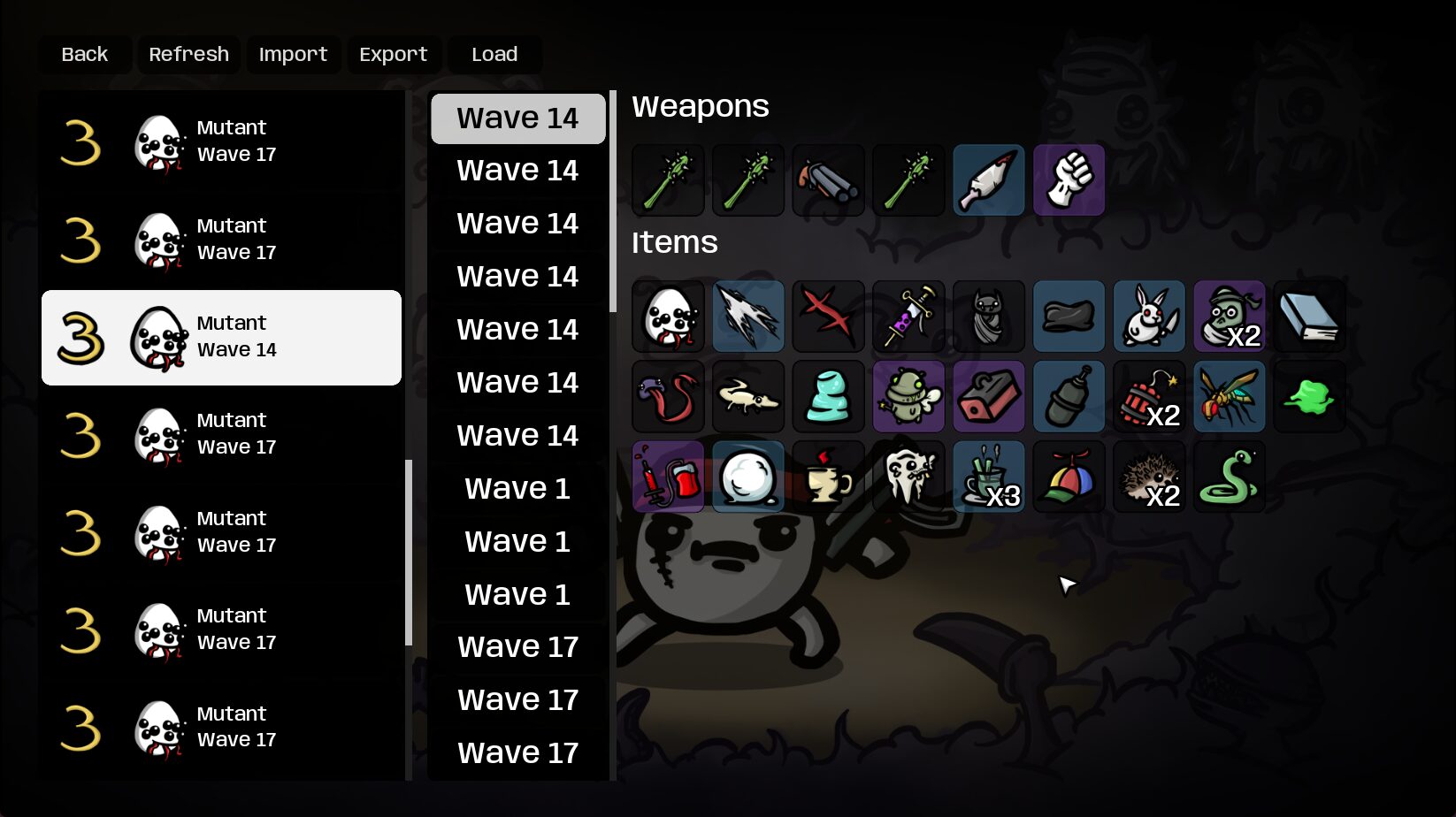
This innovative mod automatically creates save points for your runs whenever you enter the shop. This means that after a challenging wave, you can rest assured that your progress is safely stored. Whether you want to retry a difficult boss fight from the beginning of the shop phase or simply want to revisit a successful run, the Saving System mod has you covered. It’s important to note that saves occur upon entering the shop, so any item purchases made during the shopping phase itself will not be part of that specific save point.
Share and Replay Your Greatest Moments
The Saving System mod goes beyond simple local saving. It offers robust exporting and importing features, turning your most epic runs into shareable codes. You can export a completed run, receiving a unique code that can be shared with friends. Imagine sharing the setup that conquered the final wave or a particularly tricky build that dominated the arena. Conversely, you can import codes shared by others, allowing you to experience their successful strategies firsthand.
Key Features of the Saving System Mod:
- Automatic run saving upon entering the shop.
- Ability to replay runs from saved shop points.
- Export your current run into a shareable code.
- Import run codes from other players.
- Directly share save files for a more comprehensive transfer.
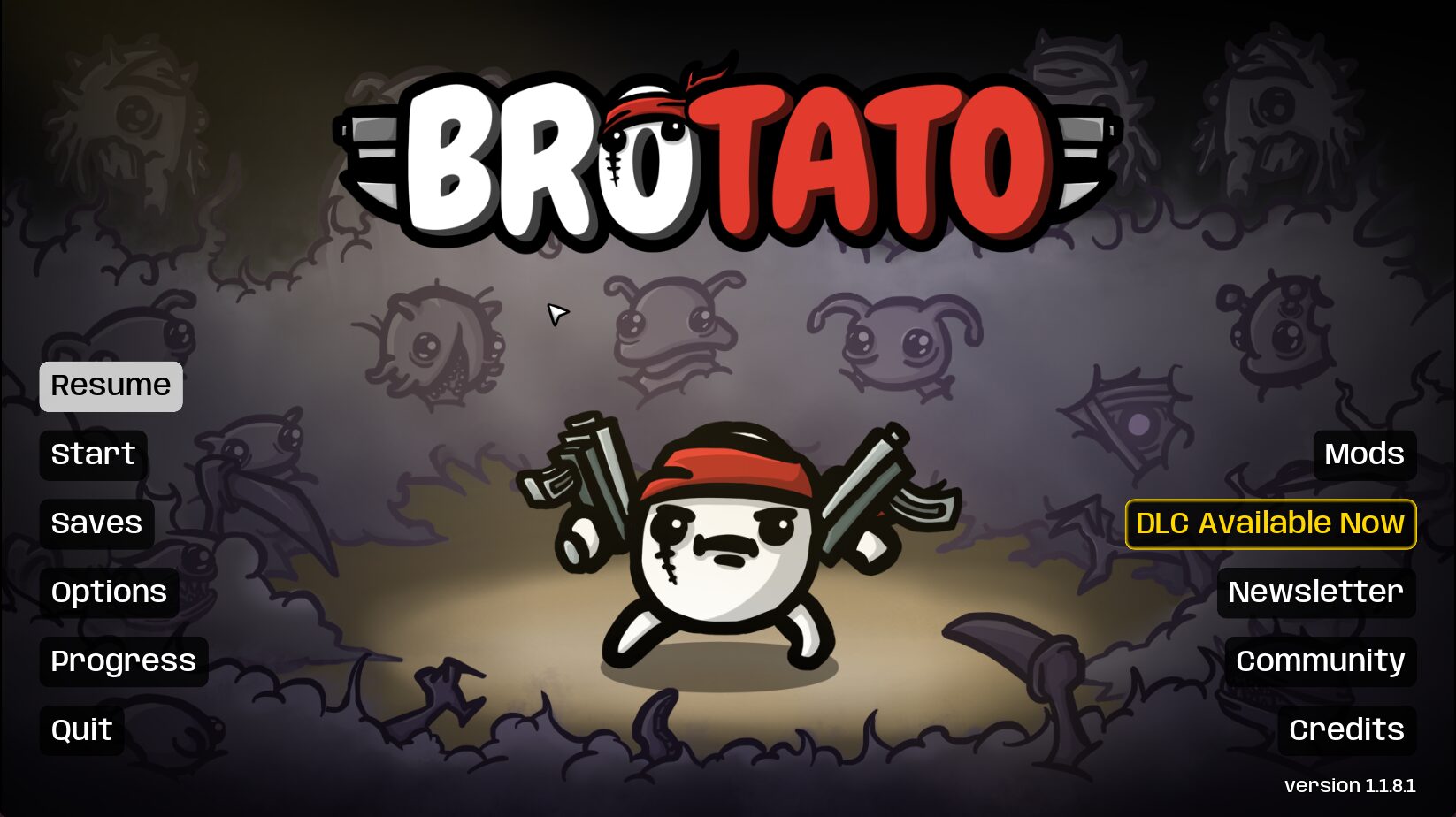
- A dedicated “Saves” page accessible from the main menu to manage your saved runs.
- Functionality to easily delete unwanted saved runs.
Important Note on Save Locations
Please be aware that the save folder for this mod has been relocated. It is now located at `%appdata%/Brotato/SavingSystem`. Ensure you move any existing saves if you wish to continue using them with this mod installed.
Always remember to back up your save files before installing any new mods to ensure your valuable progress is protected.