
Health Bars
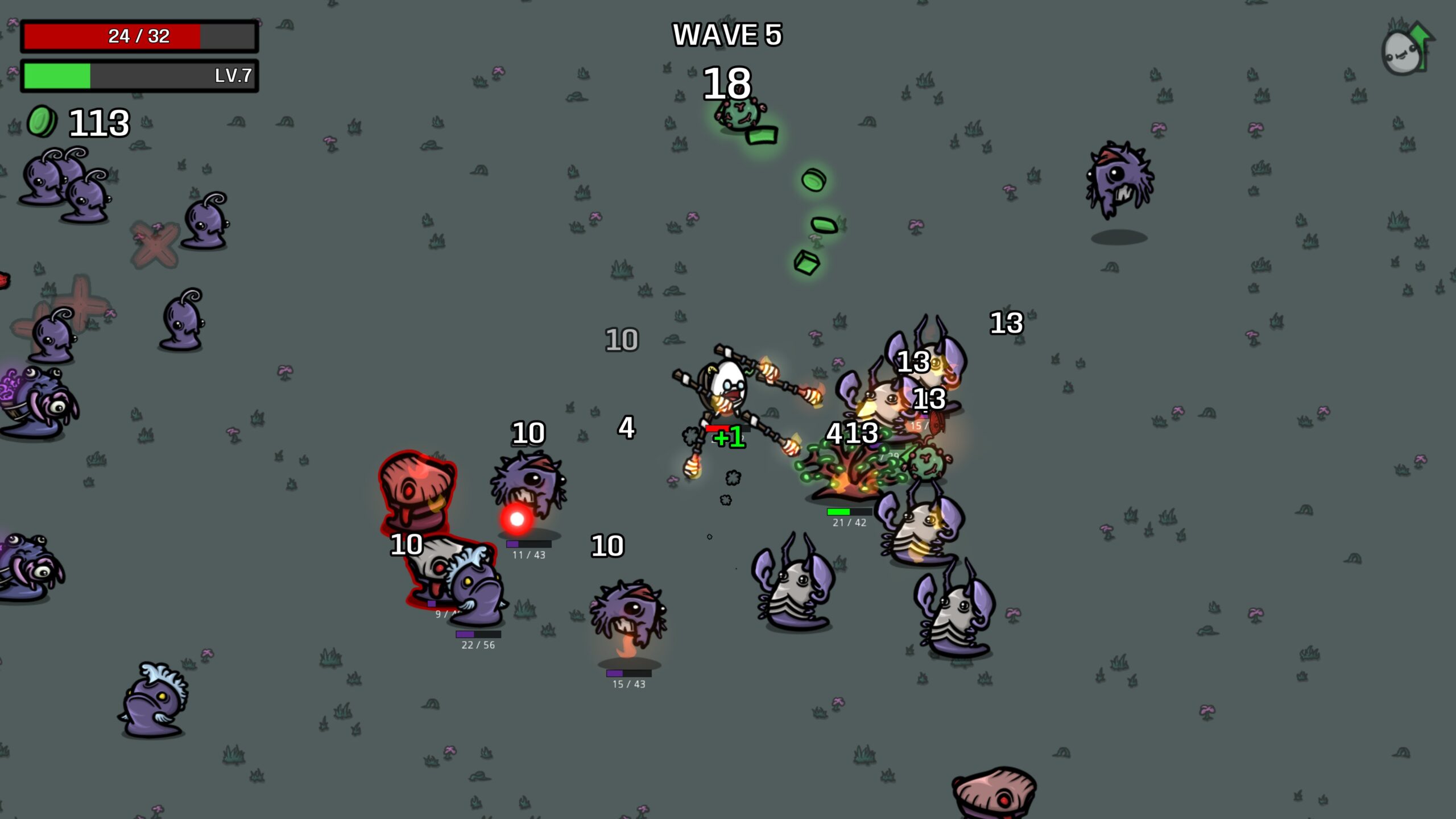
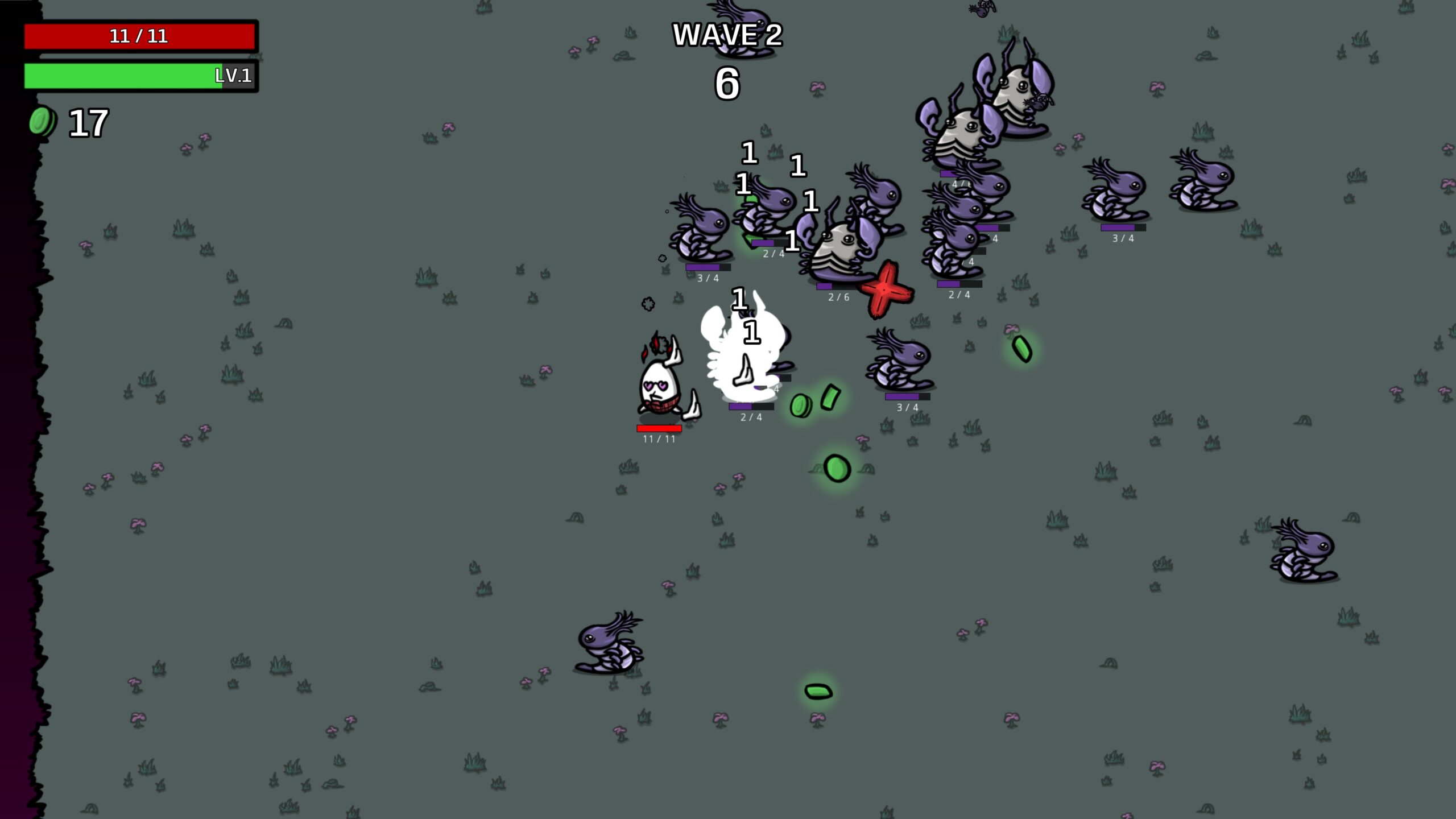
Enhance Your Brotato Experience with Customizable Health Bars
Take your Brotato survival to the next level with the Health Bars mod, designed to give you a clearer, more dynamic view of your combat and resource management. This mod introduces essential visual indicators for your player, enemies, and even those persistent trees, transforming how you track health during intense waves.
Gain a Tactical Advantage
Understanding the health status of every entity on screen is crucial for survival in Brotato. This mod provides easily visible health bars above each unit, allowing for quick assessments of threat levels and strategic planning. No more guessing if an enemy is about to fall or if that tree is close to yielding its resources.
Unparalleled Customization
The true power of the Health Bars mod lies in its extensive customization options. Through integration with the Mod Options Mod by Dami, you gain granular control over the appearance and behavior of each health bar. Tailor the visuals to perfectly suit your preferences and playstyle.
Key Features and Options:
- Personalize Colors: Set distinct colors for your player’s health bar (default red), enemy health bars (default purple), and tree health bars (default green).
- Visibility Control: Choose to enable or disable individual health bar types, ensuring you only see what’s relevant to you.
- Interface Management: Opt to hide or show the default player UI health bar for a cleaner look.
- Adjust Dimensions: Modify the width and height of the health bars to your liking.
- Spacing and Aesthetics: Control the offset between a unit and its health bar, and toggle borders and text for a refined display.
- Text Options: Customize text color and enable or disable text display entirely.
Seamless Integration and Compatibility
Designed for broad compatibility, this mod works seamlessly with the latest Brotato updates, including the “NO PAIN, NO GAIN” content, and is fully functional with or without DLC. While extensive testing has been conducted, potential conflicts with other mods are unlikely, offering a stable enhancement to your game.
Troubleshooting is straightforward; if you encounter any issues, simply delete the mod’s configuration folder, and it will regenerate with default settings upon your next game launch.