
Crate Skipper – Mass Recycle Crates
Brotato Mod: Crate Skipper – Instantly Recycle All Your Crates
Tired of the tedious clicking after every wave in Brotato? The Crate Skipper mod is here to streamline your end-of-wave routine, offering a significant quality-of-life upgrade for all players. Say goodbye to manually recycling each individual crate and hello to instant rewards!
Effortless Crate Management
The core function of Crate Skipper is brilliantly simple: it introduces a dedicated hotkey that allows you to recycle all your remaining crates simultaneously. No more wasting precious seconds clicking through a mountain of loot before the shop phase begins. This mod ensures you can quickly convert your post-wave spoils into much-needed gold, keeping the action flowing and your progression smooth.
How Crate Skipper Works
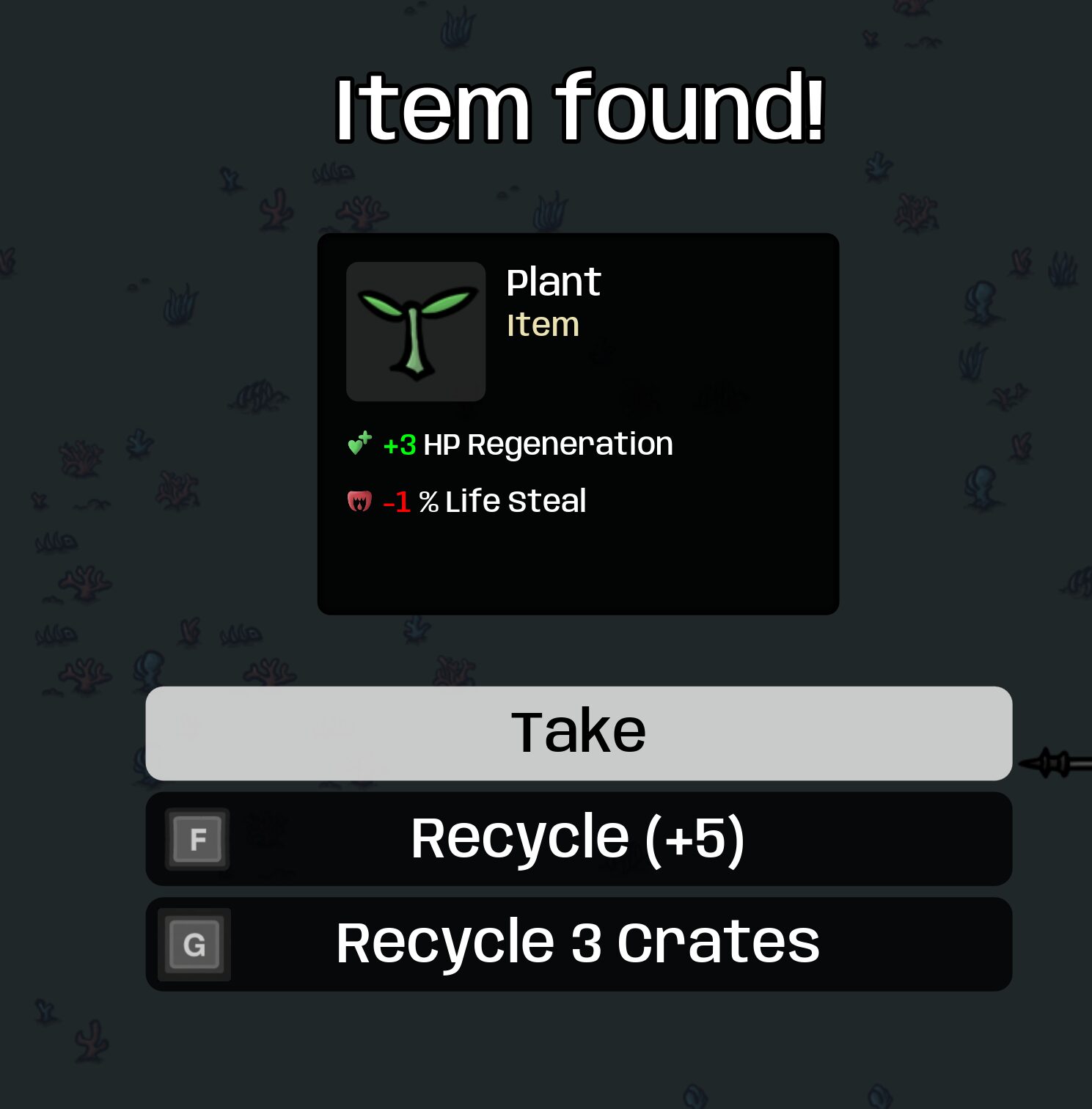
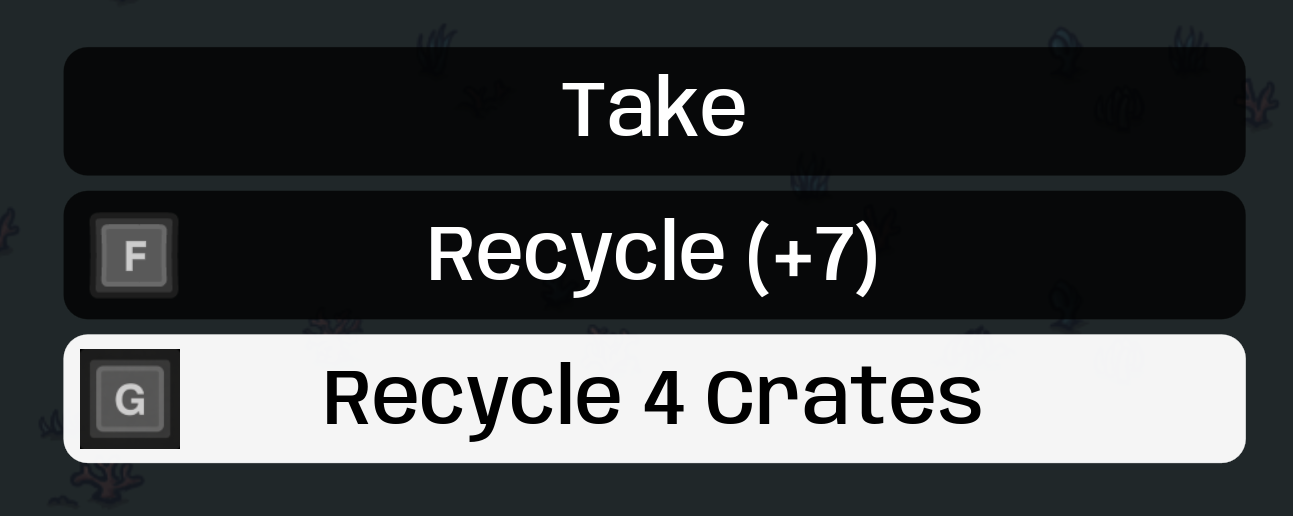
Activating the mod is as straightforward as it gets. When you’re on the crate screen, simply press and hold the designated hotkey. You’ll see a progress bar fill up, indicating the action is underway. Once complete, all un-recycled crates will be automatically processed, yielding their gold value in one swift move. You can still choose to open or recycle a few crates manually if you wish; the Crate Skipper button will always clear whatever is left. Crucially, the contents of your crates are still determined by the game’s normal rolling mechanics, so you’ll receive whatever loot the game dictates.
Key Features at a Glance
- On-Screen Recycle Button: A visual indicator displays the current count of remaining crates, along with a hold-to-confirm bar that mirrors the in-game reroll button’s style.
- Instant Recycle Action: Forget opening crates one by one. This mod clears your entire batch of crates in a single, satisfying step.
- Co-op Friendly Design: Each player in a co-op session receives their own Crate Skipper button, ensuring that only their personal crates are recycled, maintaining fair play.
Default Bindings for Convenience
The Crate Skipper mod comes with intuitive default keybinds to suit various playstyles:
- Keyboard: G
- Controller: View (Xbox) / Share/Create (PlayStation) / − (Switch)
- Mouse: Simply click and hold the dedicated button that appears on screen.
By subscribing to this mod, you’ll automatically integrate this time-saving feature into your Brotato experience, allowing you to focus more on combat and less on inventory management.