
Cedric’s Mod Manager
Streamline Your Brotato Modding Experience with Cedric’s Mod Manager
Tired of juggling multiple mod configurations for Brotato? Cedric’s Mod Manager offers a sleek, in-game solution to keep your mod library organized and easily accessible. This essential utility is designed for Brotato players who love to experiment with different mod combinations, providing a central hub to control your entire modding setup directly from the game’s options menu.
Effortless Mod Control
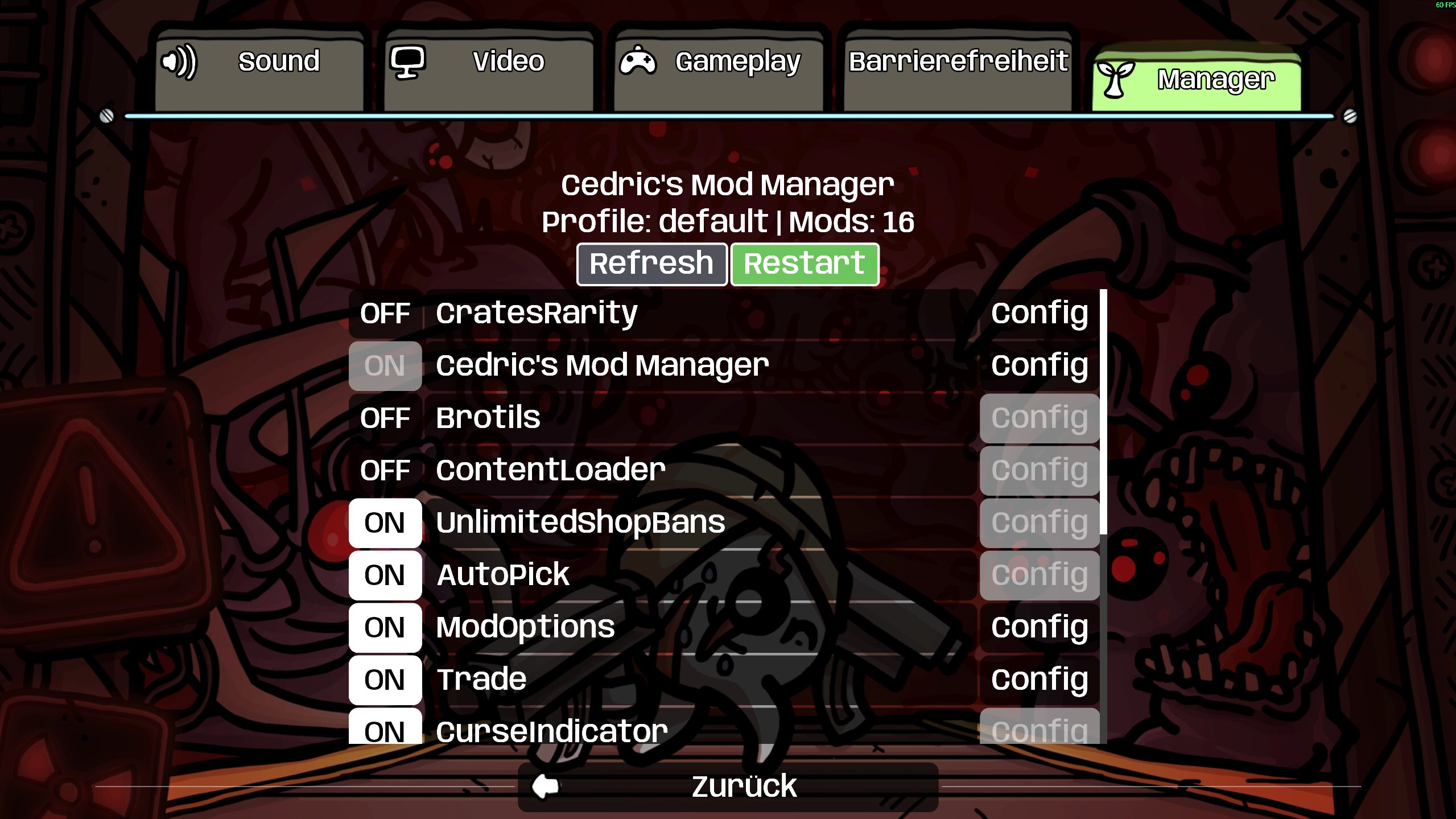
Integrating seamlessly into Brotato, Cedric’s Mod Manager introduces a dedicated tab within the options menu. From here, you can get a clear overview of all your installed mods. Whether you downloaded them from the Steam Workshop or added them locally, the manager displays their source, allowing for quick identification.
Key Features at Your Fingertips
* **In-Game Mod Profile View:** See all your installed Brotato mods without leaving the game.
* **Enable/Disable Mods:** Easily toggle mods on or off for your next Brotato session.
* **Source Identification:** Clearly distinguish between Steam Workshop and local mods.
* **Detailed Mod Information:** Access crucial details like version, author, dependencies, website links, and descriptions.
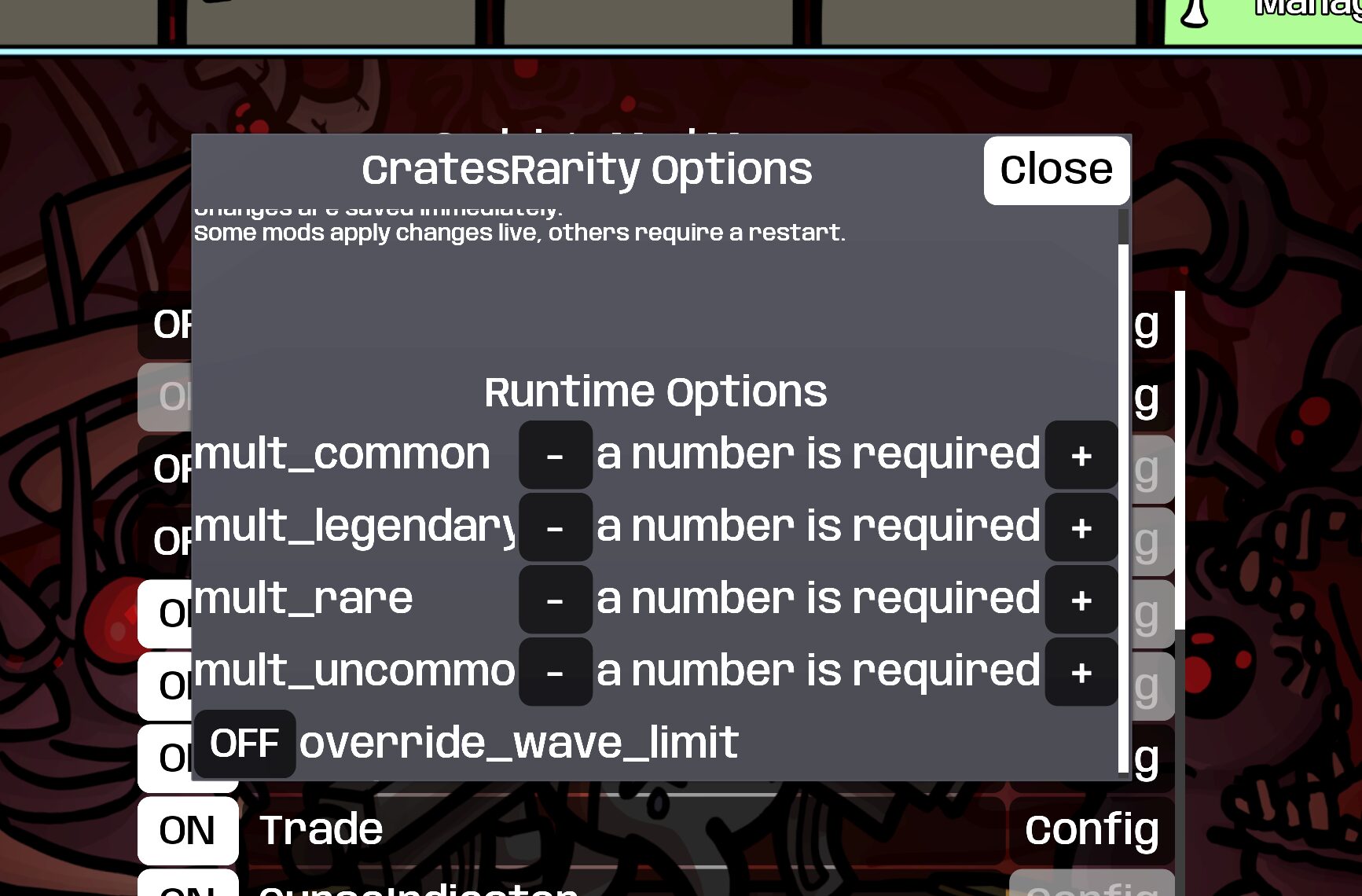
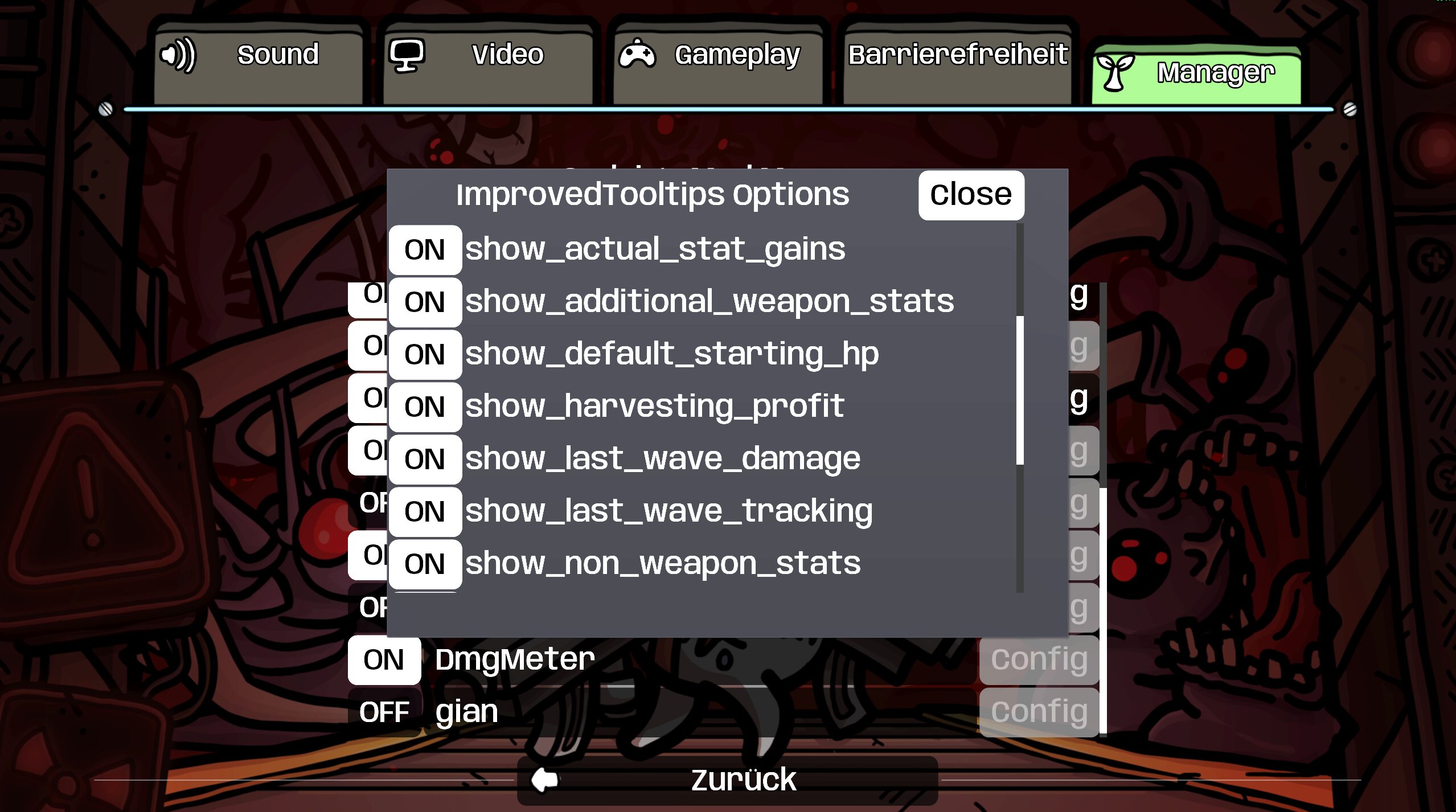
* **Configuration Options:** Directly edit supported mod configuration settings within the manager.
* **Runtime Option Editing:** Adjust supported Oudstand-ModOptions when they become available.
* **One-Click Restart:** Apply your changes by restarting Brotato directly from the manager interface.
How It Works
It’s important to remember that Brotato loads mods during its startup sequence. Therefore, any changes you make to your enabled or disabled mods will only take effect after you restart the game. Cedric’s Mod Manager simplifies this process, allowing you to make your selections and then initiate a restart with a single click, ensuring your desired mod combination is active for your next adventure.
This mod is a fantastic tool for players who frequently switch between different mod setups, offering convenience and control. The developer actively welcomes feedback, bugs, and feature suggestions, making it a mod that can grow with the community’s needs. Future updates may include search and filtering capabilities, improved mod grouping, and profile presets, further enhancing your Brotato modding workflow.