
Українська локалізація Civilization VI
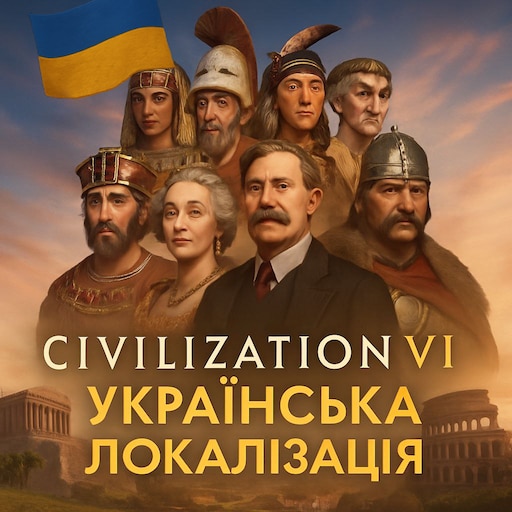
Experience Civilization VI in Ukrainian with Full Localization Mod
Dive into the rich historical strategy of Sid Meier’s Civilization VI with the comprehensive Ukrainian localization mod. This fan-made translation aims to immerse you fully in the game, offering a complete Ukrainian experience for the base game and all official DLC packs. While the developers strive for total coverage, any untranslated text will gracefully fall back to English, ensuring a seamless gameplay experience.
Key Features and Benefits
This mod brings a significant enhancement to your Civilization VI journey by providing:
- Full Ukrainian translation of the base game and all official DLCs.
- Improved immersion for Ukrainian-speaking players.
- Compatibility with existing save files (though new games are recommended for best results).
- Seamless integration into your Civilization VI client.
It’s important to note that saves created before the mod’s installation might not reflect the full translation. For the most consistent and accurate localization, starting a new game after installing the mod is highly recommended.
Installation Guide
Getting this Ukrainian localization up and running is straightforward, though it requires a few specific steps beyond simply subscribing to the mod. A one-time script execution is necessary to register the Ukrainian language within the game. You may need to rerun this script after future Civilization VI game updates. Detailed instructions for Windows, macOS, and Linux are provided to guide you through the process.
In-Game Setup
Once the installation script is complete, launching Civilization VI will reveal new options. Navigate to “Additional Content” to enable the “Ukrainian Localization” mod. Then, proceed to the game’s settings, select “Language,” choose “Ukrainian,” and restart the game to apply the changes.
Multiplayer and More
This localization mod is fully compatible with multiplayer matches. Each player needs to install the mod independently on their system. Players using different interface languages can still join games together without any limitations. Should you encounter any issues, such as the language not appearing in the list, ensure the mod is enabled in “Additional Content” and restart the game. If the script indicates that Civilization VI cannot be found, manual input of your game’s directory path may be required.