Terminus Light
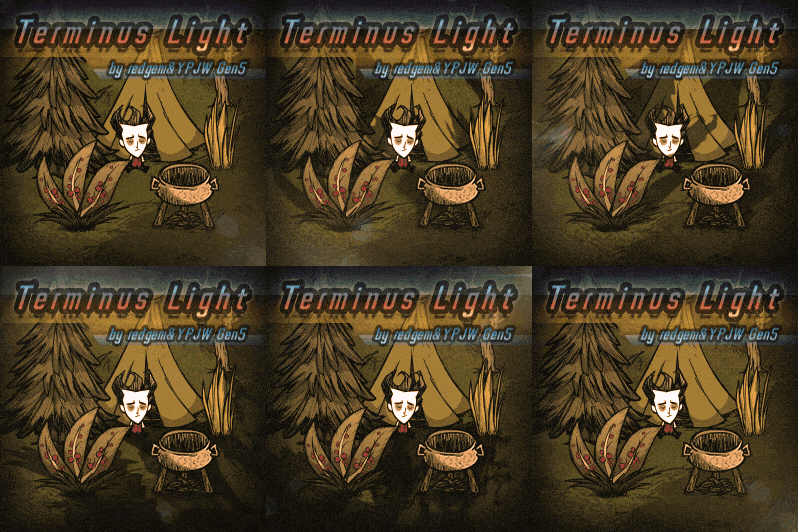
Terminus Light: Experience Realistic Shadows in Don’t Starve Together
Step into a more immersive Don’t Starve Together experience with Terminus Light, a revolutionary mod that brings realistic lighting and shadow mechanics to the Constant. Developed collaboratively by redgem and YPJW, this mod meticulously recreates natural light patterns, transforming your gameplay with dynamic visual cues.
Dynamic Shadows, Dynamic Gameplay
Terminus Light adheres to real-world physics, meaning your in-game shadows will behave just as they would under the sun. Witness shadows that gradually lengthen as the day progresses, shorten at midday, and then stretch out again towards evening. Their direction will shift throughout the day, providing a subtle yet impactful visual indicator of time passing. This dynamic element not only enhances the atmosphere but can also offer new strategic considerations for planning your activities.
Seasonal Shadow Opacity
The mod further deepens immersion by varying shadow opacity based on the changing seasons and weather conditions. During the harshness of winter, especially on rainy or snowy days, shadows will appear fainter and more transparent. Conversely, in the peak of summer, shadows will be at their most defined and opaque. This nuanced approach to lighting adds another layer of visual fidelity, making the world of Don’t Starve Together feel more alive and responsive to its environment.
Optimized Performance and Features
Terminus Light has undergone significant optimization to ensure a smooth experience. Key updates include:
- A new protection mechanism for skin synchronization, ensuring smoother visual integration.
- An optimized shadow generation system that only spawns shadows when players are nearby, reducing unnecessary resource load.
The developers are also actively working on adapting to potential visual discrepancies caused by vanilla game adjustments, encouraging players to report any issues they encounter for manual calibration. While a slight delay in shadow synchronization has been noted and can be managed via debug commands, the team is committed to refining this aspect.
Take Control with Debug Commands
For those who like to fine-tune their experience, Terminus Light offers a suite of helpful debug commands. These allow you to adjust parameters such as base opacity, maximum and minimum shadow length, and seasonal decay or enhancement levels. A simple `tl_help()` command will display all available options, empowering you to tailor the visual effects to your exact preferences.