
What Now? (現在要幹嘛)
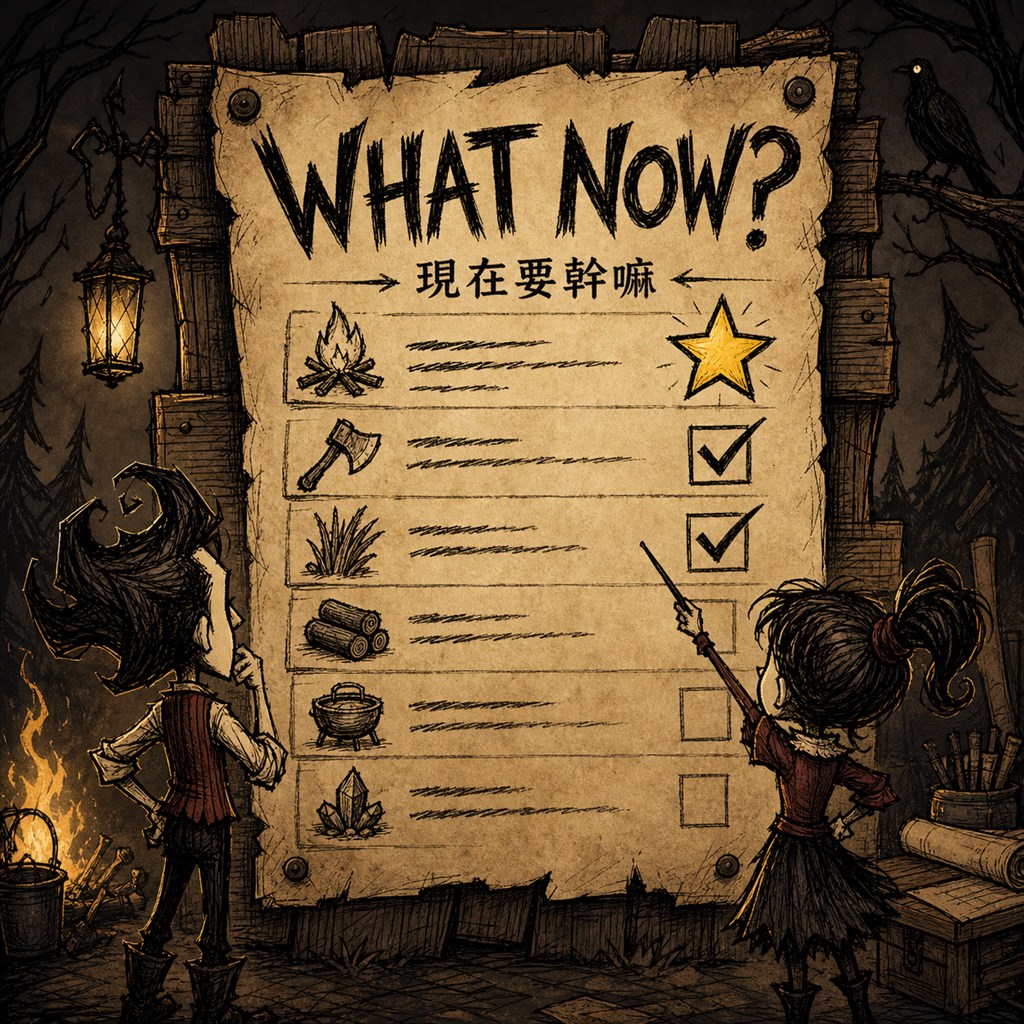
What Now? – Conquer the Wilderness Together in Don’t Starve Together
Are you tired of endless chat messages or the dreaded alt-tabbing to keep track of your team’s survival goals in Don’t Starve Together? Introducing “What Now?”, a powerful and intuitive shared task board designed to streamline your cooperative adventures and ensure no crucial task falls through the cracks. This indispensable mod brings organization and efficiency to even the most chaotic wilderness expeditions.
Never Forget a Task Again
The survival of your team hinges on coordination. “What Now?” provides a centralized hub for all your collective objectives. Whether it’s gathering essential resources, preparing for a daunting boss fight, or simply remembering to cook that vital meal, this mod ensures everyone is on the same page. Say goodbye to the confusion of who’s doing what and hello to a unified approach to survival.
Key Features for Enhanced Teamwork:
- Shared Task Board: A central place for all players to view and manage tasks in multiplayer worlds.
- Diverse Task Types: Create tasks for item collection (including multi-item goals), boss hunts, and simple reminders.
- Hierarchical Tasks: Organize complex objectives with parent tasks and nested subtasks.
- Personal Templates: Save and reuse common task setups for quick creation.
- Pinned and Ordered Tasks: Keep critical objectives visible and manually arrange tasks for optimal workflow.
- Compact Mini Panel: A discreet overlay to quickly monitor active item collection tasks without cluttering your screen.
- Favorite Items: Expedite task creation by marking frequently used items.
- Progress Tracking: Optional scanning of nearby containers and open inventories to automatically update item collection progress.
- Role and Permissions: Manage cooperative servers effectively with granular control over player actions.
Seamless Integration and Customization
The “What Now?” mod is designed for flexibility. With a range of configurable options, you can tailor the user interface and hotkeys to perfectly suit your playstyle. Choose your preferred UI language, assign convenient shortcuts for the main and mini panels, and even adjust the position and size of the mini panel to minimize disruption to your gameplay. For added safety in multiplayer environments, an editable lock timeout prevents accidental task modifications.
Elevate your Don’t Starve Together experience with “What Now?”. It’s more than just a task list; it’s the backbone of a successful and well-coordinated survivor team.